Gothic Atmosphere
Explore shadowy architectural cues, mist, and a mysterious visual mood.
AI dark fantasy effect
Give a familiar image a moody, otherworldly character. Reimagine portraits and places with gothic atmosphere, dramatic shading, and richly textured dark fantasy art.
Explore shadowy architectural cues, mist, and a mysterious visual mood.
Use deep tonal ranges and textured highlights instead of a simple dark overlay.
Create dramatic portrait treatments without intentionally replacing the source subject.
Keep the original arrangement and visual identity as the basis for the transformation.
Choose a portrait, old street, costume, or animal photo.
Dark Fantasy is already selected. It pushes the image toward gothic shadow and textured darkness. Set strength to Subtle, Balanced, or Strong.
Preview the result, compare it with your photo, and download the image.
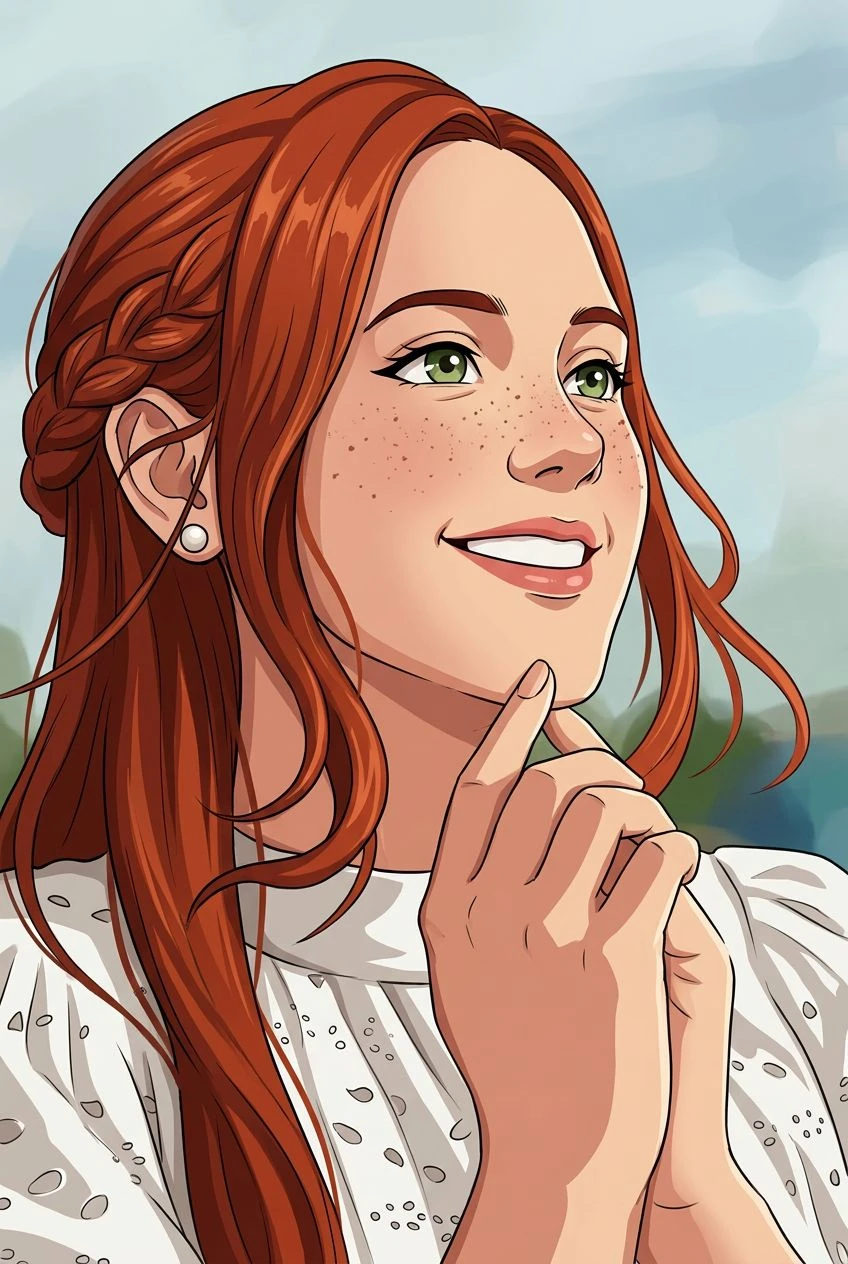
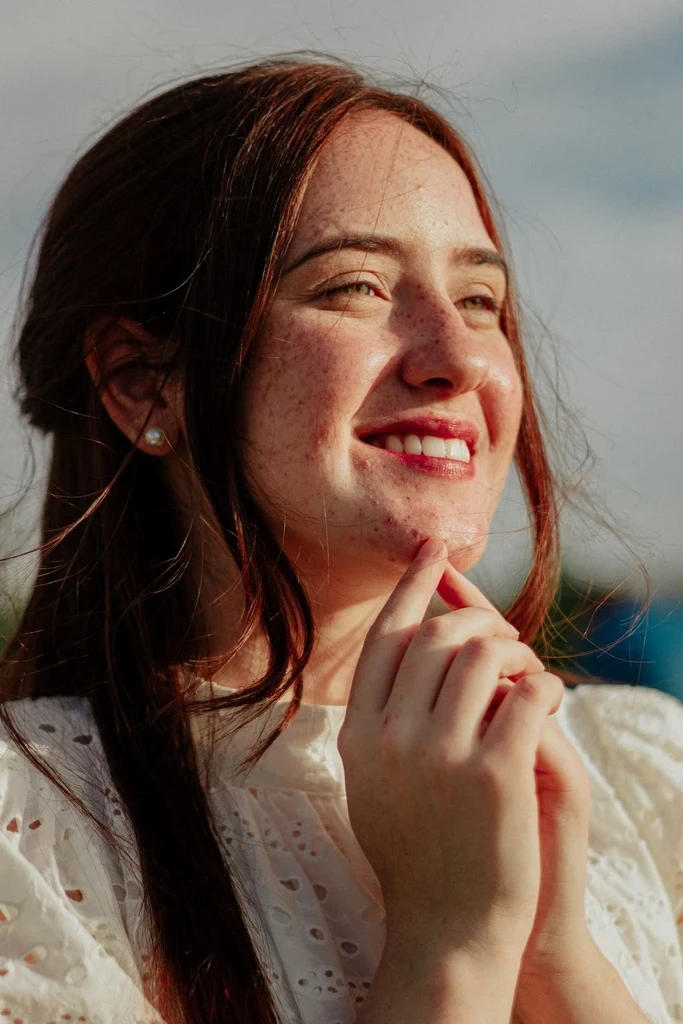
Transform a portrait into a darker illustrated character study.
Give castles, churches, or old streets an atmospheric treatment.
Explore dark fantasy rendering for theatrical looks and cosplay.
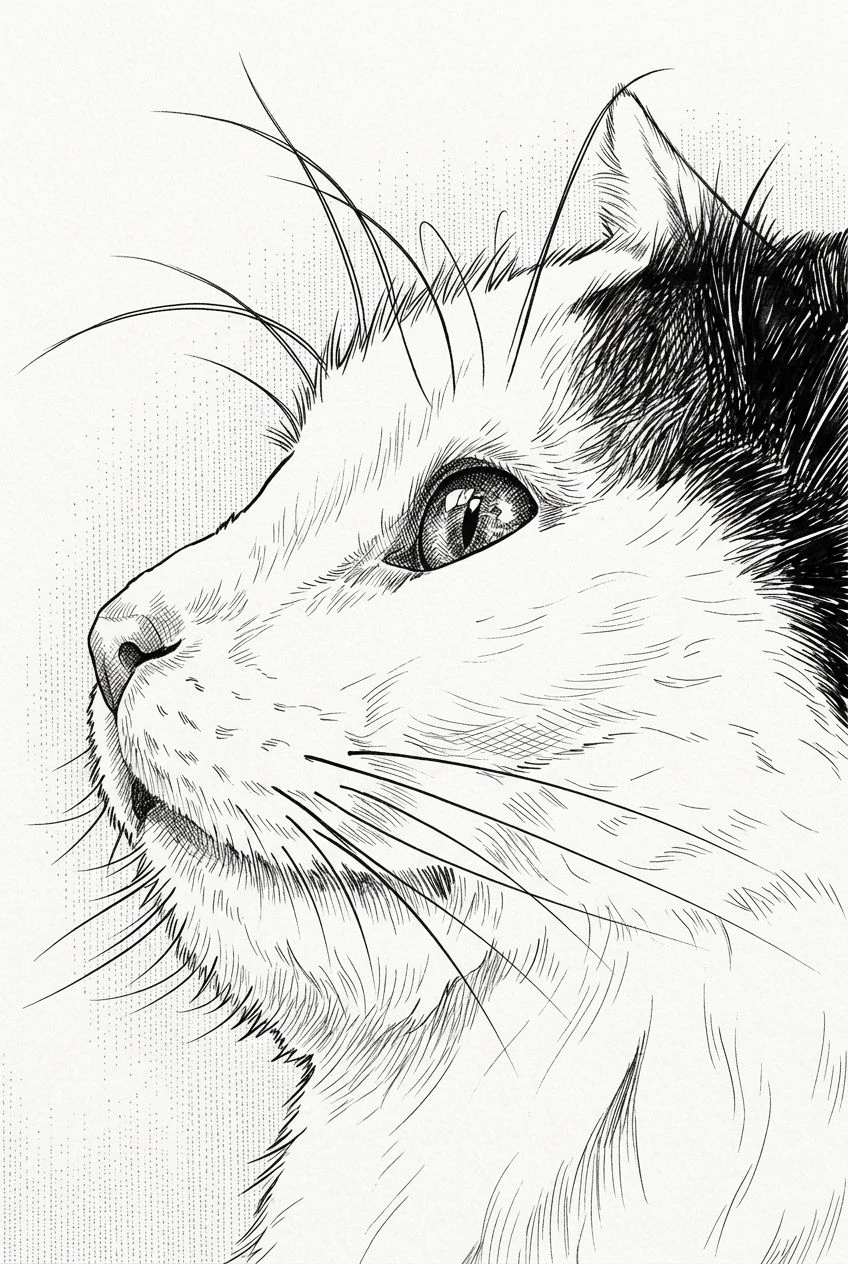
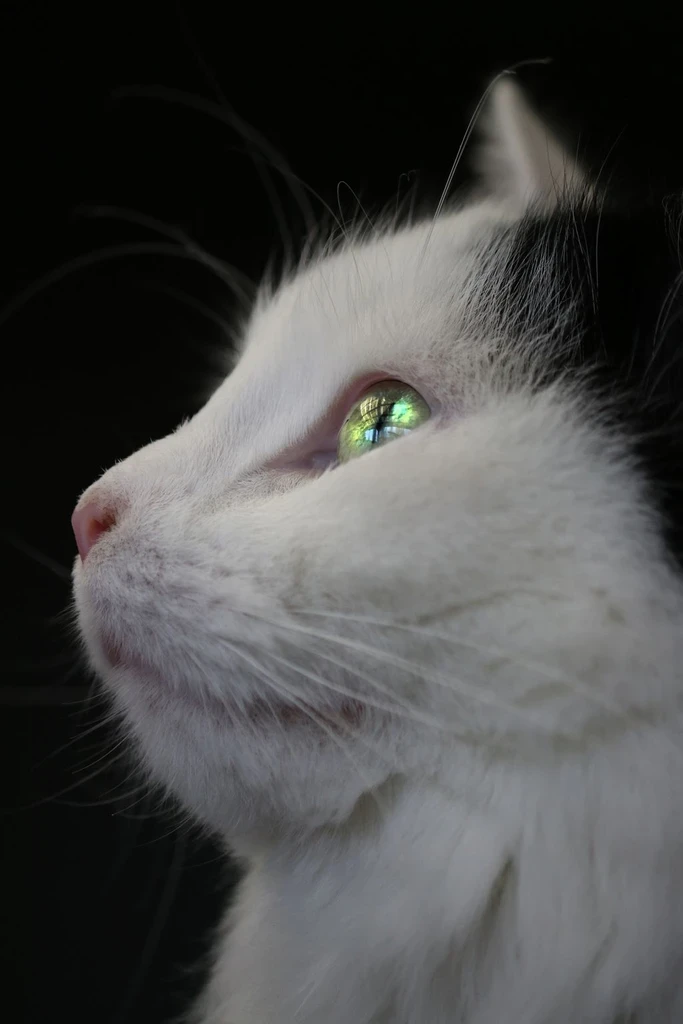
Try a dramatic, story-rich style on an animal portrait.
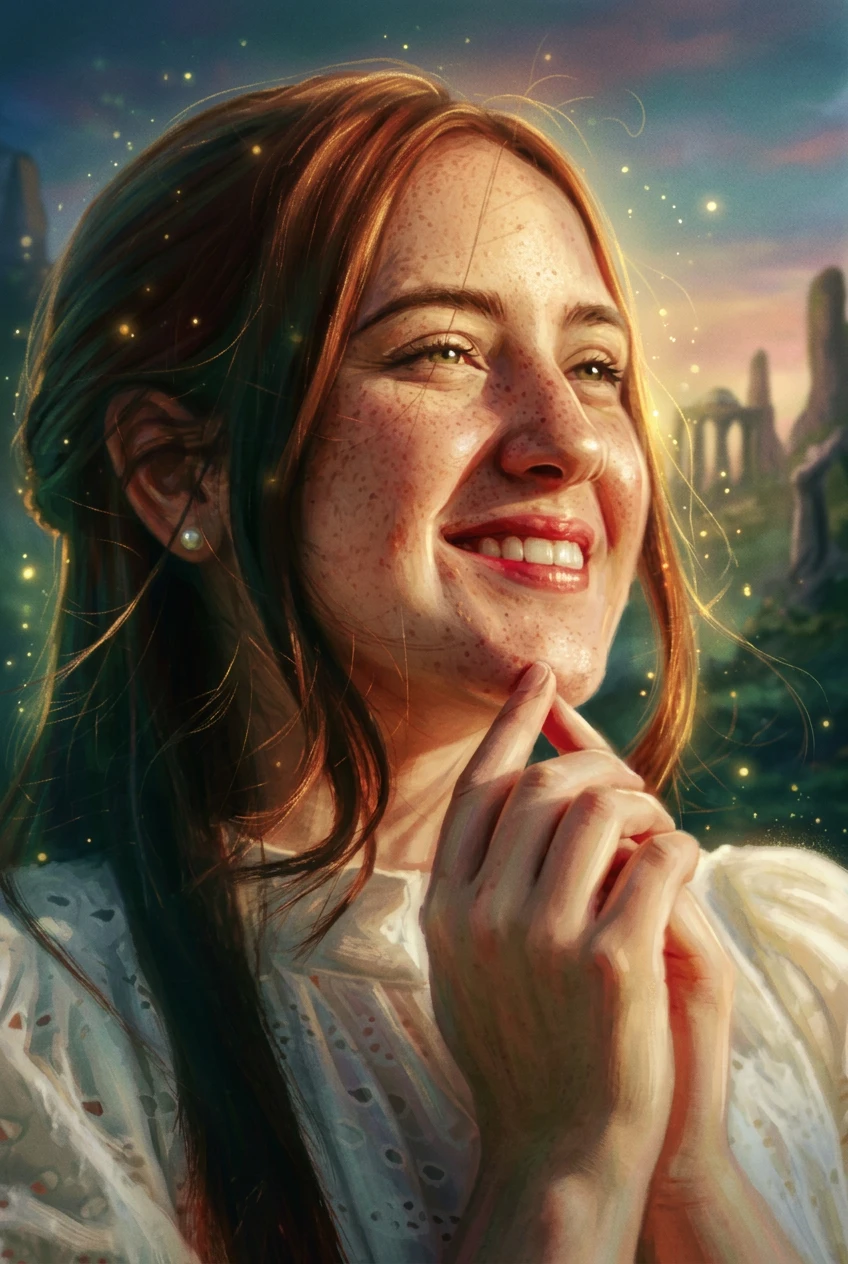
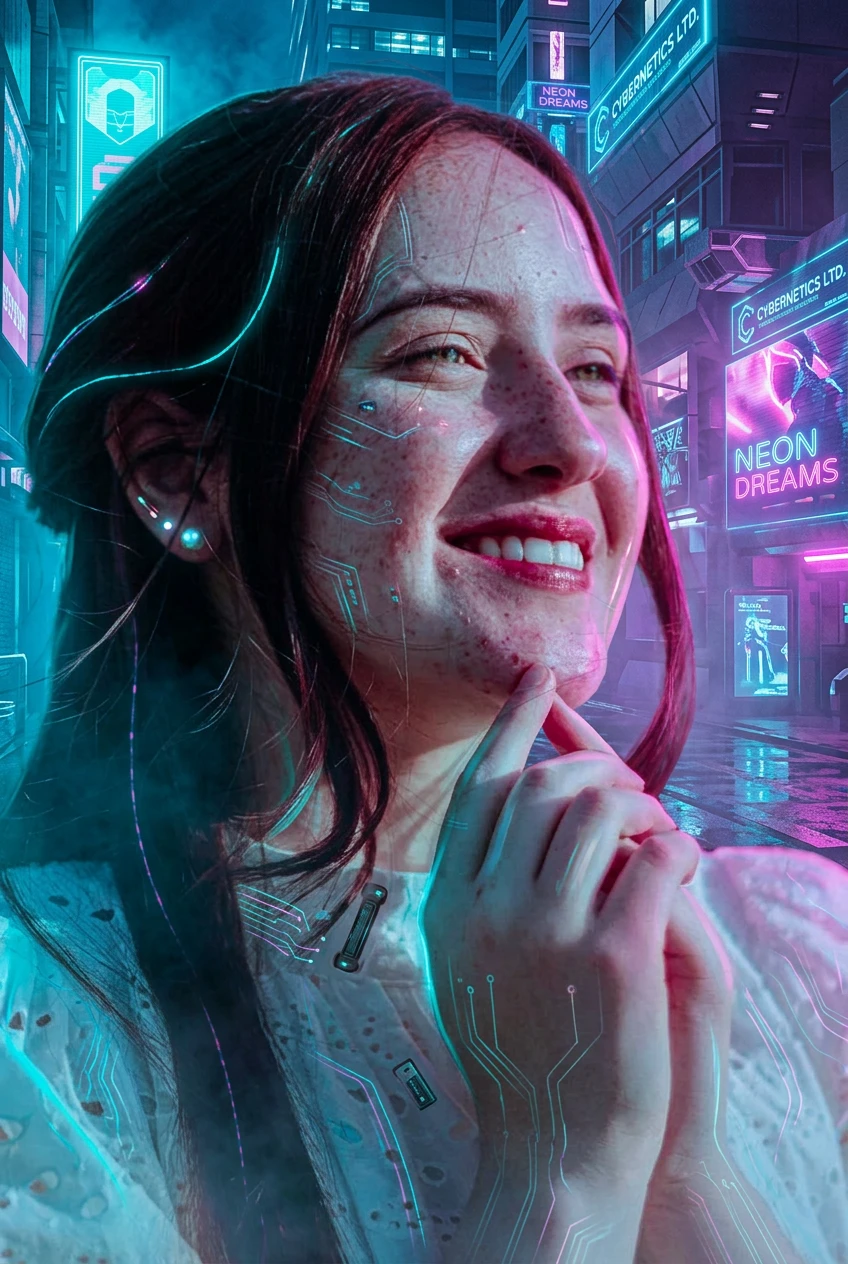
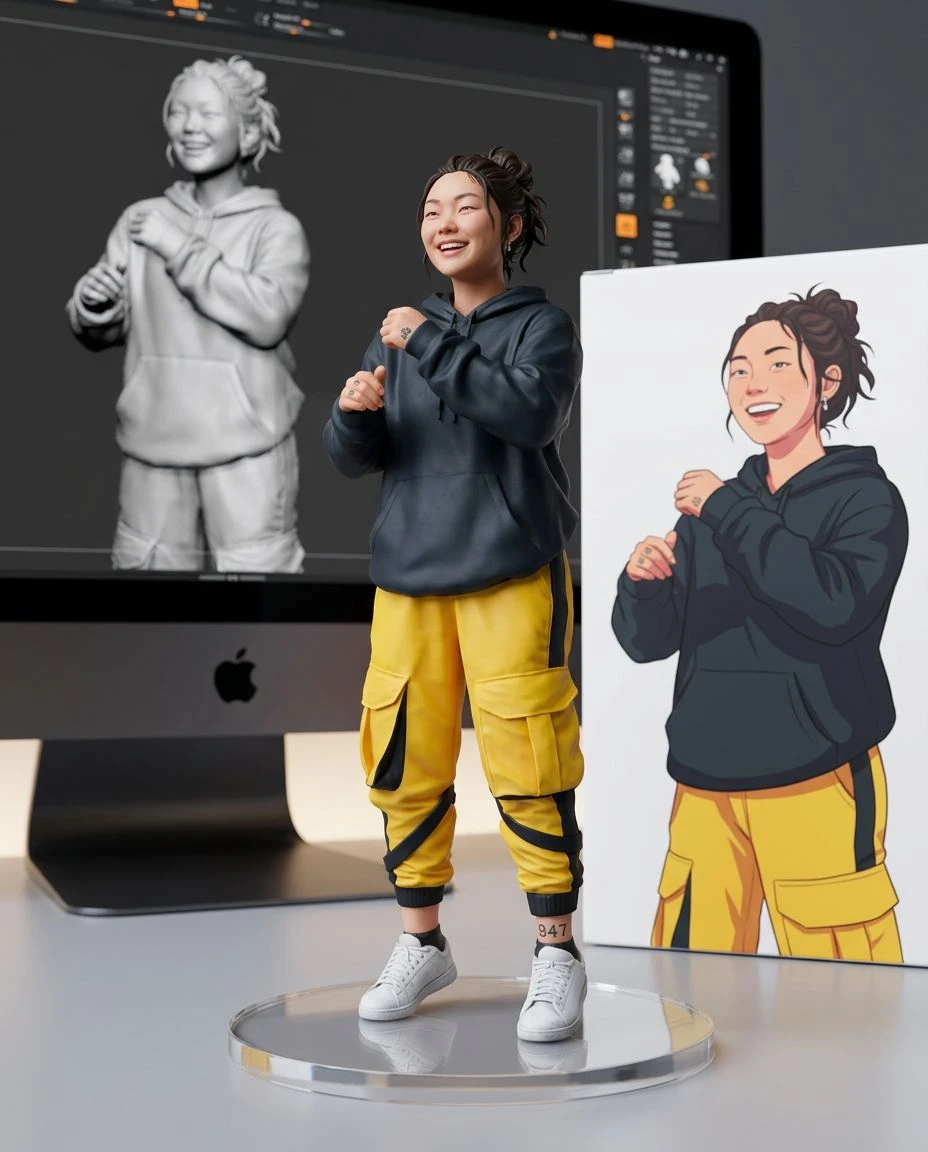
Dark Fantasy leans into gothic texture, ancient atmosphere, and shadow. Cyberpunk uses neon, urban futurism, and high-tech detail. The same source photo can produce very different moods.
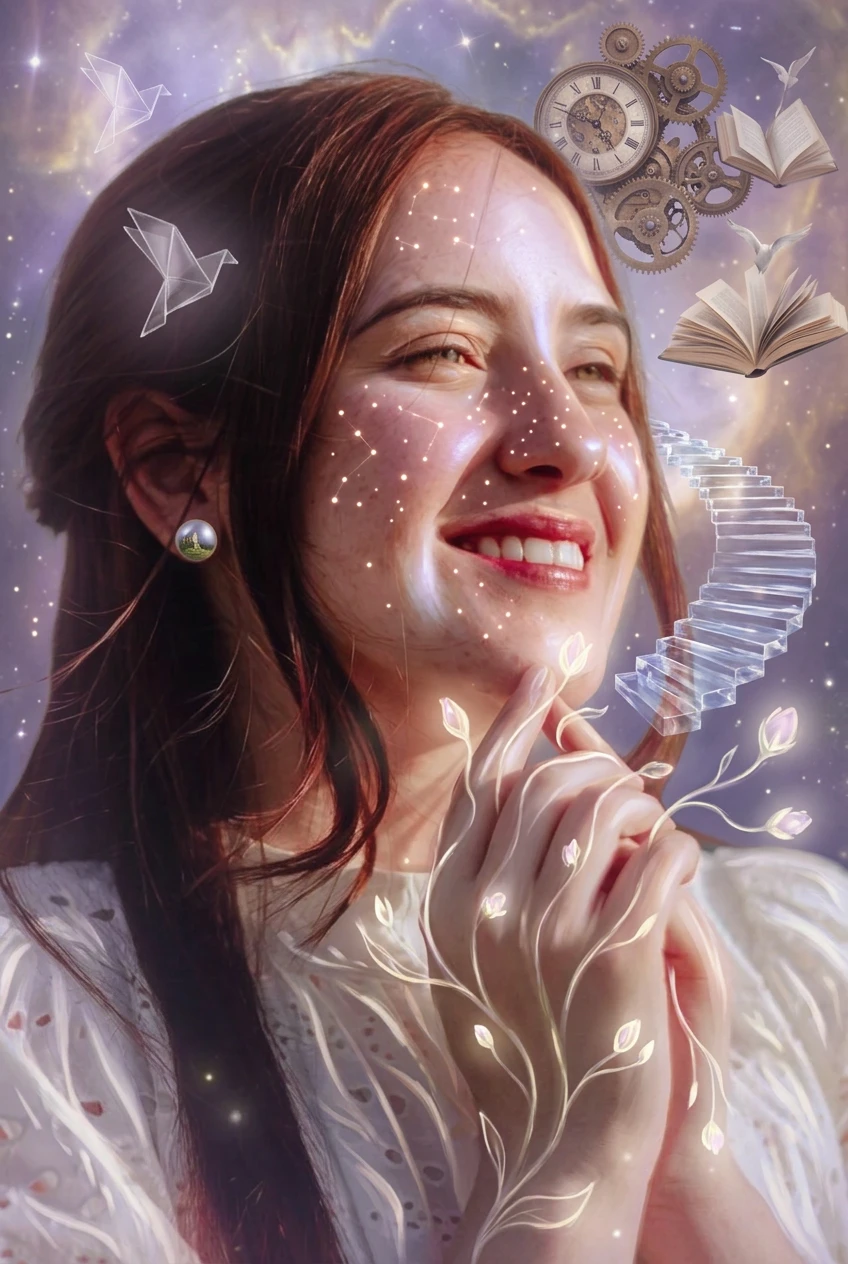
Luminous fantasy, neon cyberpunk, or surreal dream logic.
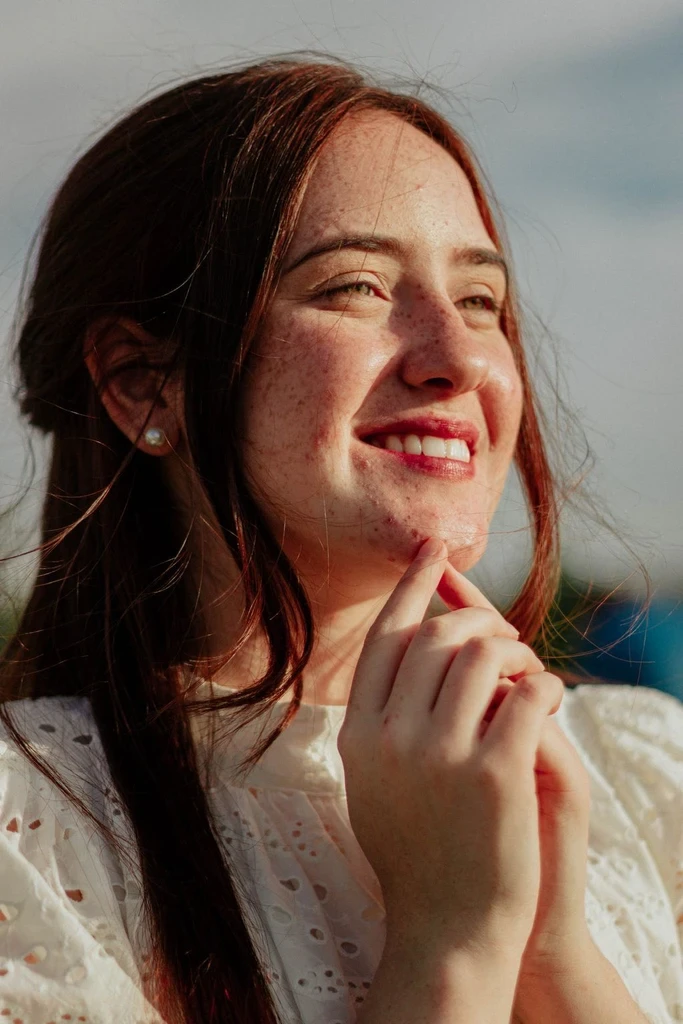
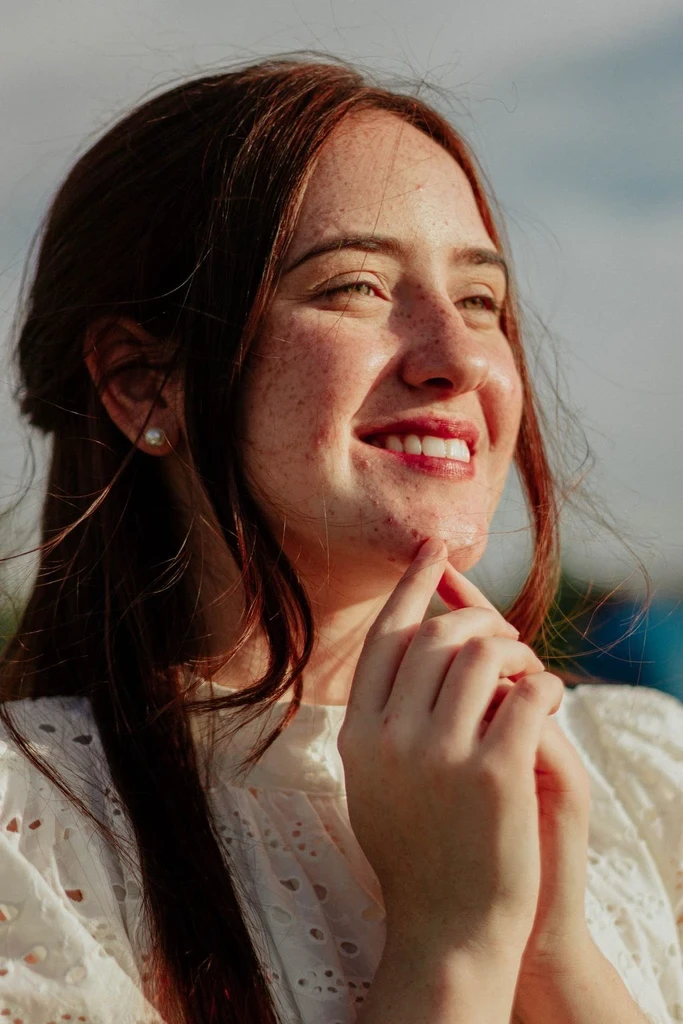
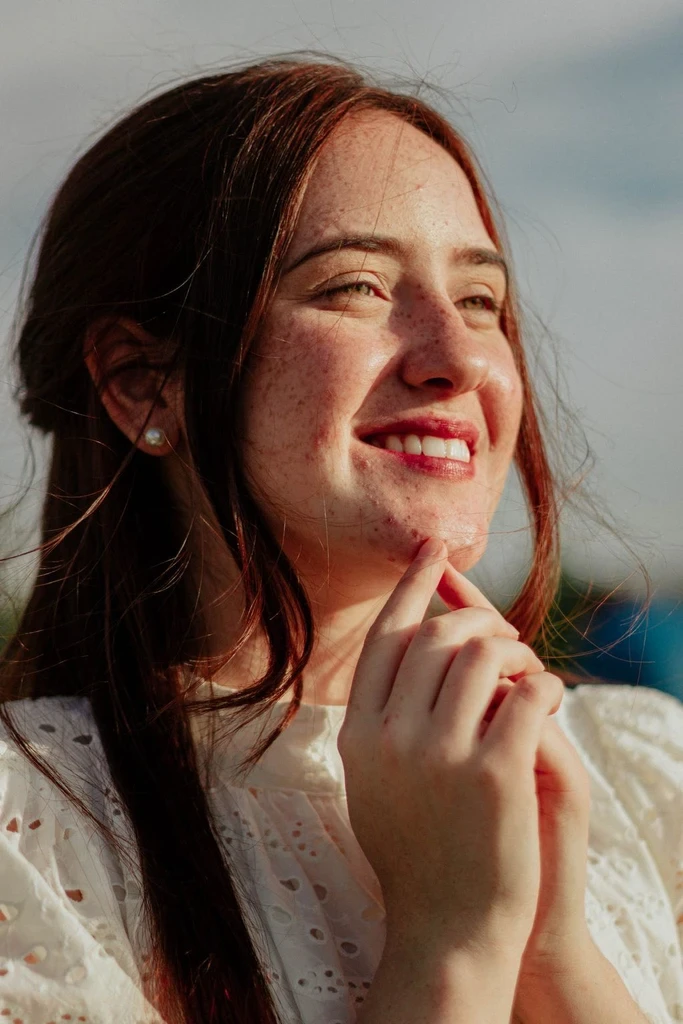
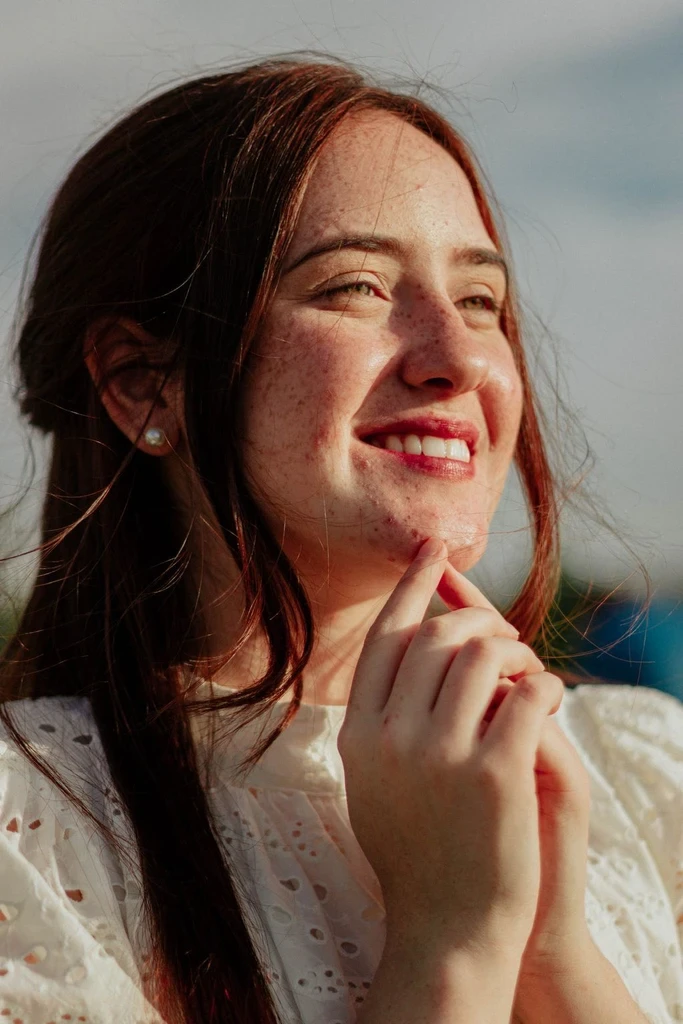
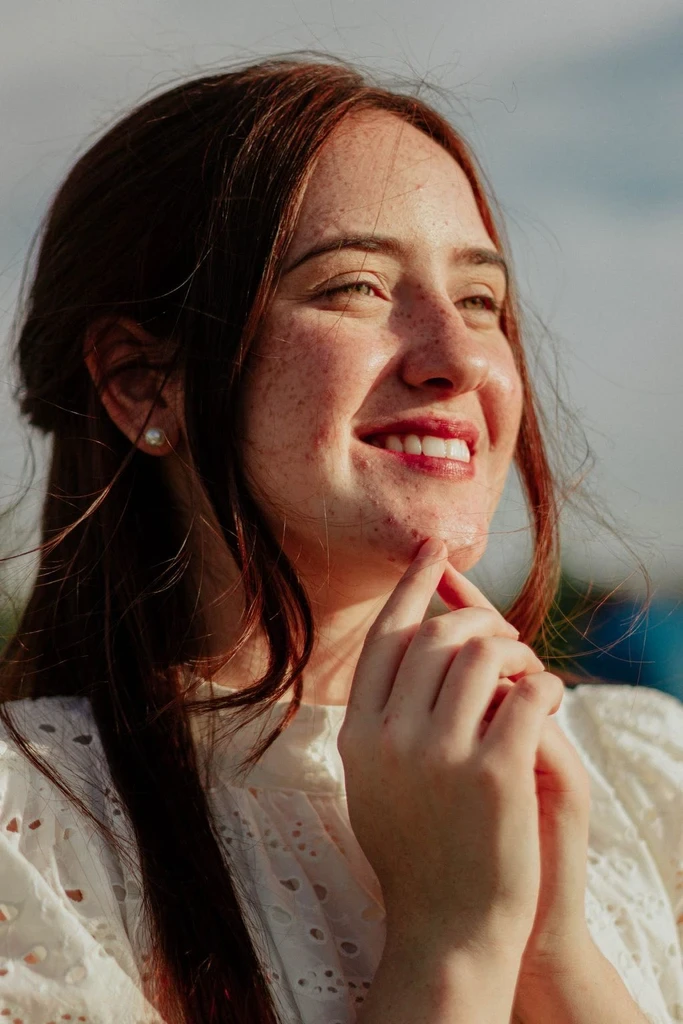
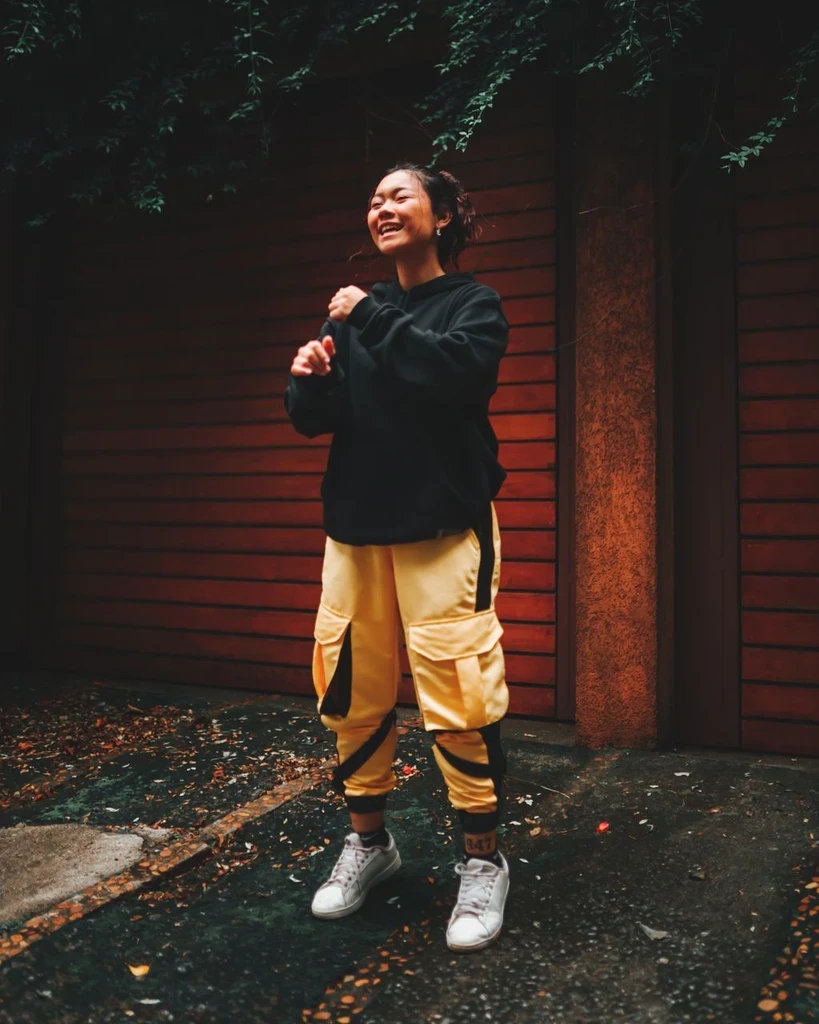 Before
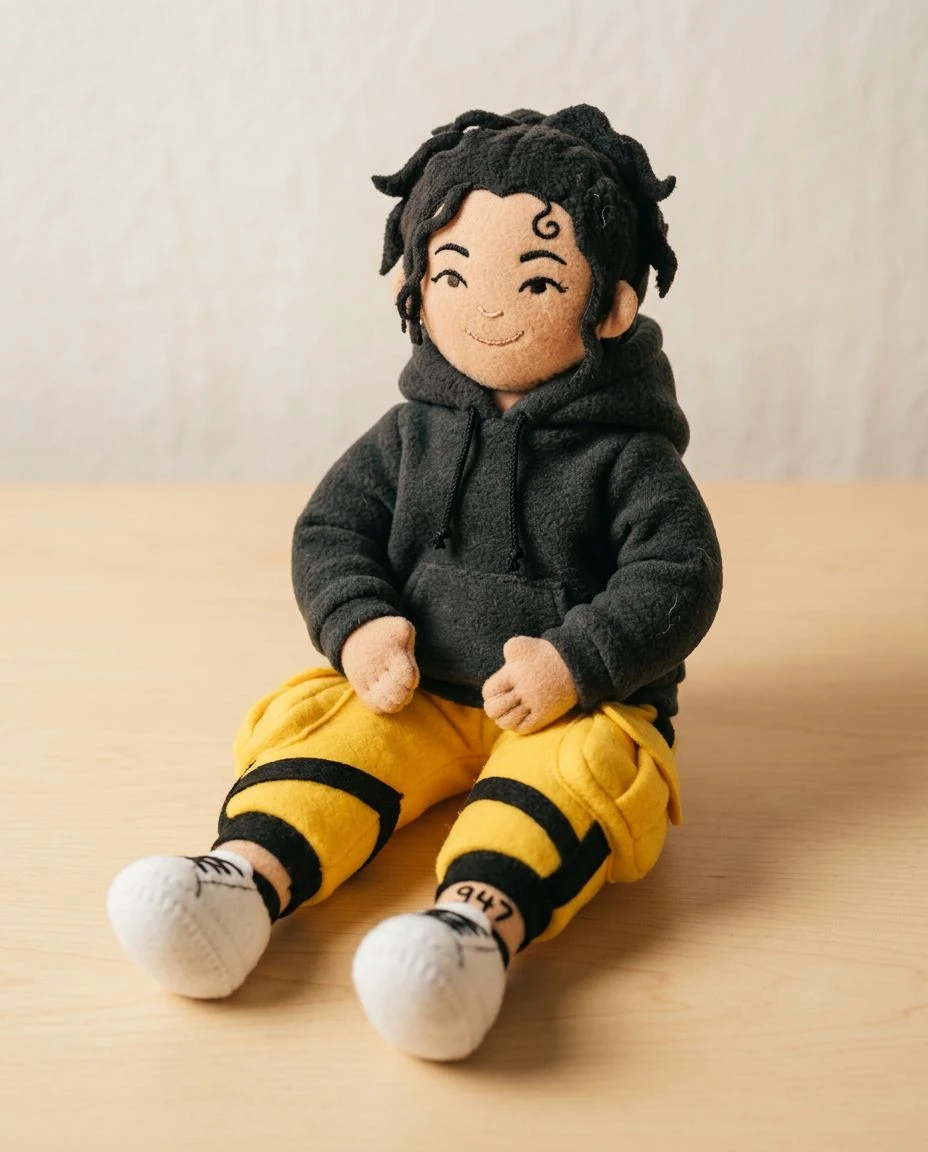
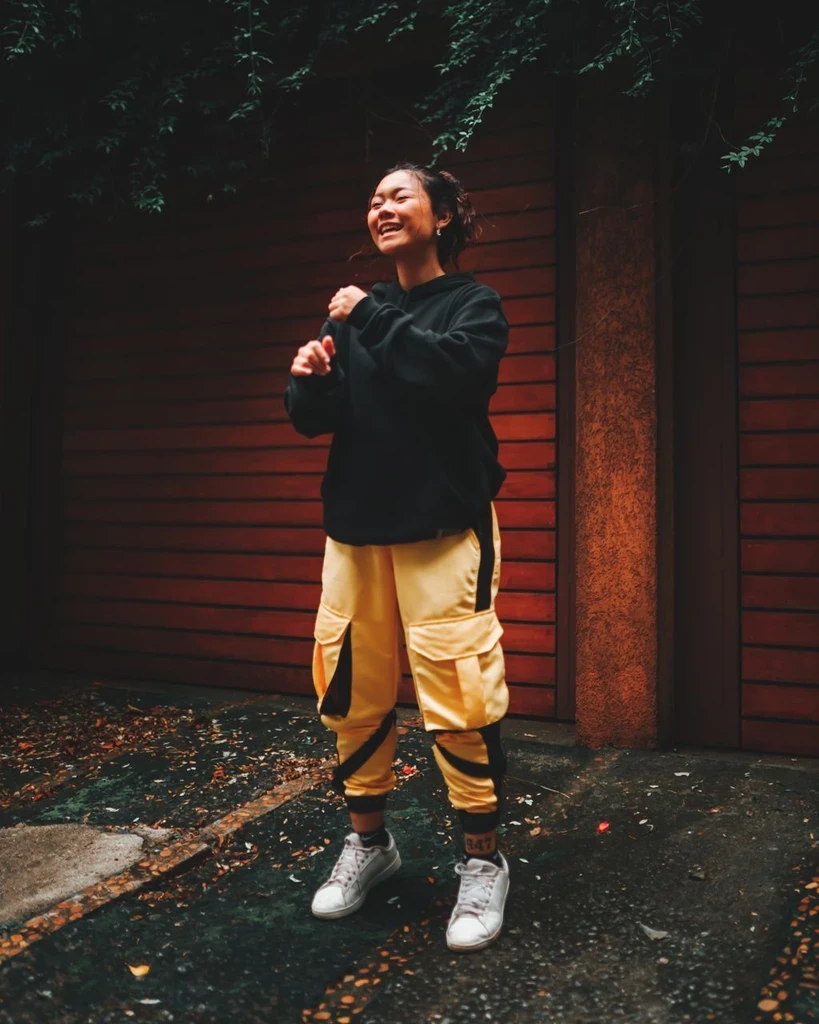 Before
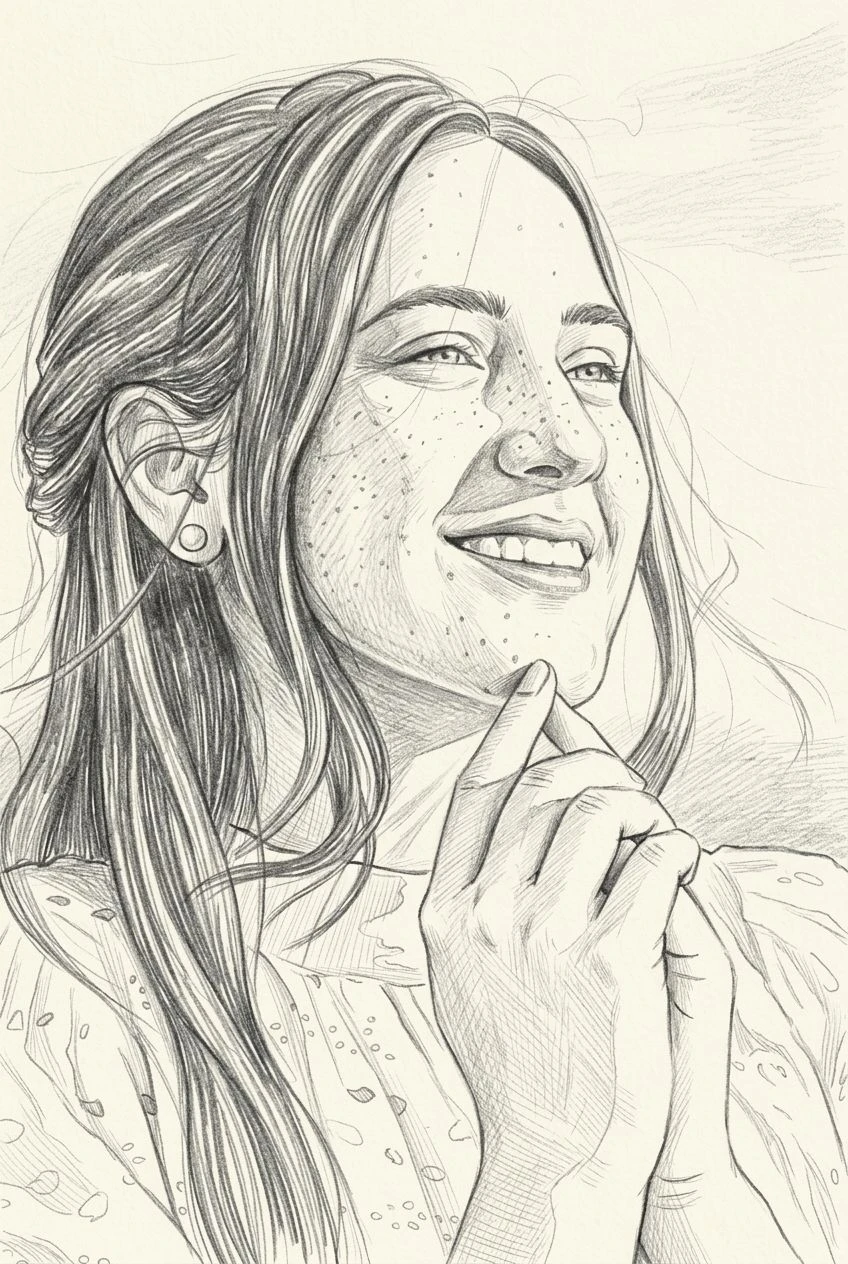
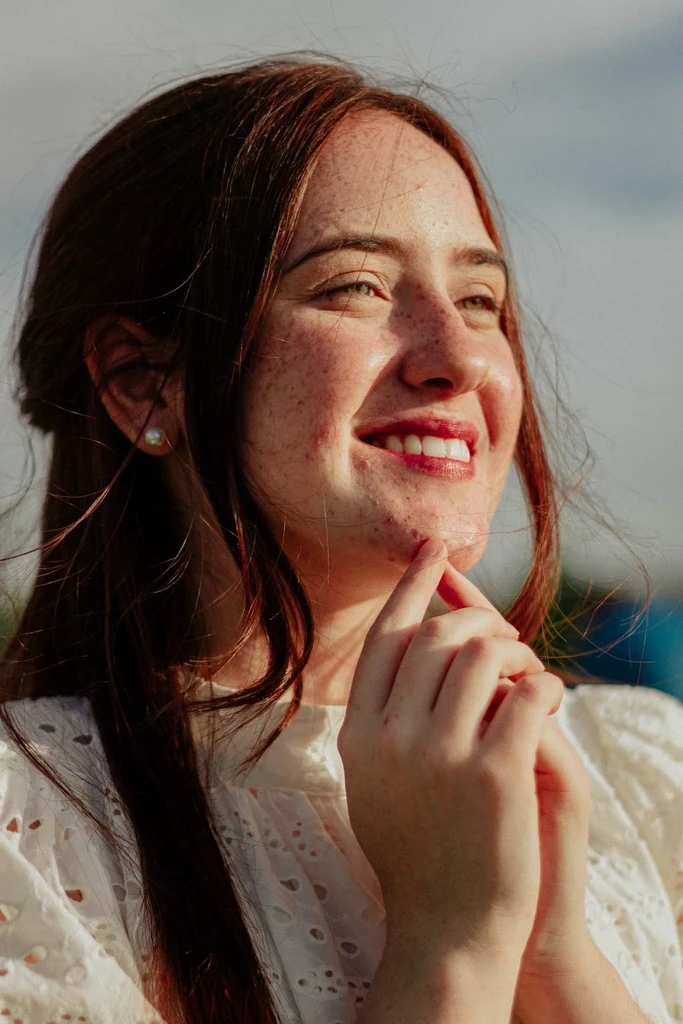
Upload a photo and give it gothic shadow, mist, and a darker painted mood.