Text or image to GIF
Describe a subject and its motion, or upload one still image and say what should move.
Create animated GIFs for reactions, mascots, and product moments. Start with a text description or a still image, then make a short loop you can share.
Short animations with 2–16 frames. Complex motion and photographic details can vary between frames.
See examples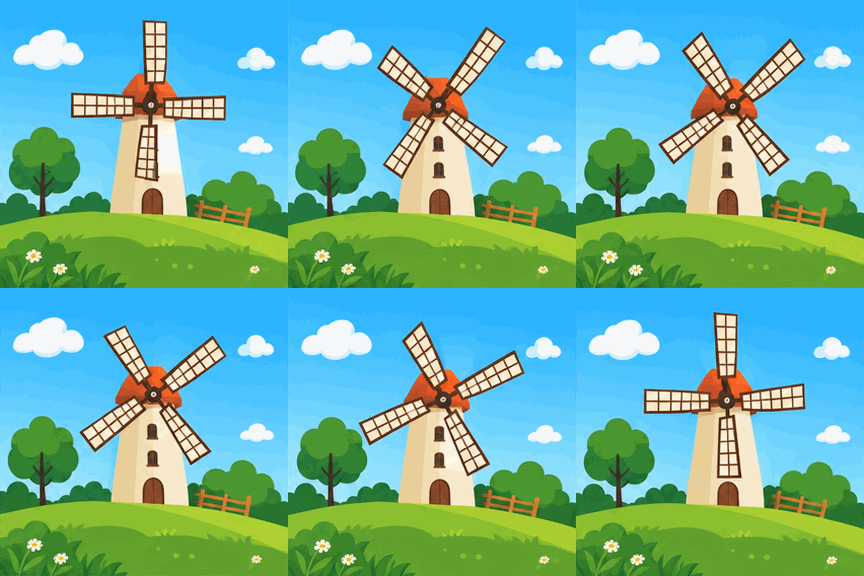
A flat illustration of a windmill on a grassy hill beneath a blue sky with soft clouds. Slowly rotate the sails, keep the camera still, and make a smooth loop.
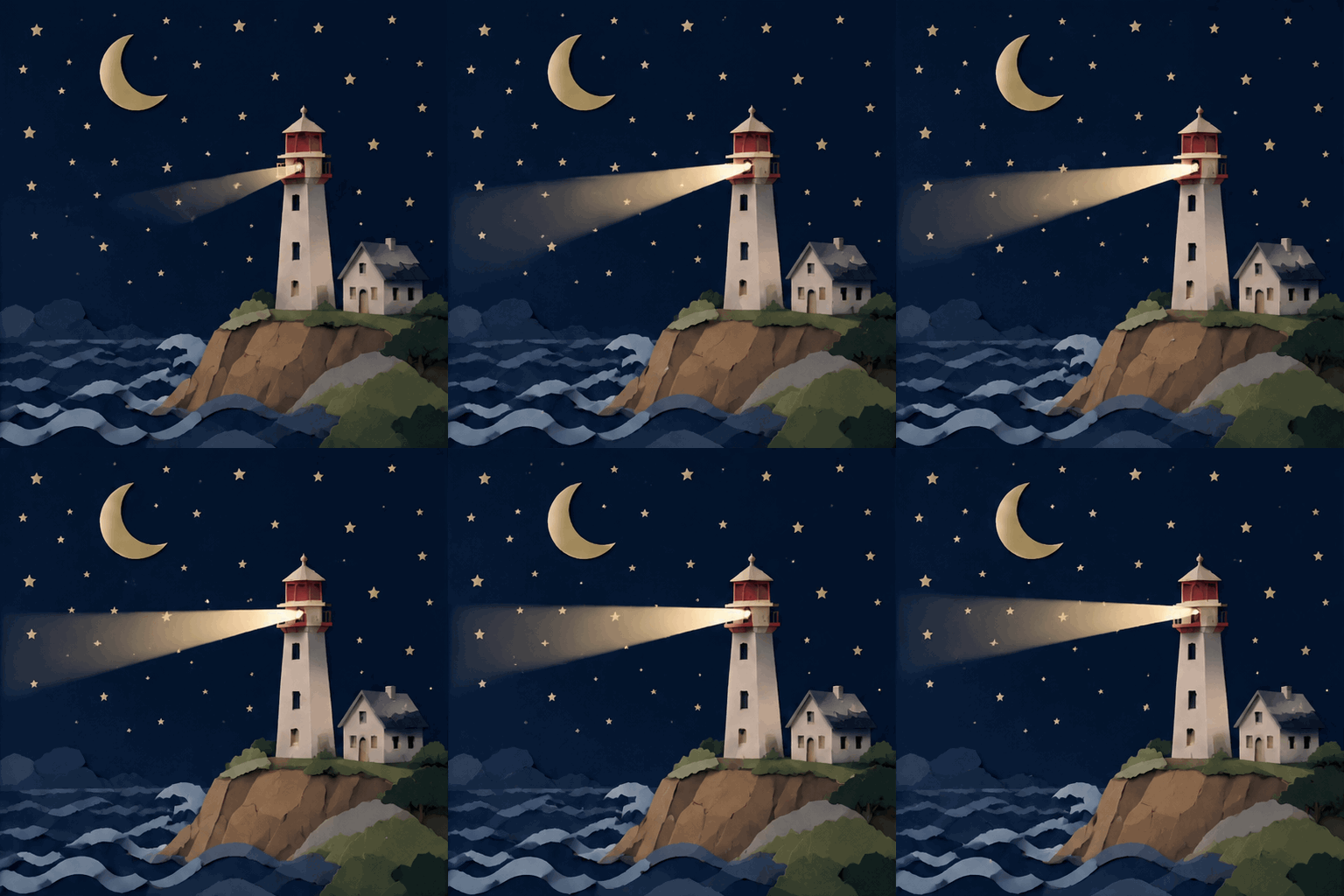
A paper-cut lighthouse beside the sea, with a dark starry sky, crescent moon, cliffside cottage, and waves. Sweep the light slowly across the water as the waves gently move; fixed camera, smooth loop.
A flat illustration of a windmill on a grassy hill beneath a blue sky with soft clouds. Slowly rotate the sails, keep the camera still, and make a smooth loop.
A paper-cut lighthouse beside the sea, with a dark starry sky, crescent moon, cliffside cottage, and waves. Sweep the light slowly across the water as the waves gently move; fixed camera, smooth loop.
A wave, a blink, a turning wheel: small movements can give a character or product a new way to communicate. Describe the action and style, choose the pace, and preview your GIF before sharing it.
Describe a subject and its motion, or upload one still image and say what should move.
Preview the animation and save the original GIF for reactions, mascots, or simple product loops.
Describe the subject, motion, and visual style. Optionally upload one JPEG, PNG, or WebP image.
Choose quality, aspect ratio, 2–16 frames, and the frame interval. Check the credit quote.
Generate, inspect the motion and loop, then download the GIF. Refine the prompt if needed.
Get answers about source files, settings, and results for AI GIF Generator.
Explore other tools for your next creation.

Create animated GIFs for reactions, mascots, and product moments. Start with a text description or a still image, then make a short loop you can share.