
Close-camera emphasis
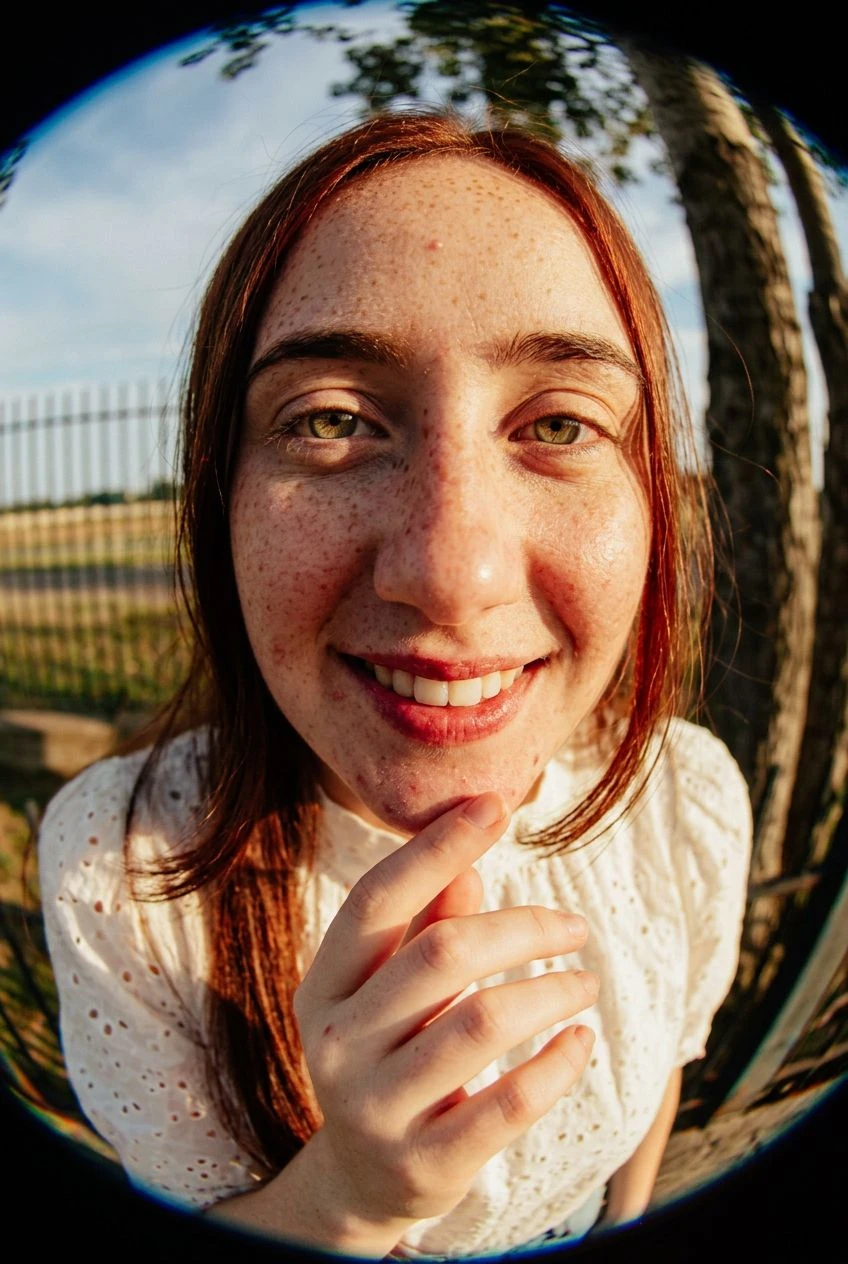
Features near the lens feel larger, giving the portrait an exaggerated perspective.
Give a portrait a close, wide-angle look with a centered face and curved surroundings.
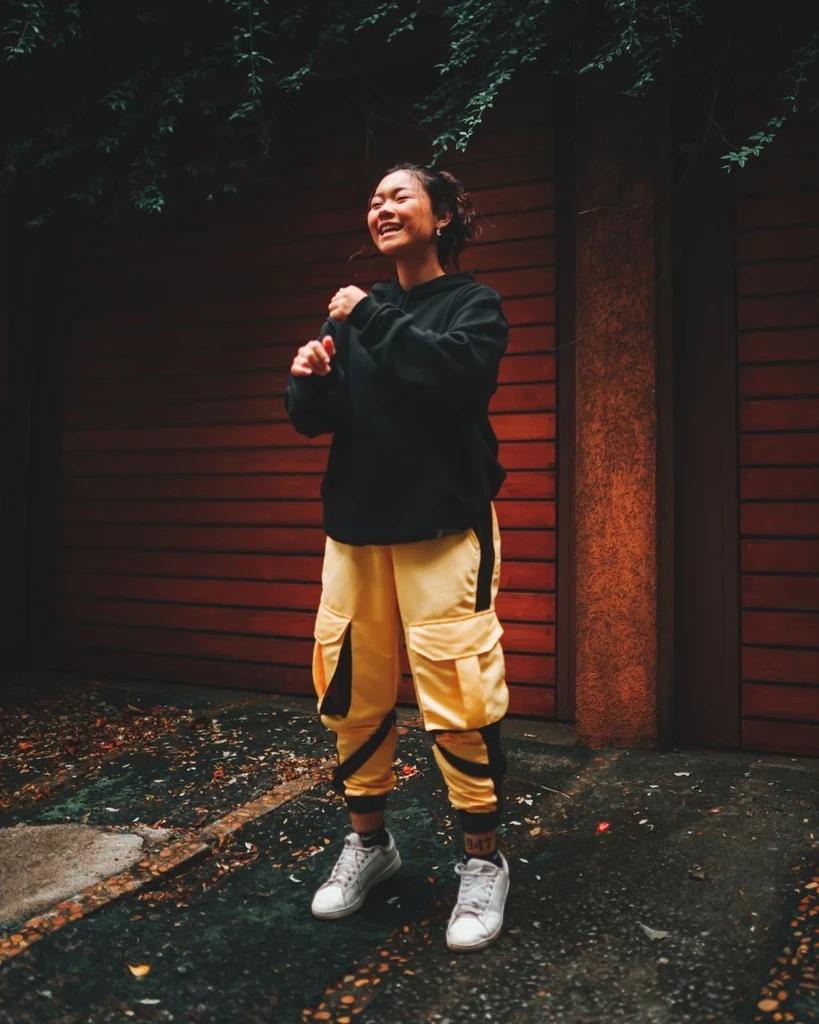
Explore an energetic artist portrait, fashion image, or playful profile.
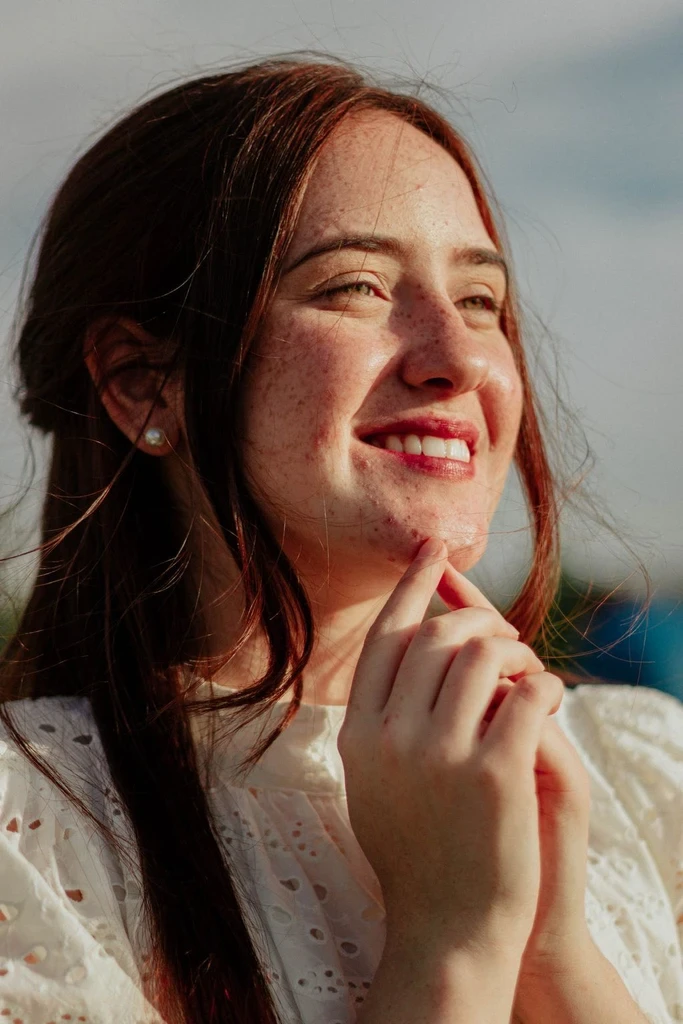
Choose a portrait where the main face is clearly visible and not cut off.
Use Settings to describe a playful or editorial lighting treatment.
Check the face and curved edges to decide whether the exaggeration fits the image.
The face appears close to the lens while straight lines bend toward the edges.
Features near the lens feel larger, giving the portrait an exaggerated perspective.
Surrounding lines bend to reinforce the wide-angle appearance.
The recipe requests a rectangular frame; generated results may still include dark lens edges.
Continue with another ready-made creative effect.

 Before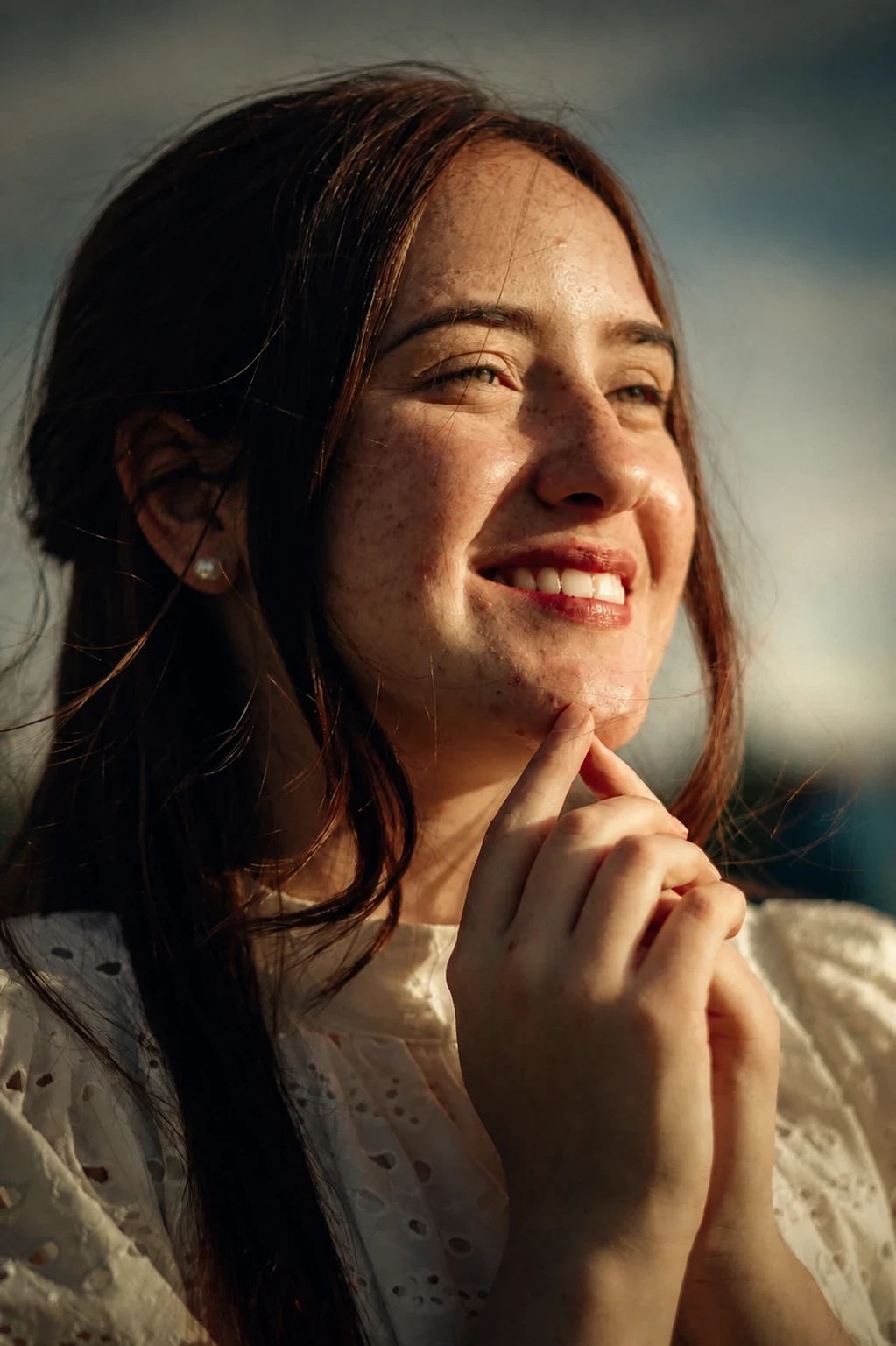
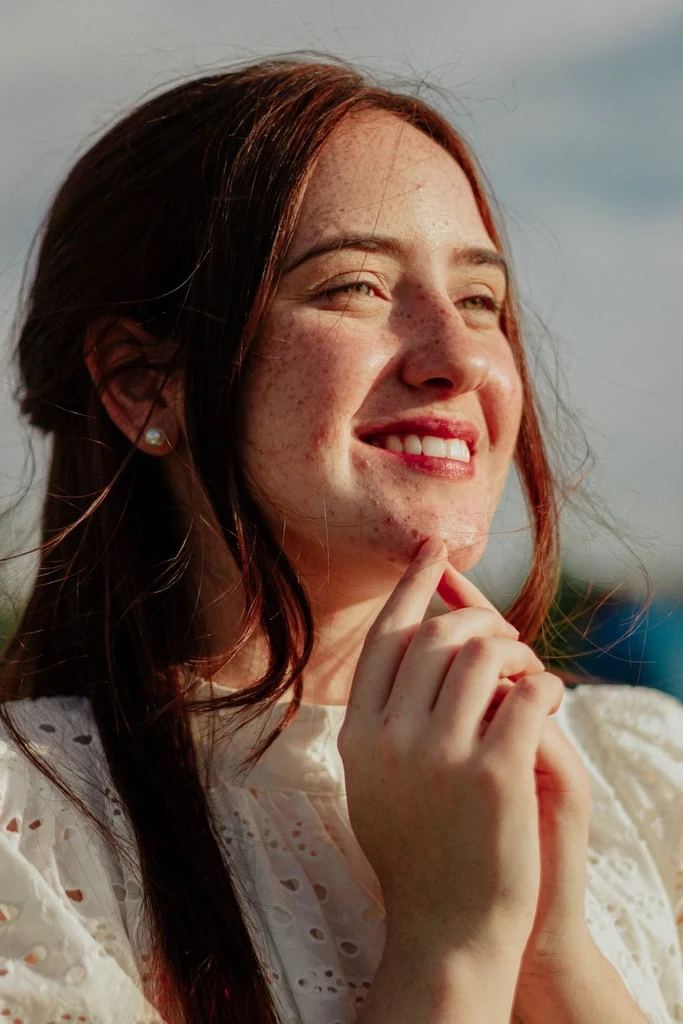
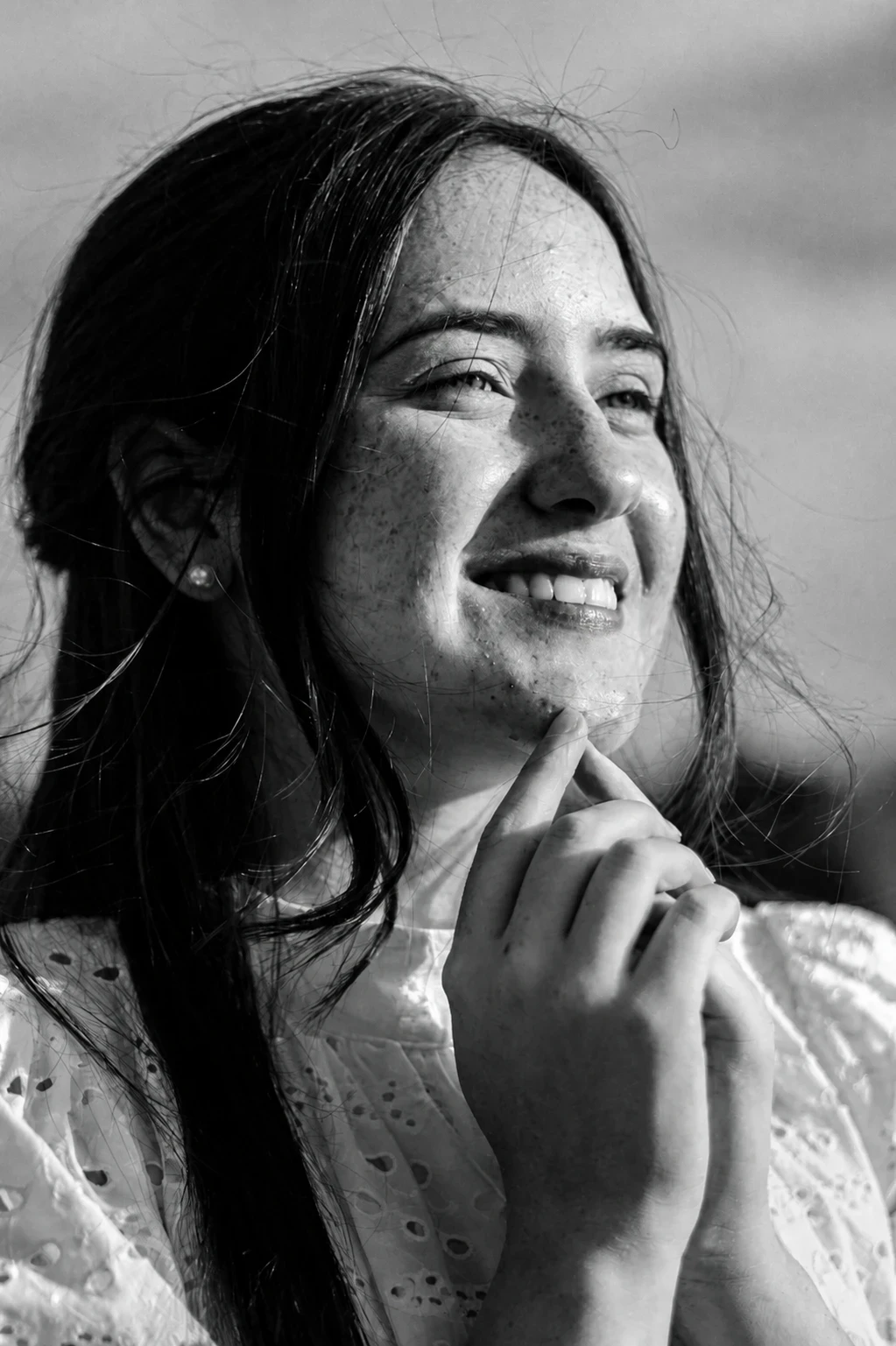


 Before
 Before
Give a face photo exaggerated close-up perspective and curved background lines.