
- Golden hour
- 4:3
Change the lighting in your product photo. Choose from six styles and five aspect ratios to explore a new look for store content and social campaigns.
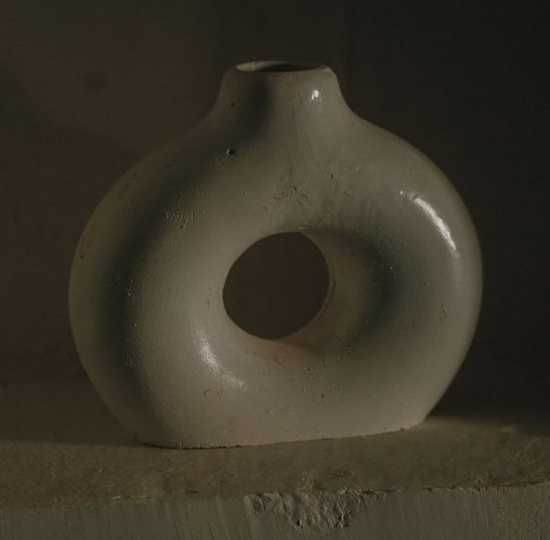
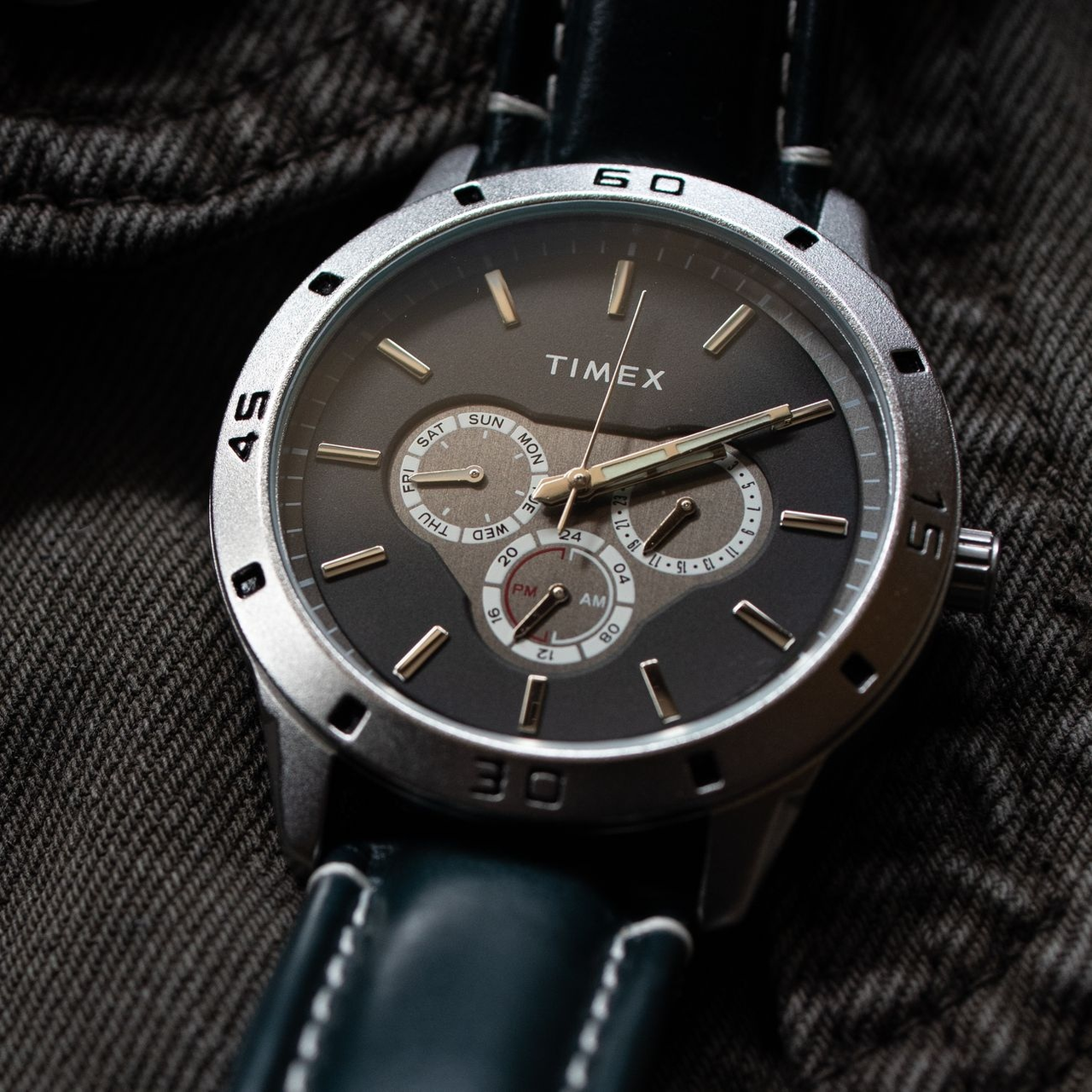
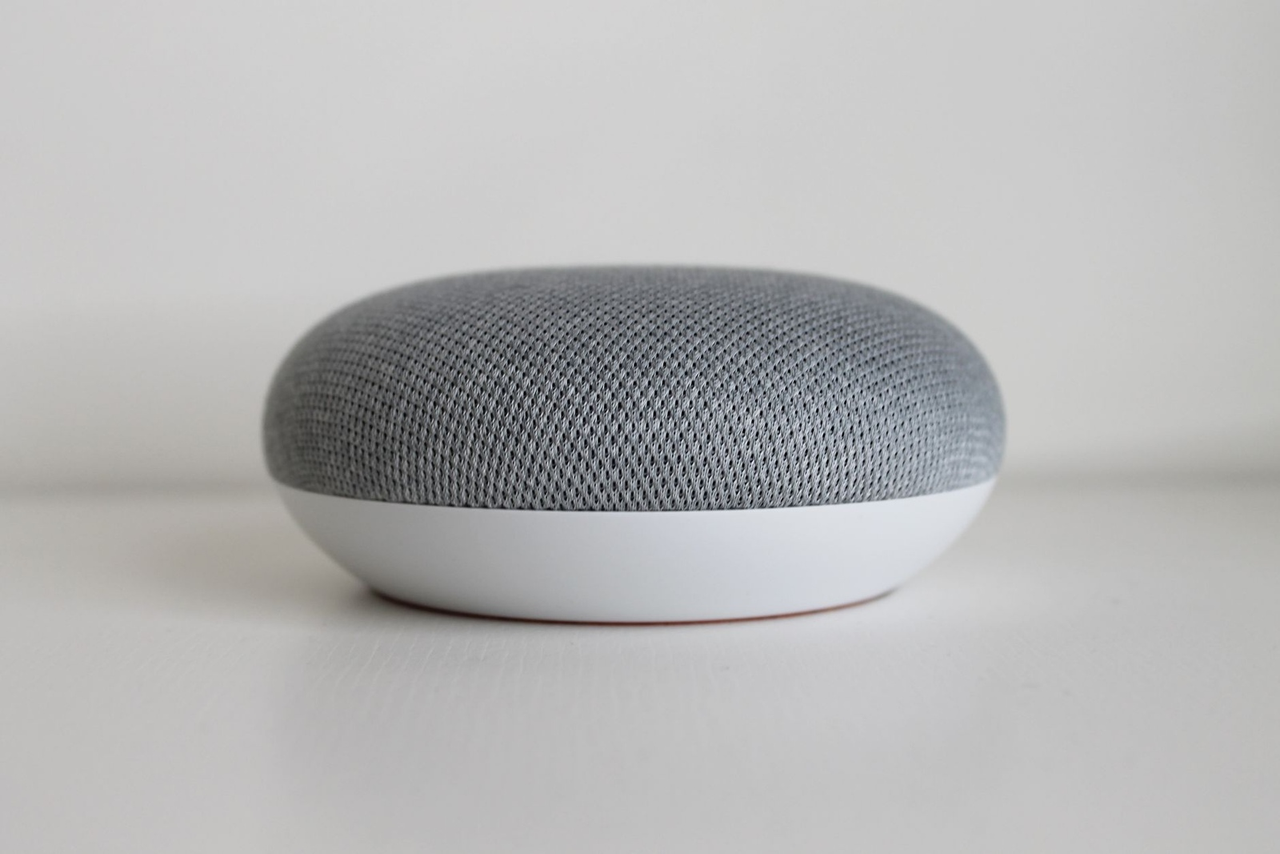
Compare real source photos with generated results. Use the buttons below each image to switch between before and after.
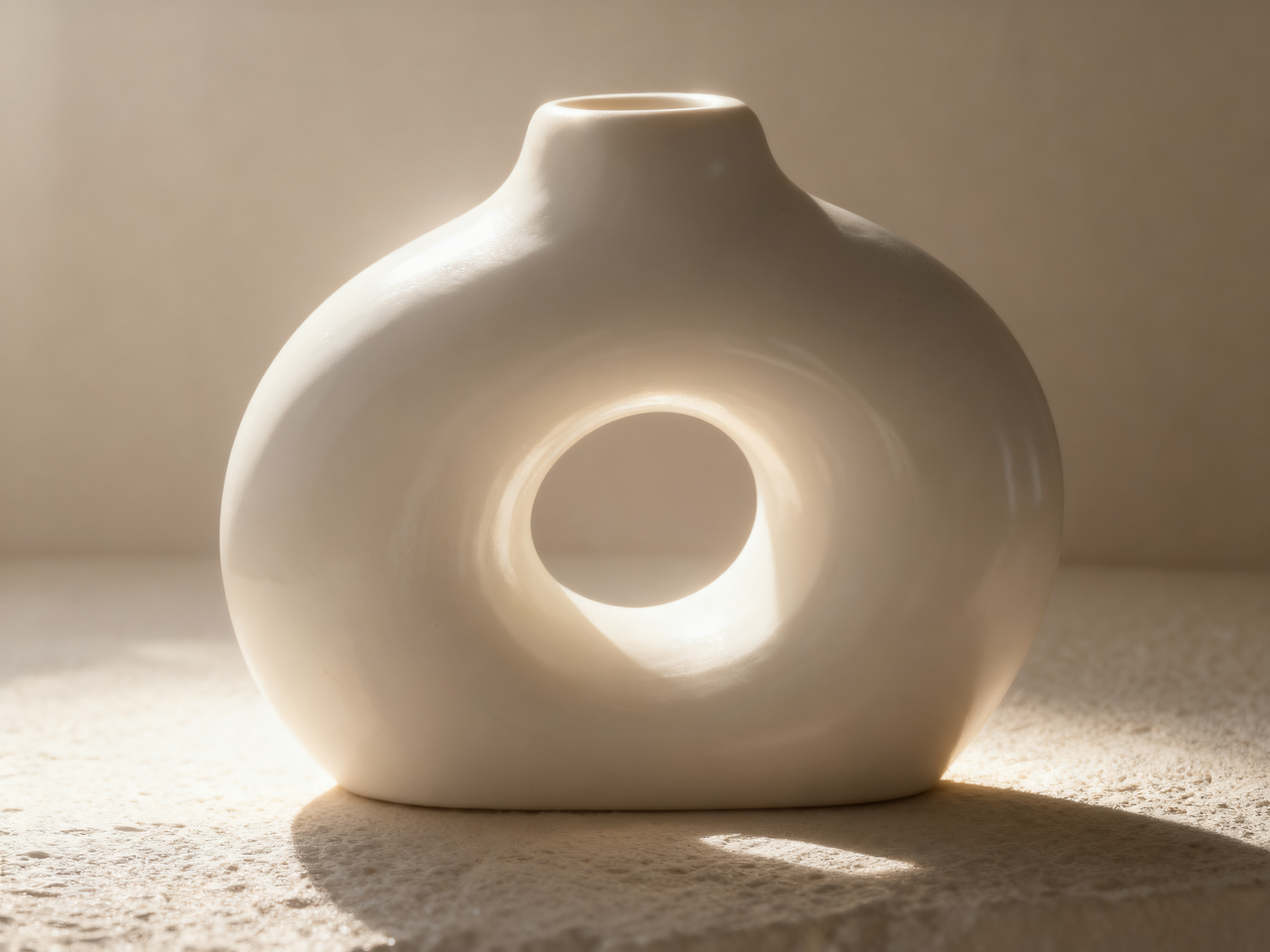
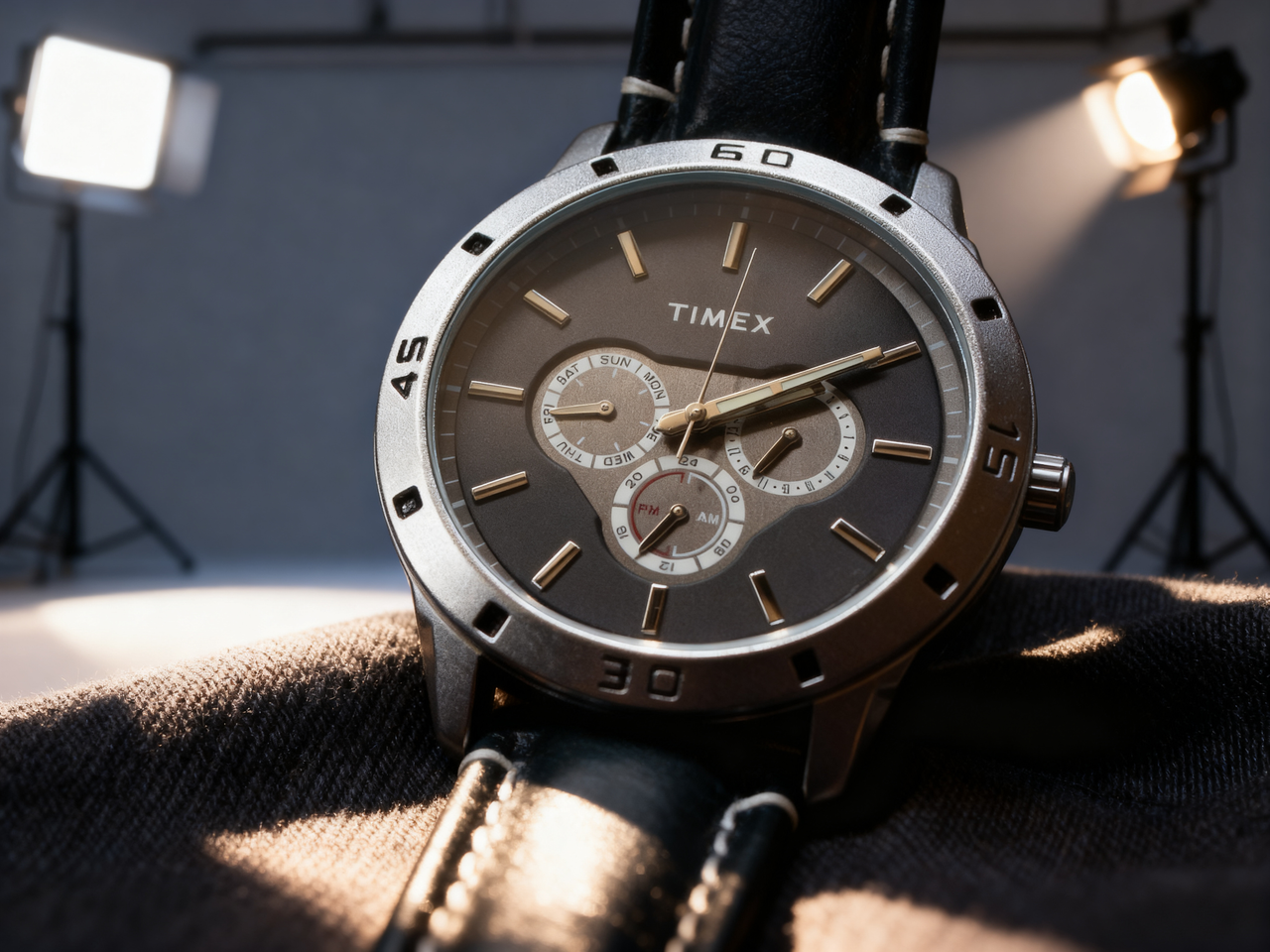
Explore six lighting styles, from soft illumination to more directional contrast.
Choose square, portrait or landscape proportions for store content and social posts.
Explore a different atmosphere for an existing product photo before arranging another shoot.
Try soft or studio light for a store page. Check white products and reflective packaging for lost edges or overexposure.
Try golden-hour or dramatic light when planning a campaign. Compare color and labels with the original before choosing a result.
Use a clear JPEG, PNG or WebP showing the complete product. Keep packaging and labels readable.
Select a lighting style and one of five aspect ratios. No written prompt is needed.
Compare with your original. Check the product shape, color and label text before using the result.
Explore other product photography tasks, remove an existing background or enlarge an image for your next design.
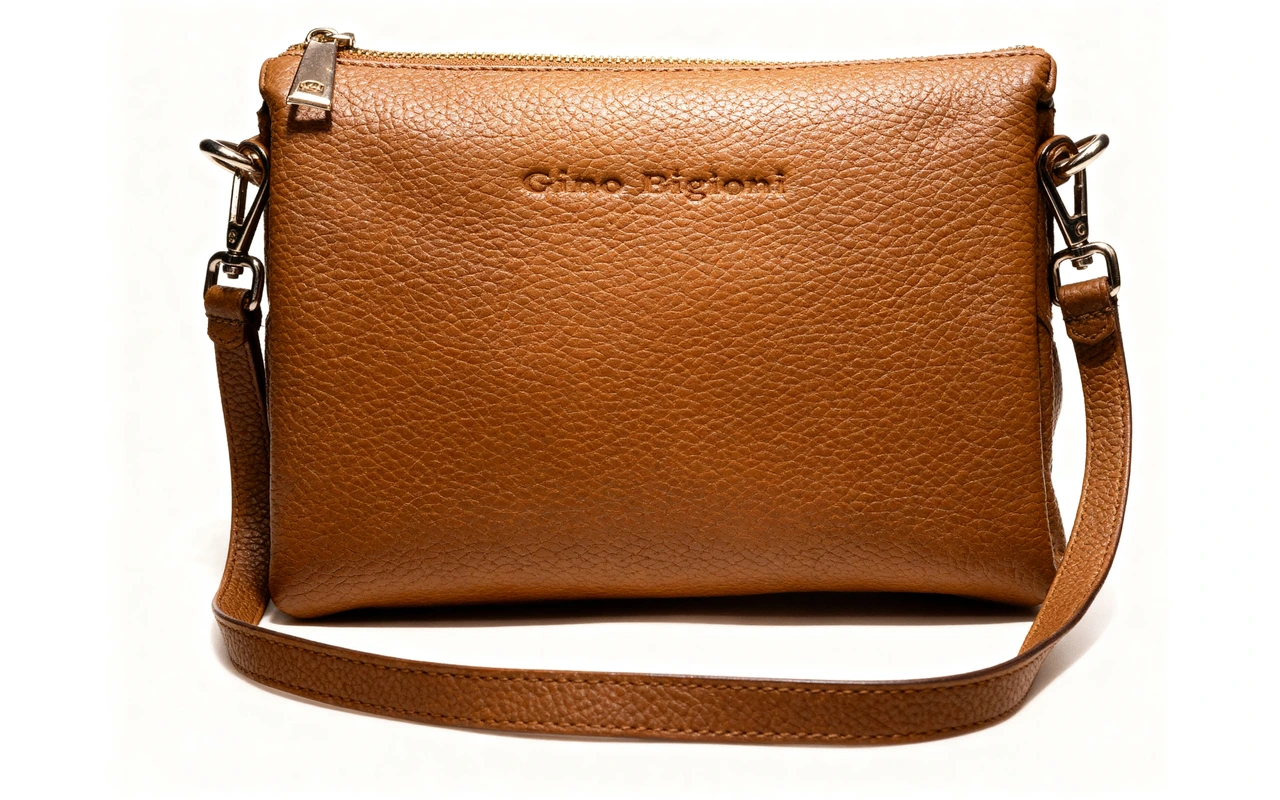
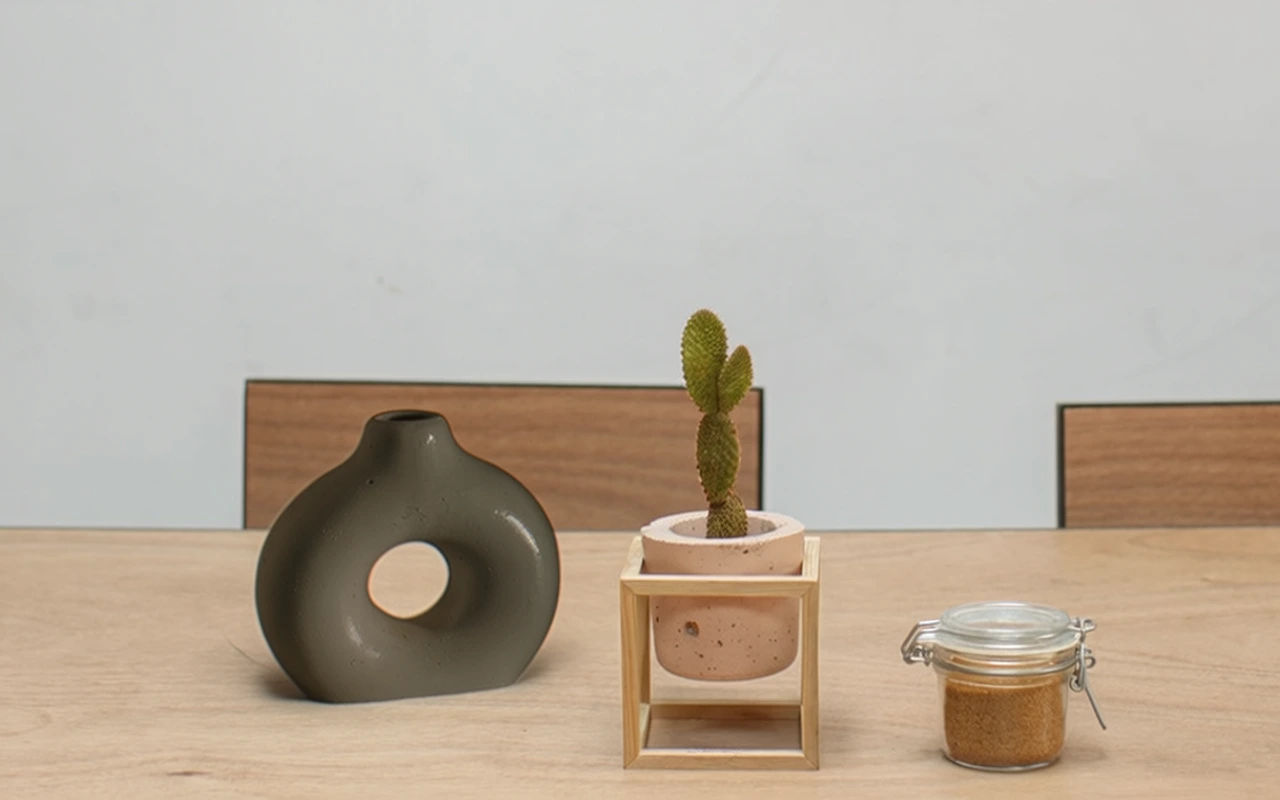
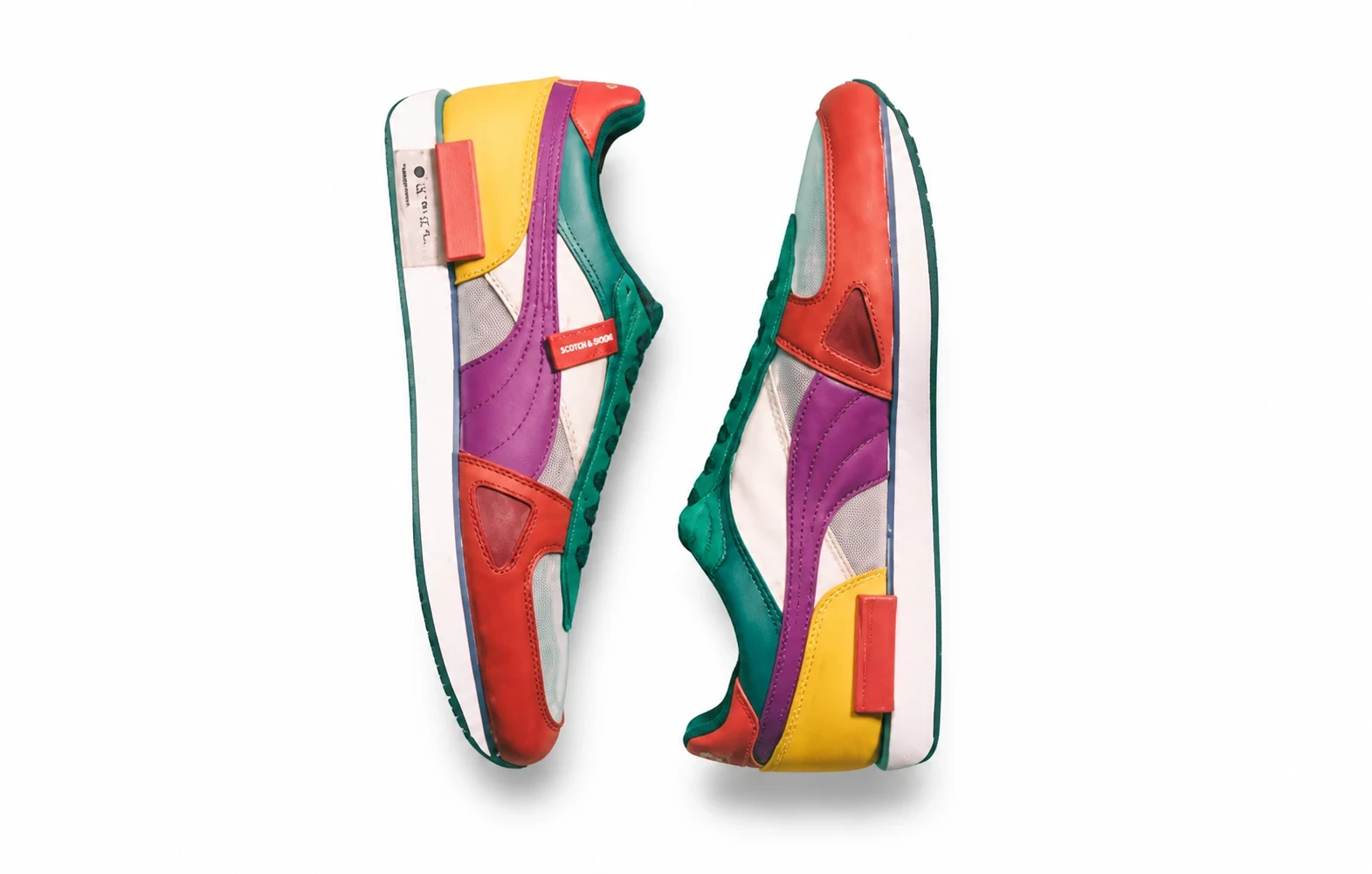
Change the lighting in your product photo. Choose from six styles and five aspect ratios to explore a new look for store content and social campaigns.