- 4:3
Explore a new product photography concept from one photo. Upload your item, choose an aspect ratio and let the tool create a new composition.
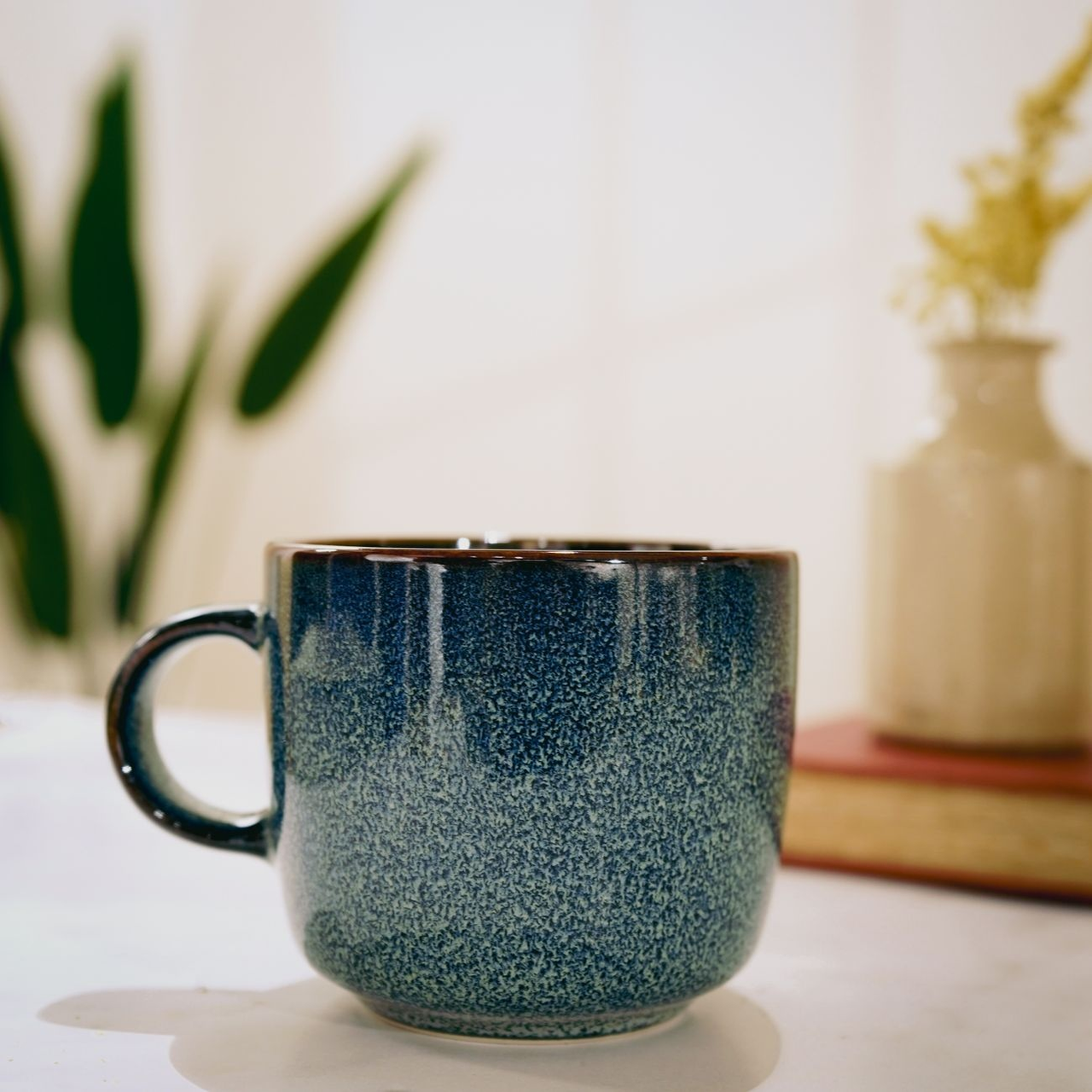
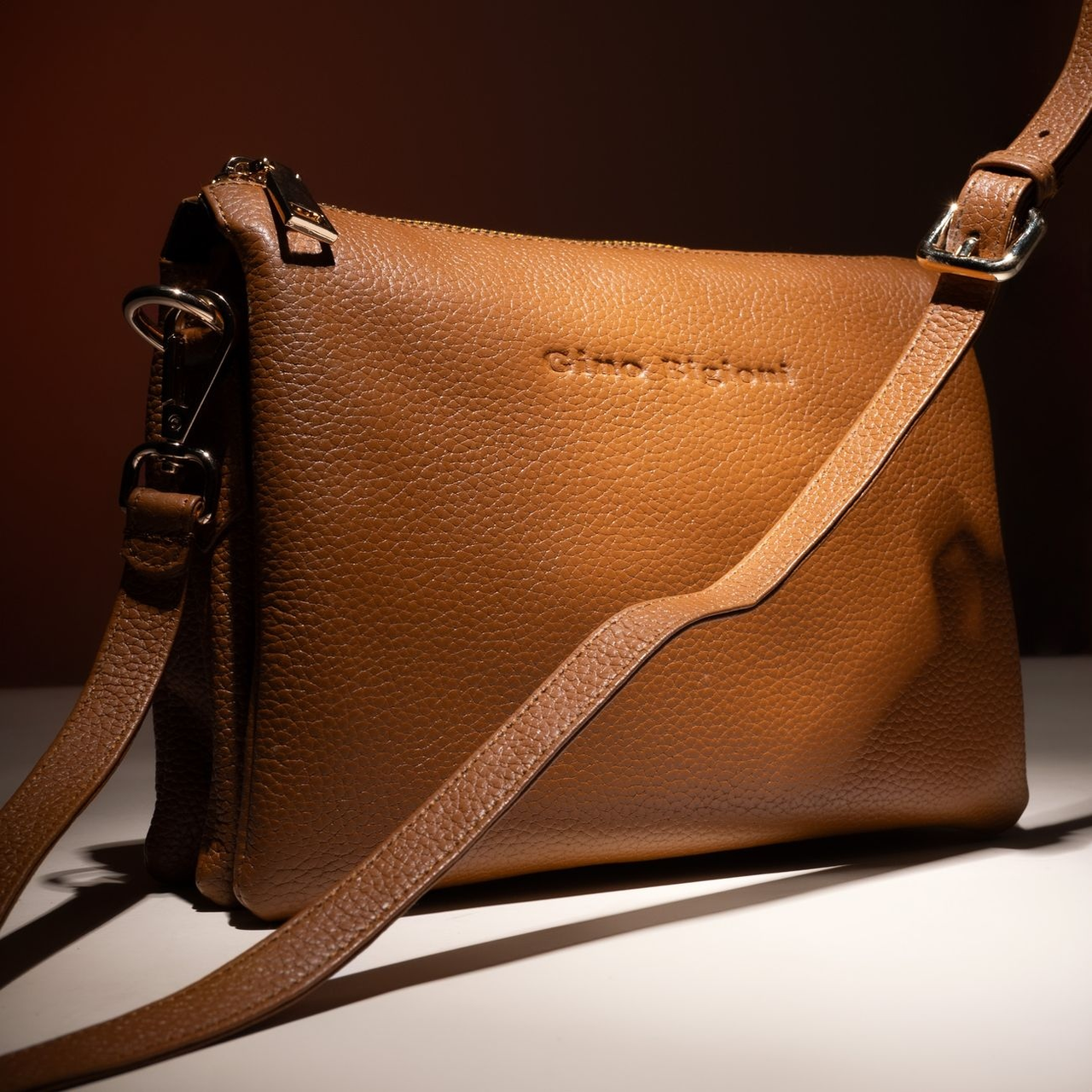
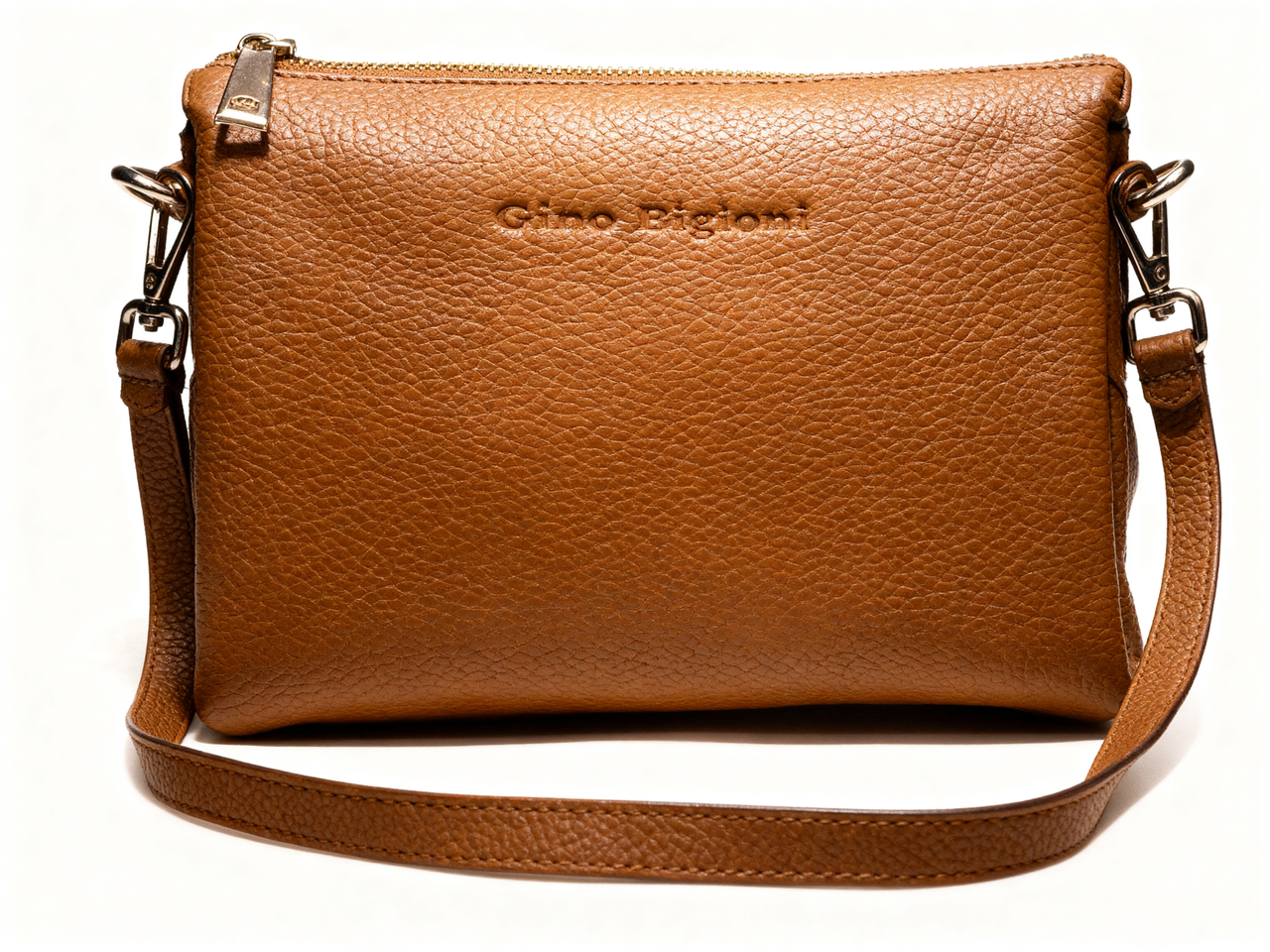
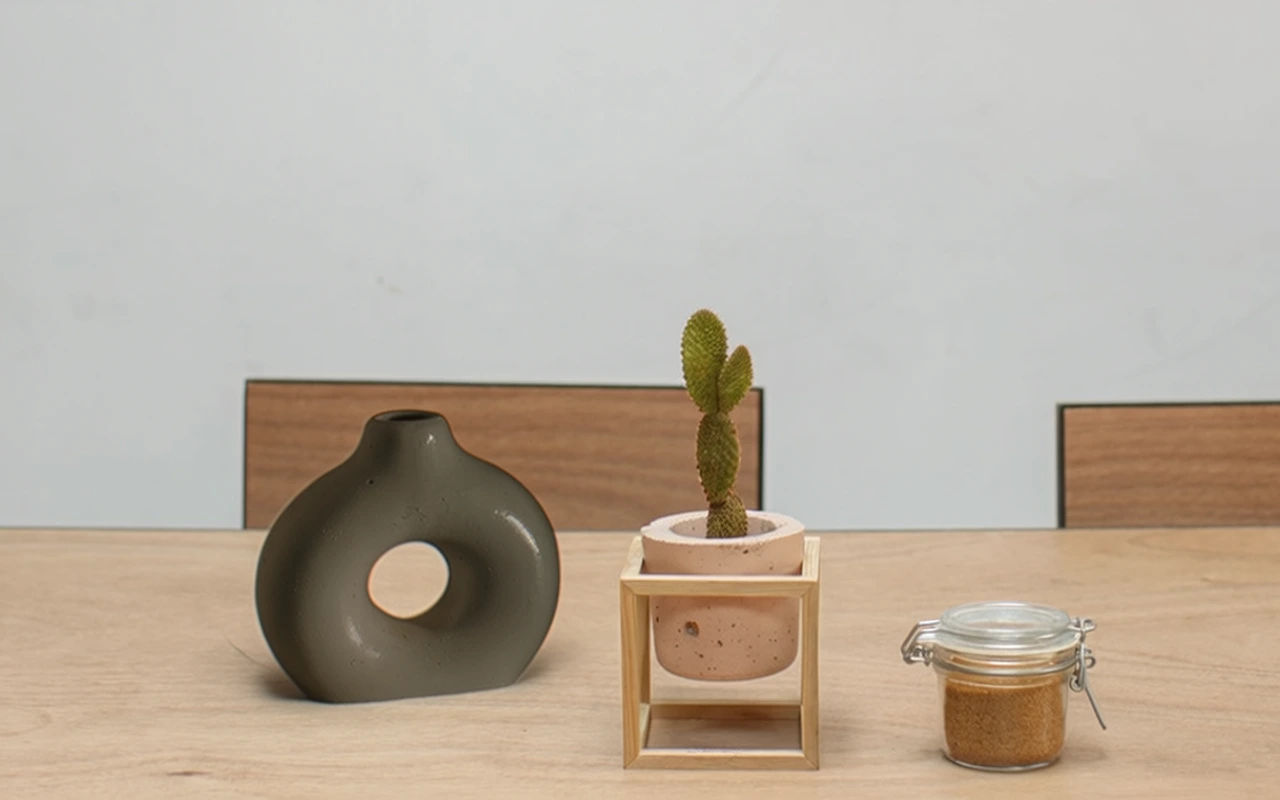
Compare real source photos with generated results. Use the buttons below each image to switch between before and after.

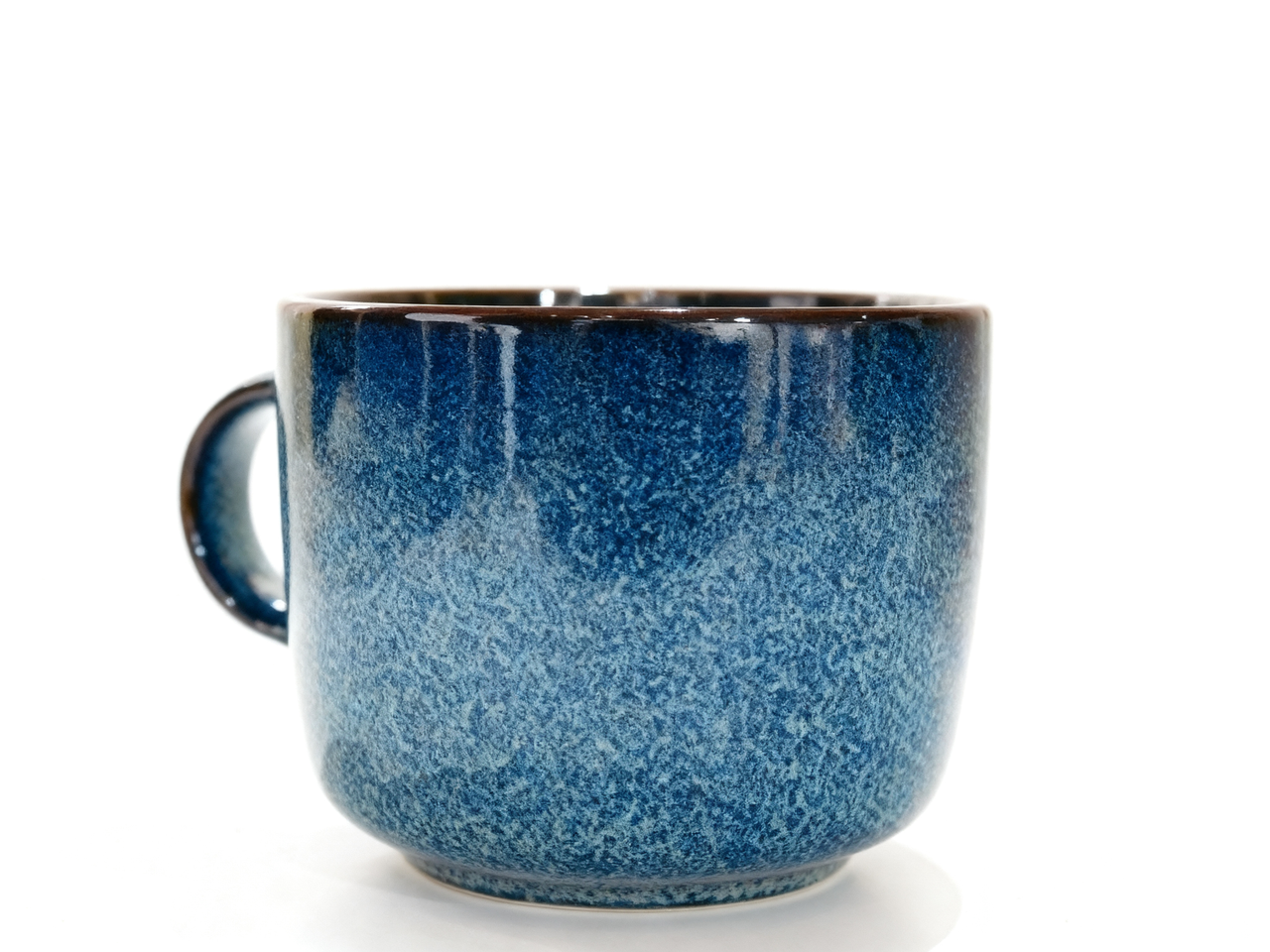
Use a clear photo of the complete item as the starting point for a new composition.
The tool chooses the photographic setup automatically. Use the background tool when you want to describe a specific setting.
Try a new presentation for a storefront or social post, then check it against your actual product.
Explore square, portrait or landscape compositions for a product announcement, then choose the concept that fits your message.
Use a generated composition to discuss styling with your team. Treat it as a concept; verify details against the real item.
Use a clear JPEG, PNG or WebP showing the complete product. Keep packaging and labels readable.
Select 1:1, 16:9, 9:16, 4:3 or 3:4. The tool creates one photograph without a written prompt.
Compare with your original. Check the product shape, color and label text before using the result.
Explore other product photography tasks, remove an existing background or enlarge an image for your next design.


Explore a new product photography concept from one photo. Upload your item, choose an aspect ratio and let the tool create a new composition.