Ideas to try
Explore larger campaign visuals or illustration drafts, then check fine details at the selected output size.
Create images up to 4K from text, or edit with up to four reference images at up to 2K. Generate 1–4 outputs per run and review the credit estimate in the workspace first.
Explore larger campaign visuals or illustration drafts, then check fine details at the selected output size.
Use a text description for a new image. For edits, add one to four JPEG, PNG or WebP references, up to 20 MB each.
Text-to-image supports up to 4K; reference-based editing supports up to 2K. Request 1–4 images. Thinking mode is for text-to-image only.
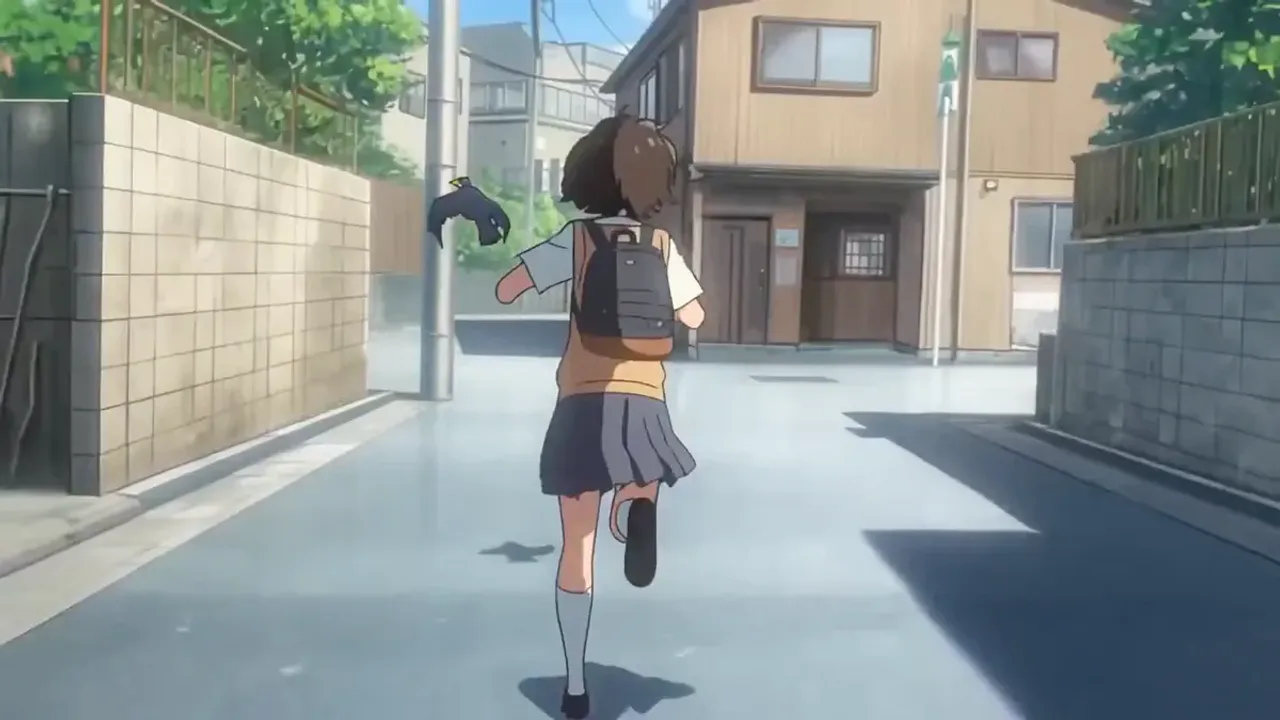
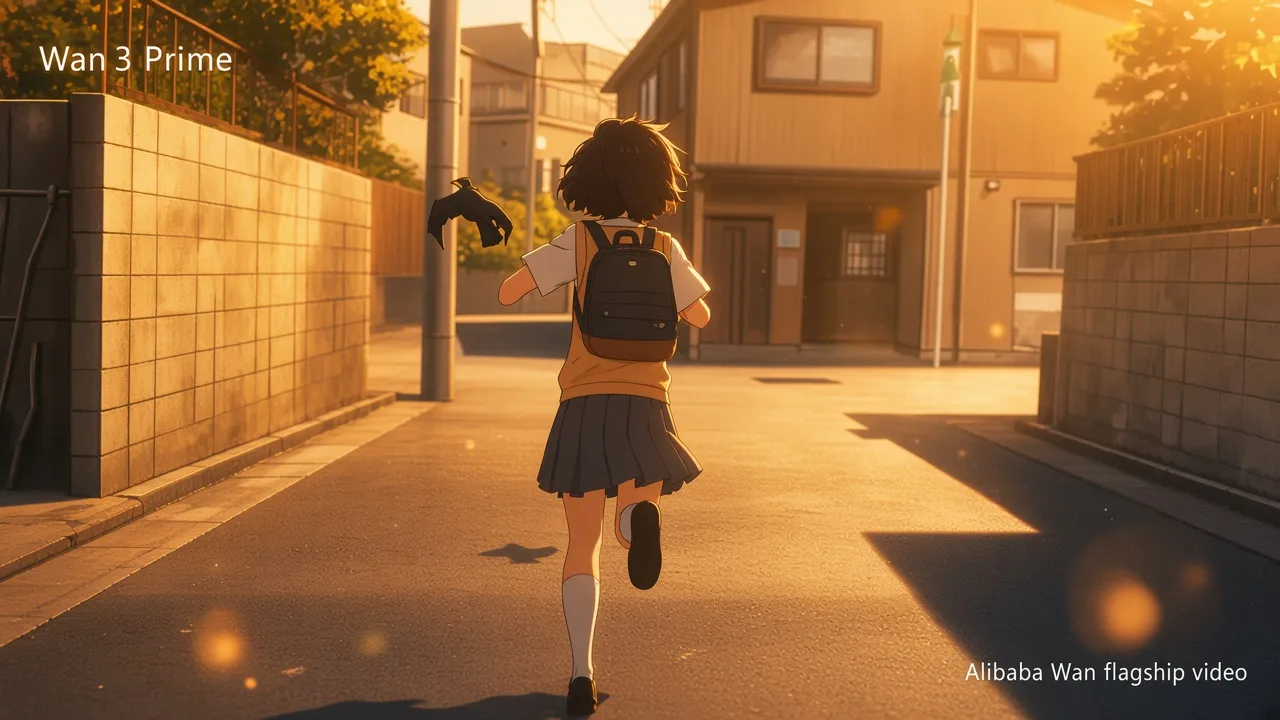
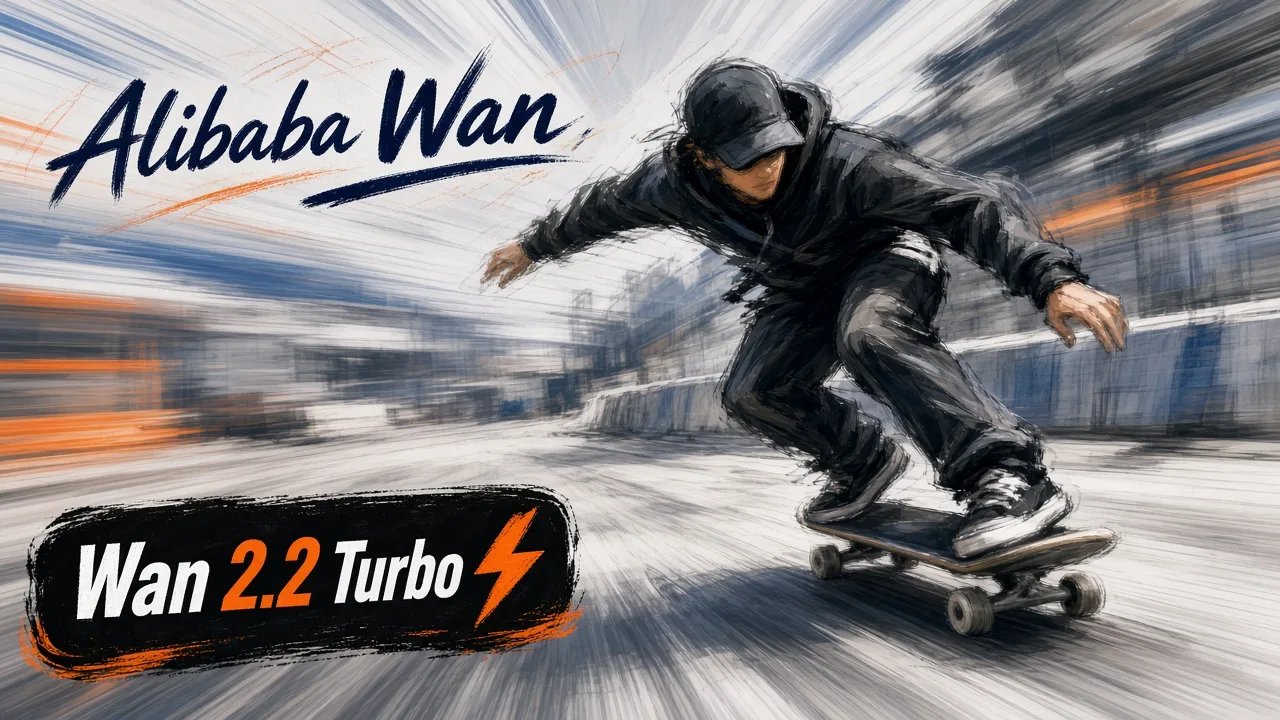
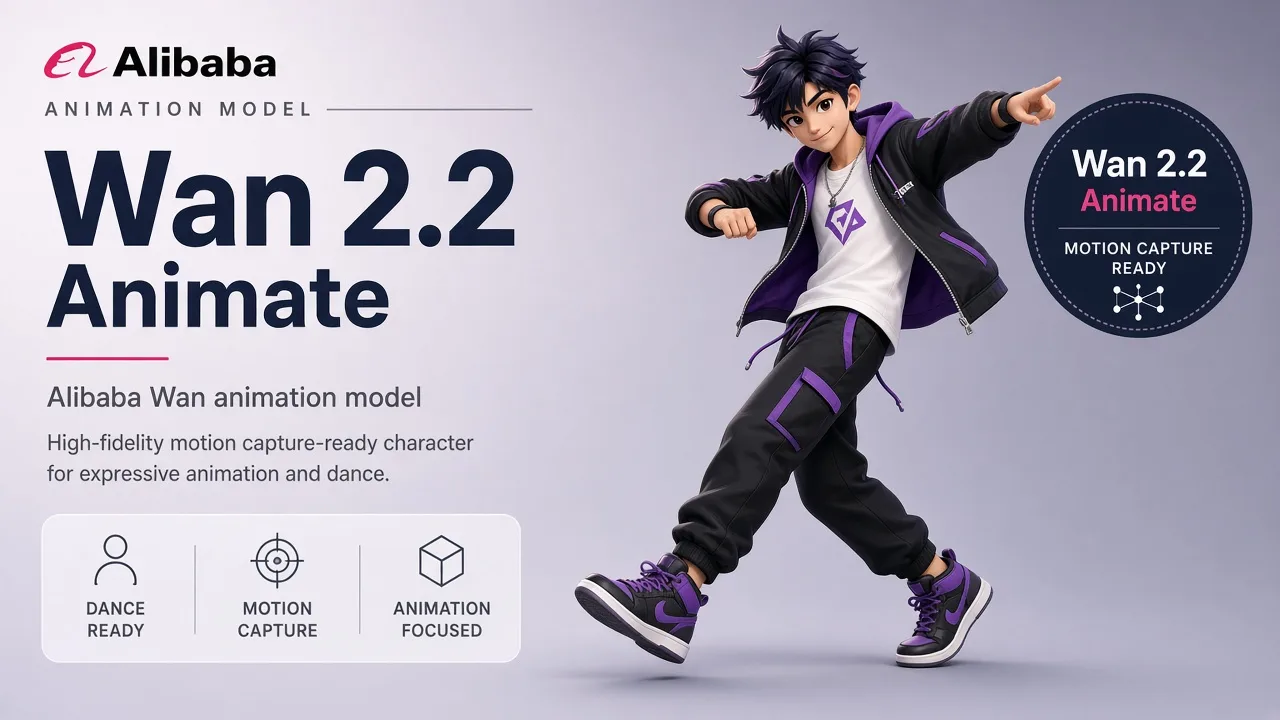
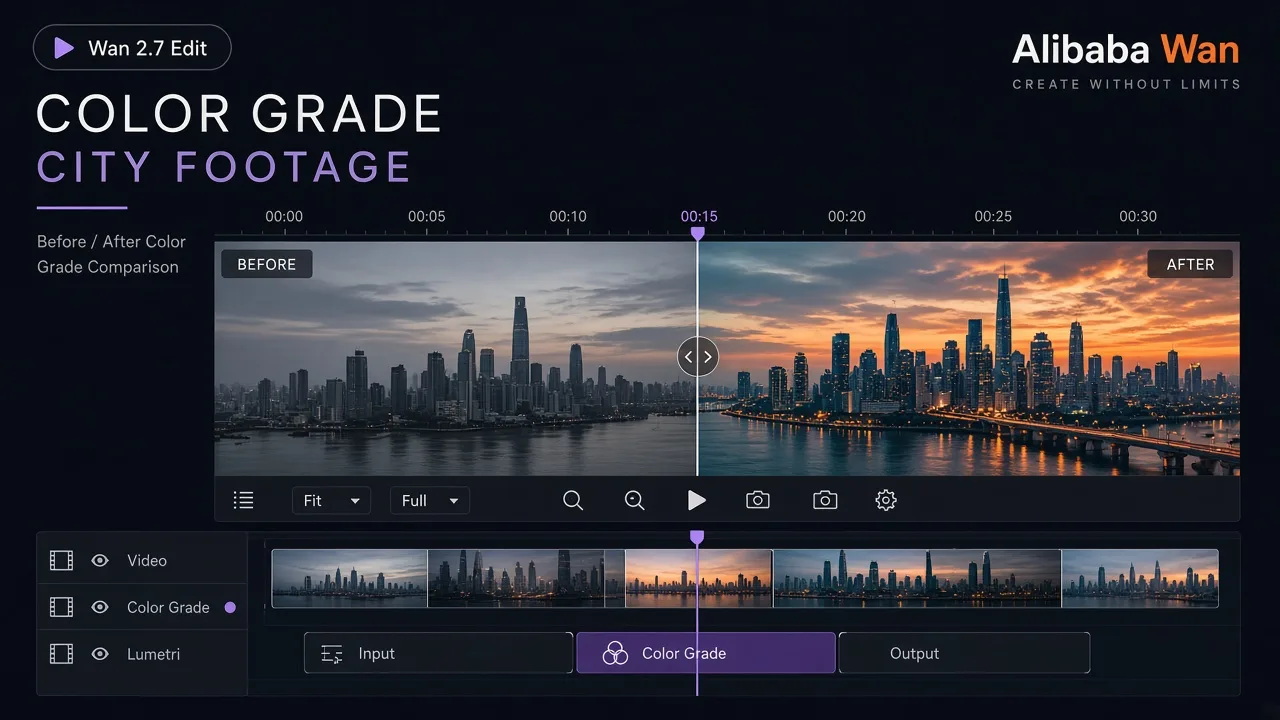
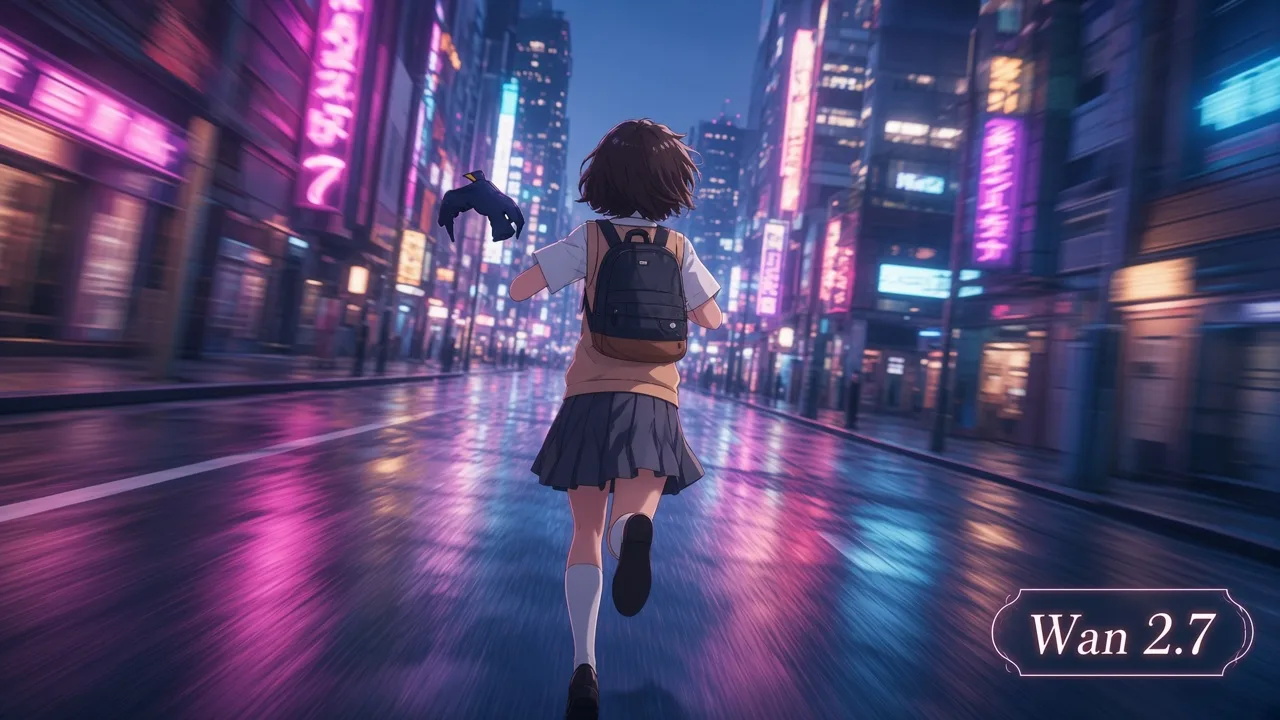
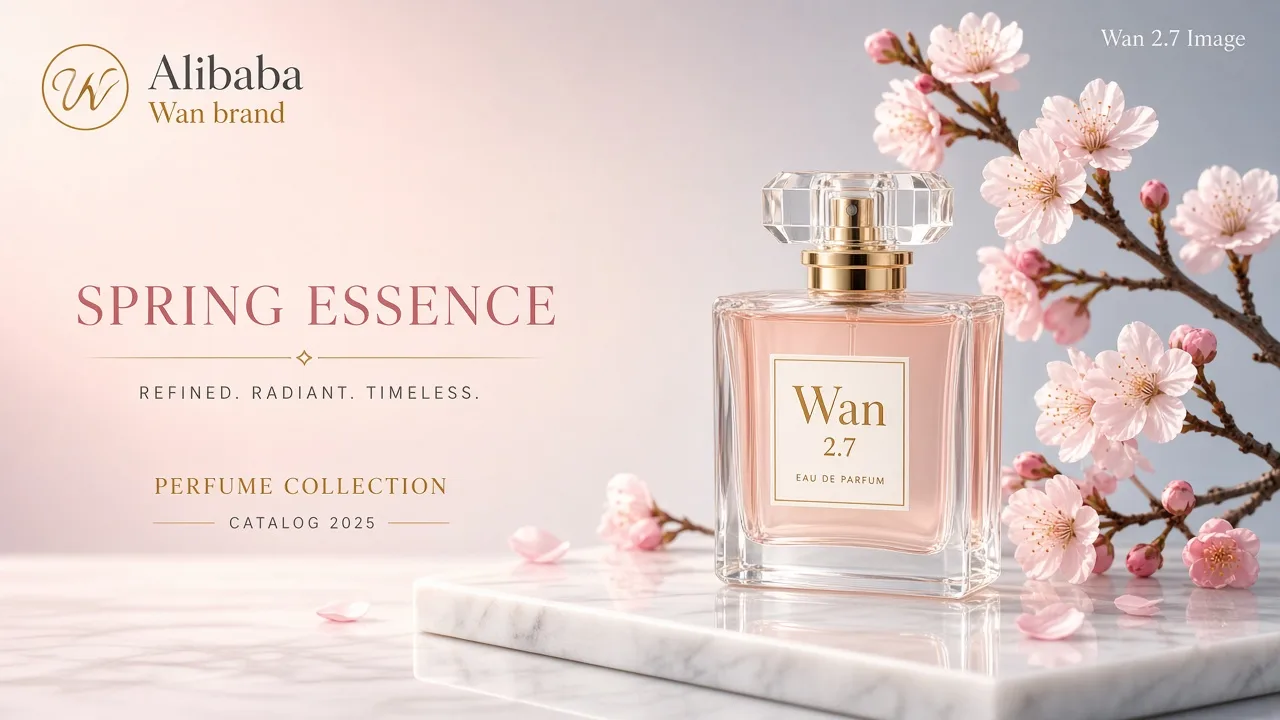
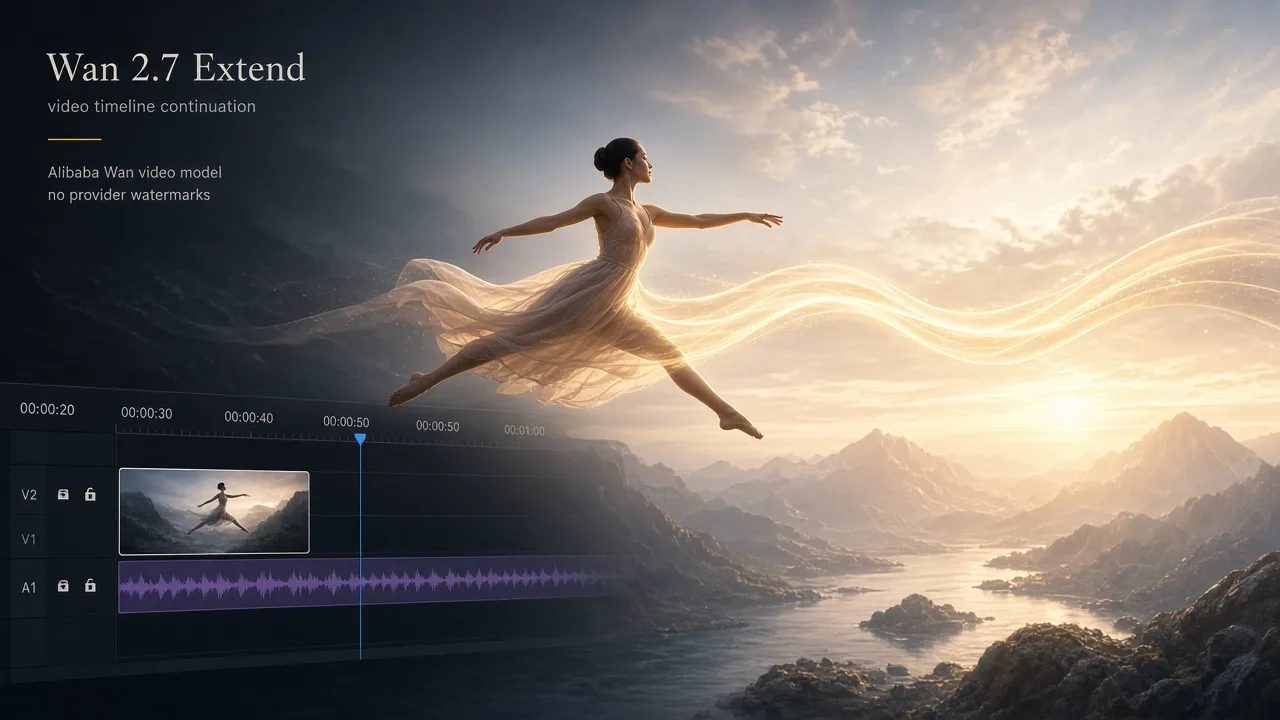
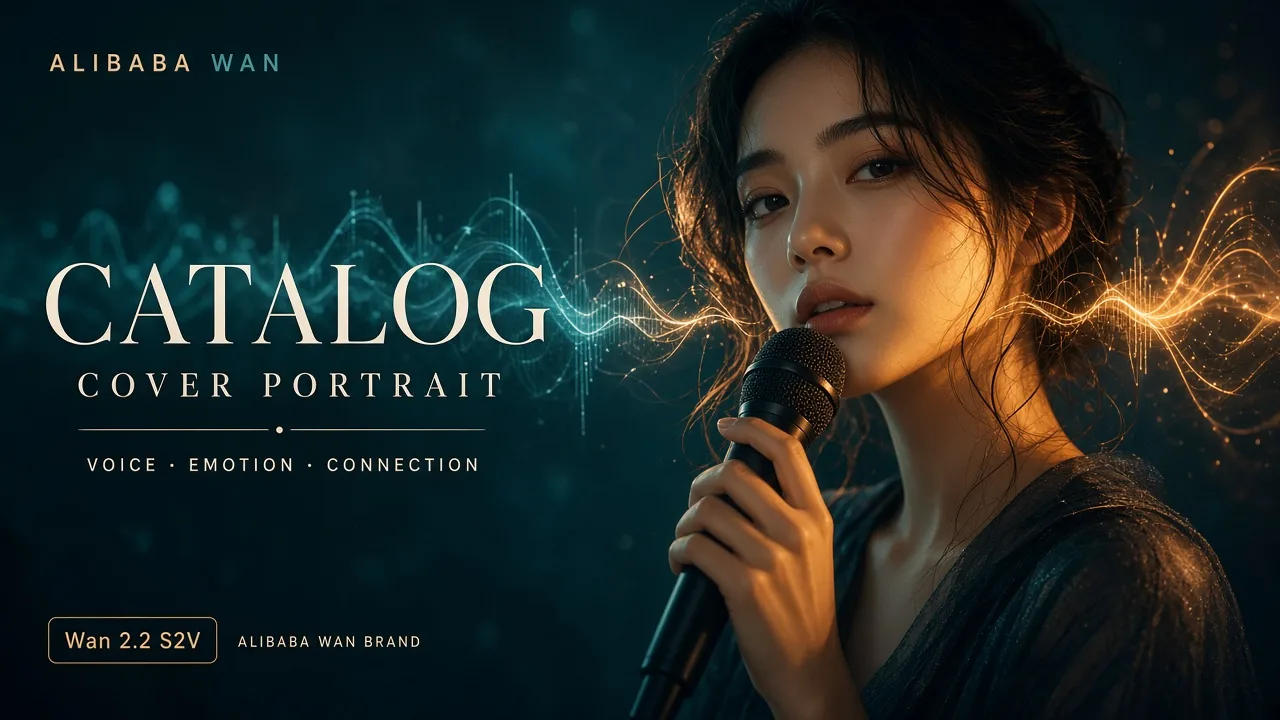
Set composition, lighting and the intended image shape in the prompt. Choose 4K in text-to-image when you need a larger canvas.
Check subject details, edges and any lettering before sharing.
Understand the inputs, generation settings, and outputs supported by Wan 2.7 Image Pro.
Explore other models, or browse the full catalog.