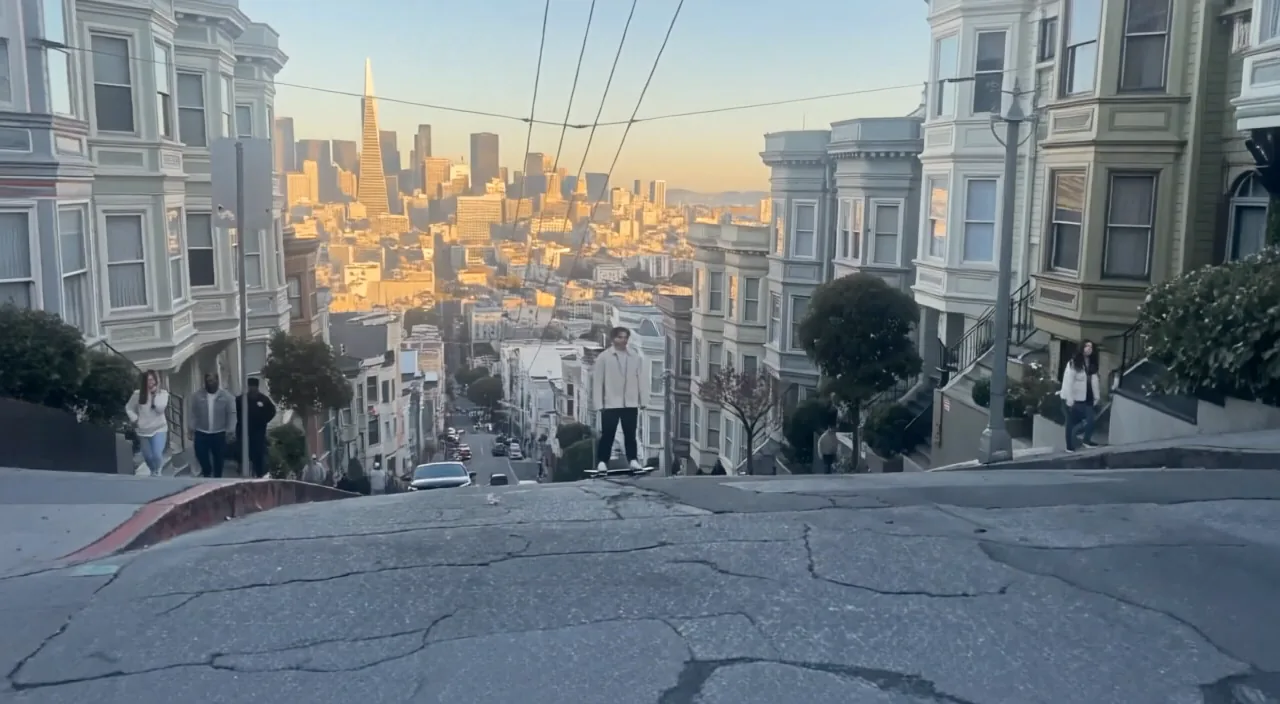
Ideas to try
Give a product shot or character scene another beat before assembling it with other clips.
Continue a short video into the next moment, with optional audio and output at 720p or 1080p.
Give a product shot or character scene another beat before assembling it with other clips.
Upload a 2–10 second MP4 or MOV, up to 100 MB. Add optional continuation instructions and 3–30 second WAV or MP3 audio.
Choose a total output length of 3–15 seconds, including the original clip. It must be longer than the source. This workflow has no ending-frame upload.
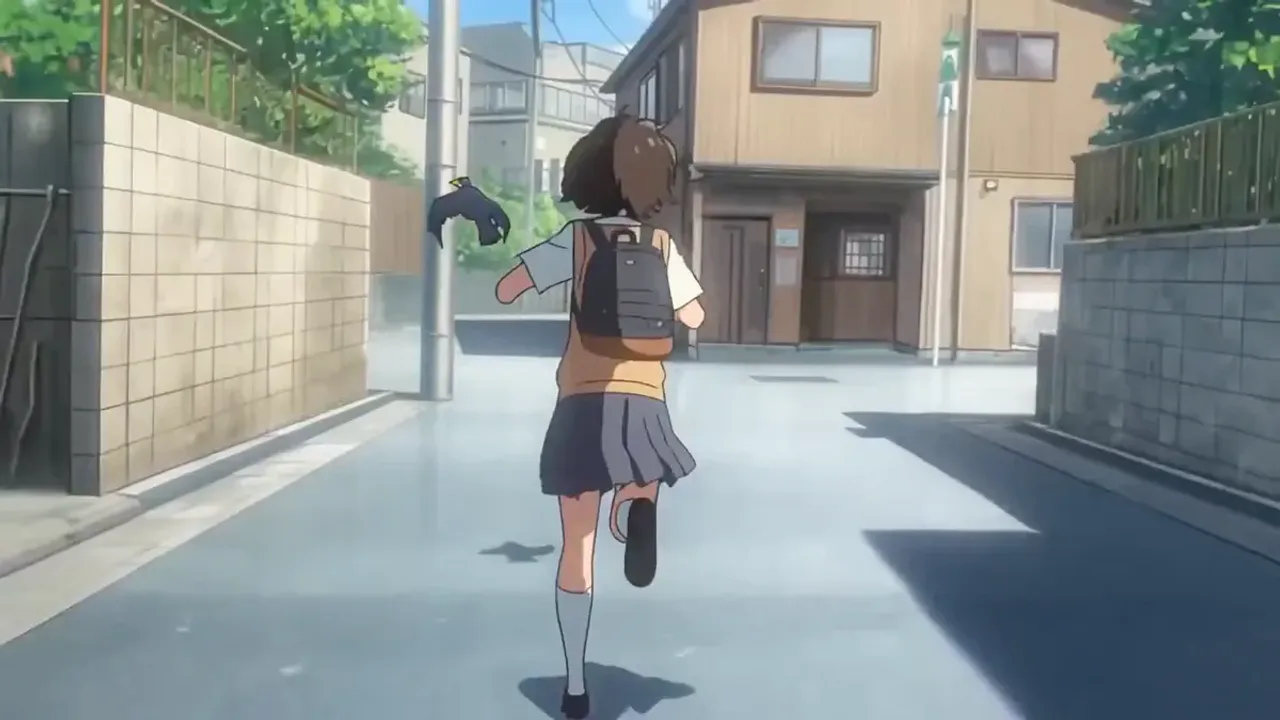
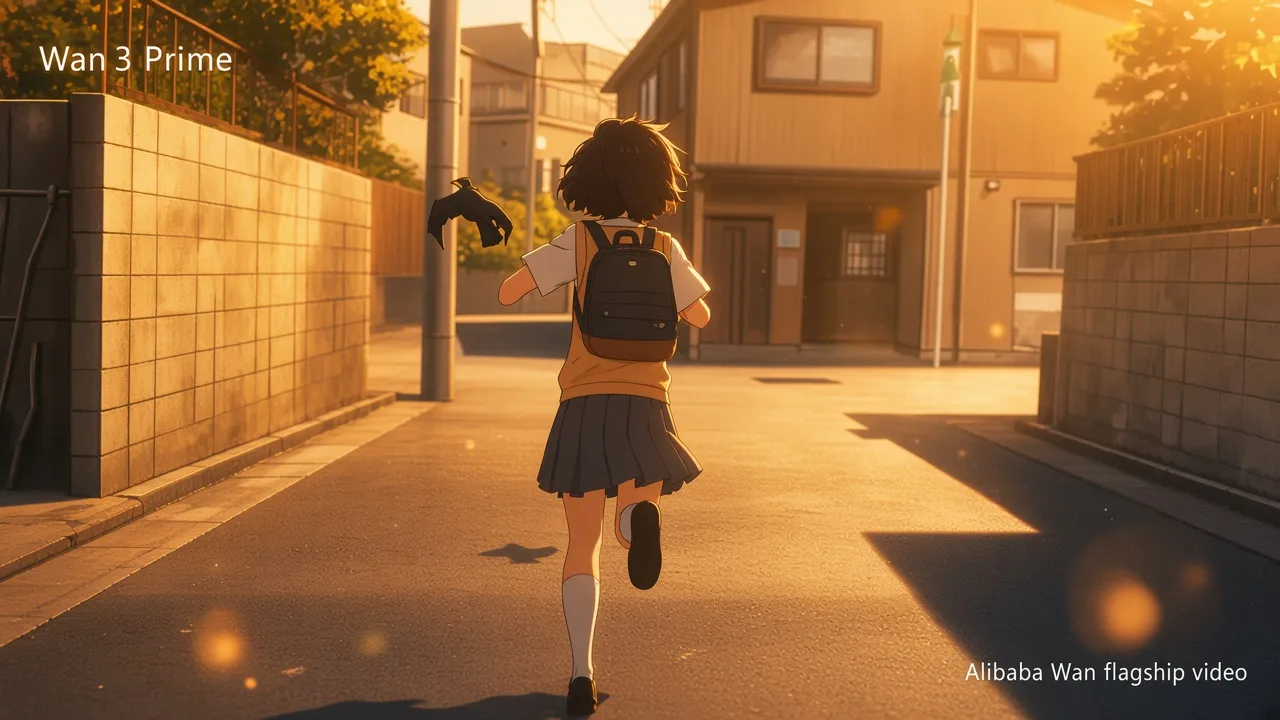


Describe what happens immediately after the source ends. Set the total duration, rather than the number of seconds to add.
Check subject details, motion and audio before sharing.
Understand the inputs, generation settings, and outputs supported by Wan 2.7 Extend.



Explore other models, or browse the full catalog.