Ideas to try
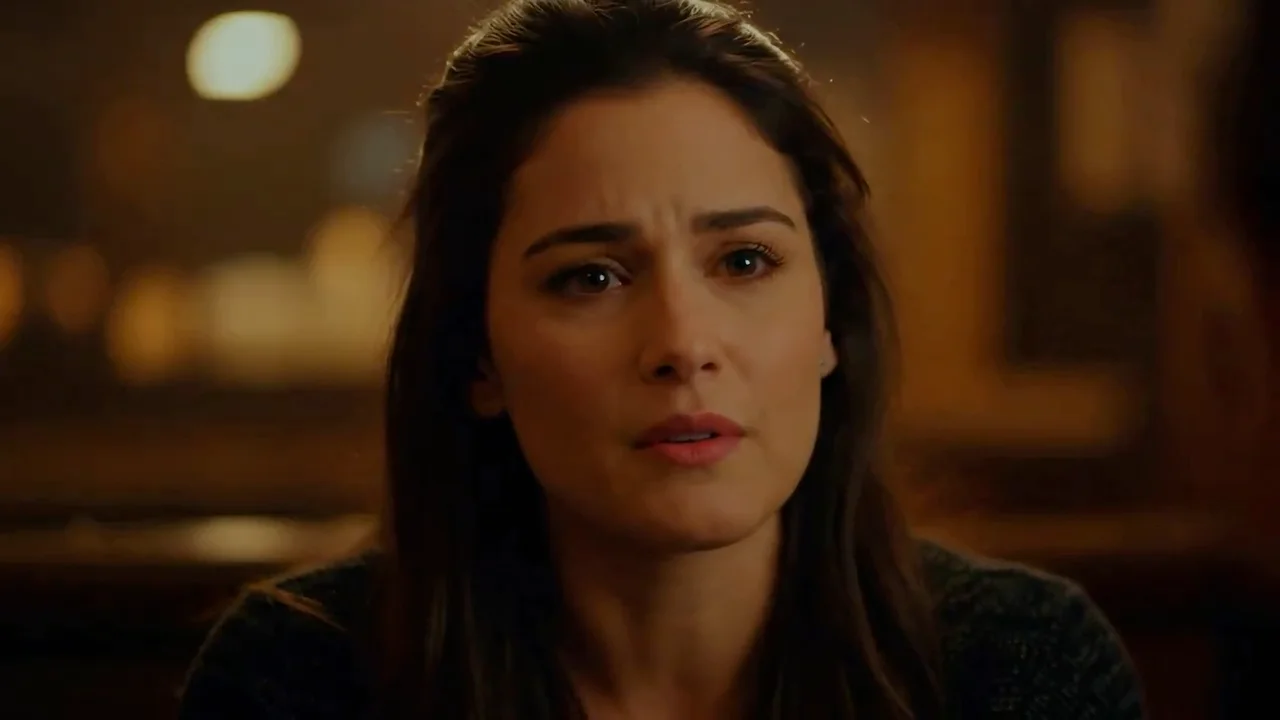
Make a portrait speak or sing using your recording, or explore an audio-led character performance.
Animate a still image with speech or singing audio and a motion prompt. Upload 1–30 second audio; clip length follows the track and credits are quoted before generation.
Make a portrait speak or sing using your recording, or explore an audio-led character performance.
An image, a motion prompt and a 1–30 second WAV or MP3 are required. Image limit: 20 MB; audio limit: 32 MB.
Video length follows the audio. There is no manual duration or resolution selector; optional interpolation produces 25 fps.
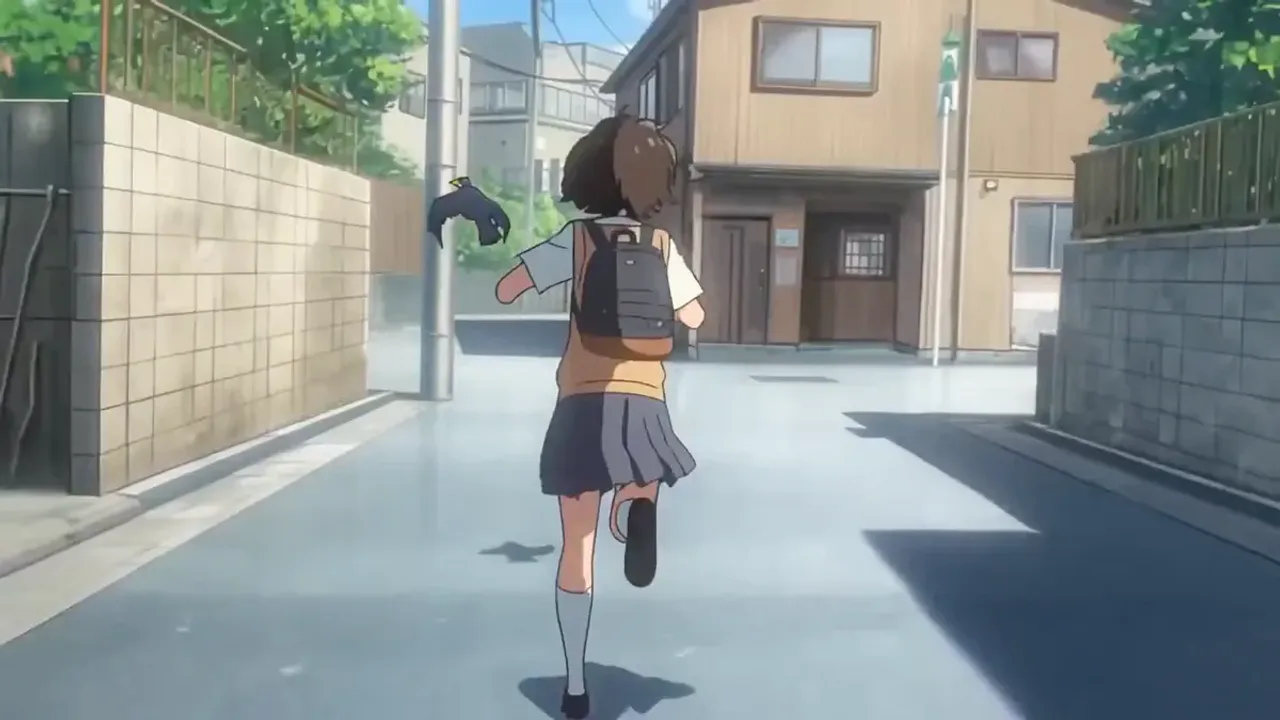
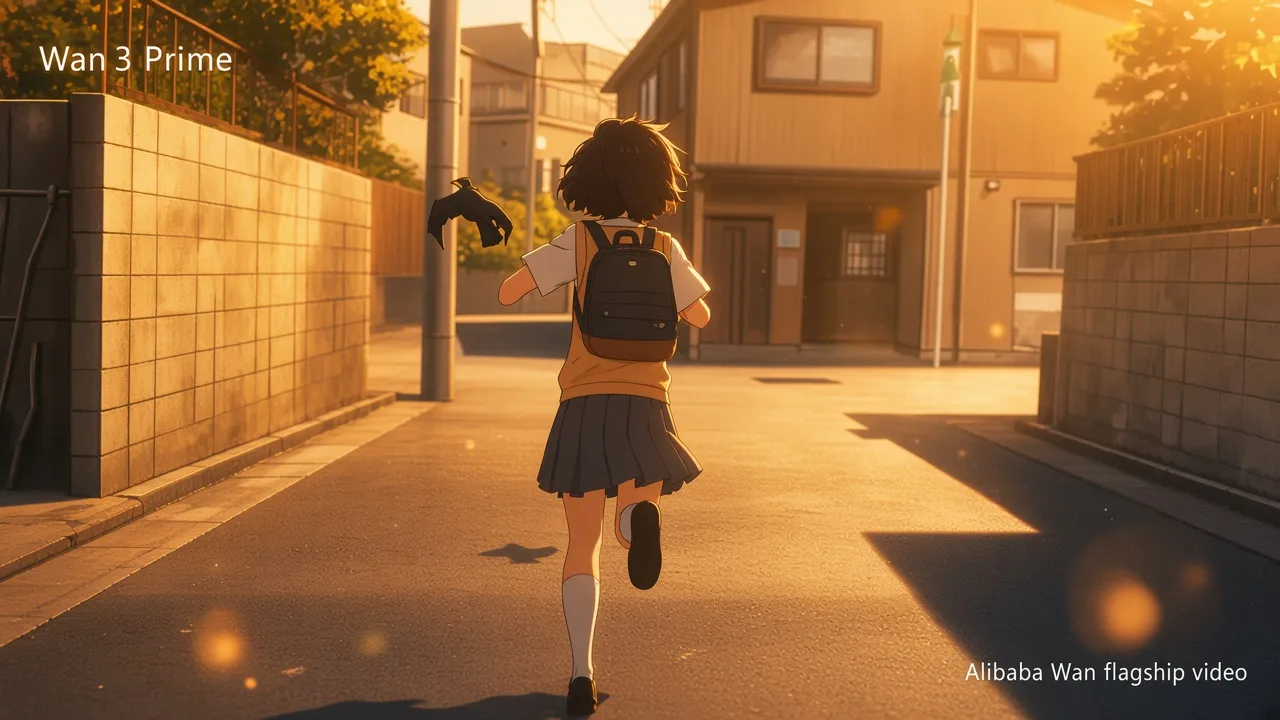
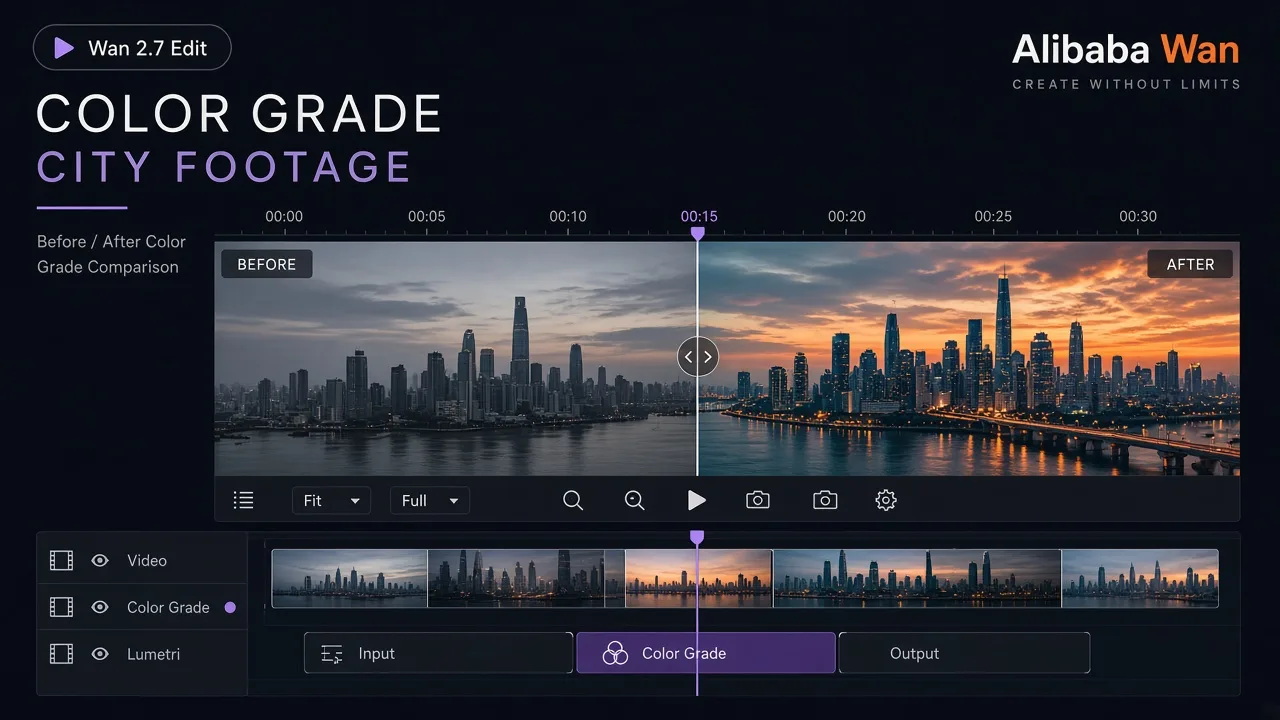
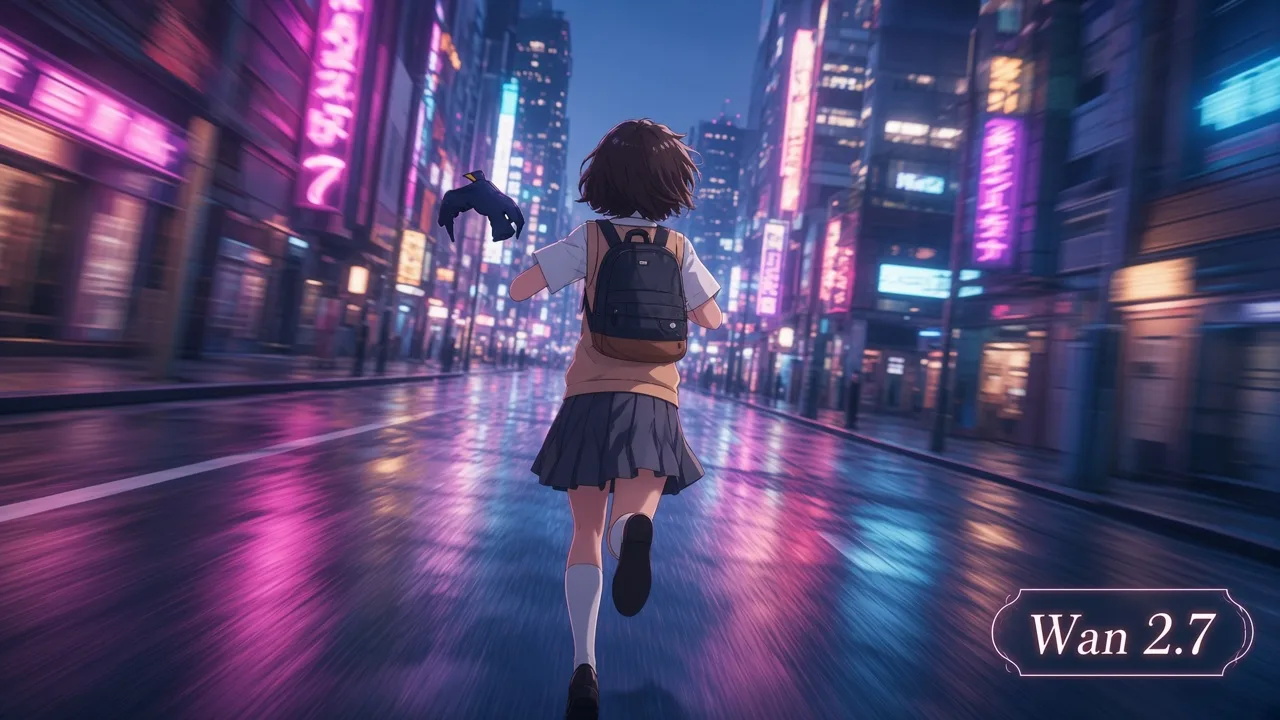
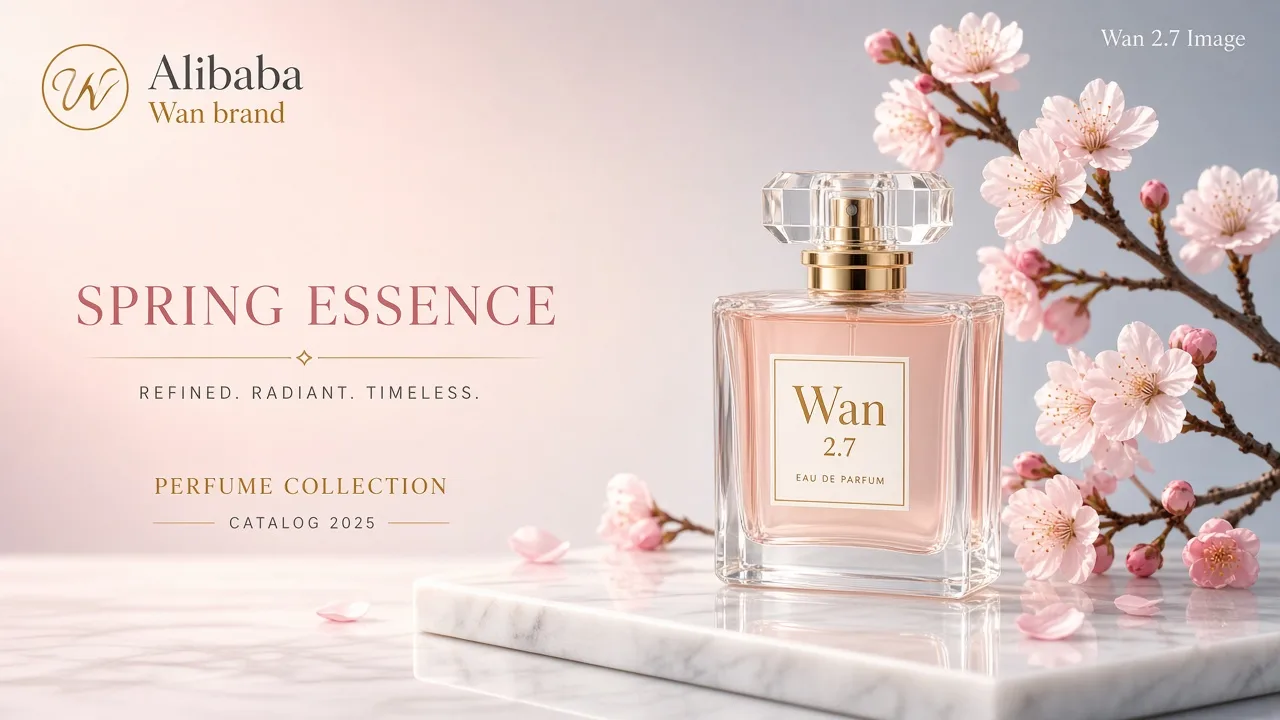
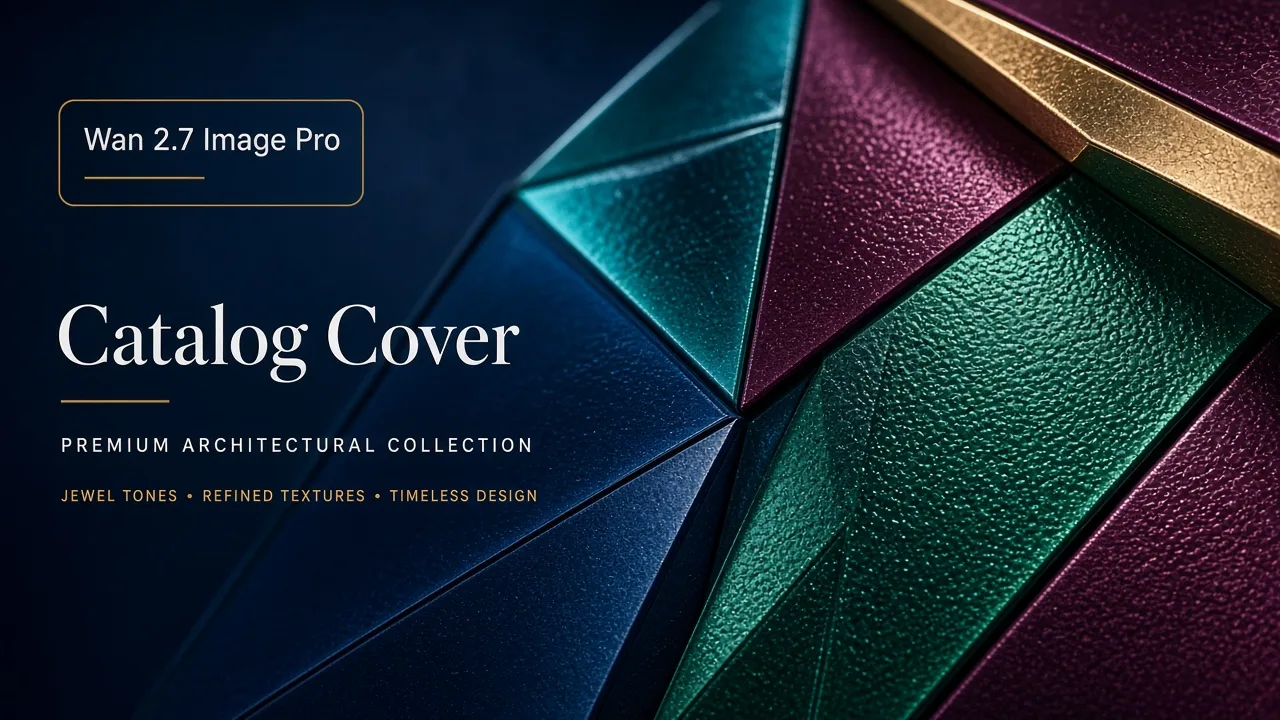
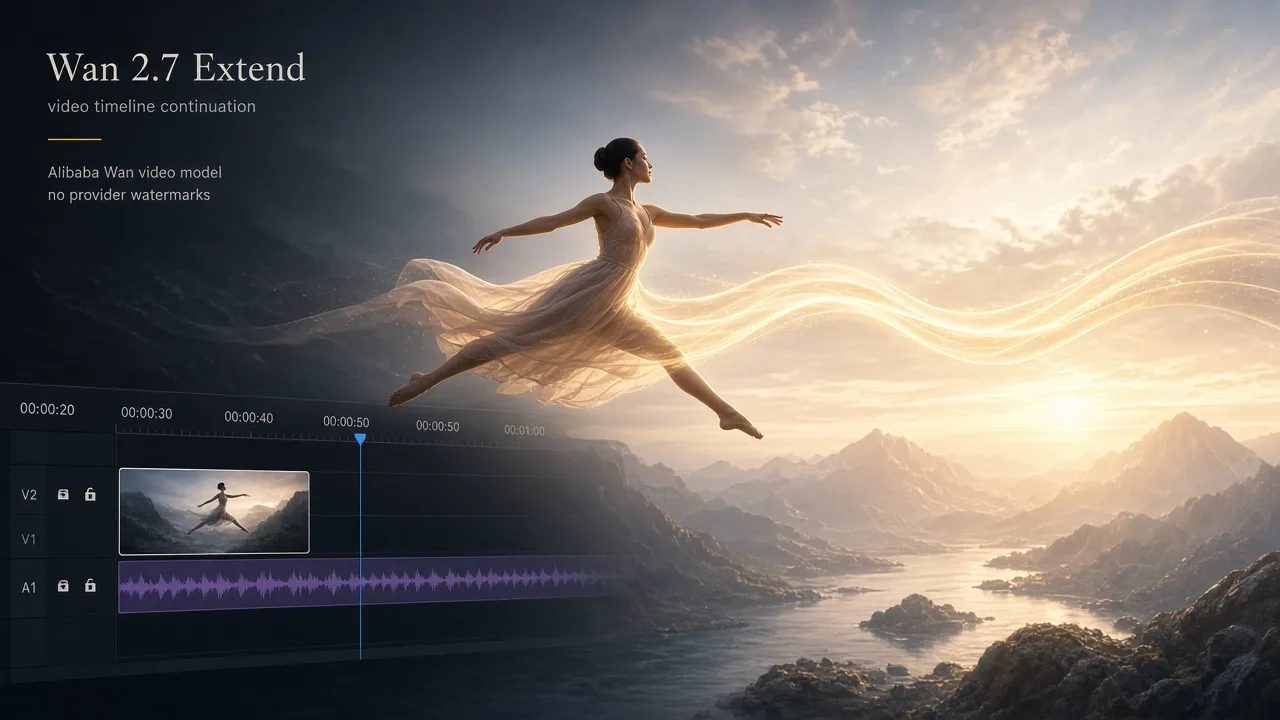
Use a clear face image and clean audio. Describe expressions and body movement in the prompt, then inspect the generated synchronization.
Check subject details, motion and audio before sharing.
Understand the inputs, generation settings, and outputs supported by Wan 2.2 S2V.
Explore other models, or browse the full catalog.