Ideas to try
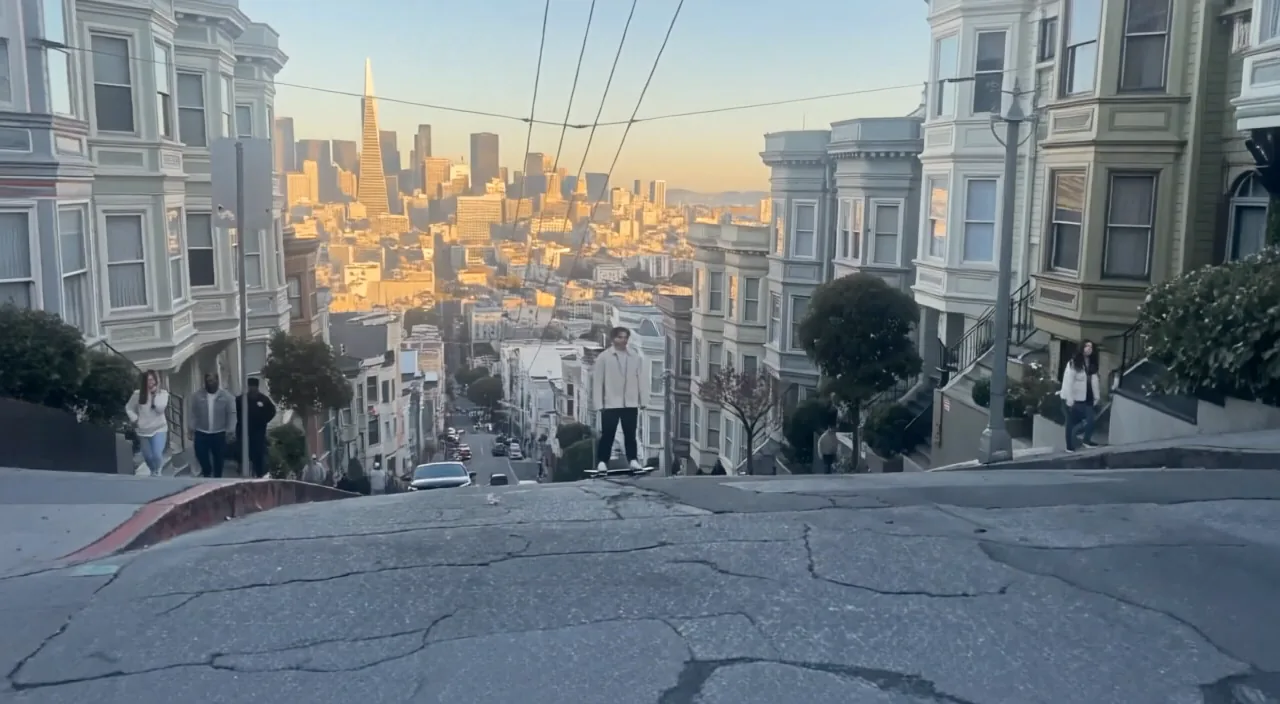
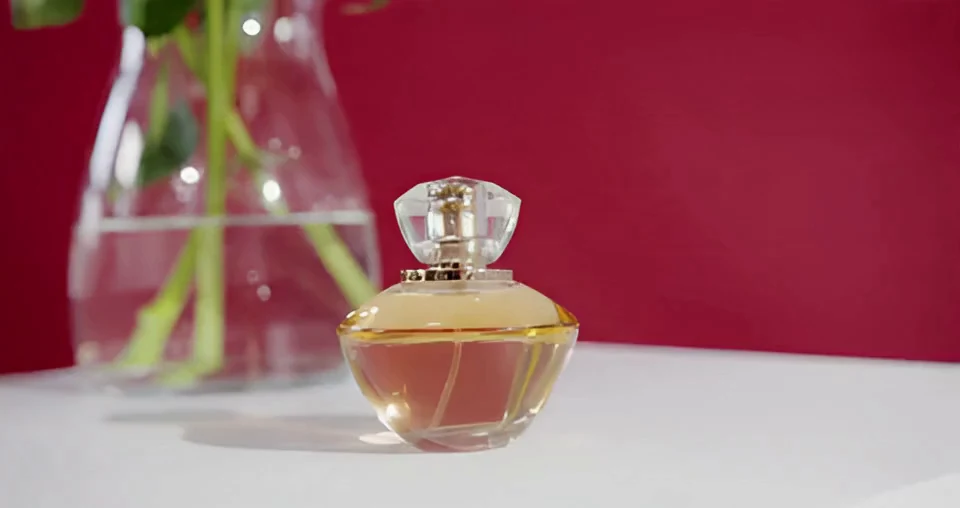
Explore a product reveal from a still image, or plan a scene with visual references before editing a longer sequence.
Turn a written scene, keyframes or visual references into a short video at 720p or 1080p. Text and frame workflows run 2–15 seconds; reference mode runs 2–10 seconds with no audio upload.
Explore a product reveal from a still image, or plan a scene with visual references before editing a longer sequence.
Start with text, a required first frame plus an optional last frame, or up to four images and one reference video. Text and frame workflows also accept optional 3–30 second audio.
Text and frames: 2–15 seconds. References: 2–10 seconds. All workflows offer 720p and 1080p; reference mode has no audio upload.
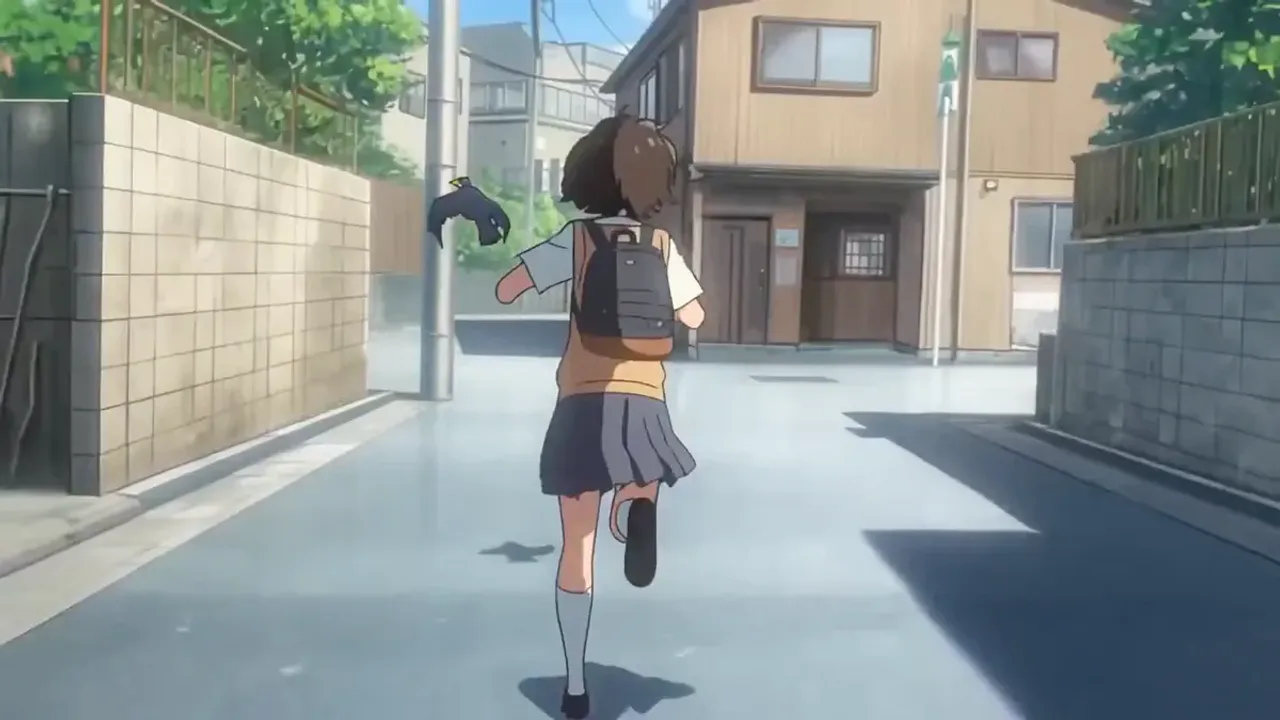
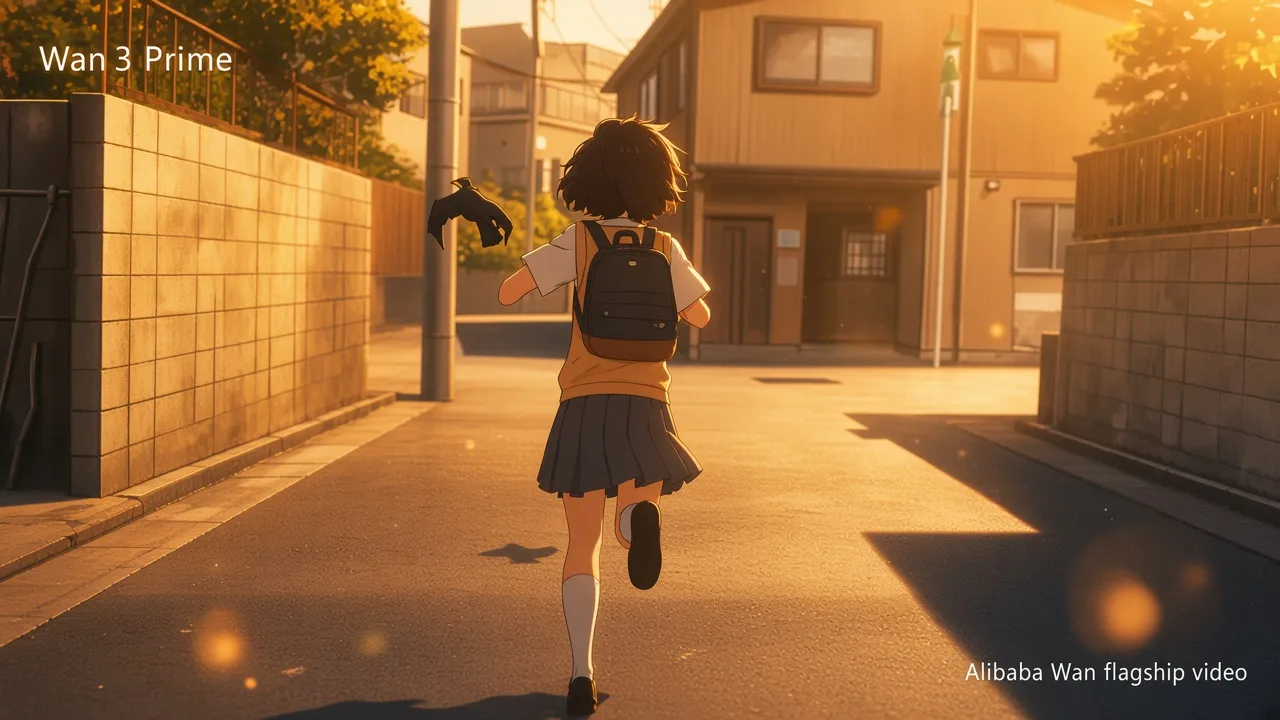
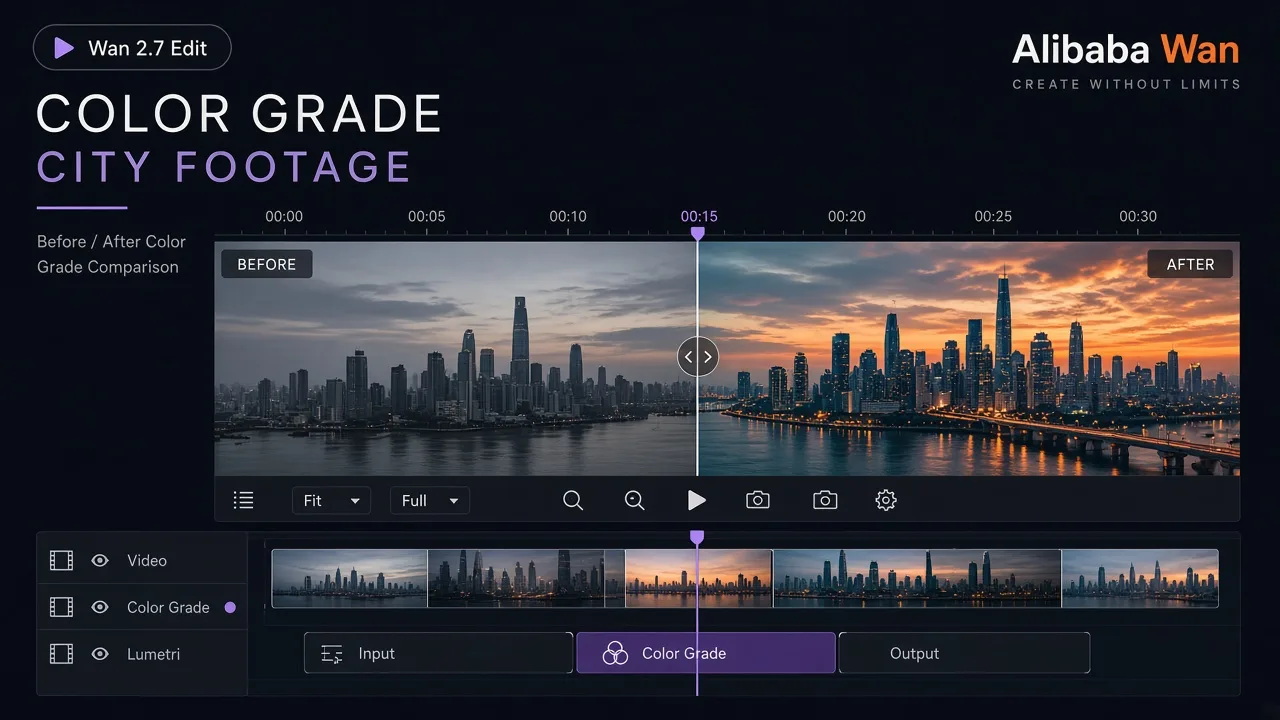
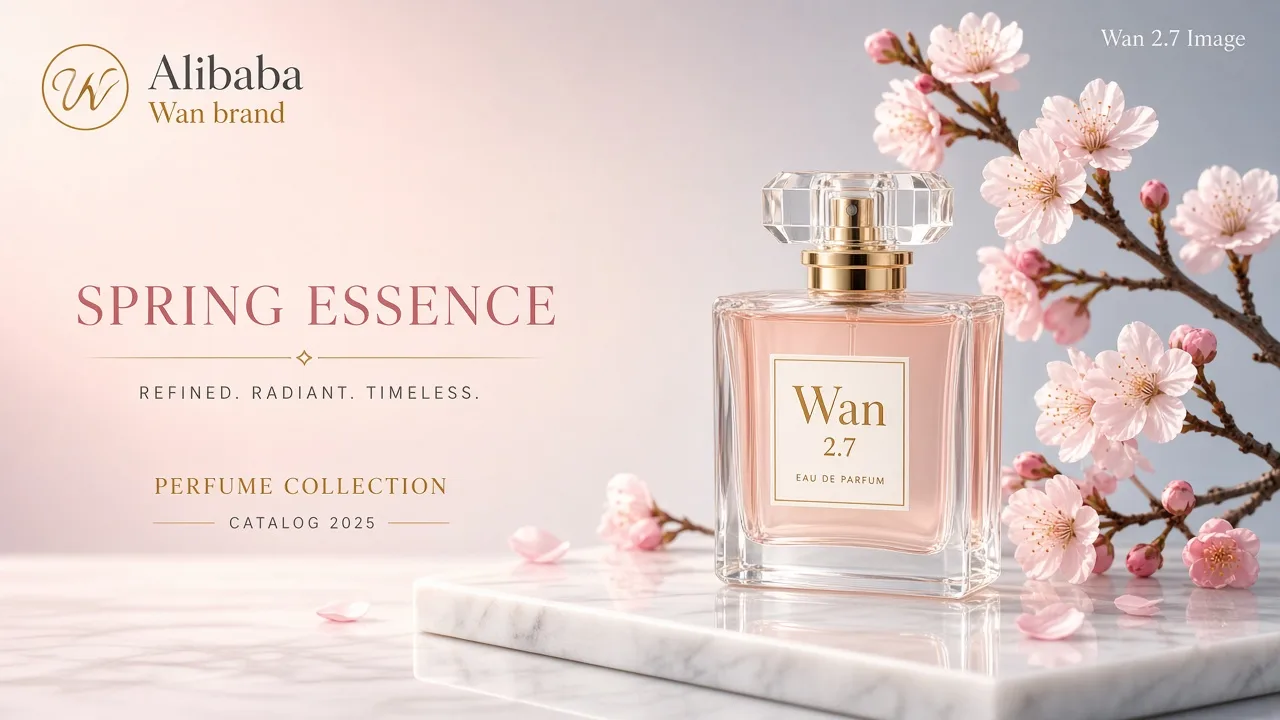
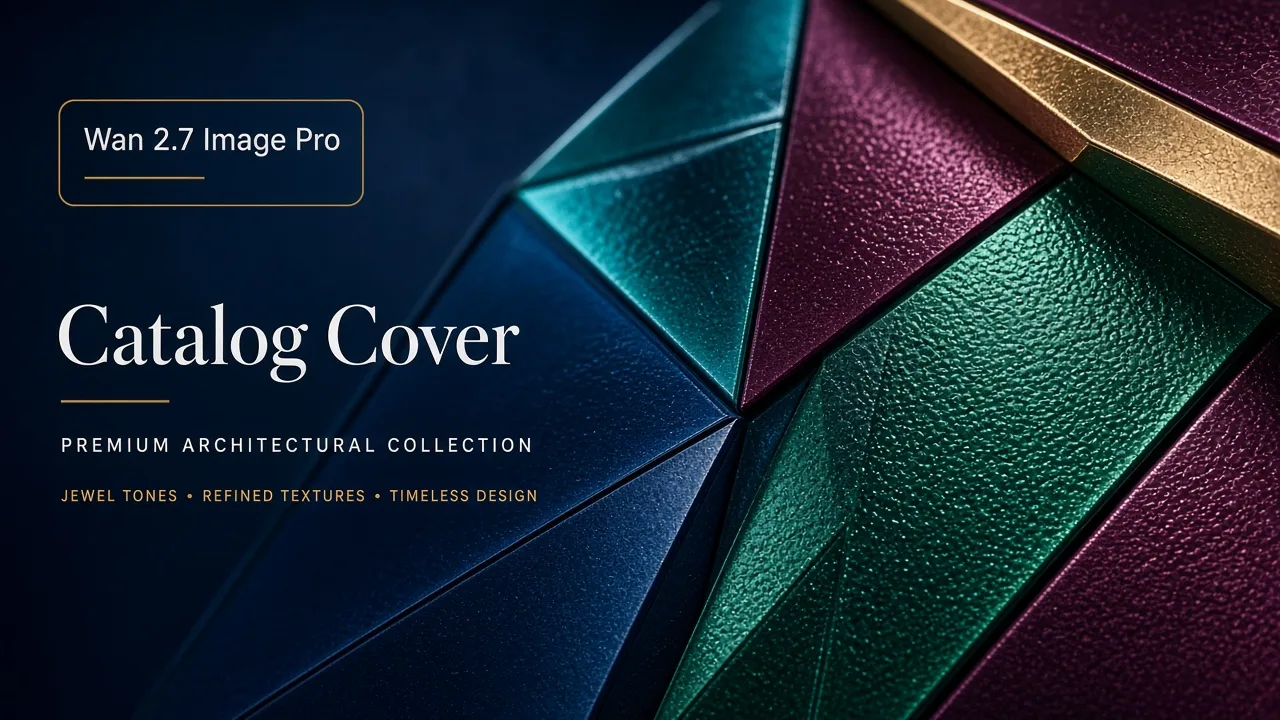
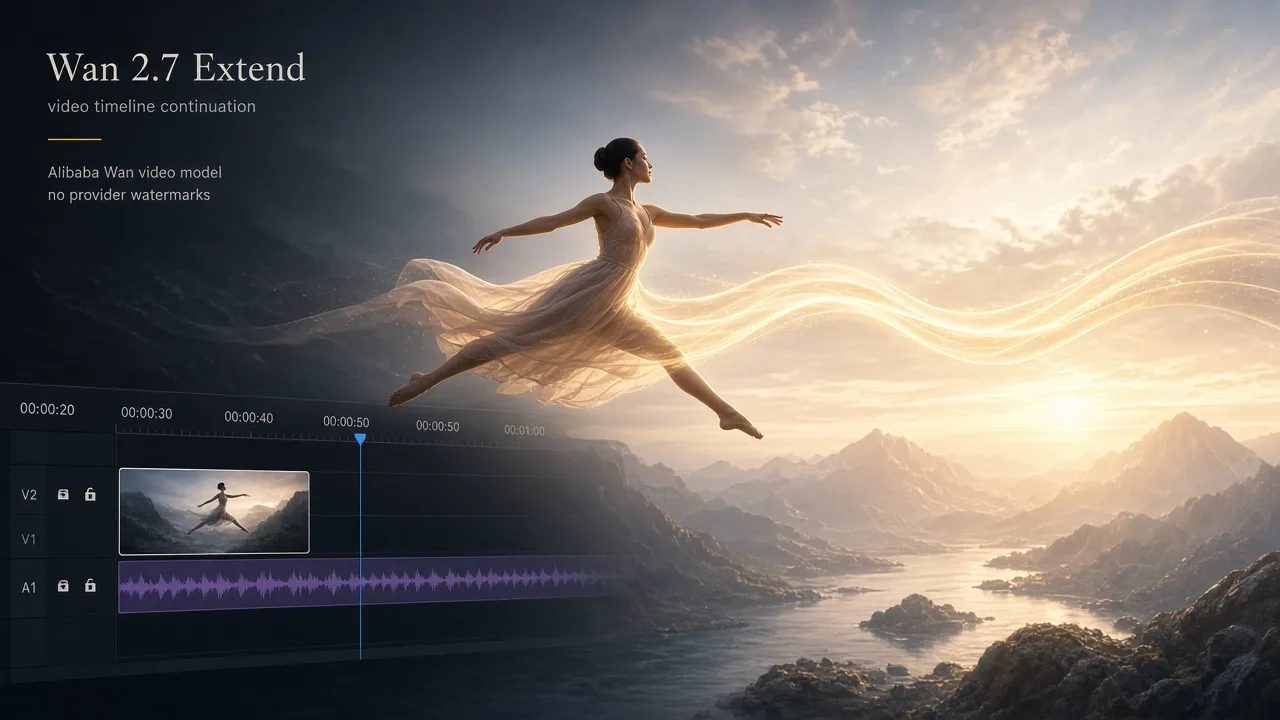
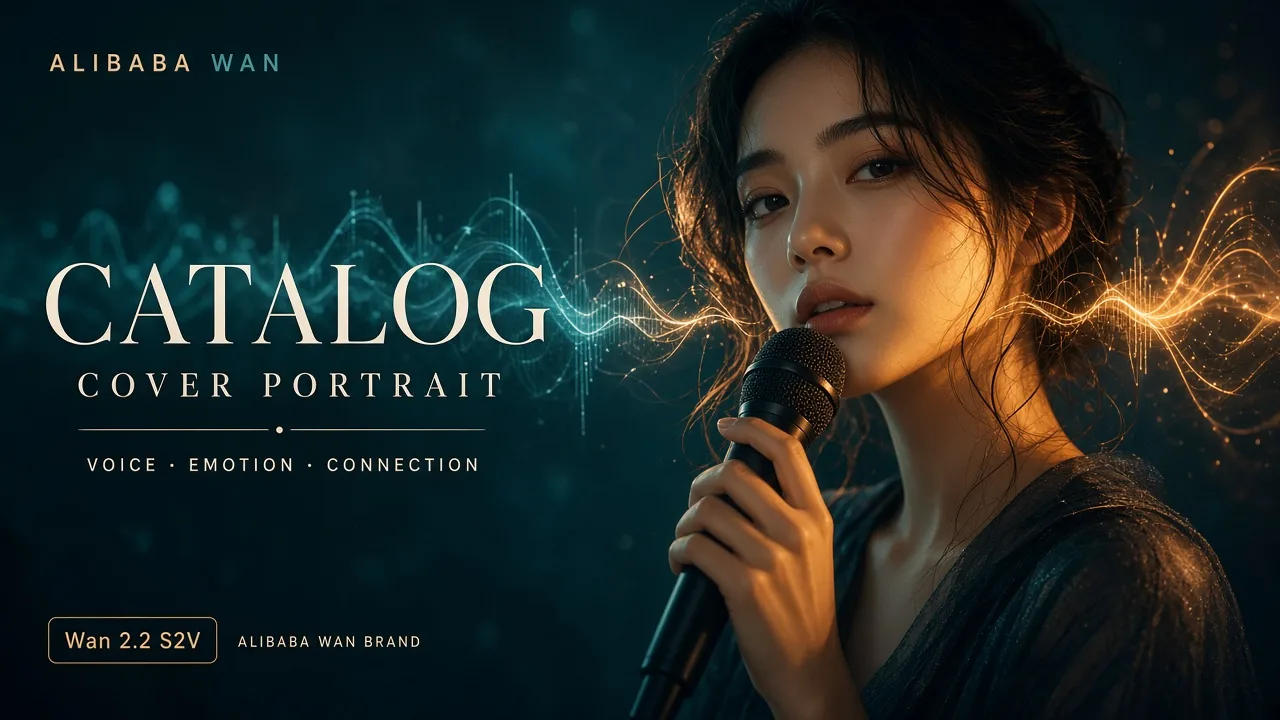
Describe the subject action and camera motion separately. Use the last frame to suggest where an image-led shot should end.
Check subject details, motion and audio before sharing.
Understand the inputs, generation settings, and outputs supported by Wan 2.7.
Explore other models, or browse the full catalog.