Multi-element creative briefs
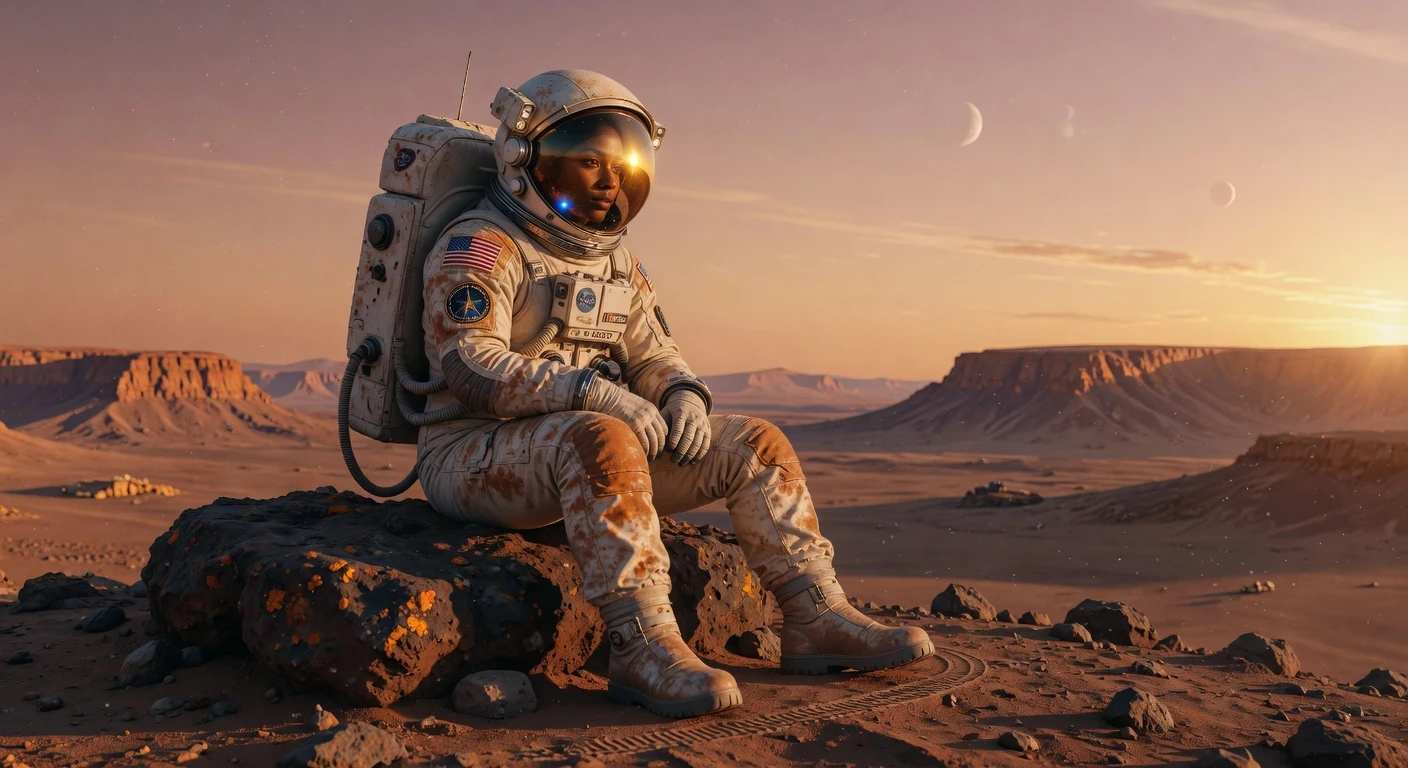
Describe several subjects, their relationships, and the camera setup in one prompt — useful for storyboards, campaign key visuals, and scene-heavy concept work.
OpenAI text-to-image · Complex prompts · In-image typography
Generate images from detailed prompts or edit with up to 16 references. GPT Image 2 supports product visuals, portraits, and layouts with text.
Generate images from detailed prompts or edit with up to 16 references. GPT Image 2 supports product visuals, portraits, and layouts with text.
Create with GPT Image 2Describe several subjects, their relationships, and the camera setup in one prompt — useful for storyboards, campaign key visuals, and scene-heavy concept work.
Draft posters, packaging mocks, menu boards, and social ads where the words on the image need to be spelled correctly, not guessed.
Generate hero shots and brand scenes from text, or upload references and describe the retouch — background swaps, label updates, and multi-image composites across up to 16 inputs.
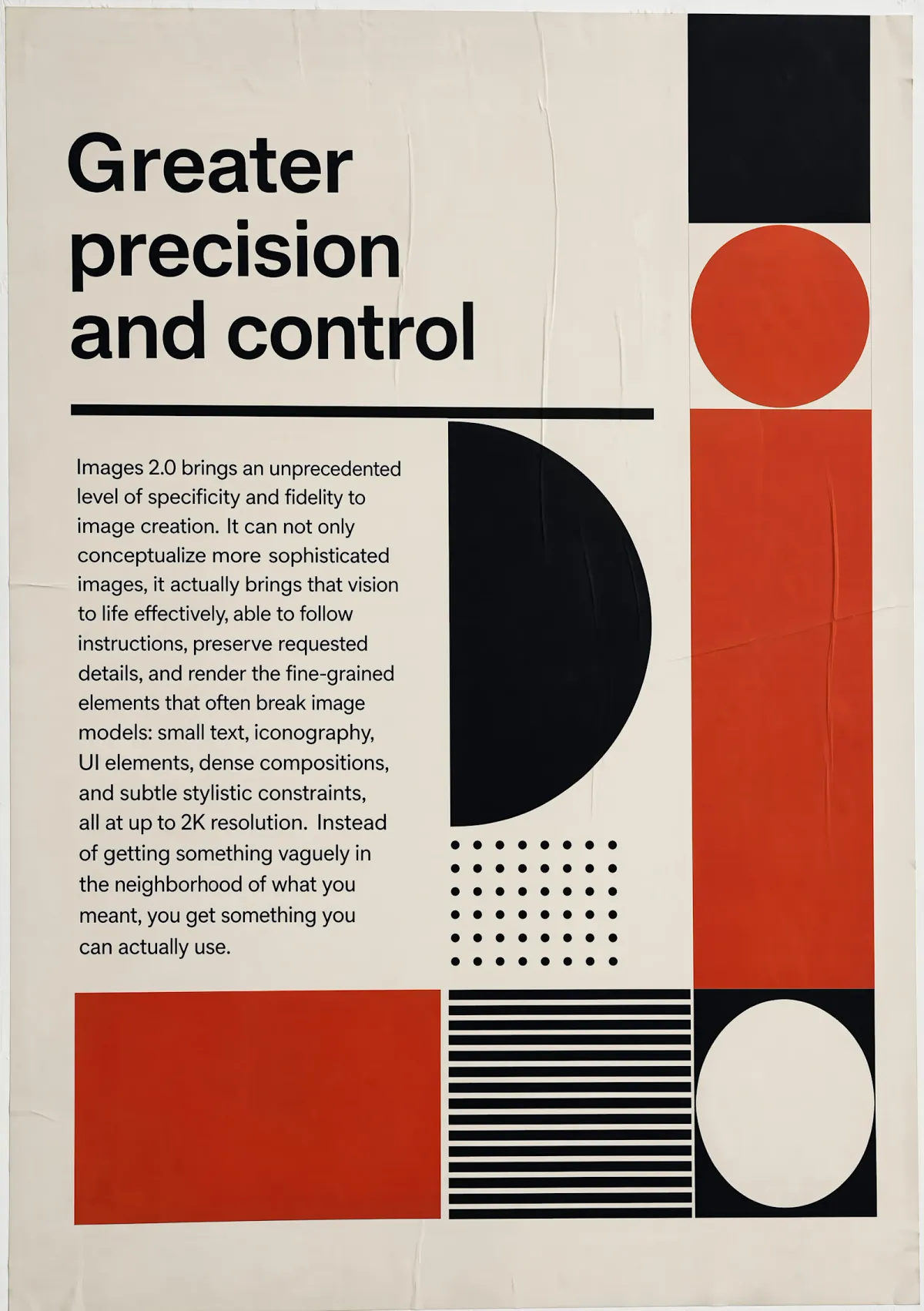
An OpenAI image model for text-to-image creation and reference-guided edits in the same workspace.
“Create a polished campaign key visual from this complete art-direction brief while preserving the hierarchy and product silhouette.”
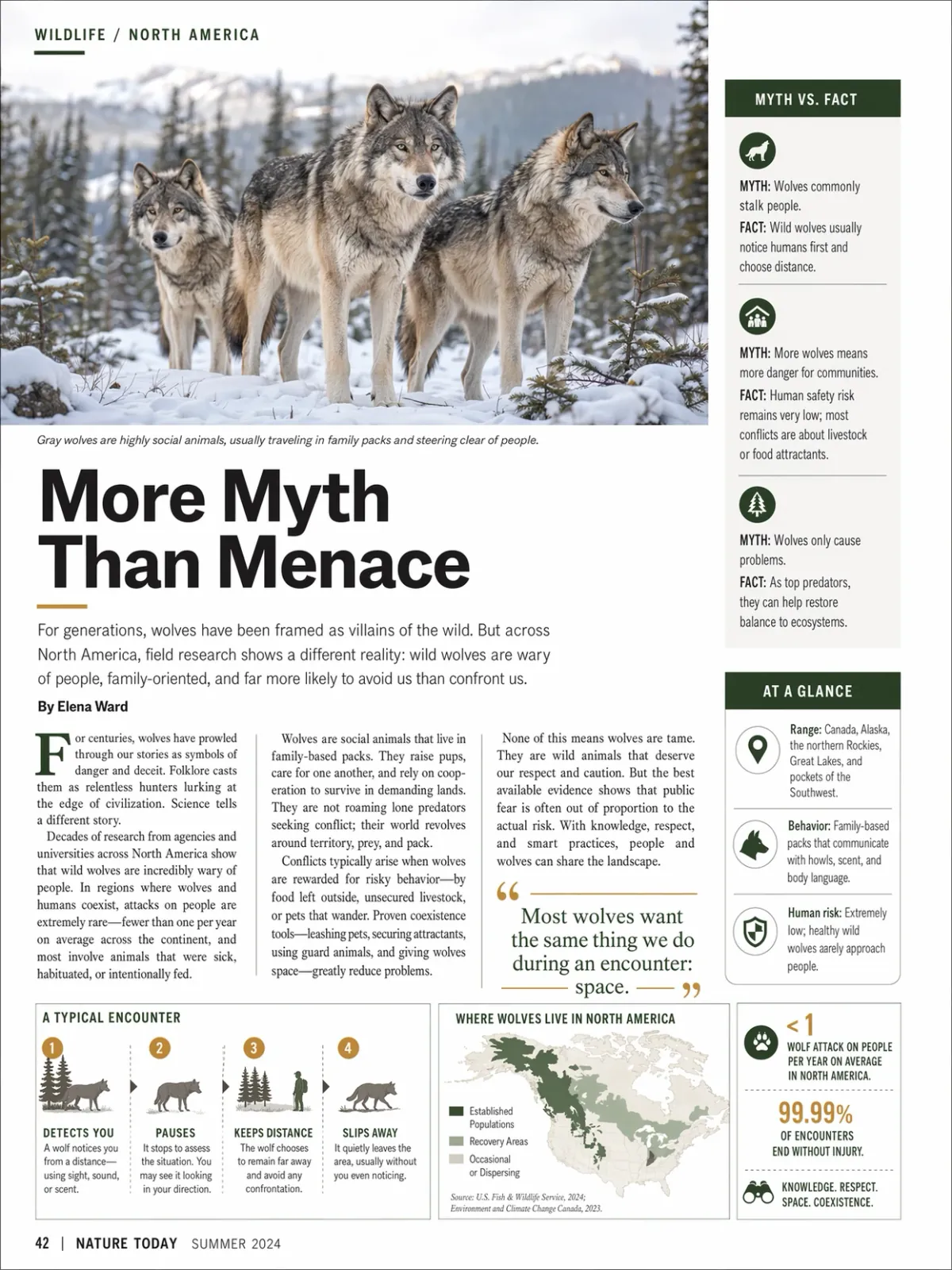
Describe subjects, their relationships, and layout in one brief. Review the result for missing objects or changes to required details.
“A busy design studio with exactly five people, two paper prototypes, one red task lamp, and a rainy city visible through the windows.”
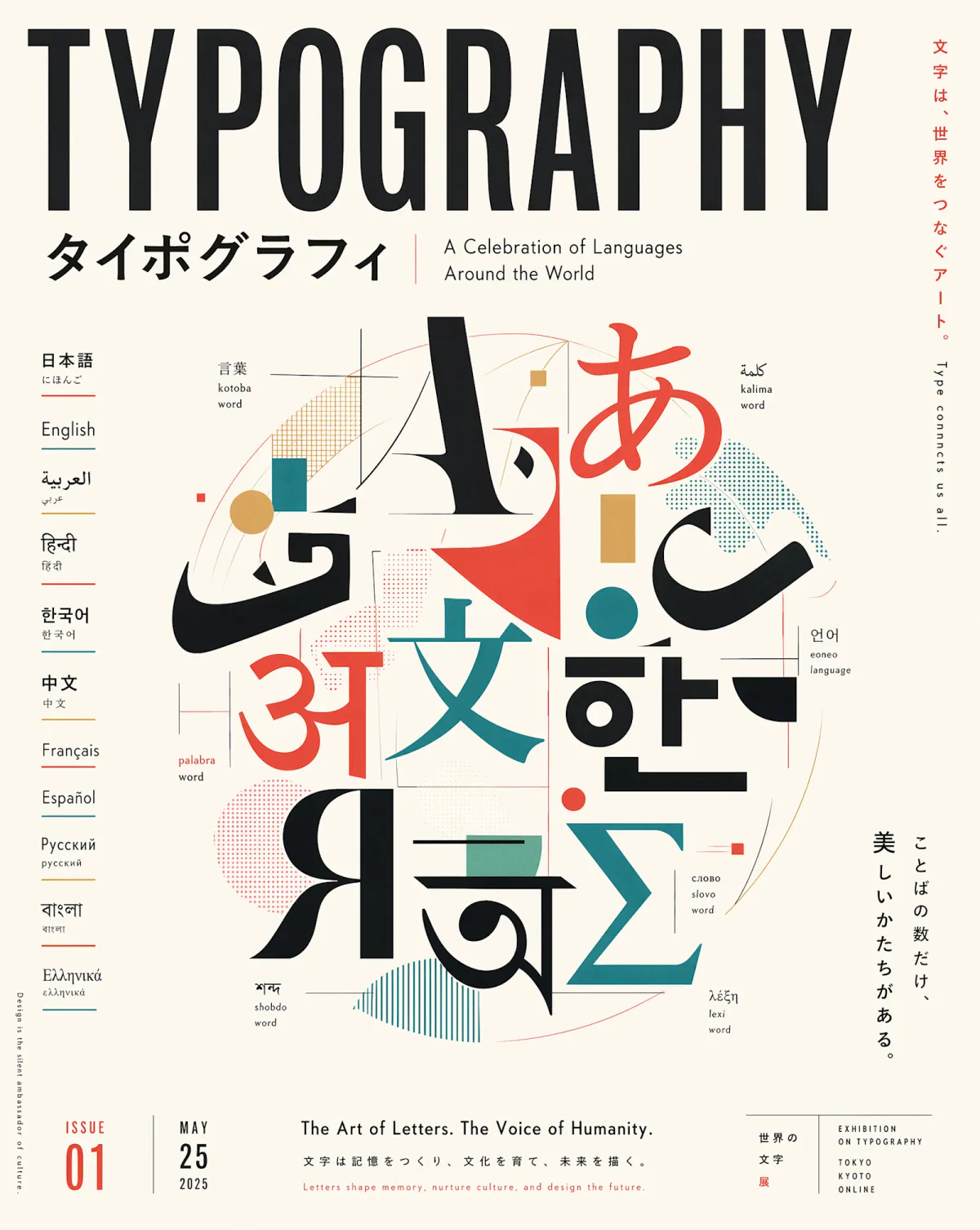
Create posters, packaging concepts, and menus with quoted text. Check spelling, numbers, and line breaks before publishing.
“A premium tea package mockup with the exact label ‘MIST GARDEN’ and the small line ‘SPRING HARVEST’. No other text.”
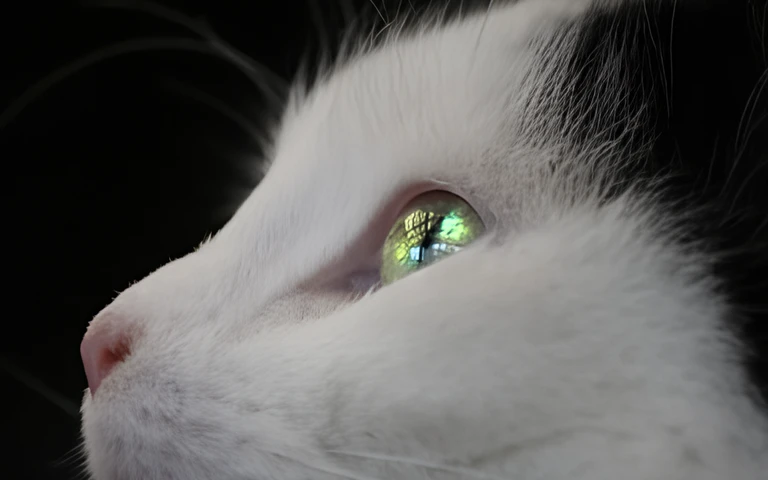
Skin, fabric, food, metal, and glass look believable without stacking modifier keywords — a strong default for e-commerce hero shots, brand campaigns, and editorial-style portraits.
Start with the subject, then add lighting, style, and anything that must stay the same. Upload a reference whenever you want a more controlled edit.
Lead with the subject, then add setting, lighting, lens, and a checklist of objects that must appear. GPT Image 2 is designed for prompts that would overwhelm lighter models.
Put headlines, prices, and labels in “quotes” and note placement — centered title, price tag bottom-right, small legal line along the footer.
For product and portrait work, specify material and lighting — brushed steel, matte glaze, soft window light from camera-left — instead of relying on generic “realistic” modifiers.
When uploading several images, say what each one contributes — “product from image 1, backdrop from image 2, lighting mood from image 3.” Supports up to 16 references.
Use medium quality to explore composition cheaply, then move to high quality and larger aspect ratios — including experimental 4K sizes — once the direction is locked.
Continue your workflow with other focused Image tools.
Pick the version that fits your workflow — then open its page to create with that model locked in.
| Feature | GPT Image 2Current | ||
|---|---|---|---|
| Best for | Fast iteration through premium final creative | Complex prompts, in-image text, photoreal products | Everyday production work and cutouts |
| Speed | Fastest GPT Image generation with Flare | Balanced | Fast |
| On-image text | Best in the GPT Image family | Excellent | Very good |
| Transparent background | Supported | Not supported | Supported |
| Sizes & framing | Ratios and explicit sizes up to 4K | Wide range, up to 4K experimental | Standard ratios |
| Editing | Highest precision and reference fidelity | Up to 16 references | Strong prompt following + input fidelity |
Explore other models, or browse the full catalog.