Create from a prompt
Generate product shots, ad creatives, illustrations, and mood boards from a clear brief.
Generate images from text or edit with up to eight references. Flux 2 Pro supports product imagery, portraits, and design workflows.
Generate images from text or edit with up to eight references. Flux 2 Pro supports product imagery, portraits, and design workflows.
Create with Flux 2 ProGenerate product shots, ad creatives, illustrations, and mood boards from a clear brief.
Change backgrounds, merge references, or refine a photo without rebuilding the whole scene.
Run more variations when the team needs options without sacrificing baseline quality.
Clean compositions and strong detail for social, ecommerce, marketing, and concept work.
Upload up to eight images to restyle, combine, or guide a more complex scene.
Common aspect ratios plus output up to 4 MP when the layout needs more space.
Pick aspect ratio, resolution, and format without tuning advanced inference settings.
Move quickly from prompt to polished result when you need dependable output at volume.
Start with the subject, then add lighting, style, and anything that must stay the same. Upload a reference whenever you want a more controlled edit.
Name the subject, setting, and mood before adding stylistic extras.
One image for style, another for subject, another for layout — label each role.
Change one major element at a time so the model preserves the rest.
Use 1 MP for drafts and 2–4 MP when the asset is going live.
Continue your workflow with other focused Image tools.
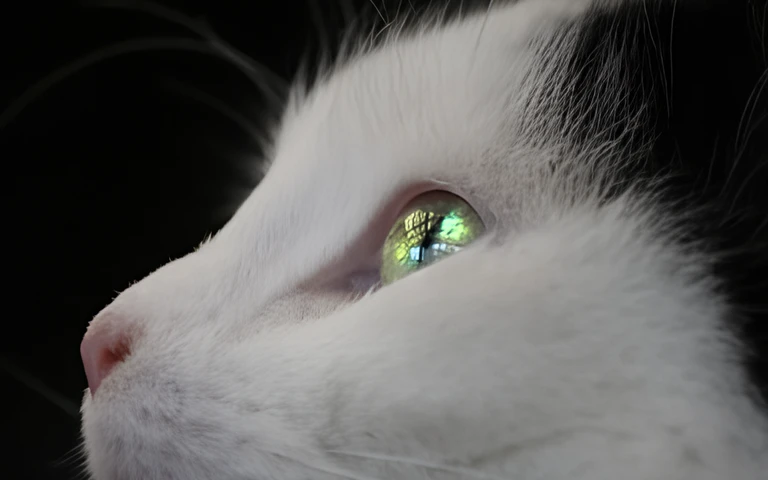
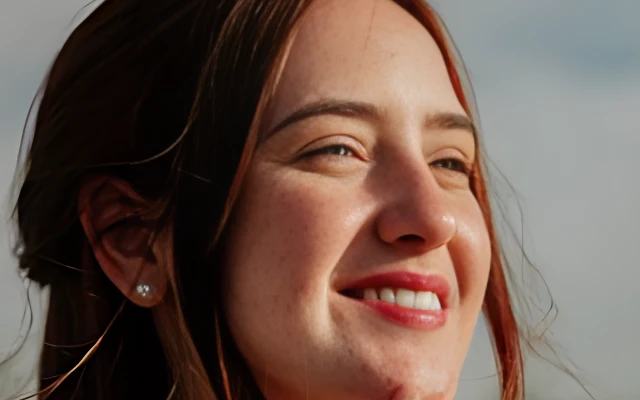

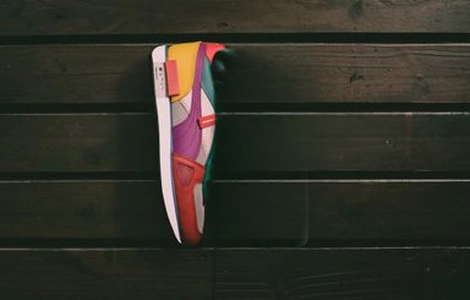
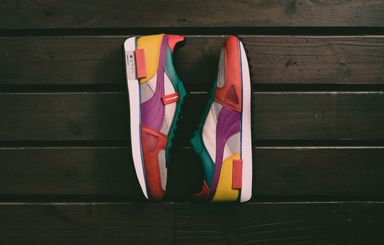
Compare Flux 2 tiers at a glance, then open the model that fits your quality, speed, and control needs.
| Feature | Flux 2 ProCurrent | |||
|---|---|---|---|---|
| Best for | Final-quality hero visuals | Daily production work | Exact look and advanced control | Fastest drafts and previews |
| Speed | Quality-first | Balanced | Slower when pushing quality | Fastest |
| Detail / resolution | Up to 4 MP | Up to 4 MP | Up to 4 MP | — |
| Multi-image edits | Up to 8 references | Up to 8 references | Up to 10 references | Up to 5 references |
| Creative control | Balanced defaults | Simple controls | Steps, guidance, upsampling | Minimal settings |
| Editing | Strong multi-reference edits | Reliable reference editing | Deep multi-reference control | Light reference editing |
Explore other models, or browse the full catalog.