
White seamless backdrop
A simple studio setting keeps the product prominent.
Present a product on a white studio background with a grounded contact shadow.
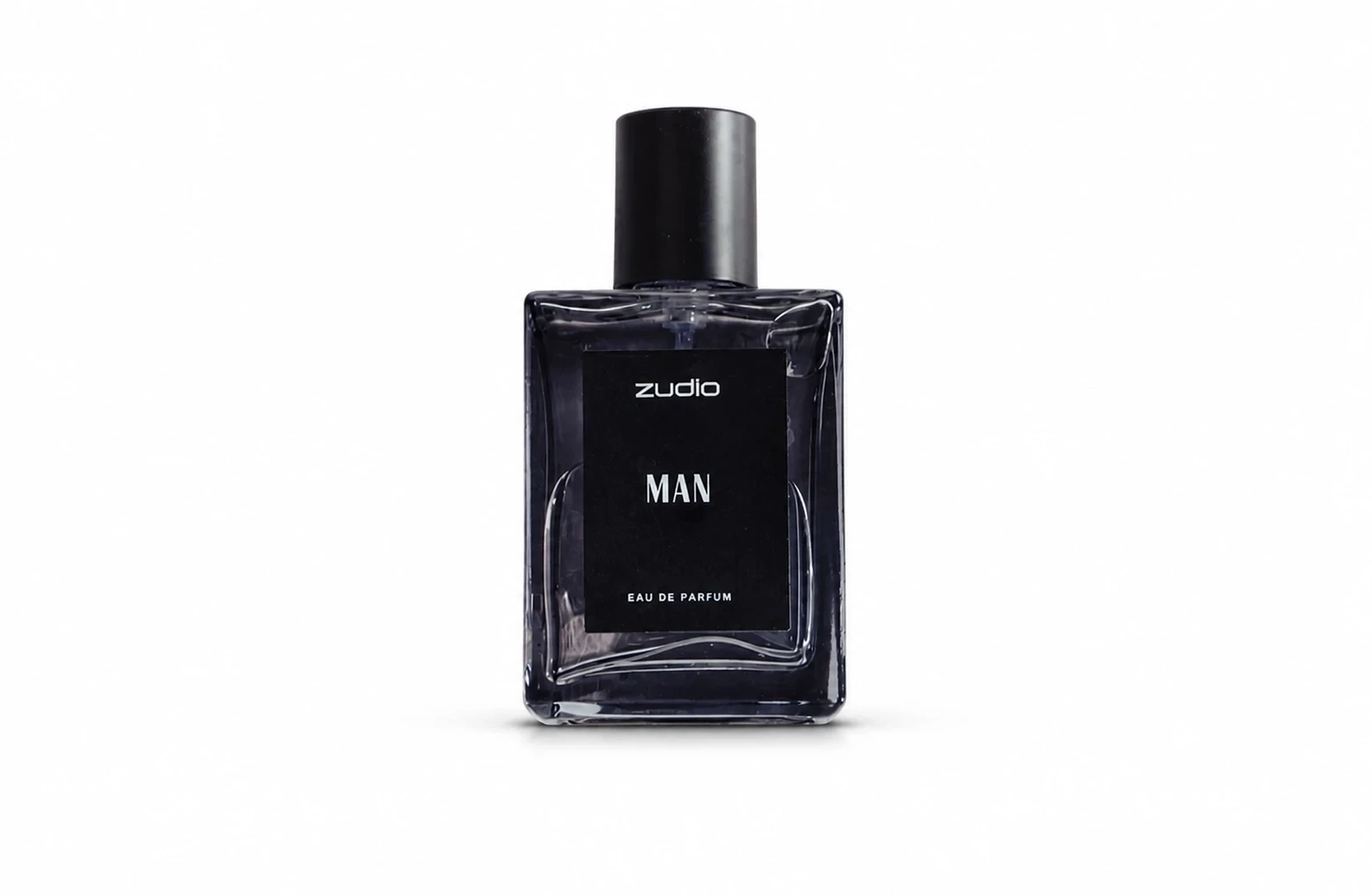
Explore a catalog image, storefront visual, or a cleaner product presentation.
Use a reference that includes all edges and readable packaging details.
Choose the source angle you want retained; add any presentation notes in Settings.
Check shape, labels, caps, handles, and shadows against the original product.
A white studio scene and soft contact shadow make the object easier to inspect.
A simple studio setting keeps the product prominent.
A contact shadow gives the object weight rather than leaving it floating.
The recipe asks to retain the source view so the familiar silhouette stays useful.
Continue with another ready-made creative effect.

 Before
 Before
 Before
 Before
 Before
 Before
Place the product from your photo in a clean studio scene with a soft contact shadow.