
Hero placement
The product is the focal point rather than one prop among many.
Build an advertising composition around a product photo, with lighting and space for campaign copy.
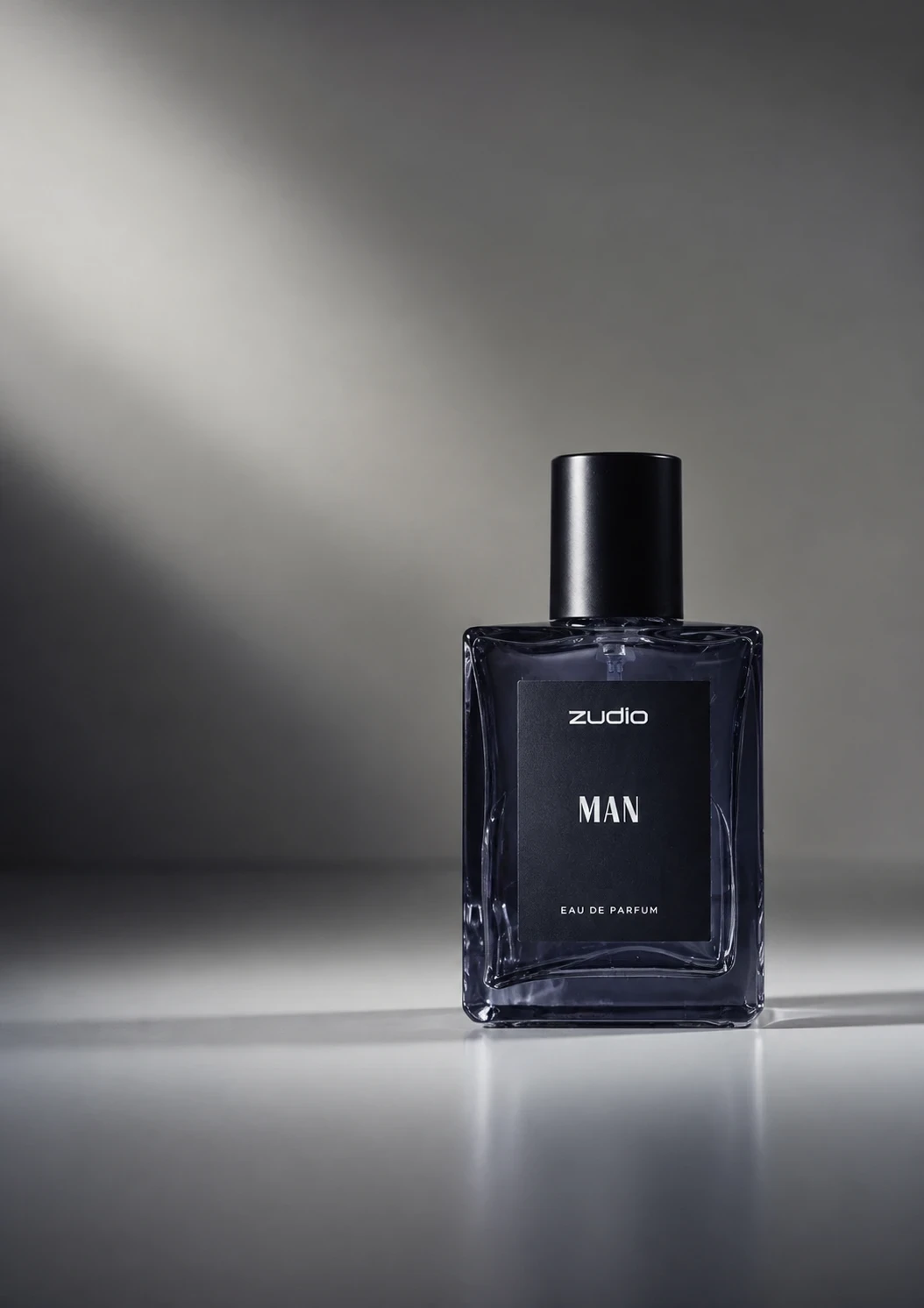
Explore a launch visual, promotion concept, or social product announcement.
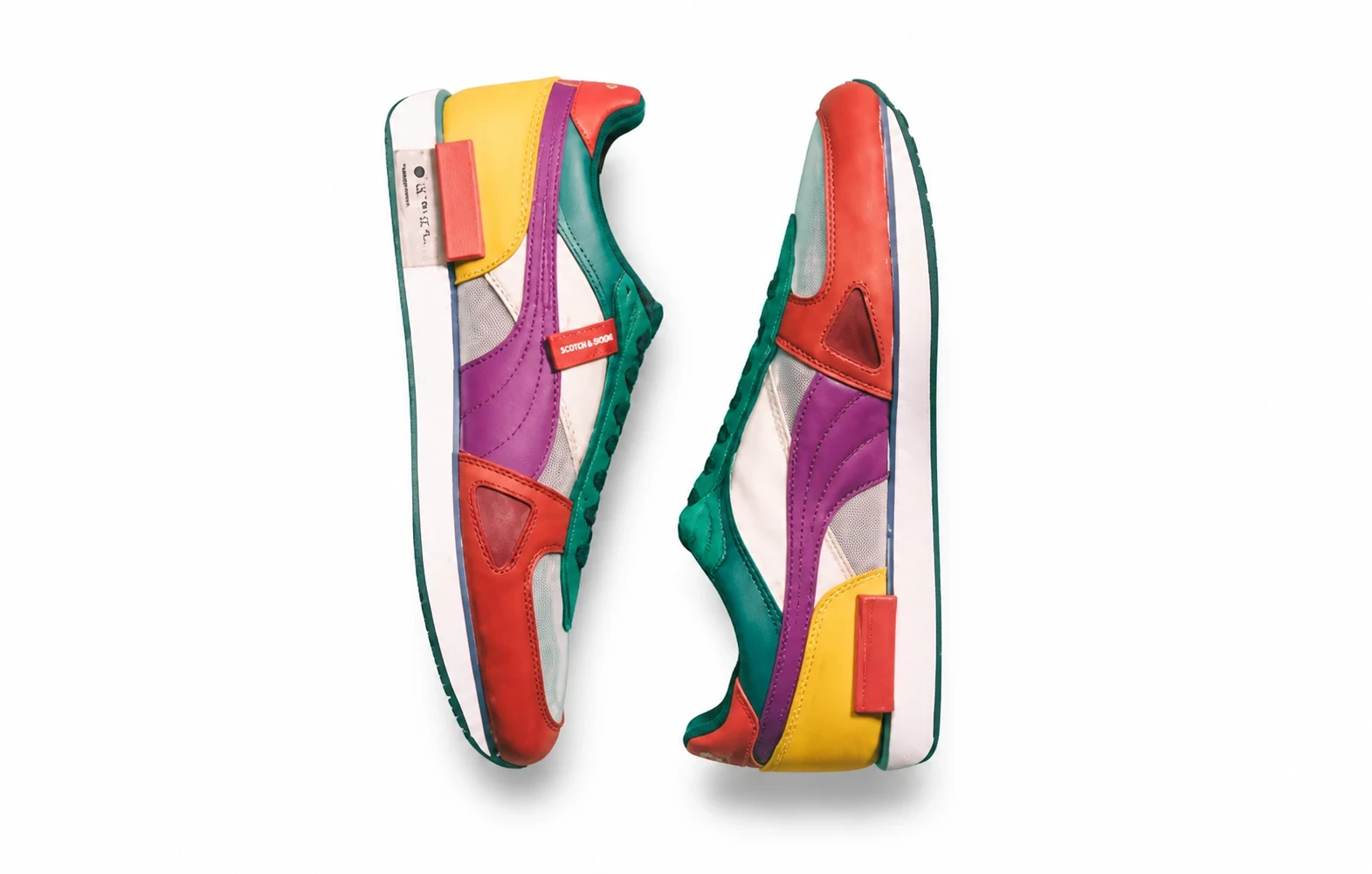
Choose an image with visible shape, packaging, and branding.
Suggest the mood and background in Settings. Include exact wording only if you want generated text.
Inspect labels and product details, then finalize typography and layout for publication.
Studio lighting and negative space give the product room for a headline added later.
The product is the focal point rather than one prop among many.
Background and light can suggest the mood of a launch or promotion.
Negative space allows a headline or offer to be added in a design editor.
Continue with another ready-made creative effect.
 Before
 Before
 Before
 Before
 Before
 Before
Use a product photo to explore campaign lighting, a simple background, and space for copy.