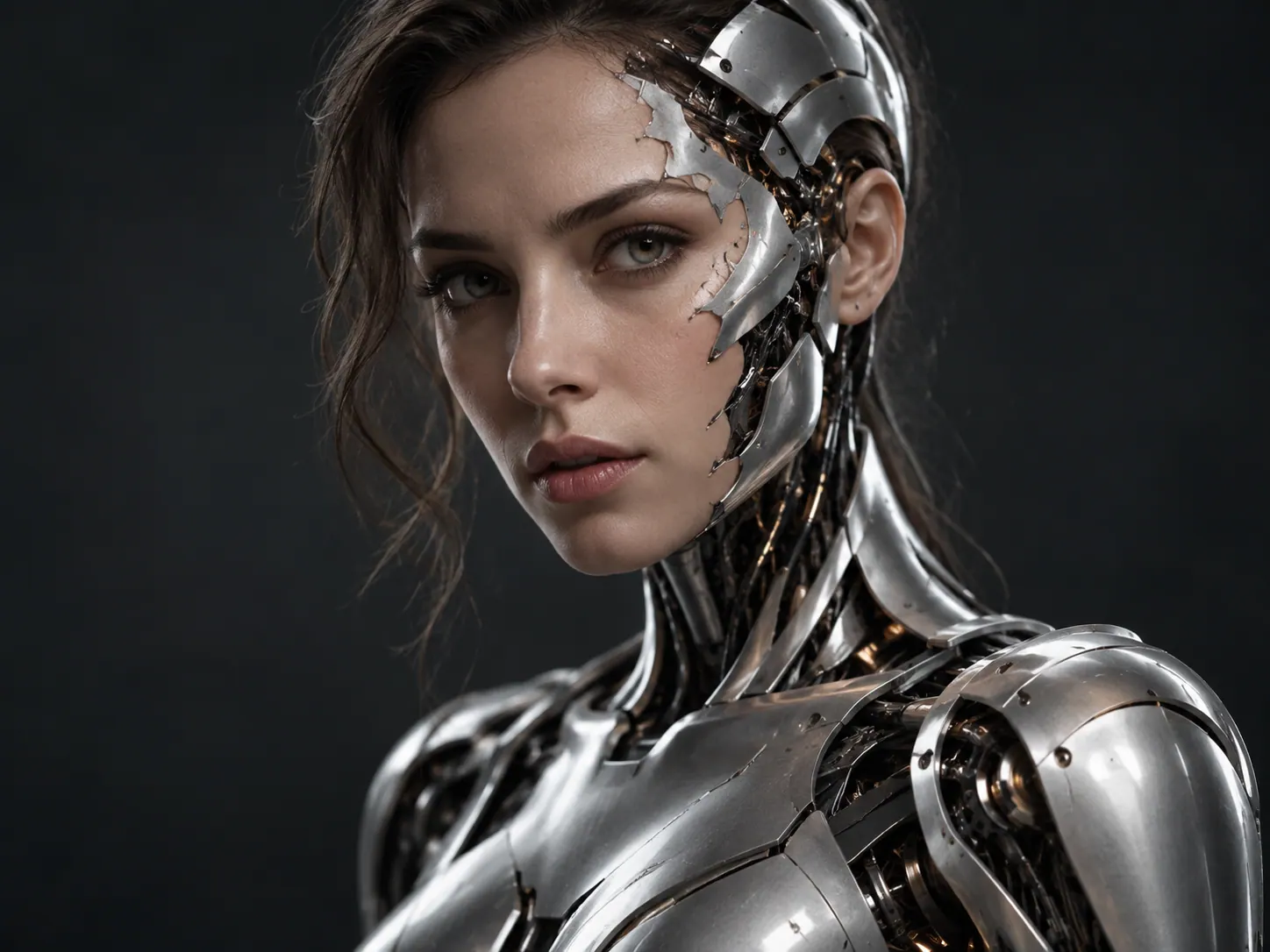
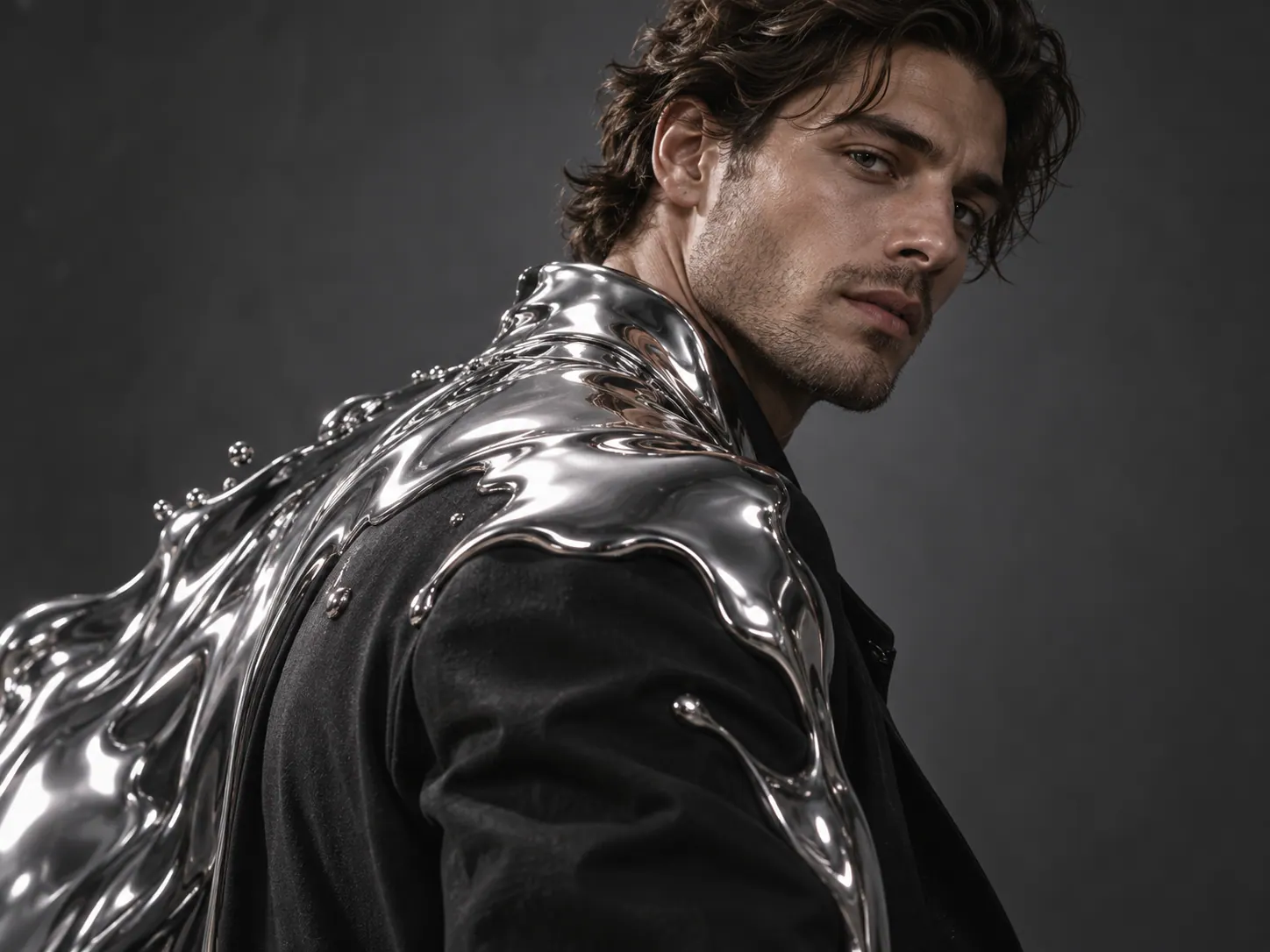
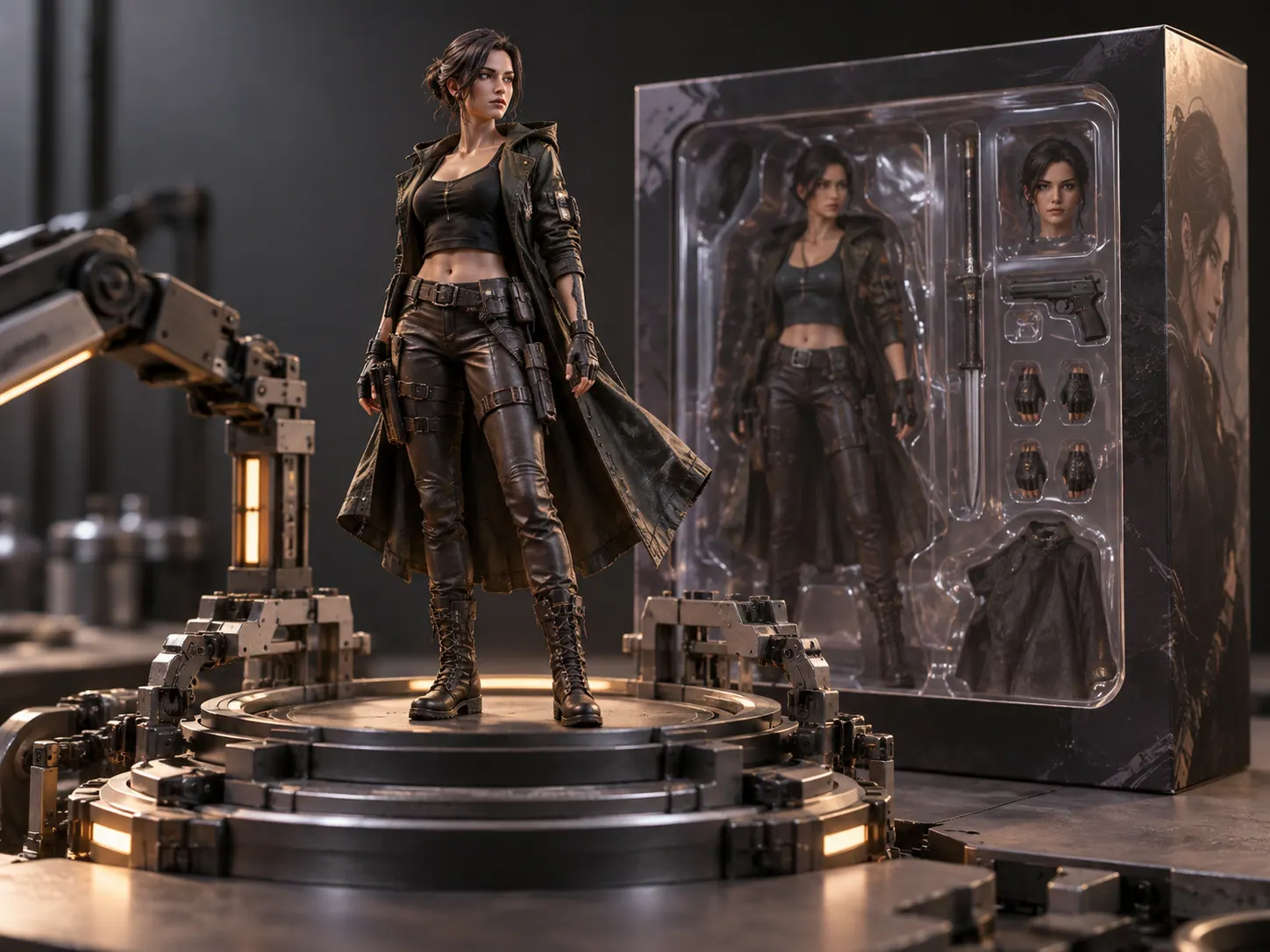
Anime appearance
The preset moves the subject toward illustrated features and shading.
Move a photo toward an anime-inspired appearance in a short transformation clip.
Explore an avatar introduction, cosplay transition, or character teaser.
Choose a clear portrait with readable hair, clothing, and expression.
Choose aspect ratio and adjust effect strength for the visual change.
Watch facial cues and clothing details during the transition.
The video starts from a real portrait and shifts toward anime-inspired features and shading.
The preset moves the subject toward illustrated features and shading.
The photo provides the starting identity and composition.
Try it for a cosplay post or a short reveal of an illustrated persona.
Continue with another ready-made creative effect.
Start with a clear portrait to create a short transition toward an illustrated look.