Product imagery and editorial layouts
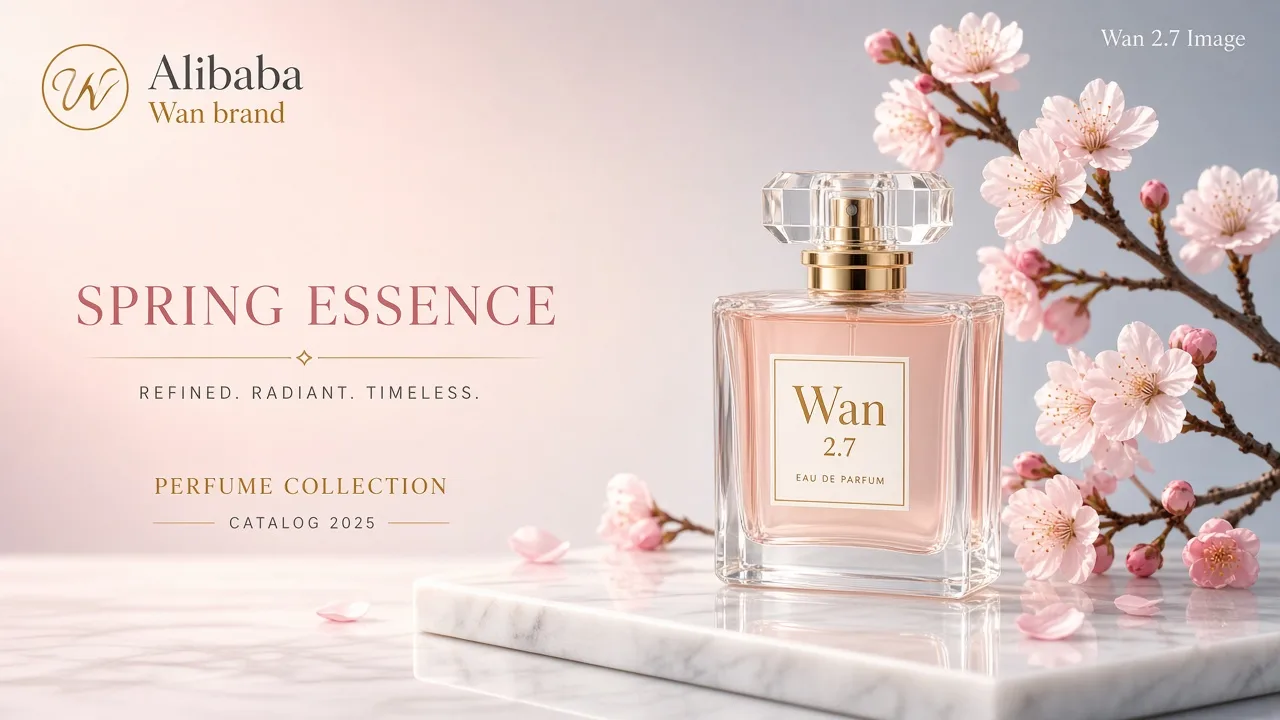
Sketch a consistent set of product views or compose a cover with the artwork and typography in one image.
Generate detailed images from a prompt, build a coordinated image set, or edit with up to 10 reference images.
Sketch a consistent set of product views or compose a cover with the artwork and typography in one image.
Choose a resolution and aspect ratio for portraits, print layouts, or wide compositions.
Generate 2–10 related images from one prompt for storyboards, product angles, or campaign variations.
Combine a subject, styling, and a scene from separate reference images. Use @Image1 and @Image2 to assign each image a role.
Put the exact text in quotation marks and specify its placement, size, and style. Check spelling and legibility before using the result.
Understand the inputs, generation settings, and outputs supported by Kling Image 4.0.
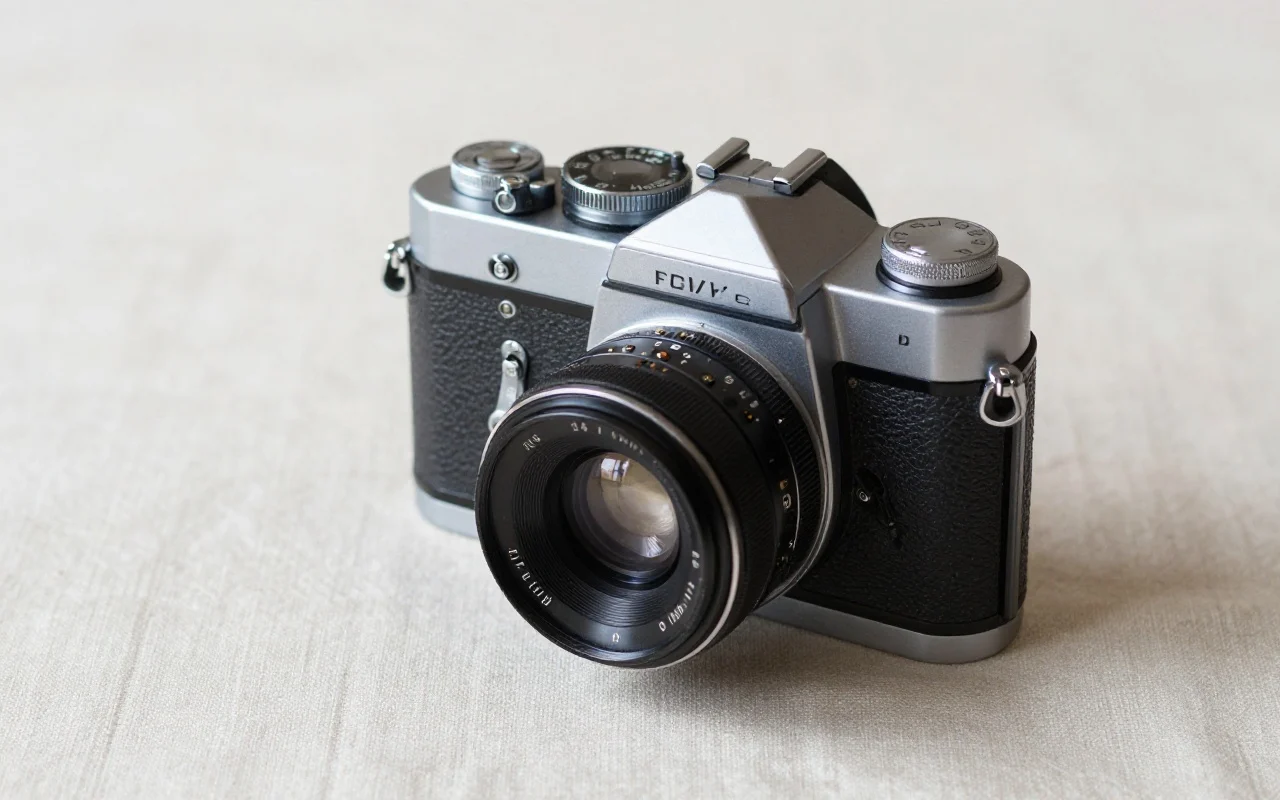
Product Detail Image
Landing Page Design
Explore other models, or browse the full catalog.