Style reference
Add a style image to guide the color palette, typography, and layout. You can also describe your visual direction in text.
Turn a headline, page goal and button copy into one vertical landing page mockup for review and handoff.
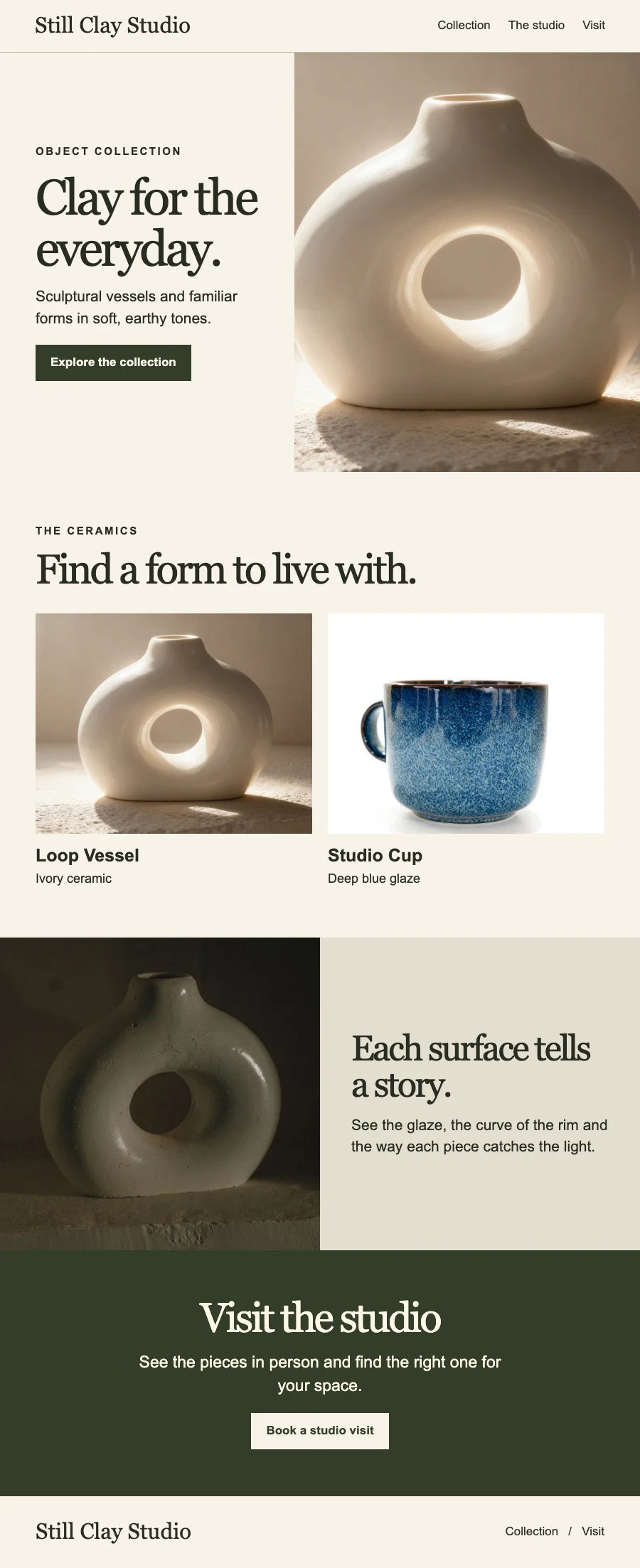
Add a style image to guide the color palette, typography, and layout. You can also describe your visual direction in text.
Add a subject image when the design should feature a specific product, venue, or person.
Lay out an event headline, date, agenda, and registration button for review.
Agree on the value proposition and the main booking action before handing off the design.
Show the product and key benefits around a campaign action such as joining a waitlist.
Enter your headline, target audience, goal, and button text.
Include approved copy, the sections you want, and any visuals that should guide the page. Choose 1K or 2K.
Match the headline and button to your brief and check the reading order at phone width. Download the full image for review.
Prepare brand graphics, improve source images, or turn product information into a detail image.
Turn product photos, selling points and specifications into a single vertical image for your listing.
Create SVG icons, logos, and illustrations from a text description. Download scalable vector graphics for websites, apps, and your next design project.
Enlarge low-resolution images while recovering sharper edges and texture.