Rapid brainstorming
Explore directions while the team is still deciding.
Tongyi-MAI’s 6B Z-Image Turbo from Pruna delivers sub-second text-to-image generation when latency and volume matter most.
Speed descriptions refer to model inference, not total request time. Uploads, queues, and delivery can add time.
Tongyi-MAI’s 6B Z-Image Turbo from Pruna delivers sub-second text-to-image generation when latency and volume matter most.
Create with Z-Image TurboExplore directions while the team is still deciding.
Produce many low-fidelity frames for pacing and sequencing.
Validate phrasing before a higher-fidelity pass.
The fastest Z-Image tier — optimized for previews, thumbnails, and rapid exploration.
Straightforward prompting without CFG knobs or image-edit inputs.
Common square, portrait, and landscape formats for quick layout checks.
Generate many options cheaply before refining on Z-Image or another tier.
Turbo weights tuned by Pruna for production-speed deployment.
Start with the subject, then add lighting, style, and anything that must stay the same. Upload a reference whenever you want a more controlled edit.
Turbo rewards clear subject and setting lines.
Upgrade to Z-Image when CFG control and detail matter.
Run variations while latency stays low.
Let Turbo narrow options; another model finishes the winner.
Continue your workflow with other focused Image tools.
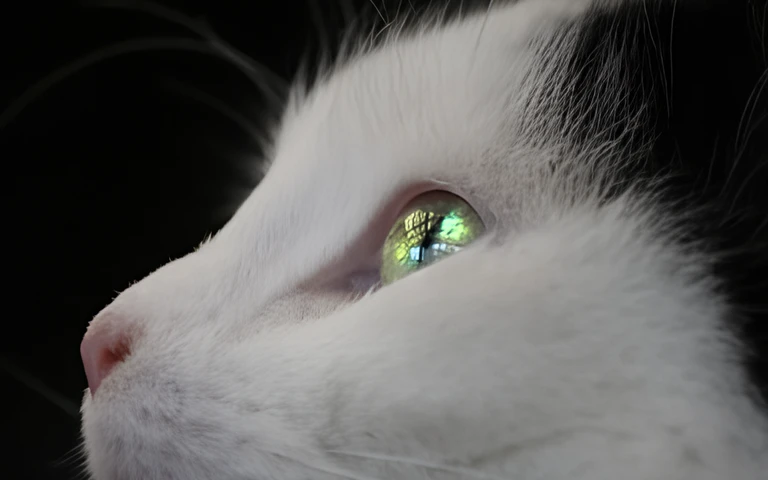
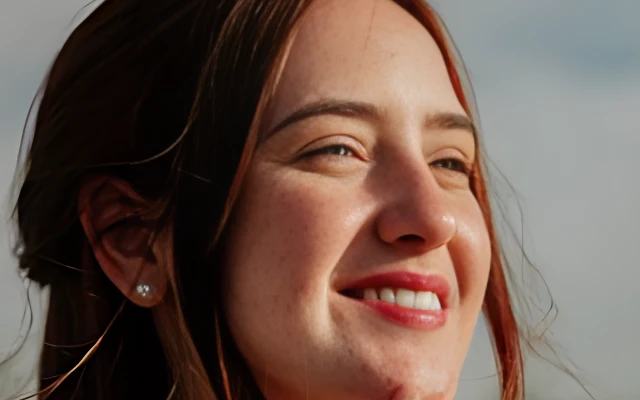

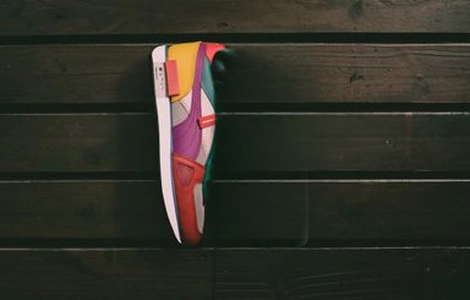
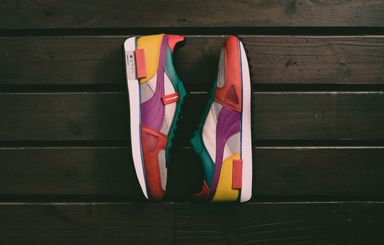
Z-Image Turbo for sub-second drafts versus Z-Image foundation with CFG — compare Tongyi-MAI text-to-image by speed and control.
| Feature | Z-Image TurboCurrent | |
|---|---|---|
| Best for | Fastest drafts | Tunable foundation |
| Speed | Sub-second | Moderate |
| Detail / resolution | Standard draft | High |
| Text rendering | Good | Strong |
| Creative control | Minimal settings | CFG + steps |
| Fine-tuning / base | Not supported | Foundation base |
Explore other models, or browse the full catalog.