Social and ad refreshes
Update copy, seasons, or locales on approved base creatives.
Edit images with text instructions and up to four references using Pruna P-Image Edit.
Edit images with text instructions and up to four references using Pruna P-Image Edit.
Create with P-Image EditUpdate copy, seasons, or locales on approved base creatives.
Change backgrounds, colors, or props without a reshoot.
Merge style or subject cues from several uploads in one edit.
Designed for revising existing images, not generating from text alone.
Combine several uploads when the edit depends on multiple sources.
Fast turnaround for social revisions, seasonal swaps, and internal reviews.
Describe what should change instead of manual masking for many tasks.
Preserve source aspect ratio unless you pick a new ratio intentionally.
Start with the subject, then add lighting, style, and anything that must stay the same. Upload a reference whenever you want a more controlled edit.
Use P-Image when you need text-to-image; Edit needs at least one upload.
Focused edit prompts produce cleaner results.
High-quality inputs improve edge blending and text updates.
For critical copy, check characters after each pass.
Continue your workflow with other focused Image tools.
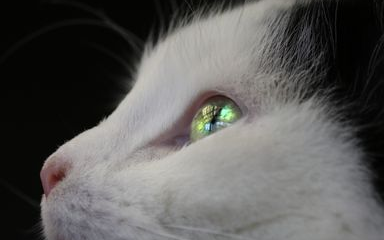
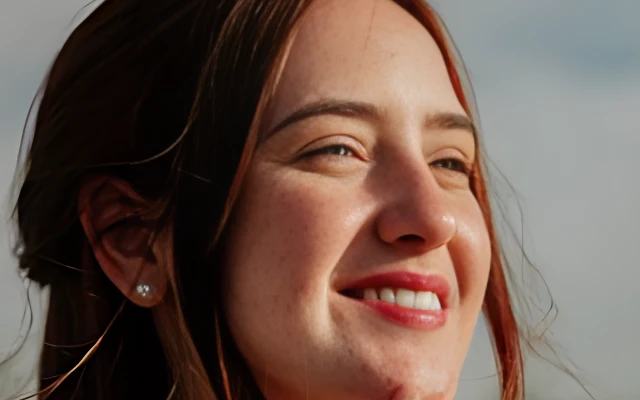
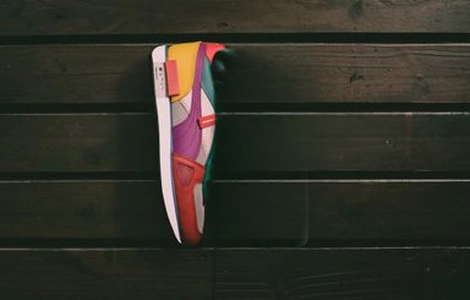
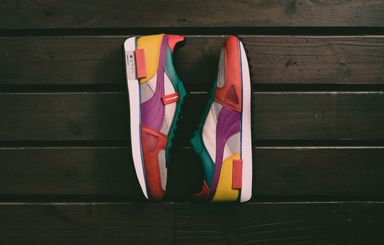
Pruna P-Image for sub-second generation versus P-Image Edit for multi-image changes — pick the production tier that matches your workflow.
| Feature | P-Image EditCurrent | |
|---|---|---|
| Best for | Fast production gen | Fast multi-image edits |
| Speed | Sub-second | Sub-second |
| Text-to-image | Excellent | Not supported |
| Image edit | Not supported | Up to 4 refs |
| Text rendering | Strong | Good |
| Production ready | Yes | Yes |
Explore other models, or browse the full catalog.