Production image edits
Ship client-ready revisions that must match the original photo closely.
Edit images with text instructions, including changes to subjects, backgrounds, and text within the image.
Edit images with text instructions, including changes to subjects, backgrounds, and text within the image.
Create with FLUX.1 Kontext MaxShip client-ready revisions that must match the original photo closely.
Change headlines, labels, and packaging text without rebuilding the scene.
Run several text edits on the same asset while keeping subject identity.
Choose Max when edits need the strongest fidelity and character consistency.
Describe changes in natural language instead of manual masking for many tasks.
Strong at updating on-image text while preserving layout and readability.
Keep faces, outfits, and identity stable across iterative edits.
Preserve aspect ratio from the source image when the crop should stay fixed.
Start with the subject, then add lighting, style, and anything that must stay the same. Upload a reference whenever you want a more controlled edit.
Focus prompts on what should change — Kontext preserves the rest.
Try Kontext Pro when speed matters and Max when quality is critical.
High-quality source images produce the most reliable edits.
For critical copy, verify spelling after each edit pass.
Continue your workflow with other focused Image tools.




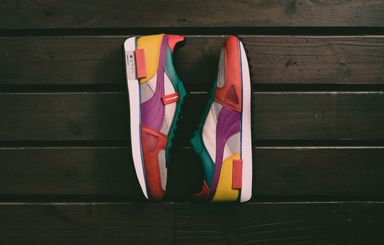
Text-based editing tiers compared — pick Max for delivery, Pro for daily work, or Dev for fast experiments.
| Feature | FLUX.1 Kontext MaxCurrent | |
|---|---|---|
| Best for | Flagship text edits | Daily text-based edits |
| Speed | Moderate | Fast |
| Editing quality | Highest | High |
| Typography | Excellent | Strong |
| Consistency | Best | Strong |
| Prompt following | Very strong | Strong |
Explore other models, or browse the full catalog.