Create from a prompt
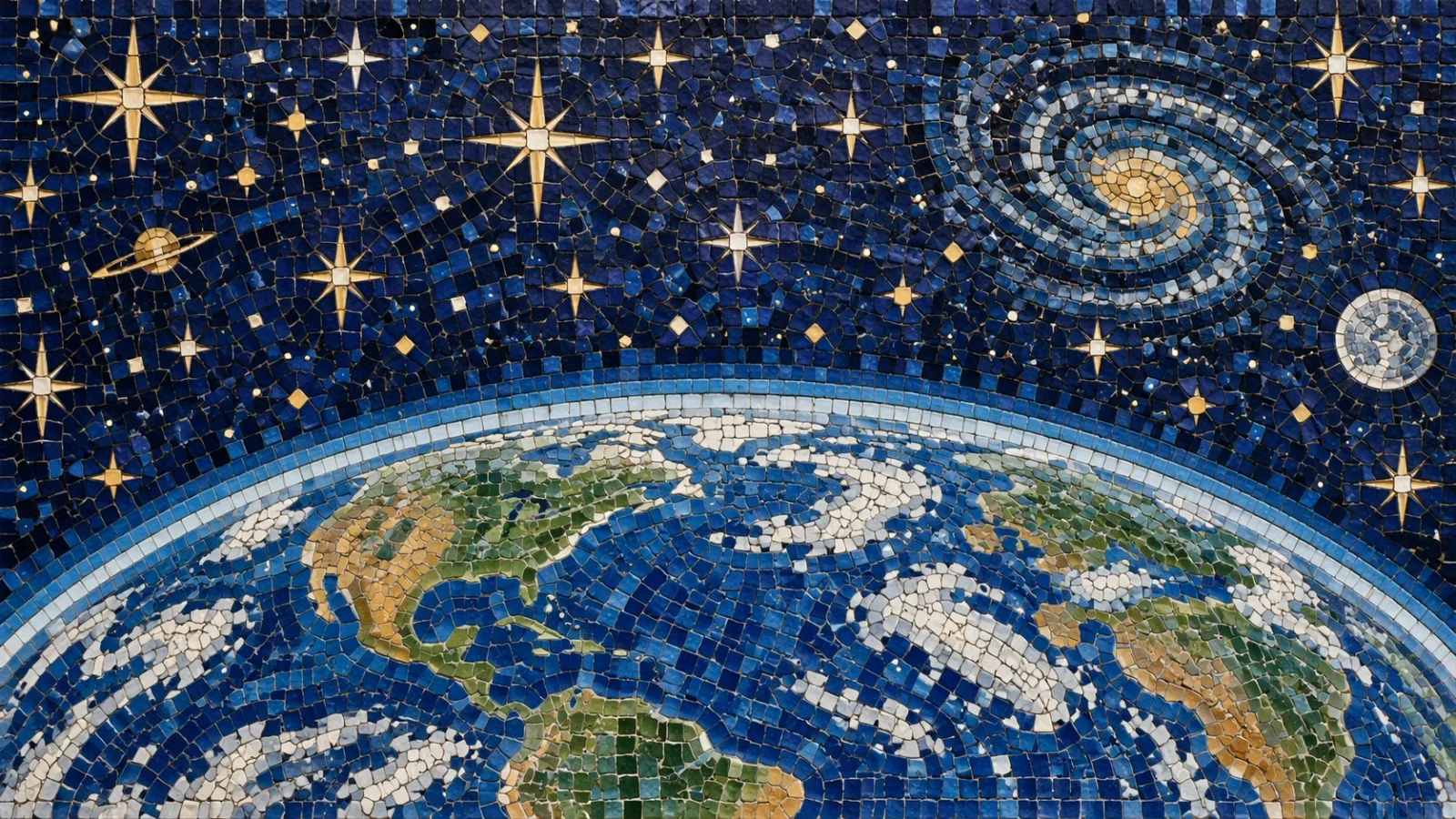
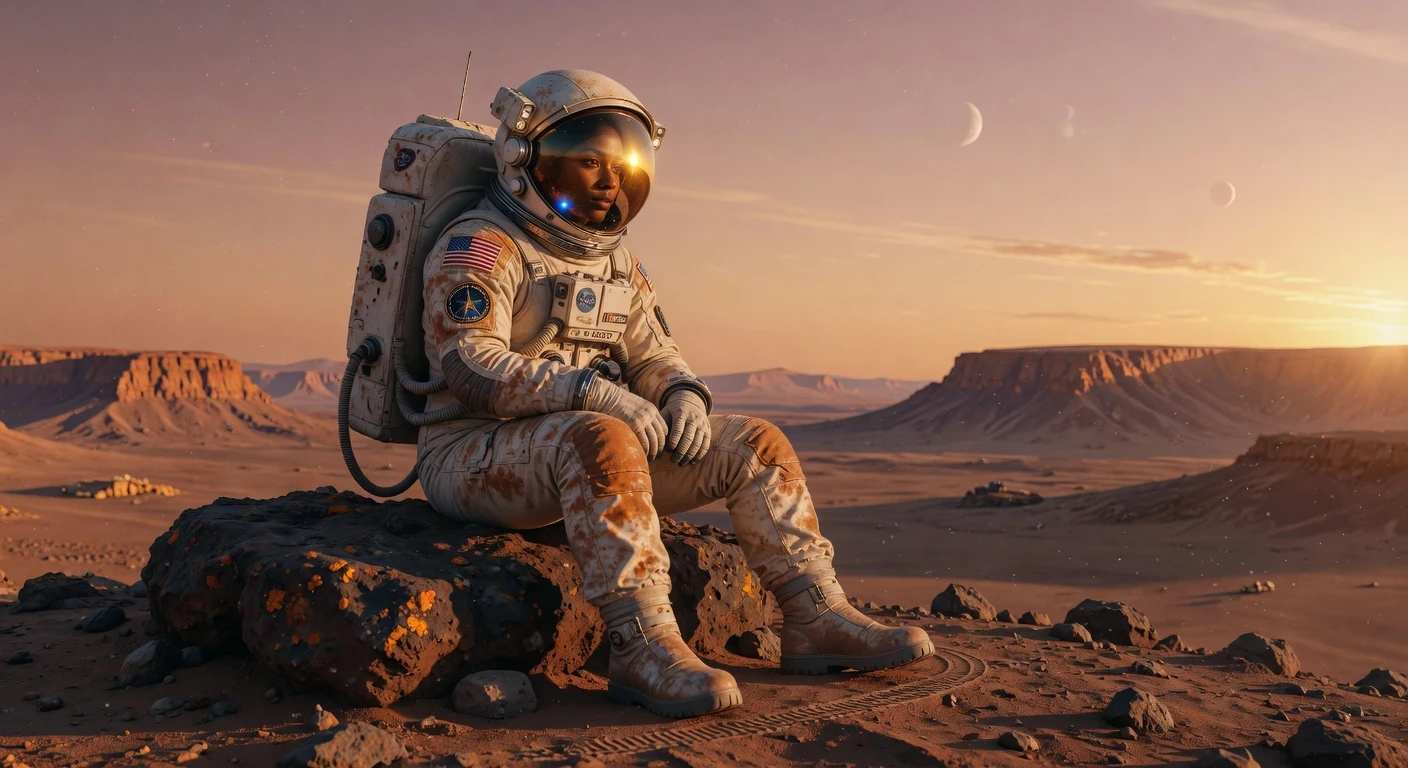
Generate product shots, social creatives, and concept art from a written idea.
Generate images or edit with text instructions and references. Supports character variations, scene changes, and image composition.
Generate images or edit with text instructions and references. Supports character variations, scene changes, and image composition.
Create with Nano BananaGenerate product shots, social creatives, and concept art from a written idea.
Upload a photo and describe the change — lighting, background, props, or style.
Reuse the same look for stories, campaigns, and multi-image sets.
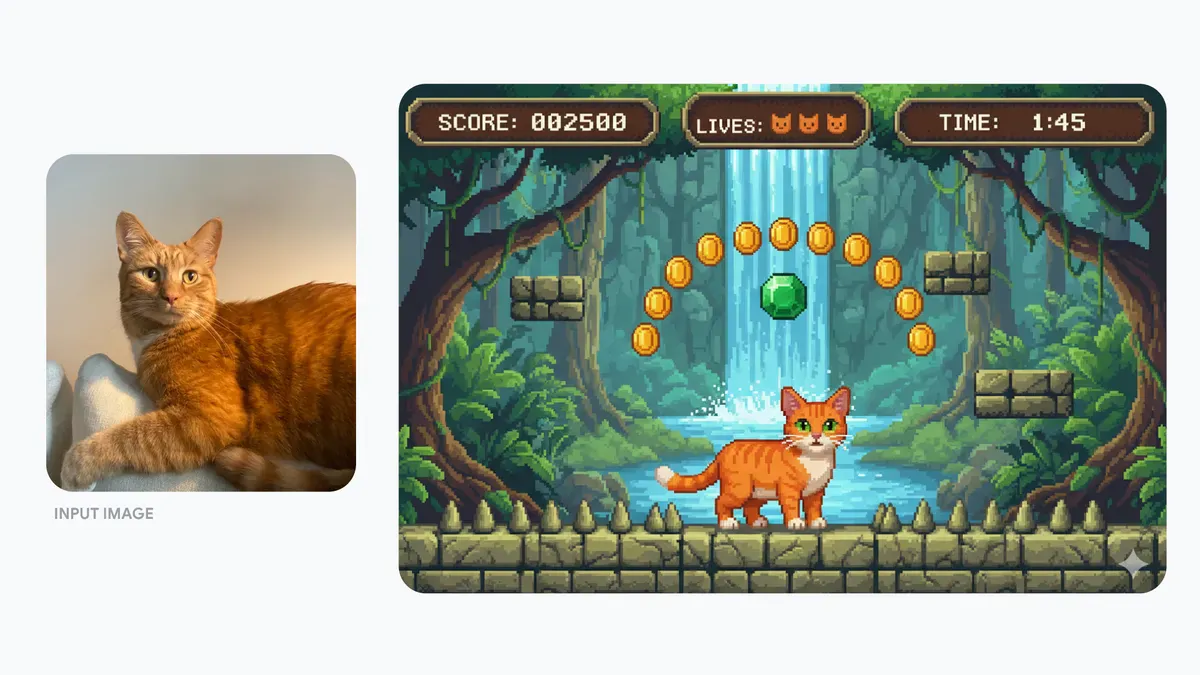
Place the same person, product, or style in new scenes without starting over each time.
“Show the same character arriving at a rainy night market. Keep their face, yellow coat, red backpack, and illustration style consistent.”
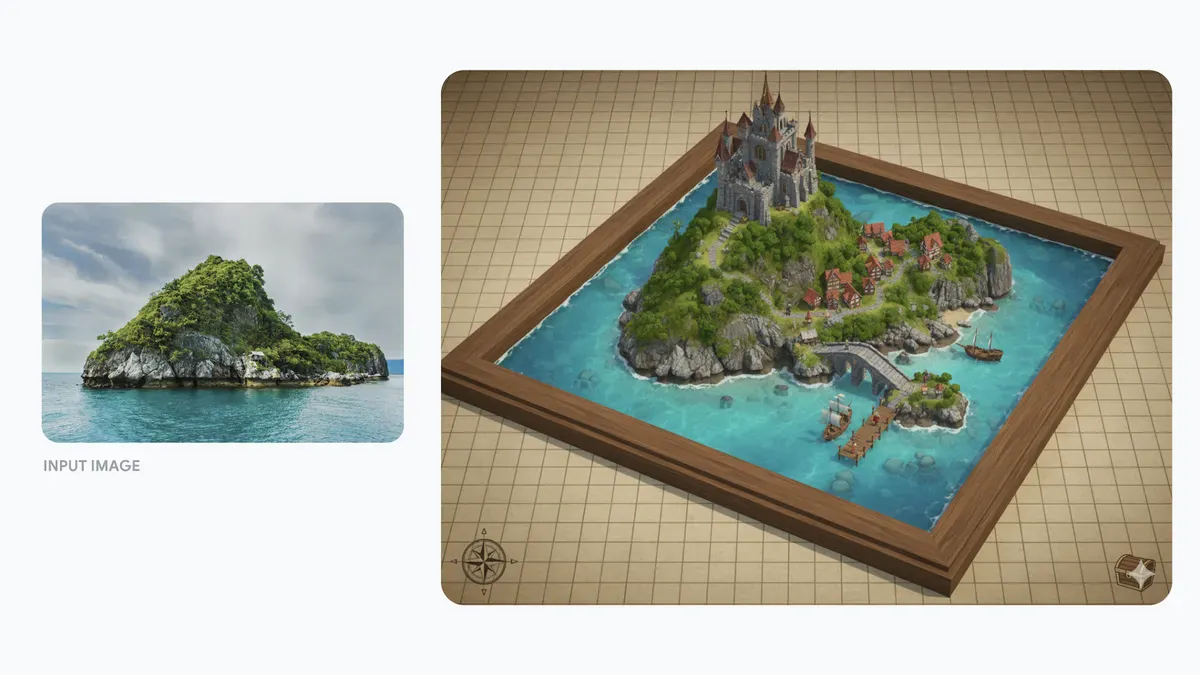
Combine photos into one composition — product in a new setting, style transfer, or a unified scene.
“Place the chair from image 1 in the room from image 2 and use the warm color palette from image 3.”
Ask for natural changes: blur the background, remove an object, shift a pose, or restyle the mood.
Built for quick iteration when you want to try ideas, then refine what works.
Start with the subject, then add lighting, style, and anything that must stay the same. Upload a reference whenever you want a more controlled edit.
Clear details beat vague requests — say the subject, setting, and mood you want.
Describe edits conversationally: “soften the background” or “move the product to a marble counter.”
Small steps usually keep faces, products, and layout more stable.
When consistency matters, keep uploading the same reference images across runs.
Continue your workflow with other focused Image tools.
See how the versions differ at a glance, then jump into the one that matches your project.
| Feature | Nano BananaCurrent | |||
|---|---|---|---|---|
| Best for | Default for everyday creation and editing | High-volume creation with sharp text | Studio work, posters, and precise branding | Quick edits and character consistency |
| Detail / resolution | 1K / 2K / 4K | 1K / 2K / 4K | 1K / 2K / 4K | Model-selected; no resolution control |
| Multi-image edits | Up to 14 images | Up to 14 images | Up to 14 images | Up to 10 images |
Explore other models, or browse the full catalog.