Product and brand visuals
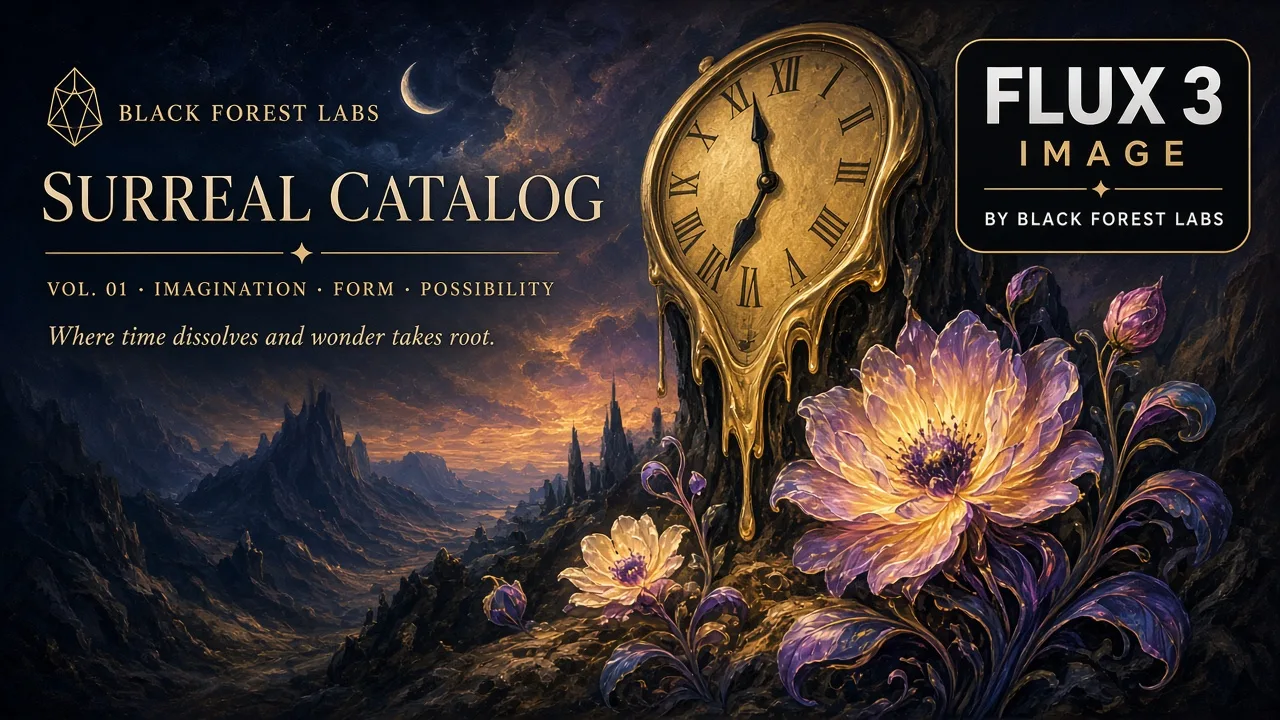
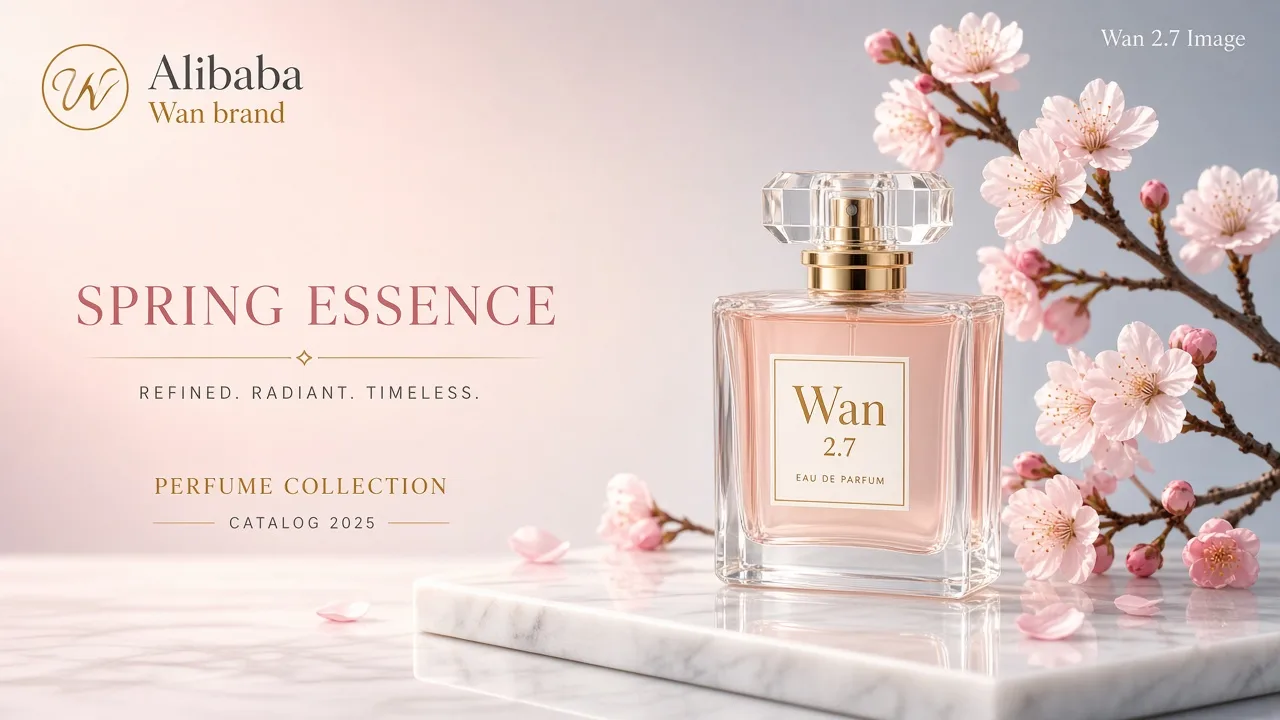
Create product scenes and campaign concepts with a clear subject, materials, and lighting.
MiniMax H3 Image Highspeed: Generate detailed images up to 20 MP and edit with up to 16 ordered references.
Create product scenes and campaign concepts with a clear subject, materials, and lighting.
Explore styles and compositions, then refine selected details with reference images.
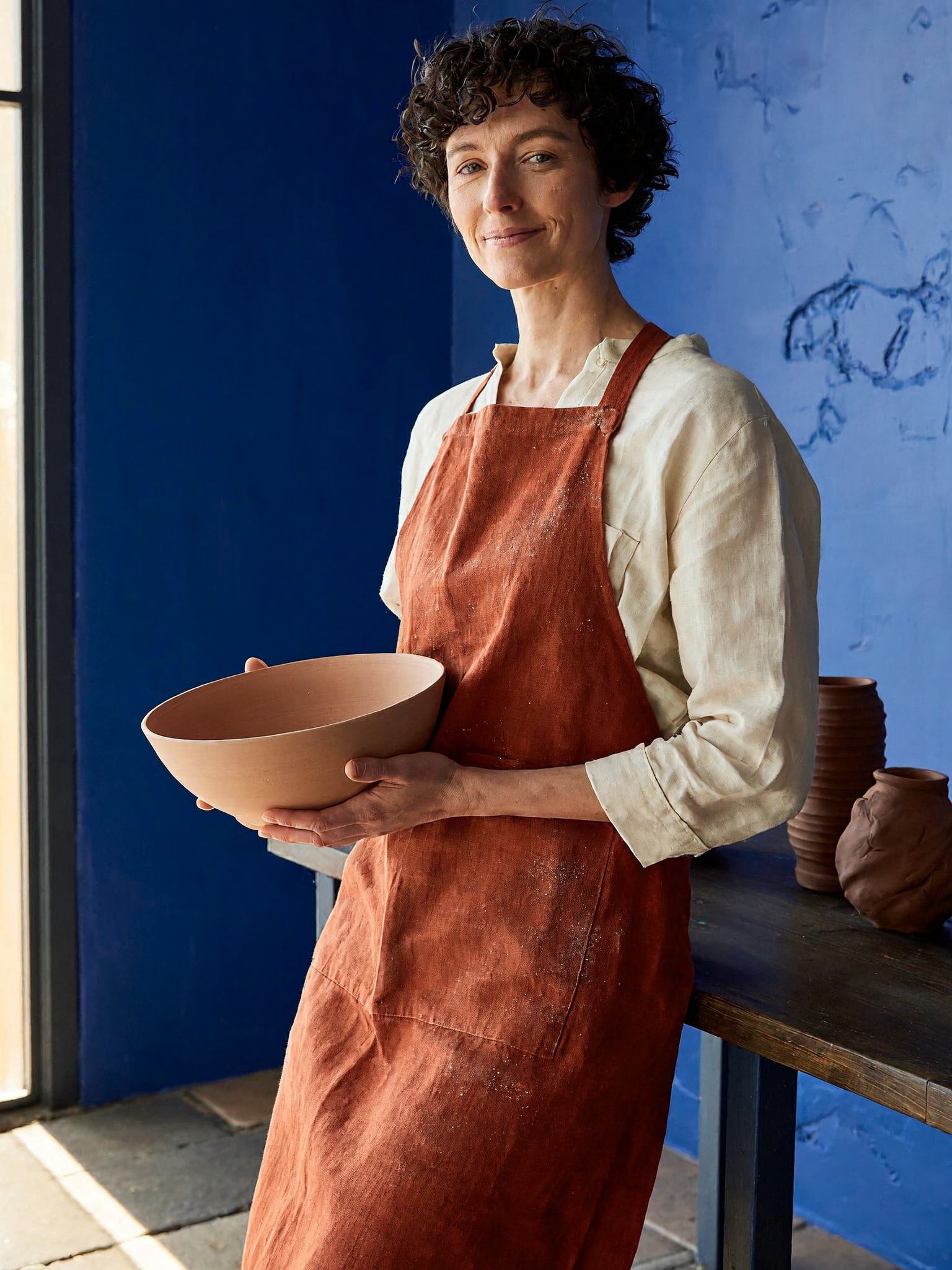
Use 1–16 images for edits and composition. Name each reference as Image 1, Image 2, and so on. This is an image model, separate from H3 video.
Choose exact sizes from 655,360 to 20,000,000 pixels and ratios from 1:3 to 3:1. Generate 1–10 images per request.
Rewrite the prompt before generation. Editing always uses prompt expansion.
Compare Standard and Highspeed for image generation and editing.
| Feature | MiniMax H3 Image HighspeedCurrent | |
|---|---|---|
| Image size | 20 MP | 20 MP |
| Reference images | 16 | 16 |
| Format | PNG · JPEG · WebP | PNG · JPEG · WebP |
Rewrite the prompt before generation. Editing always uses prompt expansion.
Understand the inputs, generation settings, and outputs supported by MiniMax H3 Image Highspeed.
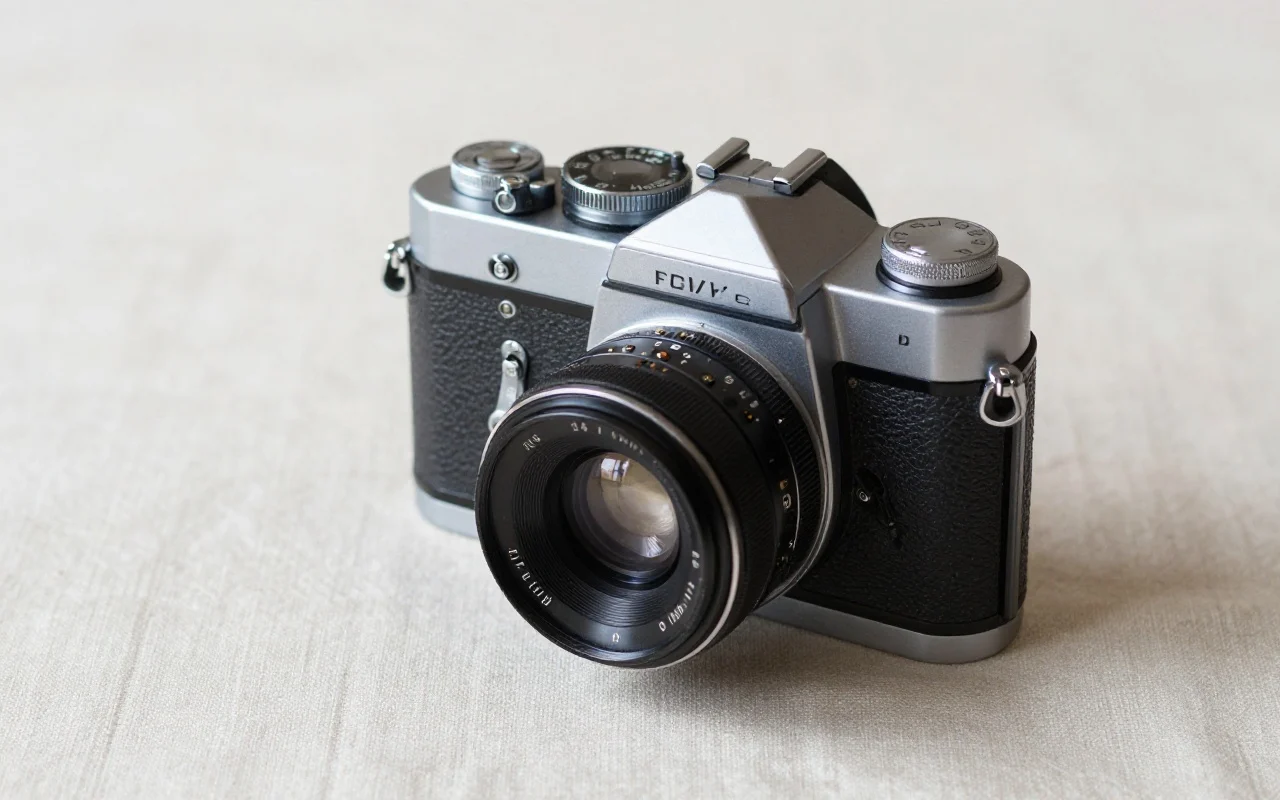
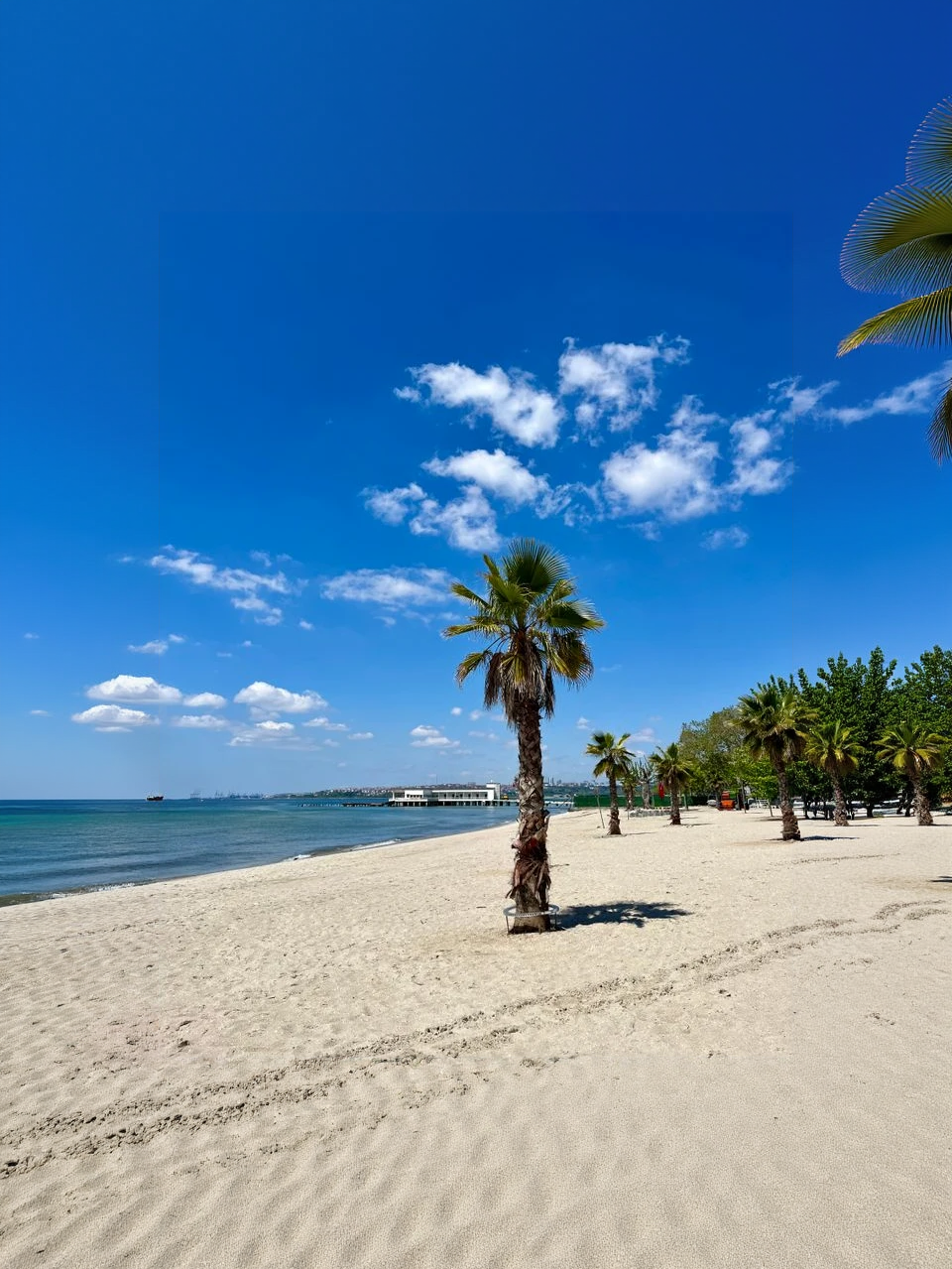

Explore other models, or browse the full catalog.