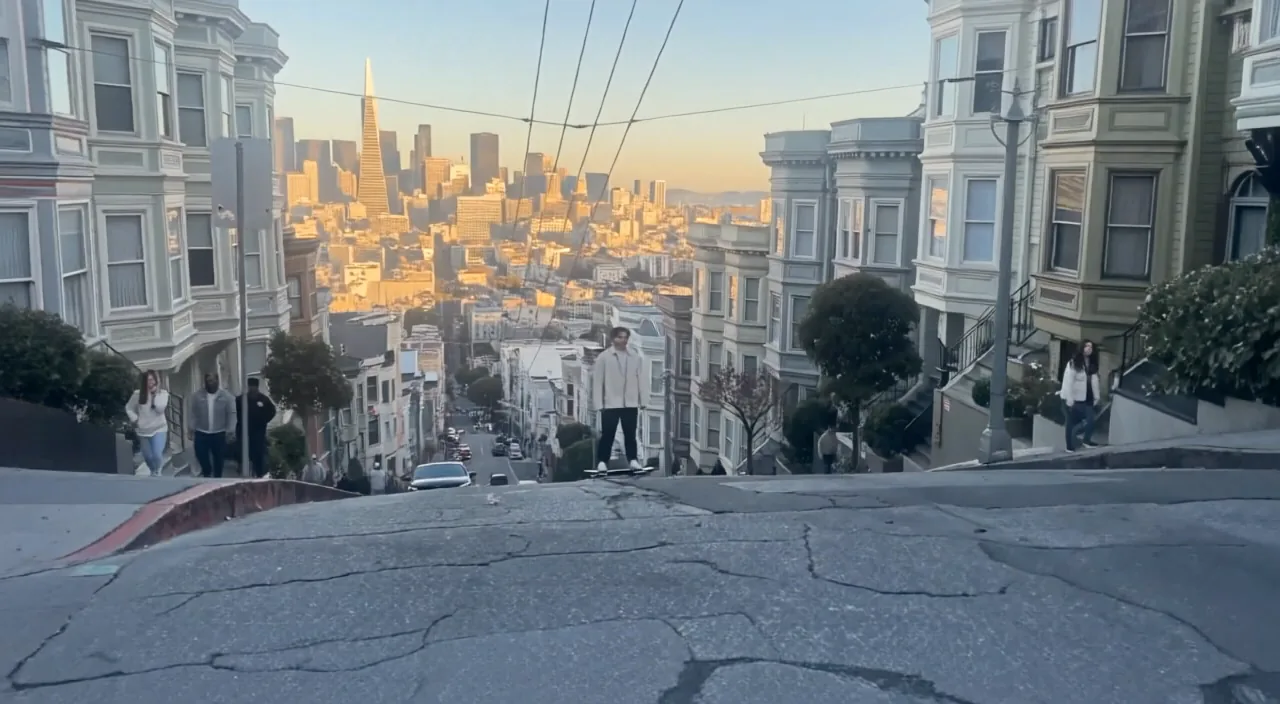
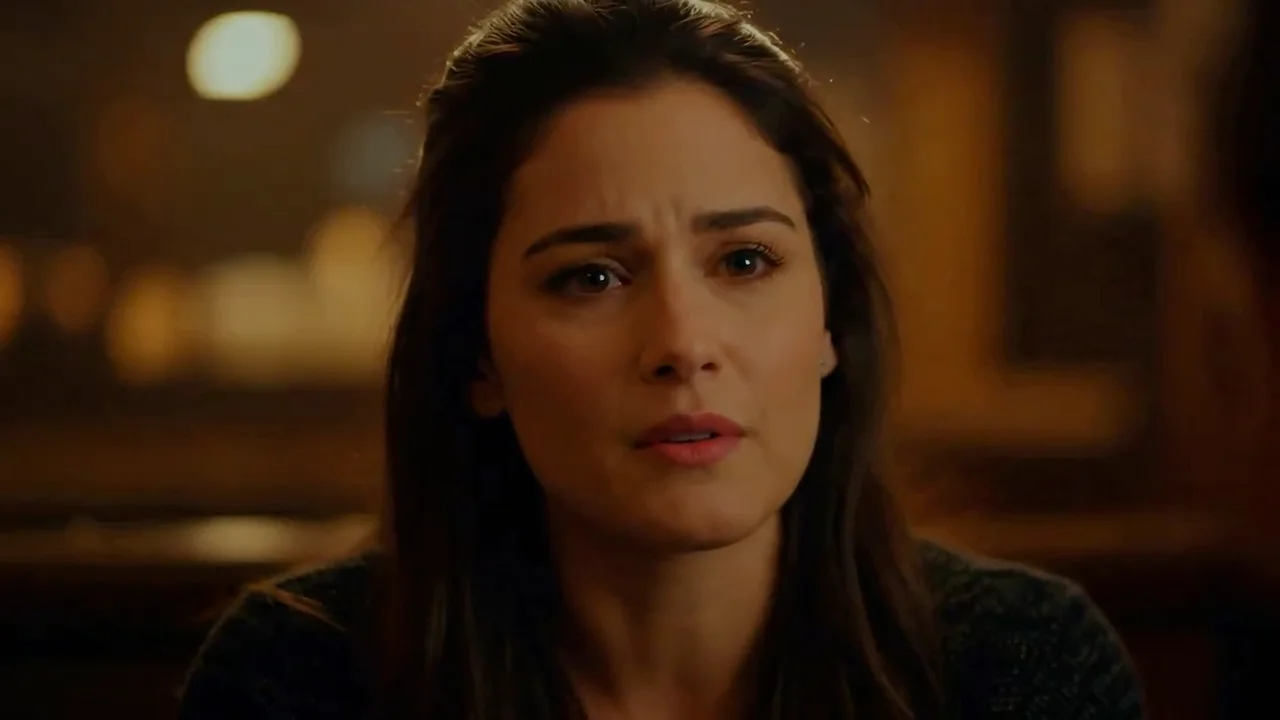
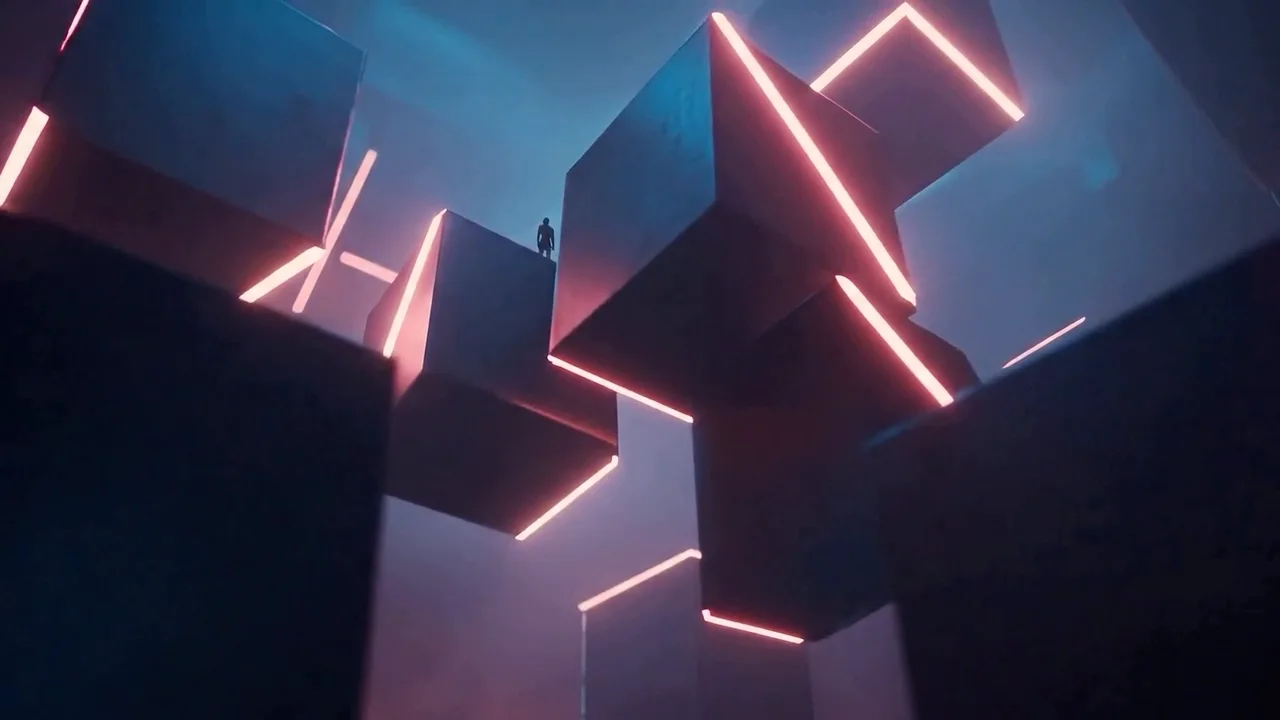
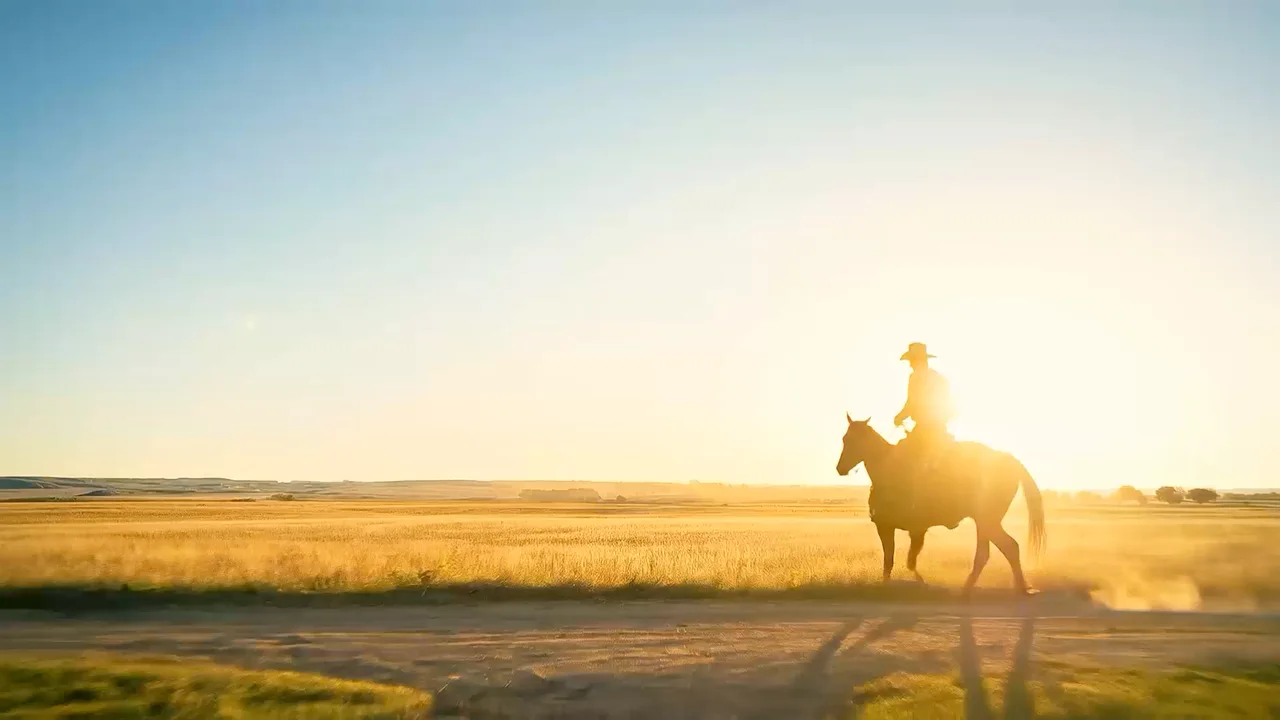
Cinematic sequences
Use multi-shot prompts and boundary frames to direct a complete beat.
Kling V3 video creation
One canonical Kling V3 workspace for native-audio generation, first and last frames, character motion transfer, multimodal references, and video editing up to 4K.
One canonical Kling V3 workspace for native-audio generation, first and last frames, character motion transfer, multimodal references, and video editing up to 4K.
Create with Kling V3Use multi-shot prompts and boundary frames to direct a complete beat.
Transfer body motion while retaining the look of the supplied character image.
Change subjects, environments, style, or lighting in an existing clip.
Generate 3–15 second clips at 720p, 1080p, or 4K with optional synchronized audio.
Apply a performance from a reference video to the character and setting in a still image.
Reference images, camera or style video, or edit a base clip while preserving its original sound.
Start with the subject, then add lighting, style, and anything that must stay the same. Upload a reference whenever you want a more controlled edit.
Generate, Frames, Motion, References, and Edit expose only inputs valid for that operation.
For Omni workflows, clearly state what each image or video should control.
Native audio increases cost at Standard and Pro quality; base-video workflows can keep original sound.
Continue your workflow with other focused Video tools.
Explore other models, or browse the full catalog.