
Plan before you spend
Pick white packshot, scene, shadow, creative or flat-lay tiles. A preview contact sheet costs one generation.
Preview several listing styles from one product photo, then generate only the styles you want.
Pick white packshot, scene, shadow, creative or flat-lay tiles. A preview contact sheet costs one generation.
Commit full images one style at a time. Failed styles are not charged.
See a few presentation directions before paying for a complete set.
Skip styles that do not fit the product instead of regenerating a whole pack.
Prepare packshot, scene and shadow options from the same source photo.
Use a clear JPEG, PNG or WebP showing the complete product. Keep packaging and labels readable.
Select the styles to preview. Generate a contact sheet first, then create full images for the styles you keep.
Compare with your original. Check the product shape, color and label text before using the result.
Explore other product photography tasks, remove an existing background or enlarge an image for your next design.
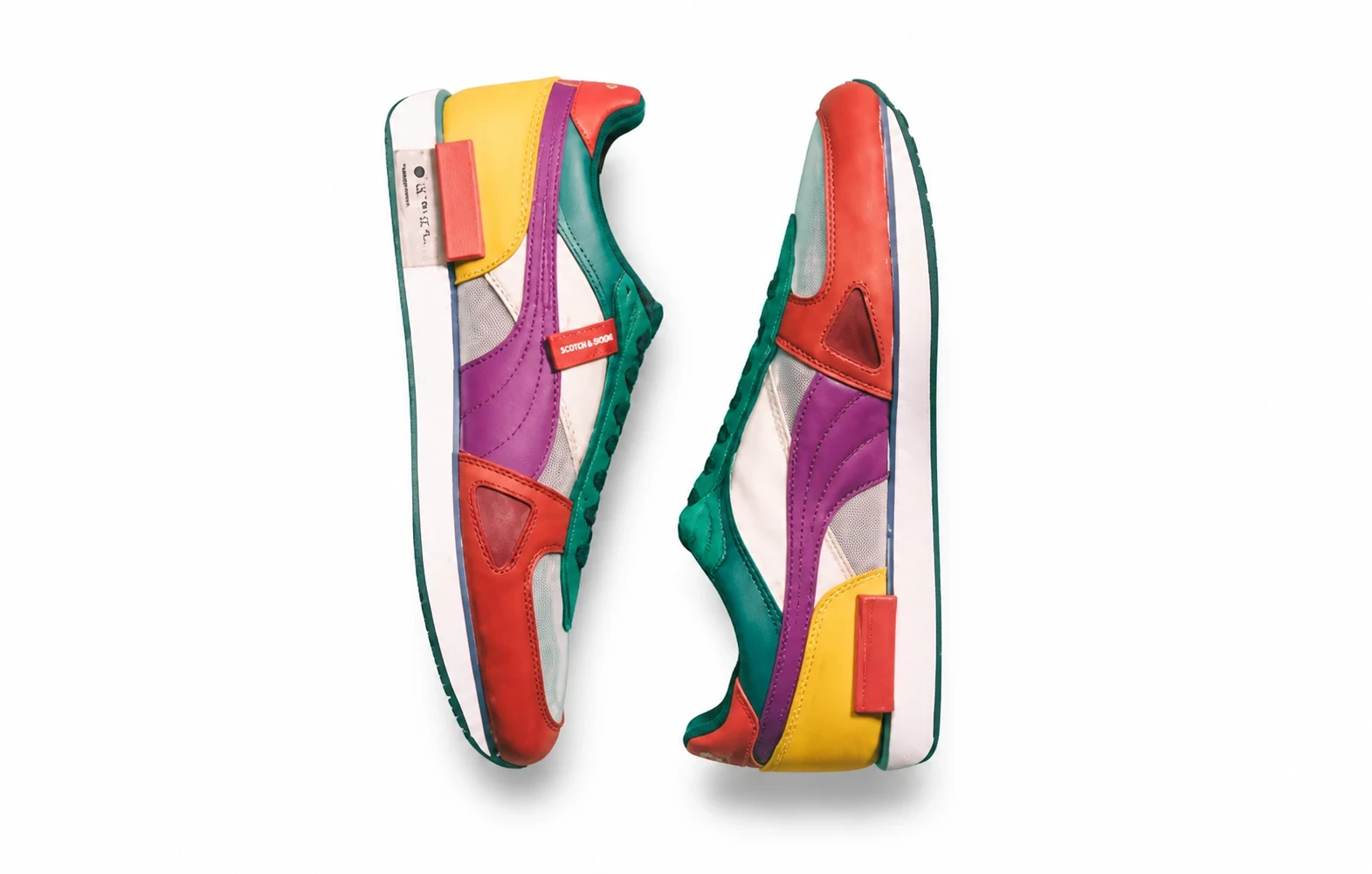
AI Flat Lay

Preview several listing styles from one product photo, then generate only the styles you want.