Presenters and lessons
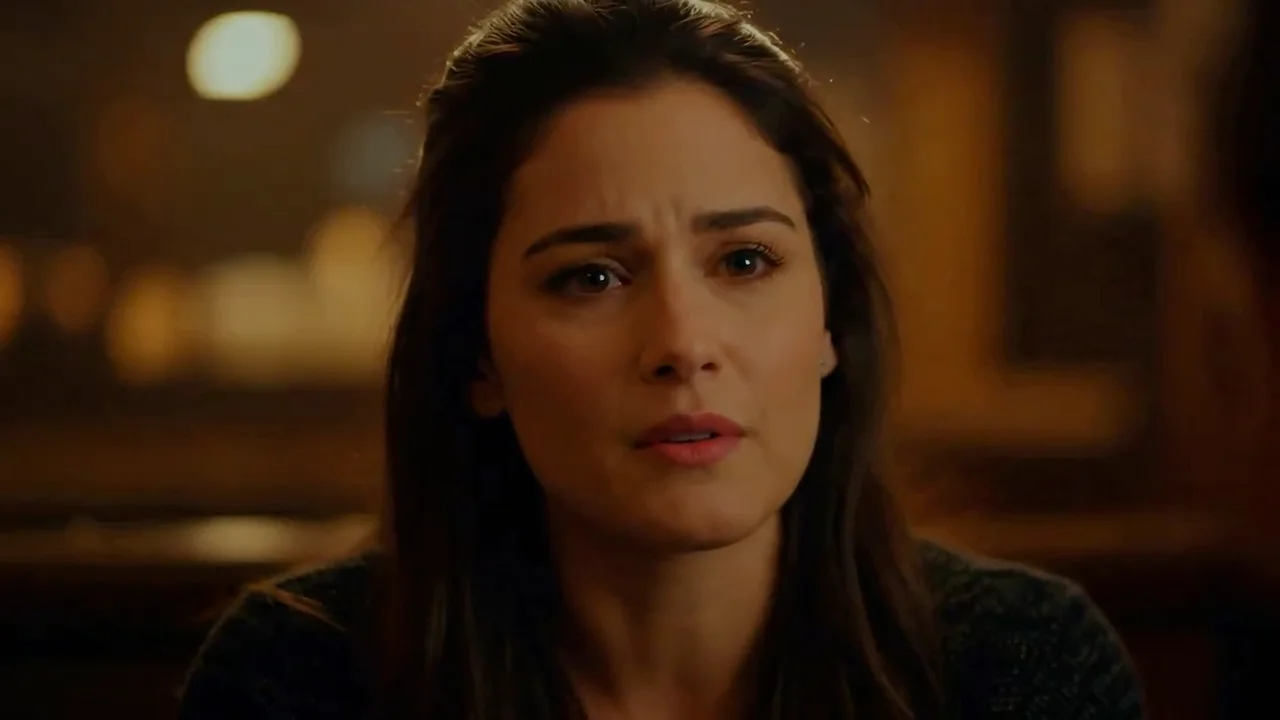
Turn a speaker portrait into product introductions, short lessons, or narrated announcements.
Animate a portrait with uploaded speech or a script, with synced lips and expressions.
Turn a speaker portrait into product introductions, short lessons, or narrated announcements.
Audio: 1–180 seconds, up to 64 MiB. Speech sets the video length.
Choose from 30 voices and 10 language options. Chinese TTS is not offered; upload your own Chinese audio.
One front-facing subject in JPG, PNG, or WebP, up to 20 MiB.
Use the main prompt for gestures and scene motion. Put spoken words in the script, and delivery instructions in voice direction.


Explore other models, or browse the full catalog.