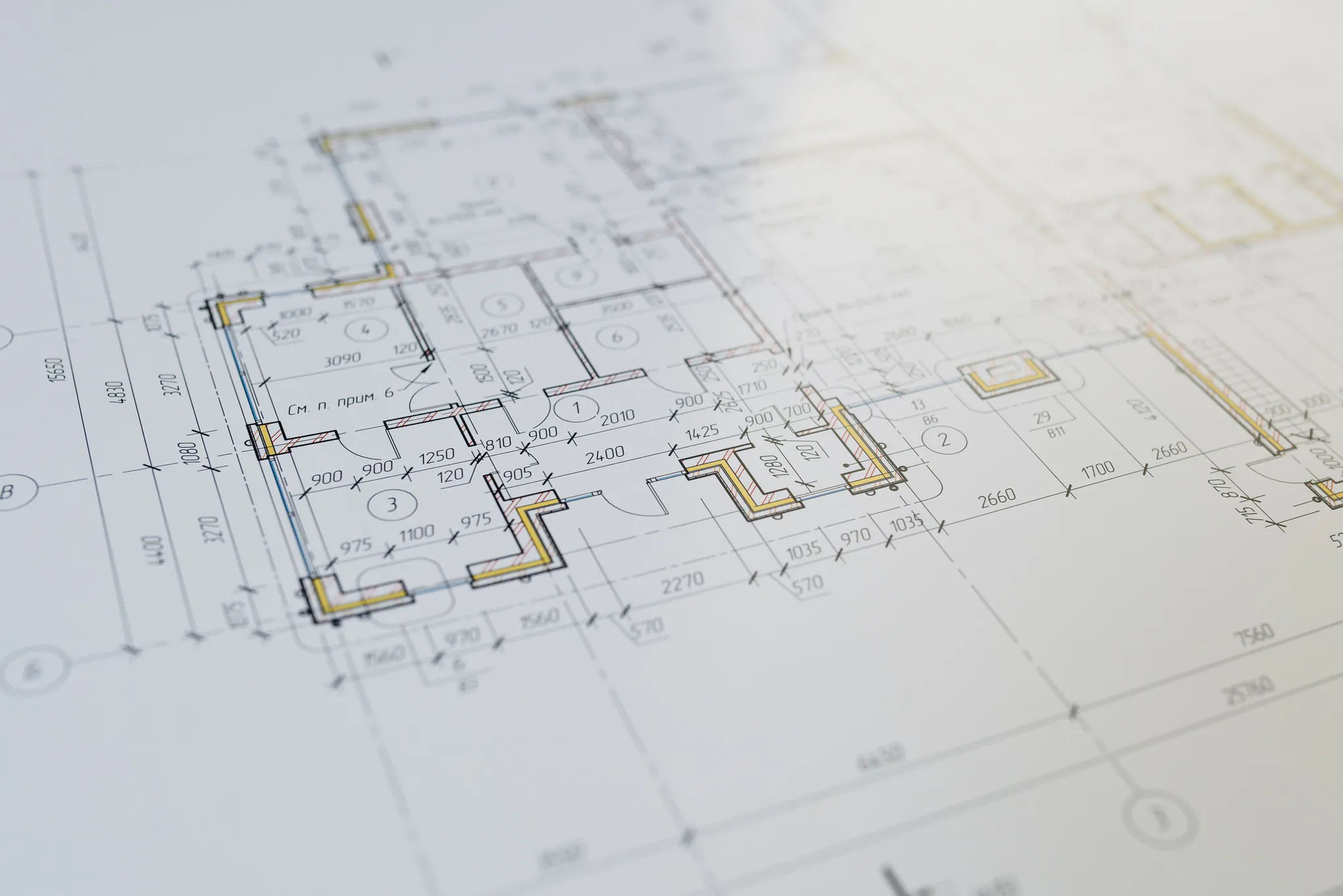
Keep the architecture
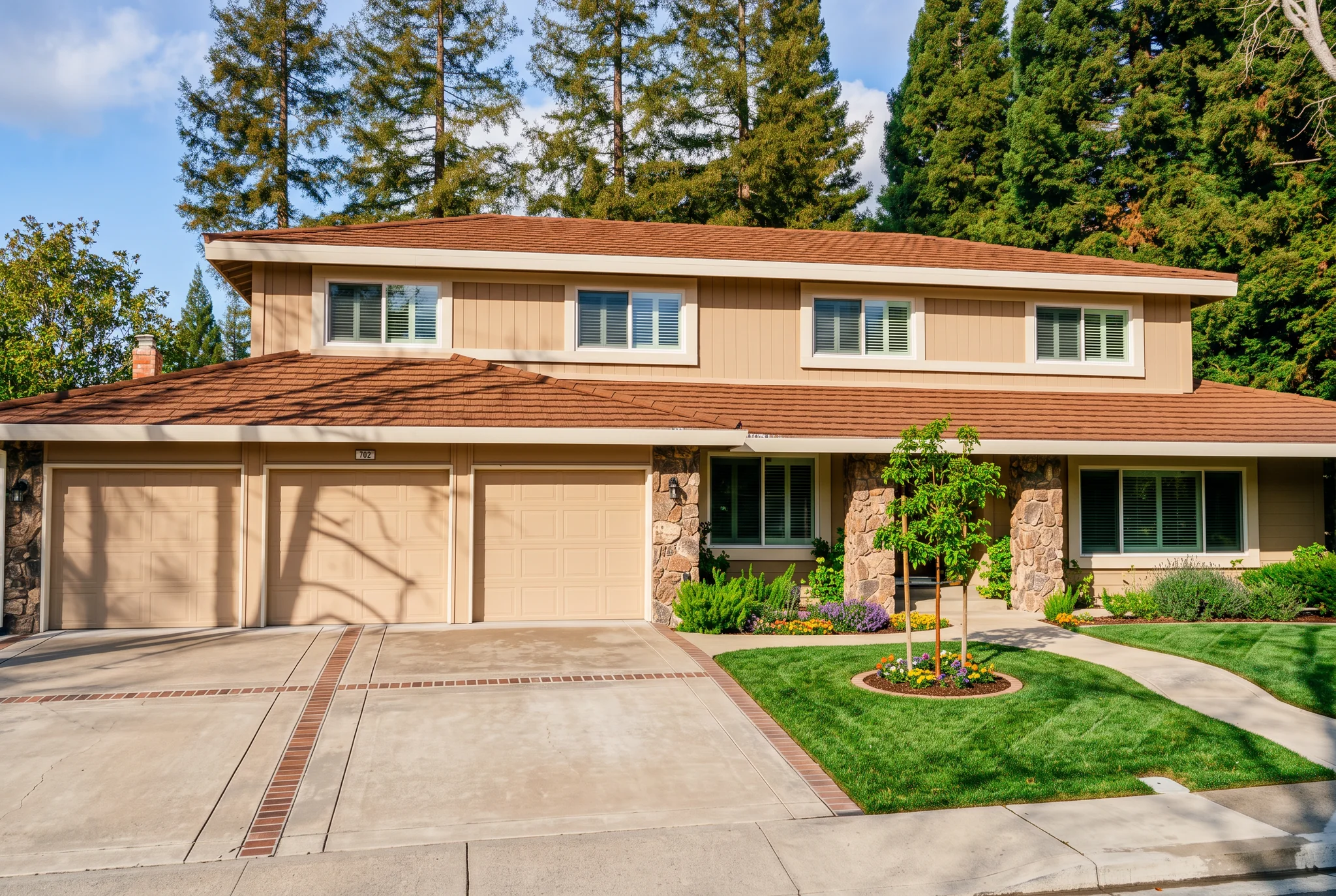
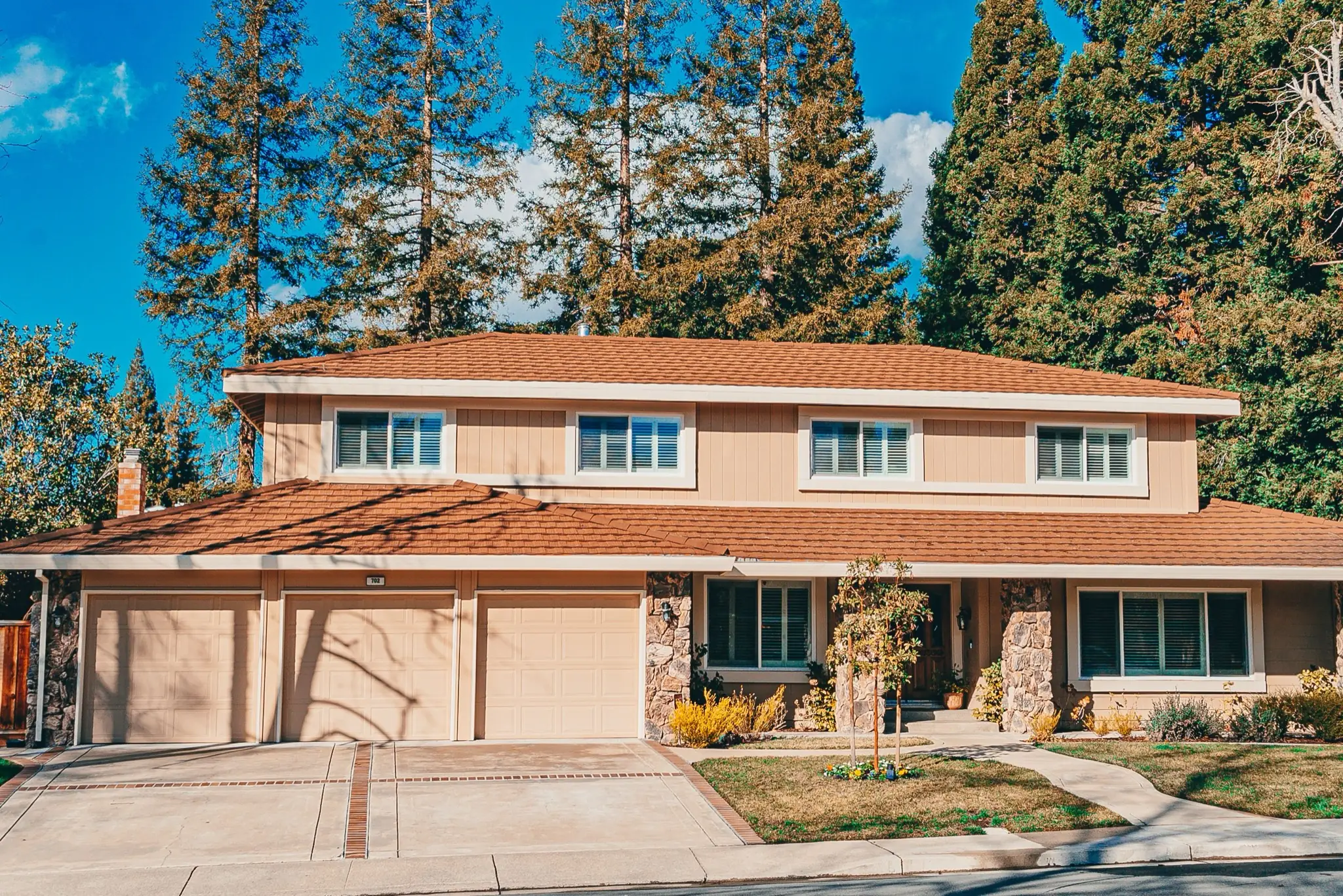
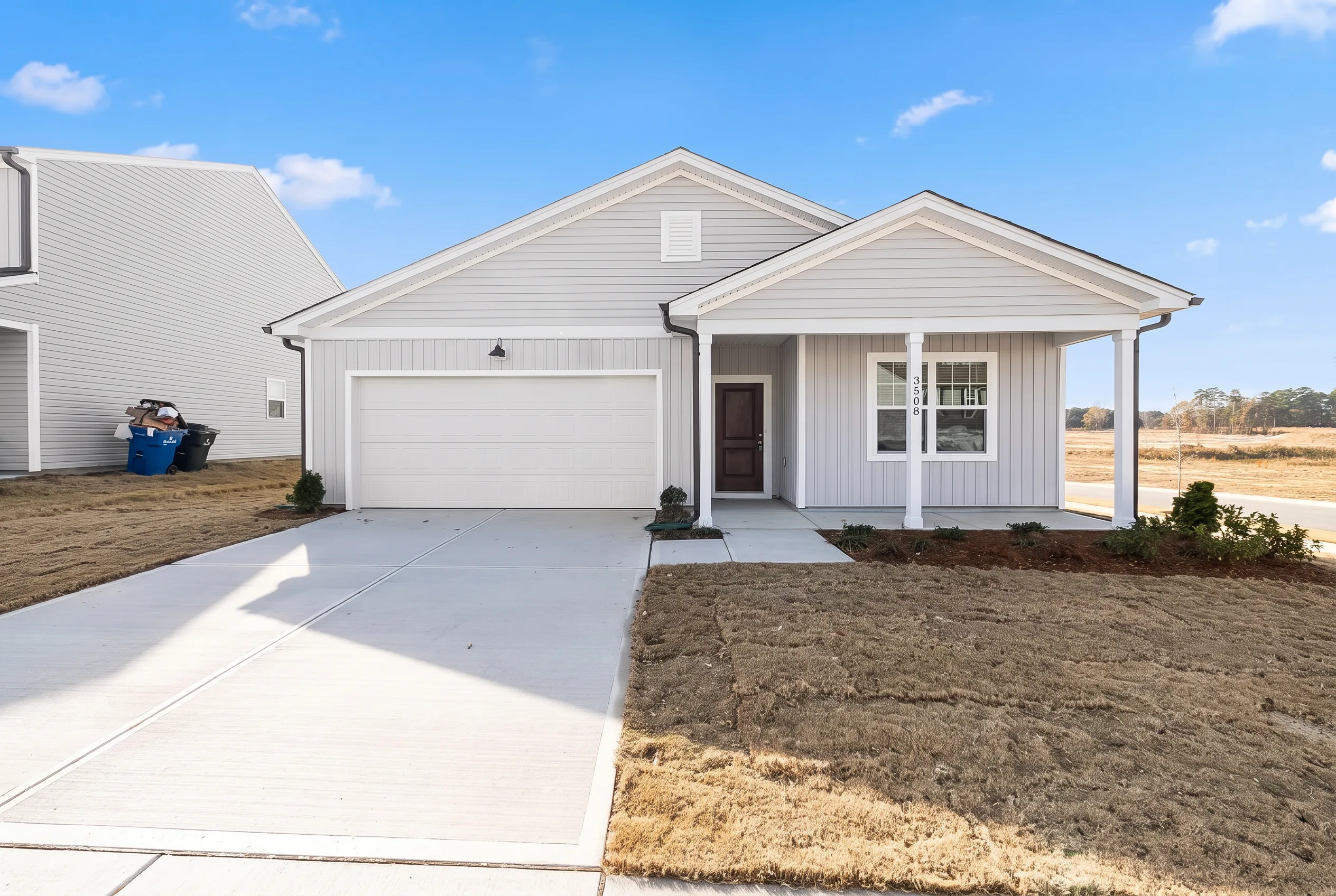
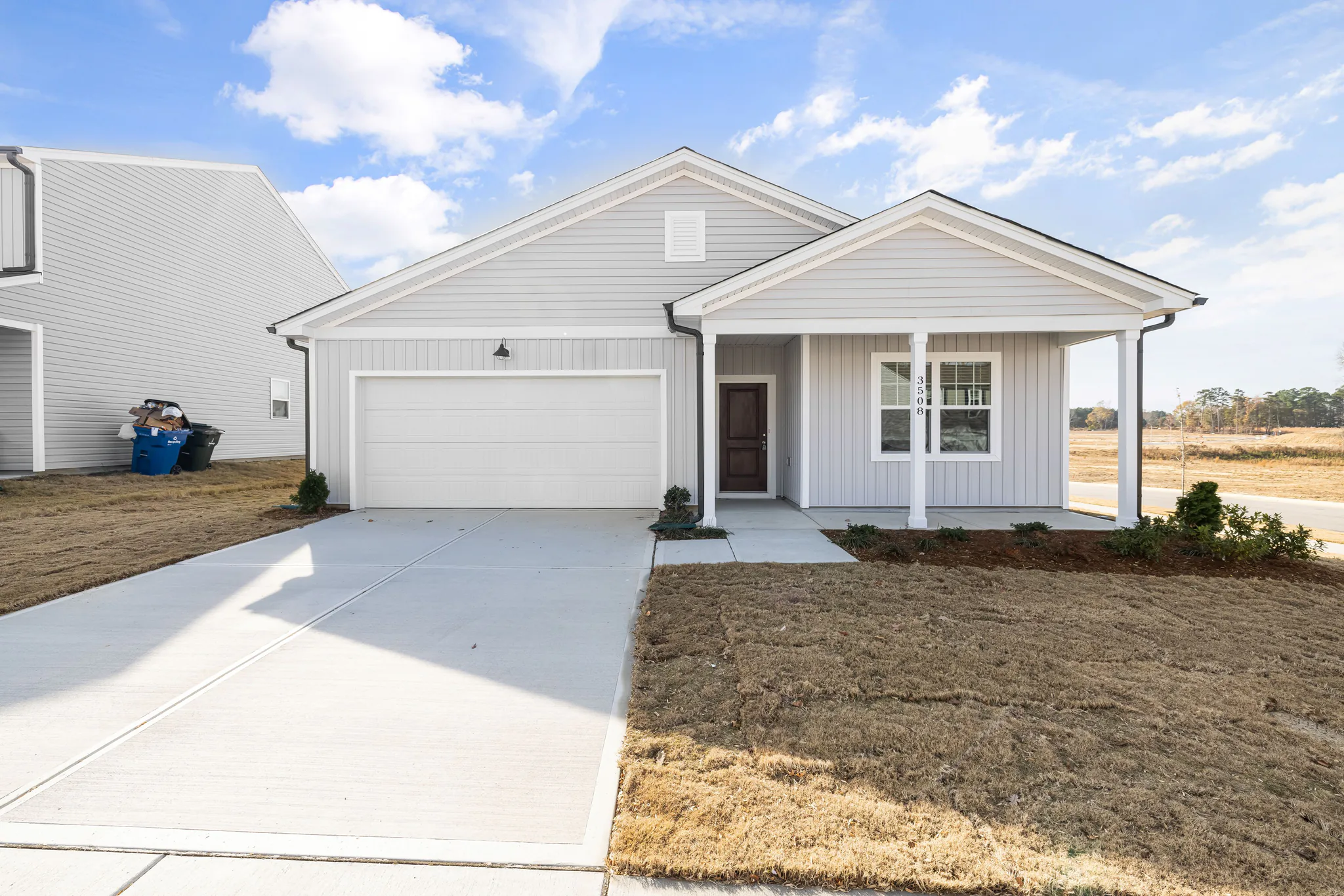
Silhouette, window positions, roofline and camera angle stay in place. Favore does not redesign the house or invent a new facade.
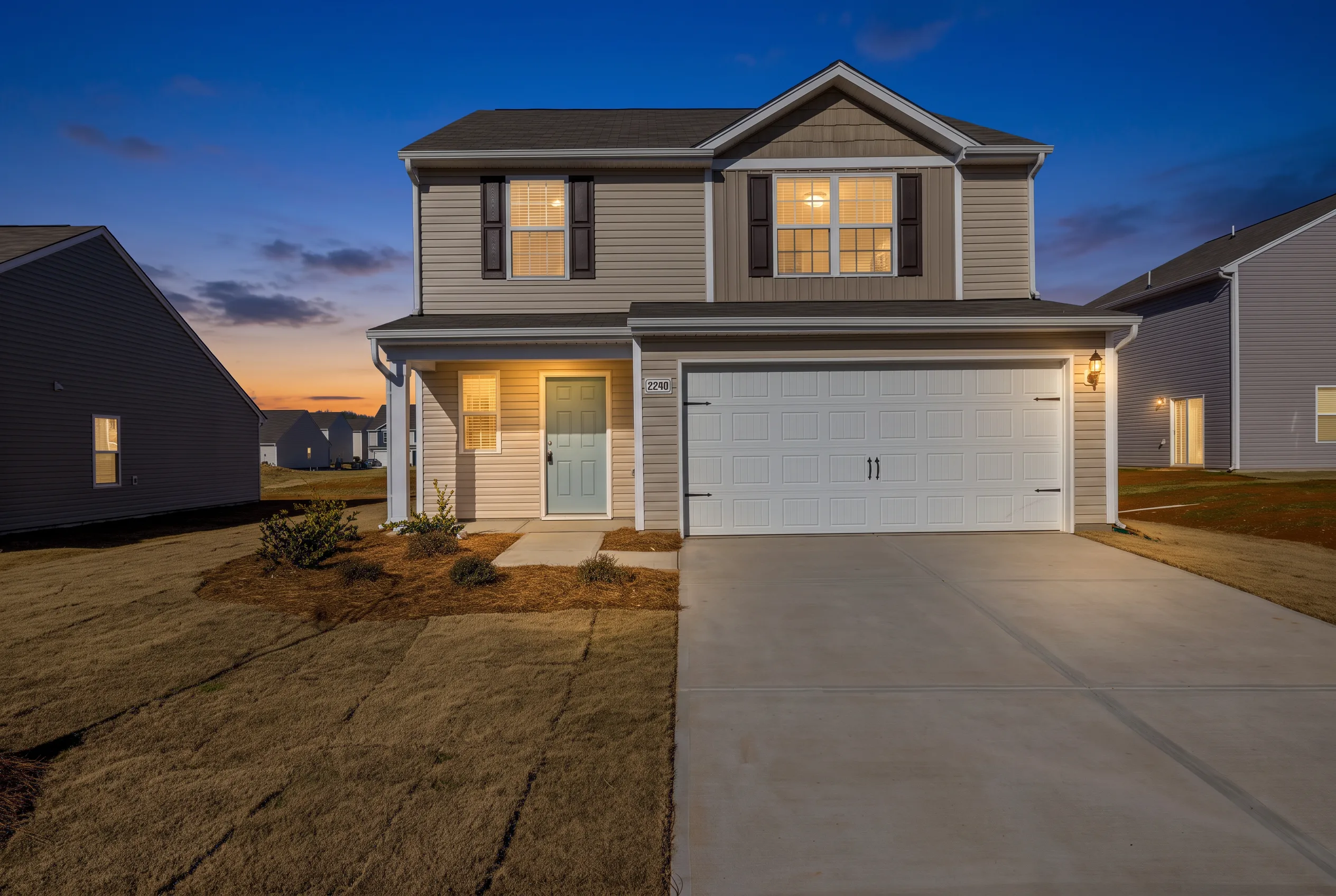
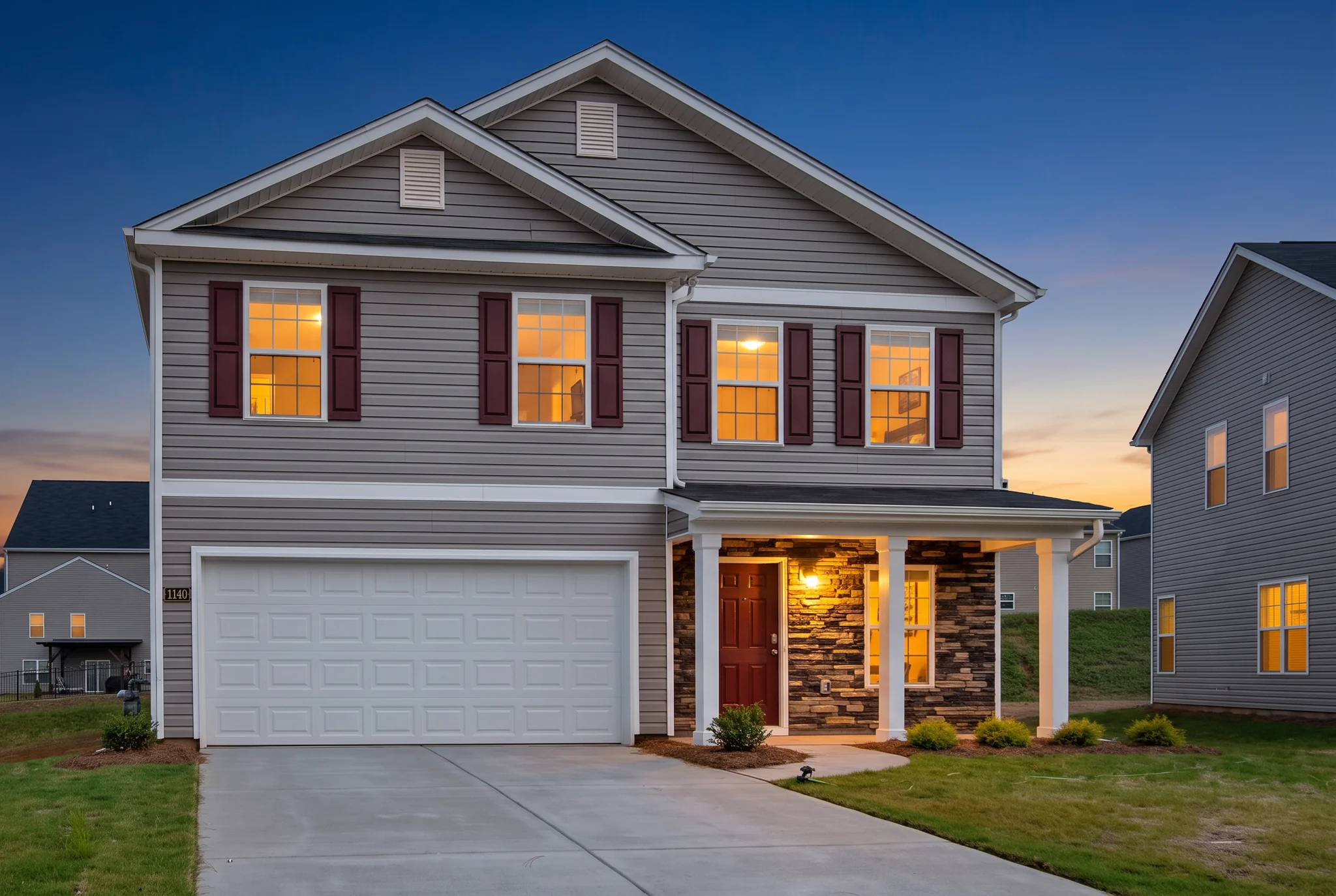
Turn a daytime exterior or street-facing listing photo into a dusk, golden-hour or blue-hour hero without a second shoot.
Arraste o divisor para comparar resultados reais em diferentes cenários.
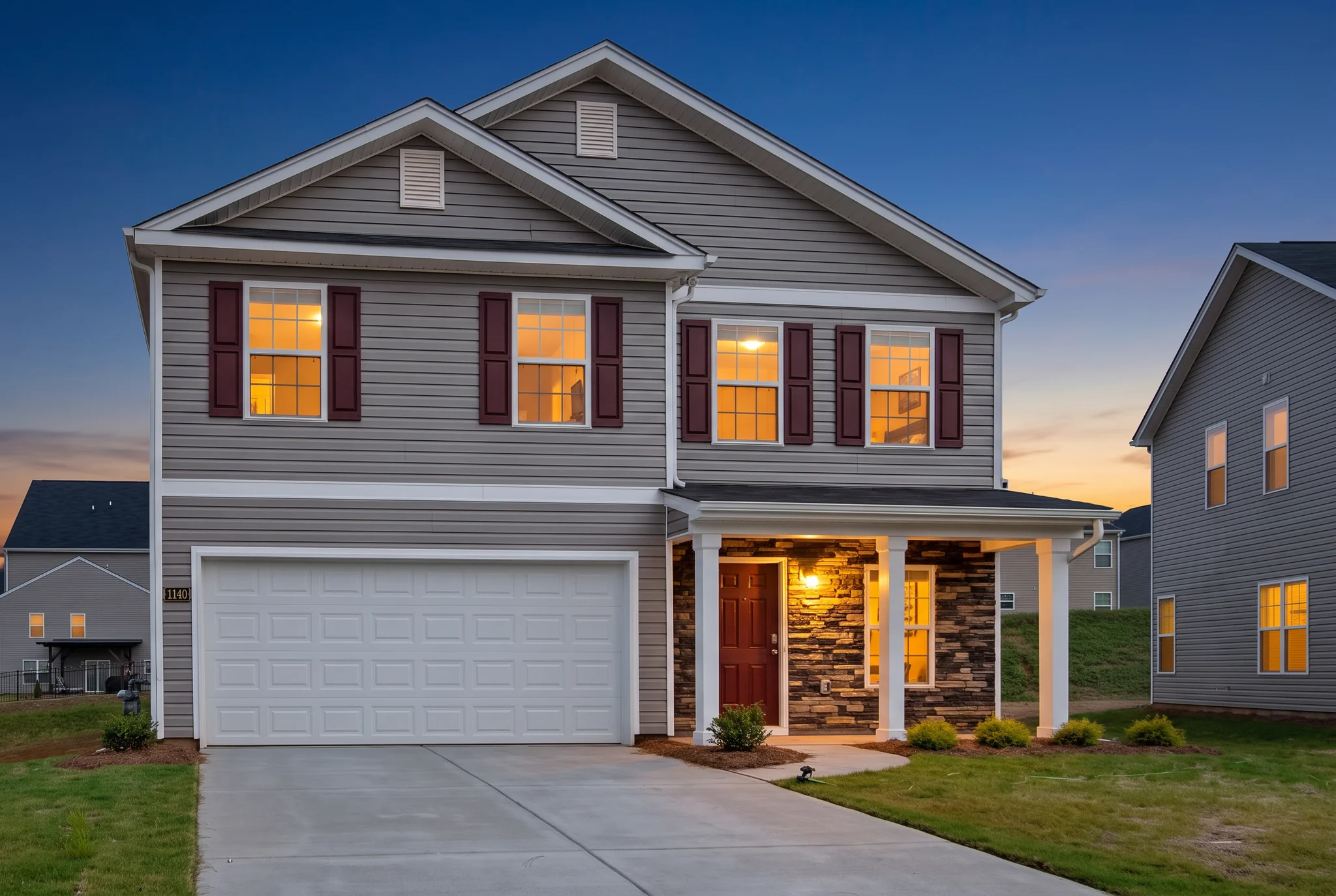
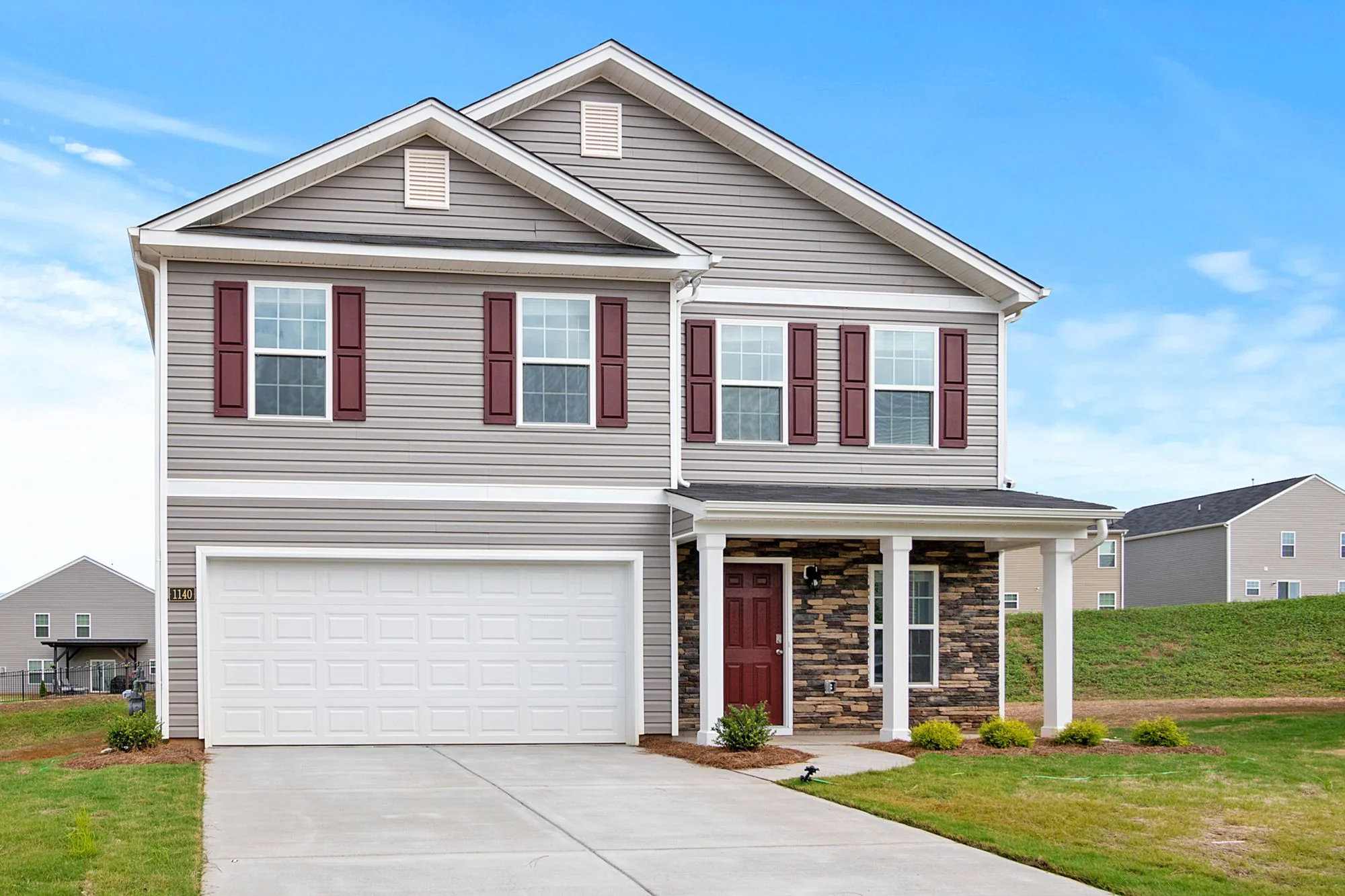
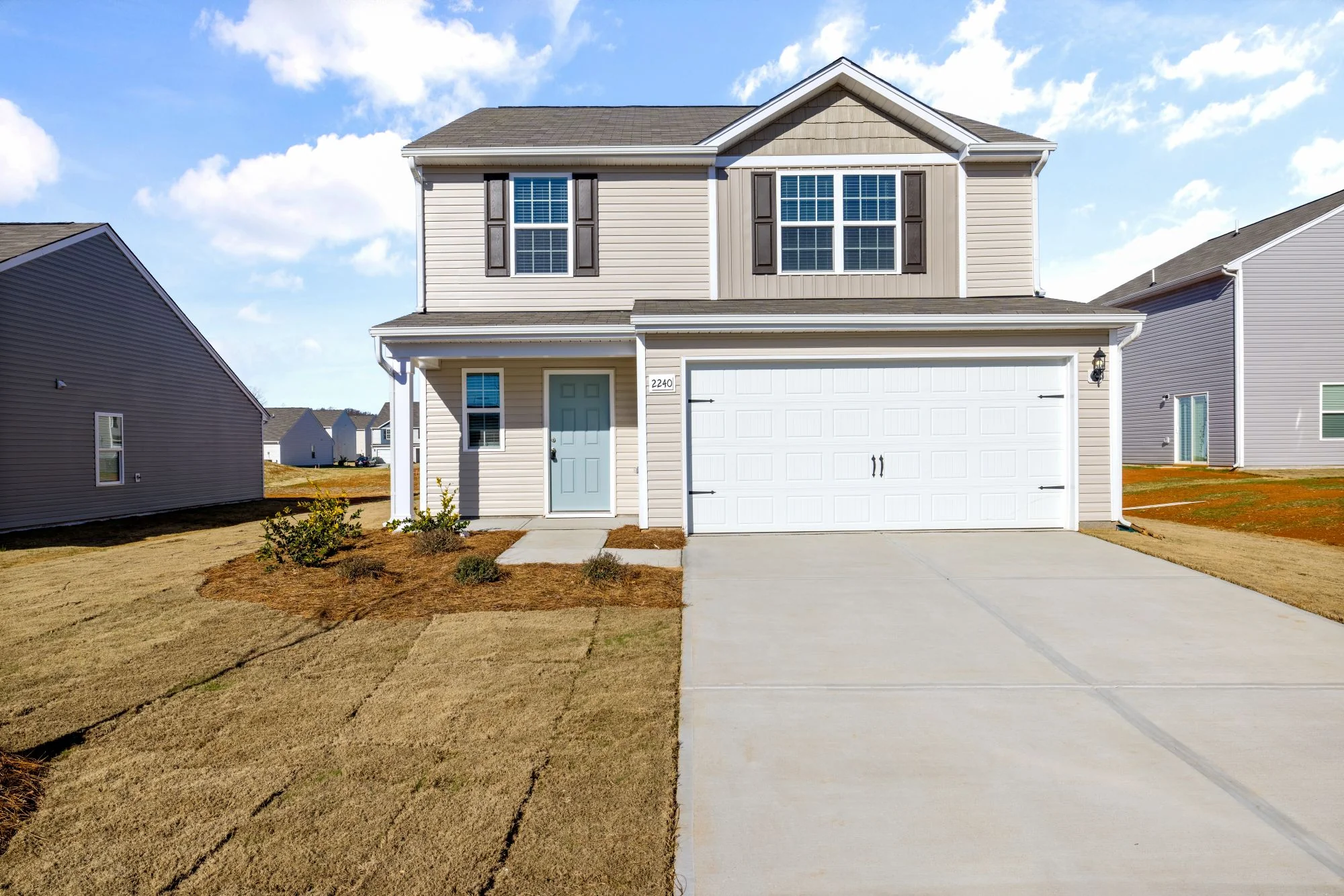
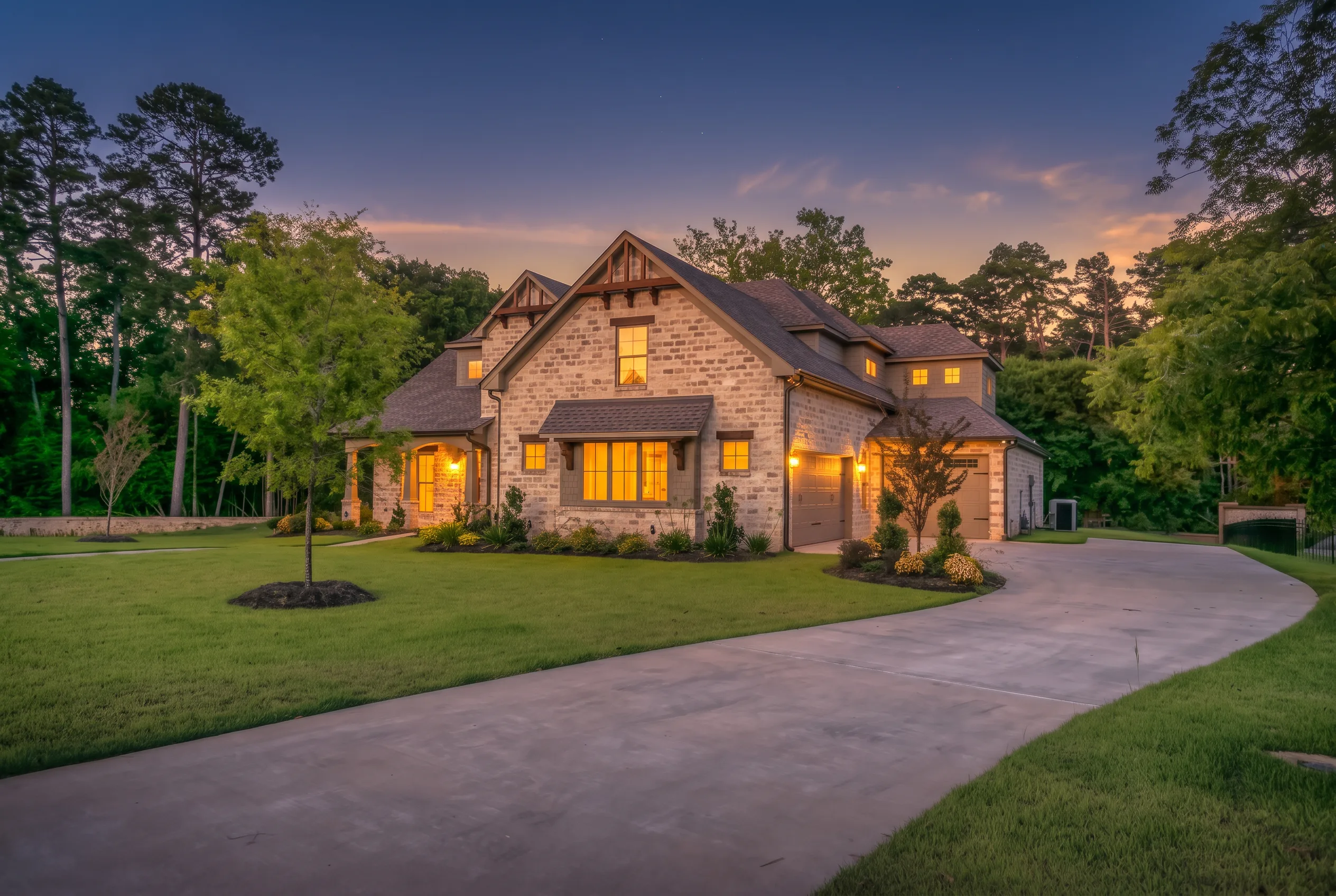
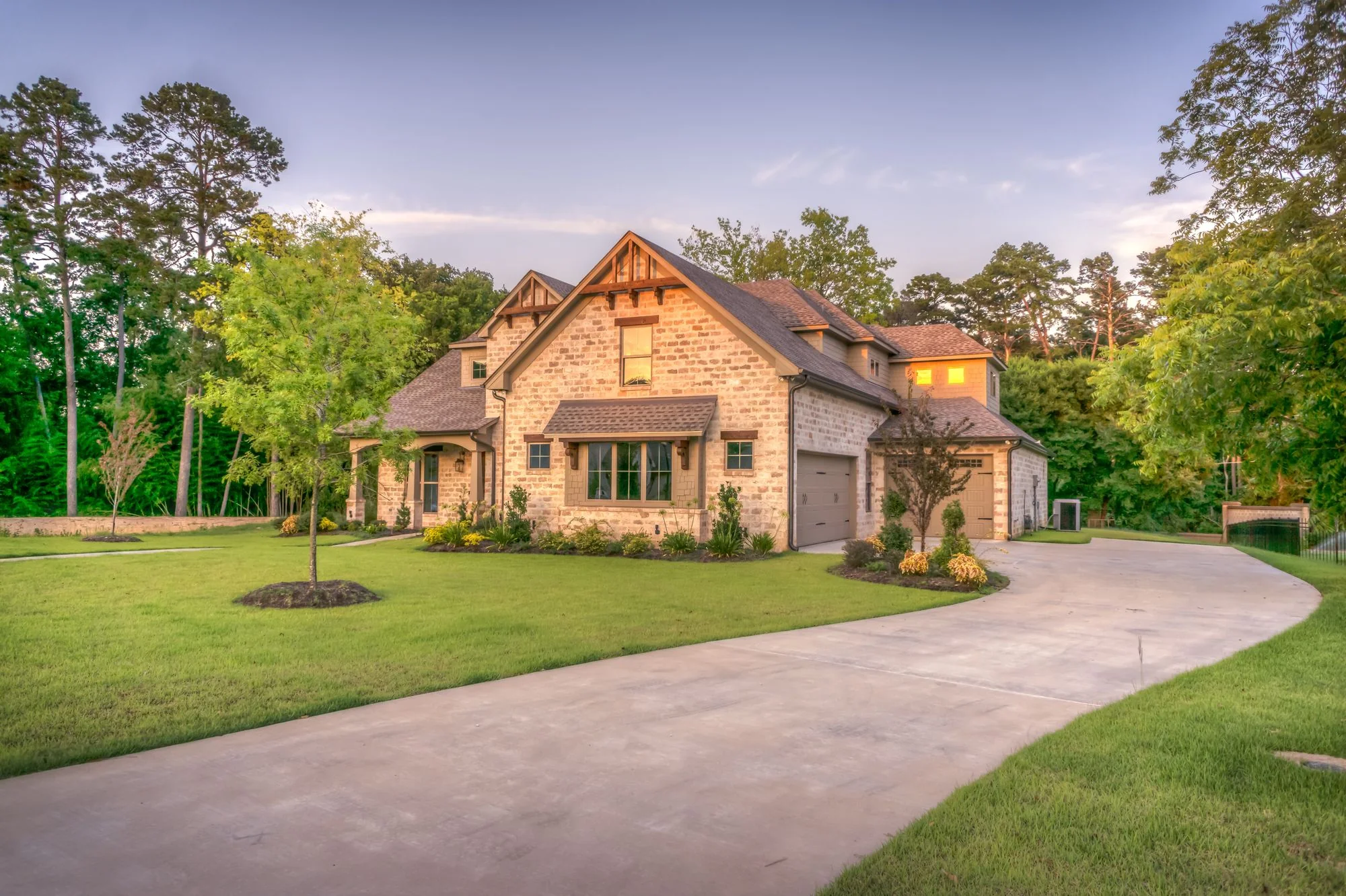
Silhouette, window positions, roofline and camera angle stay in place. Favore does not redesign the house or invent a new facade.
Replace the sky and add plausible window glow with a unified color temperature for the mood you pick.
Give a daytime facade the dusk look buyers expect on listing portals, without returning at sunset.
Warm a curb or street photo for social, email or brochure covers.
Compare dusk, golden hour and blue hour before you publish the hero.
Use a clear JPEG, PNG or WebP of a daytime facade, street-facing or exterior listing photo. Keep the building fully visible.
Select Dusk, Golden hour or Blue hour. No written prompt is needed.
Check silhouette, windows and roofline against the original. This is a listing preview, not a construction plan.
Practical playbooks that link declutter, staging, exteriors, and dusk heroes for homes, offices, and exteriors.
 Guides
 Guides
Clear a room, stage furniture, restyle finishes, preview a remodel, or refresh exteriors — for homes, offices, and exteriors.
Turn a daytime exterior or street-facing listing photo into a dusk, golden-hour or blue-hour hero without a second shoot.