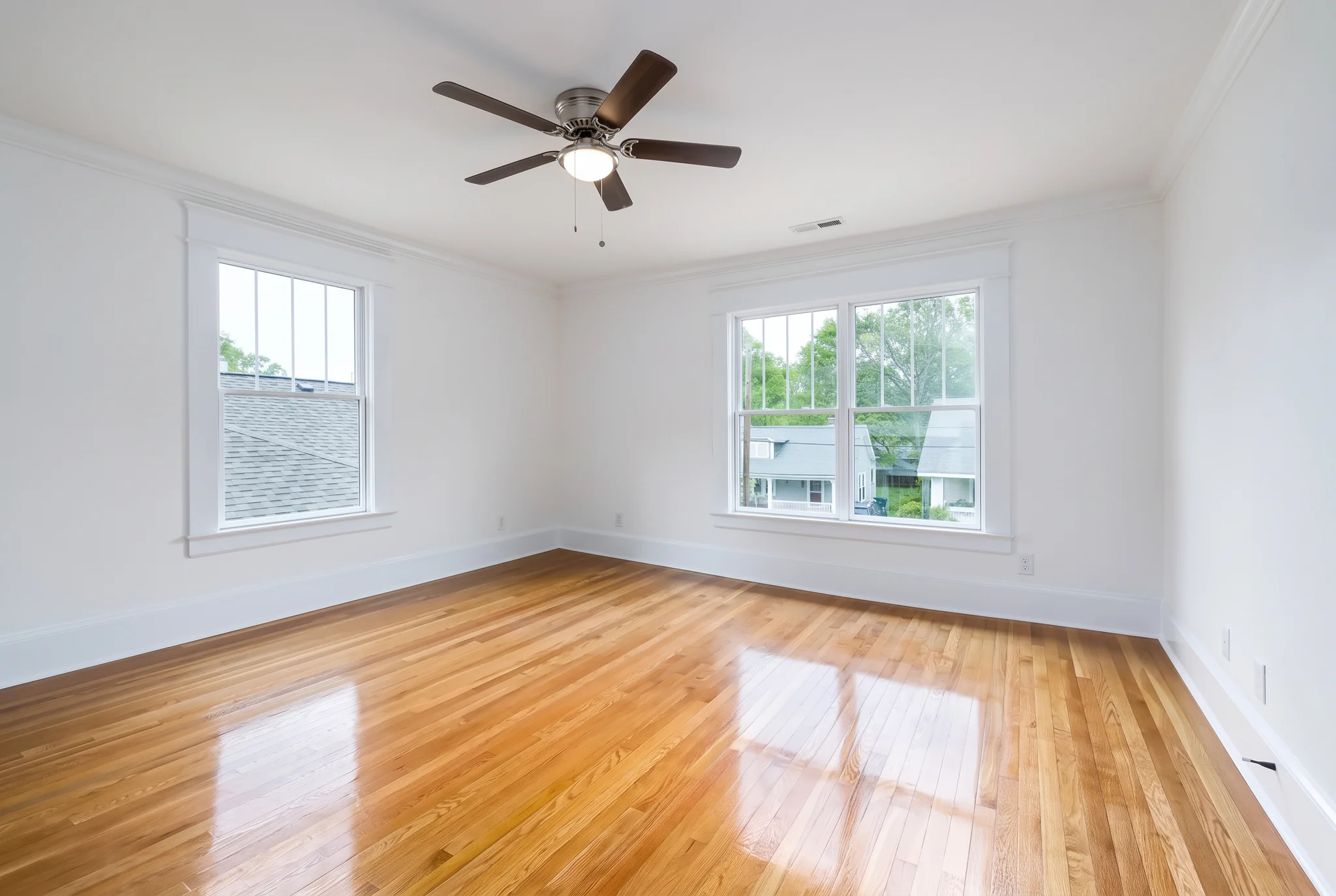
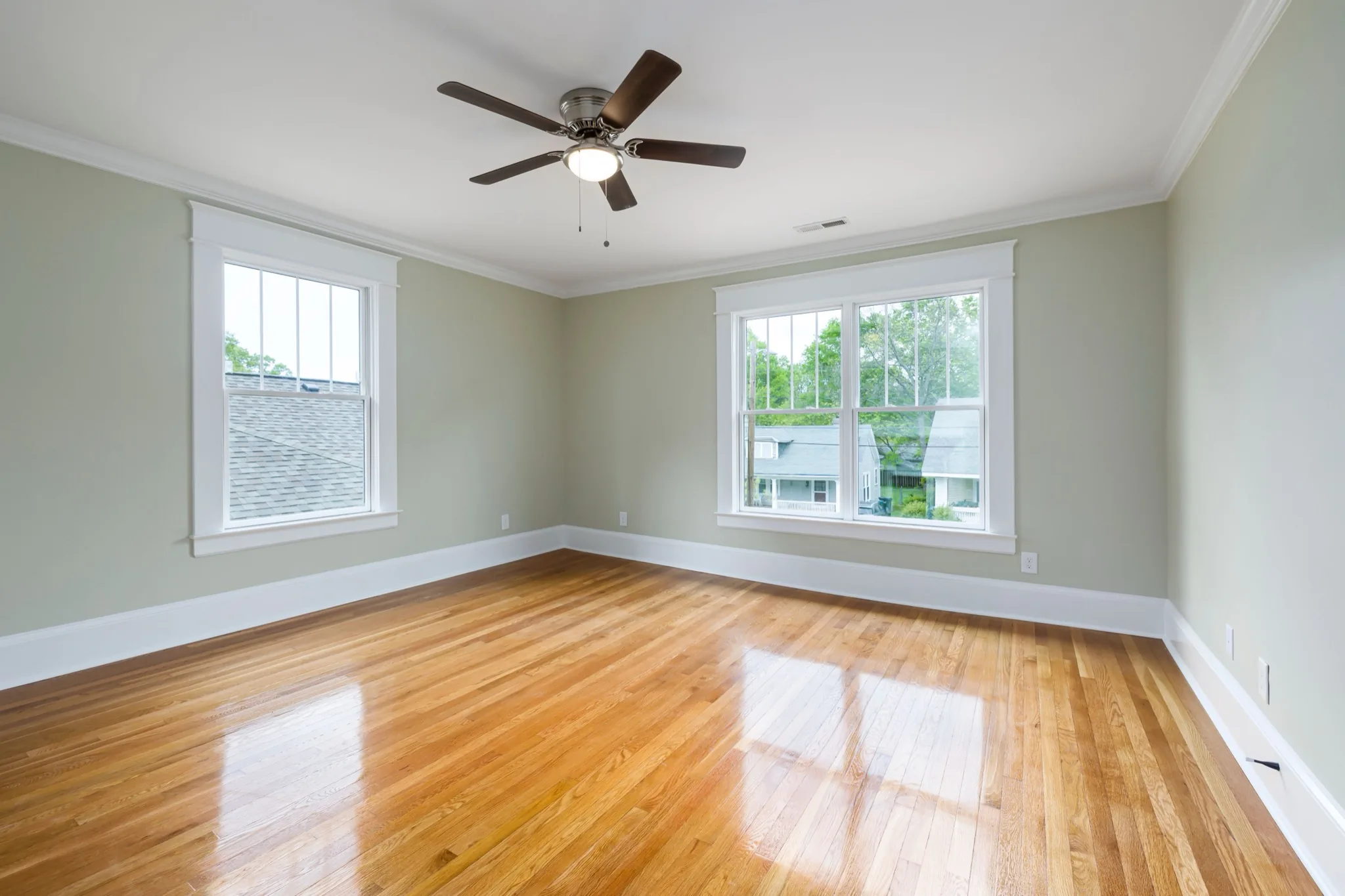
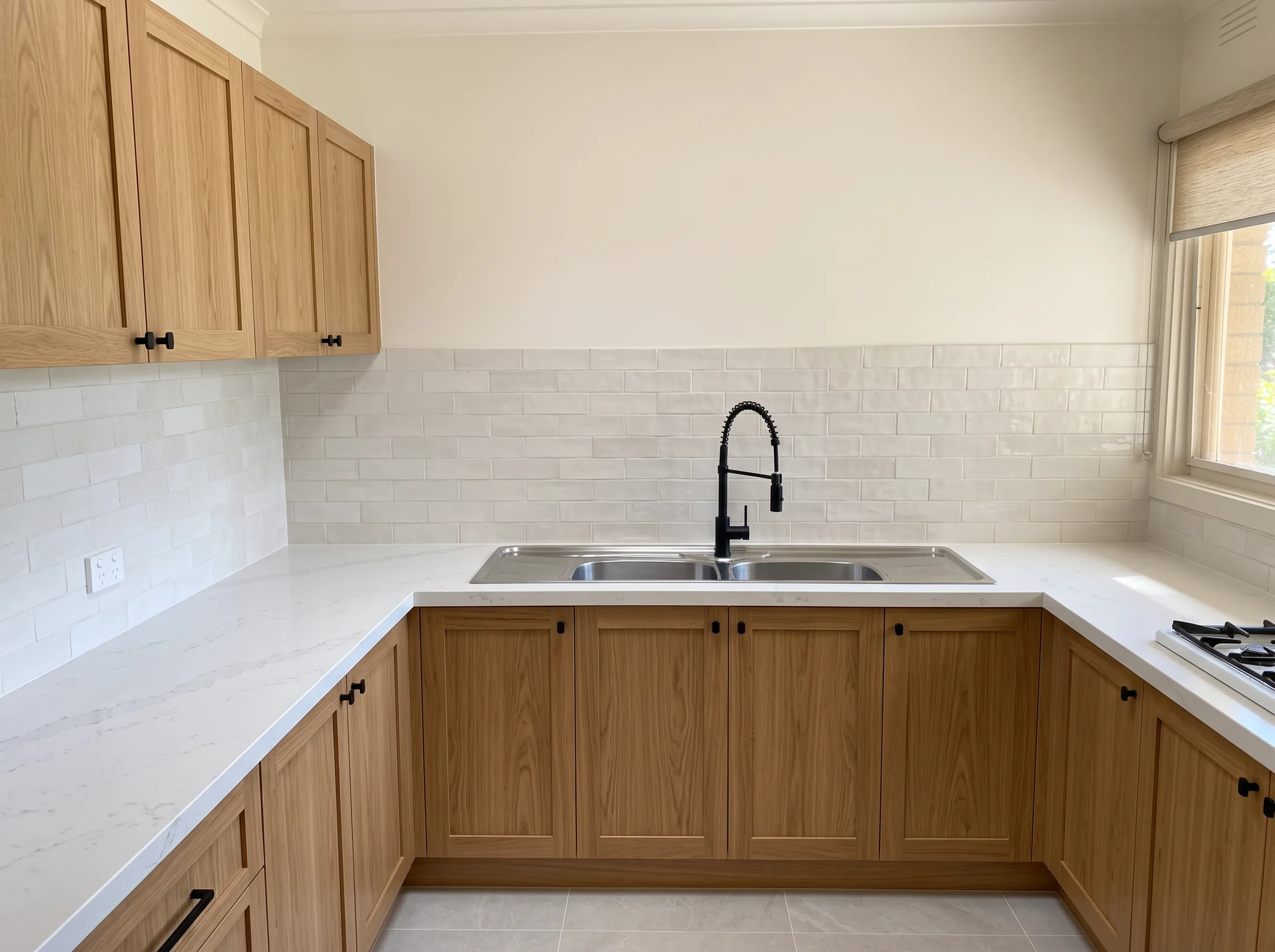
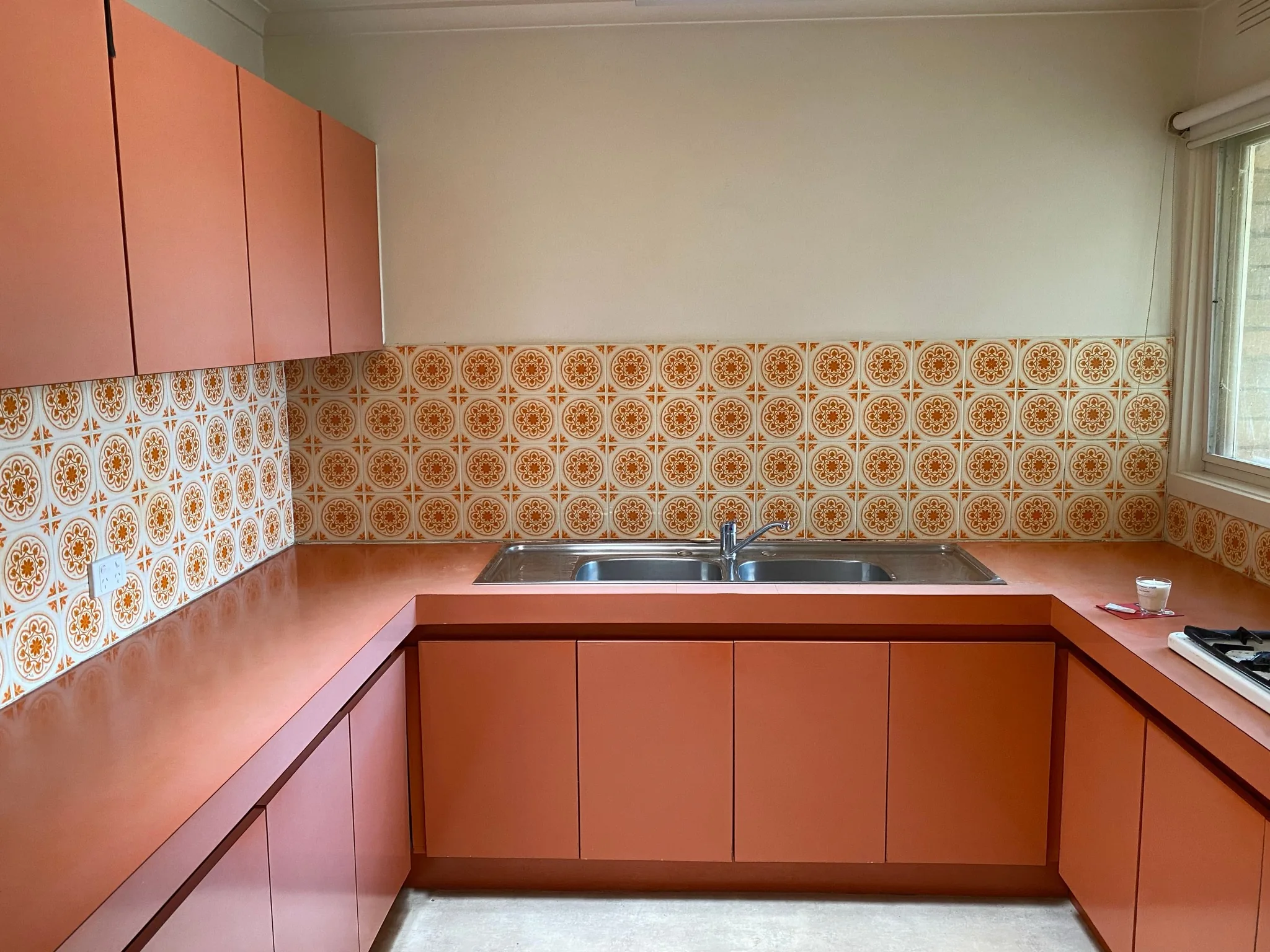
Keep the building structure
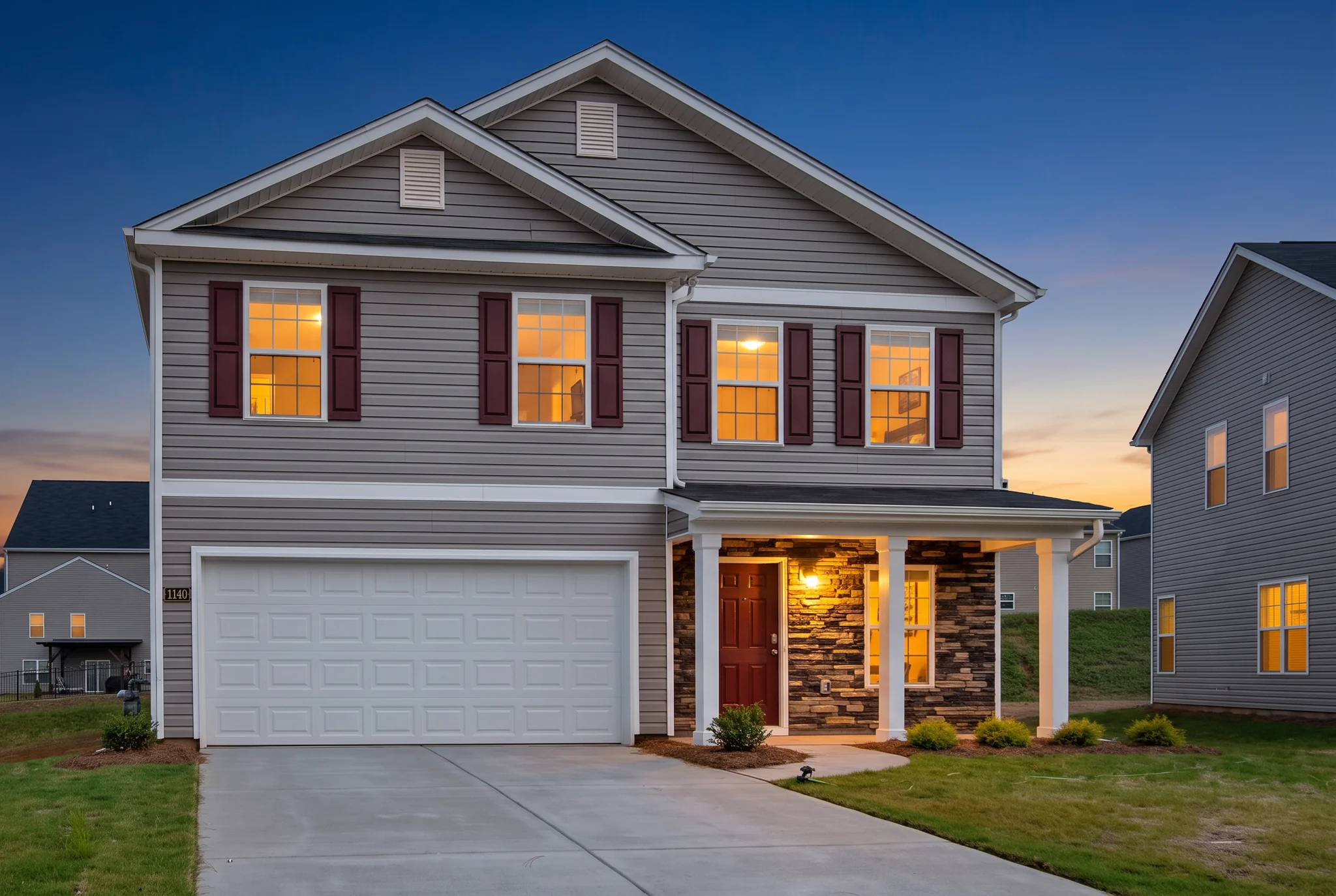
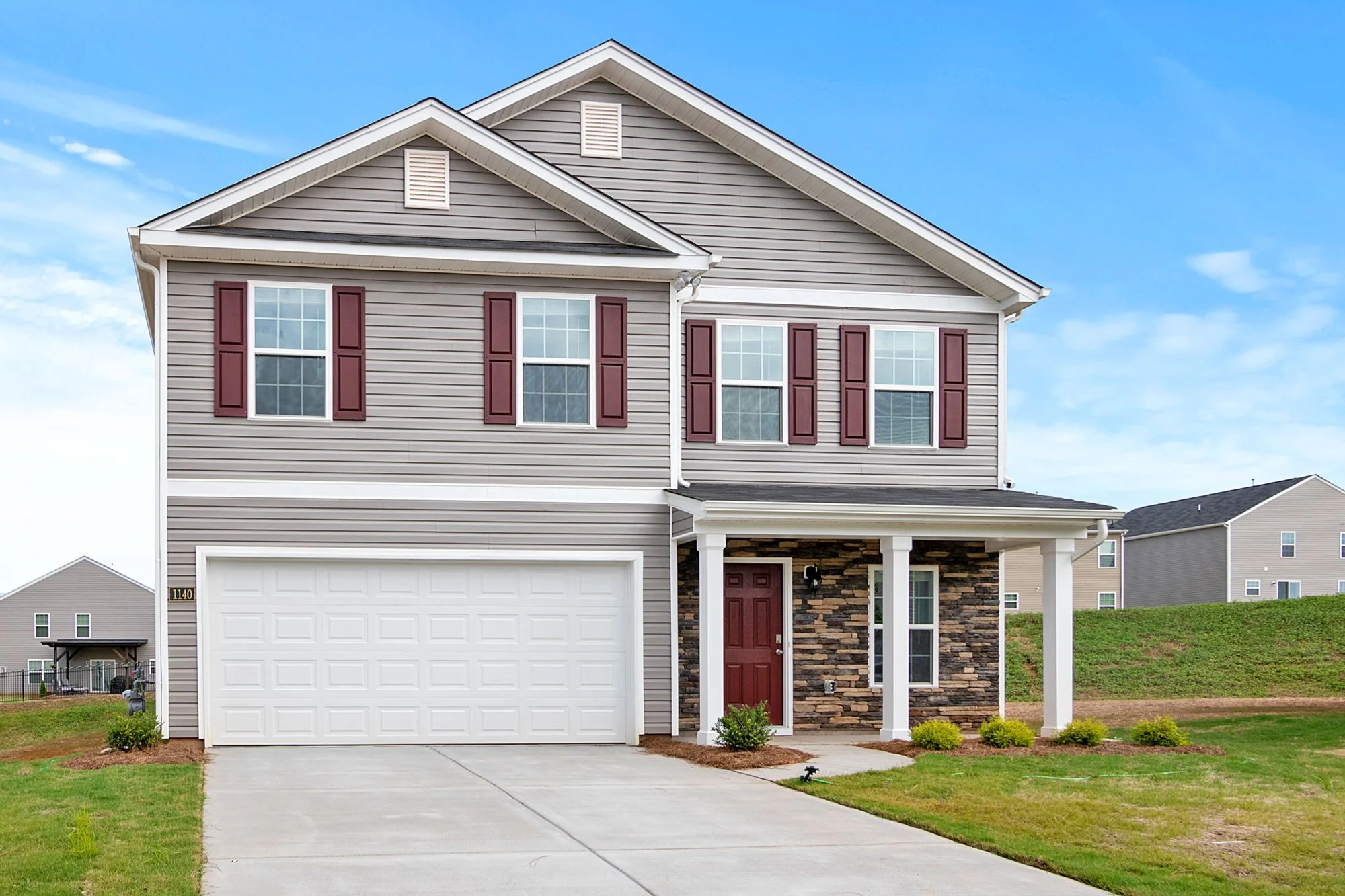
Silhouette, architectural style, window positions, roofline and camera angle stay in place. Favore does not redesign the house or change the structure.
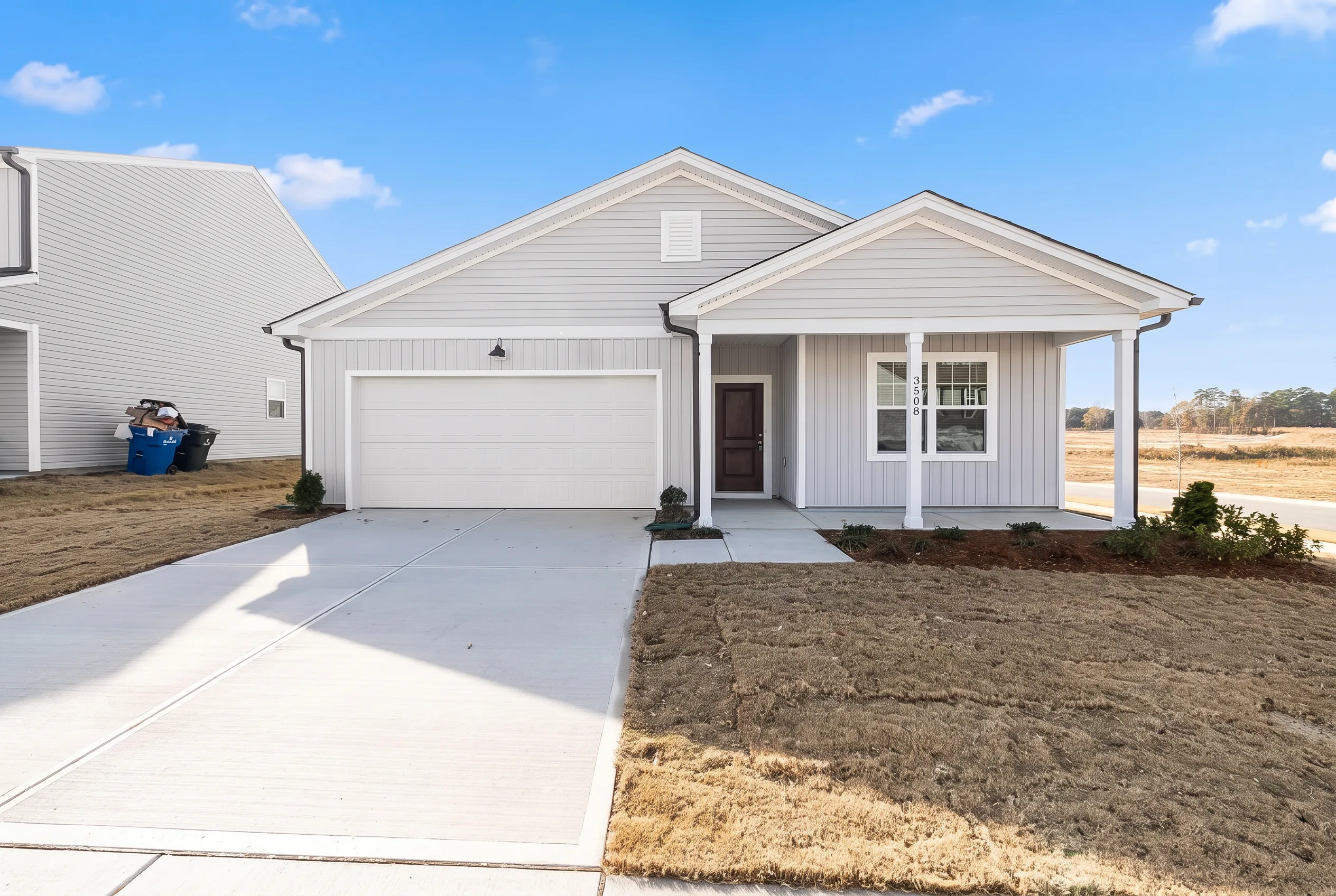
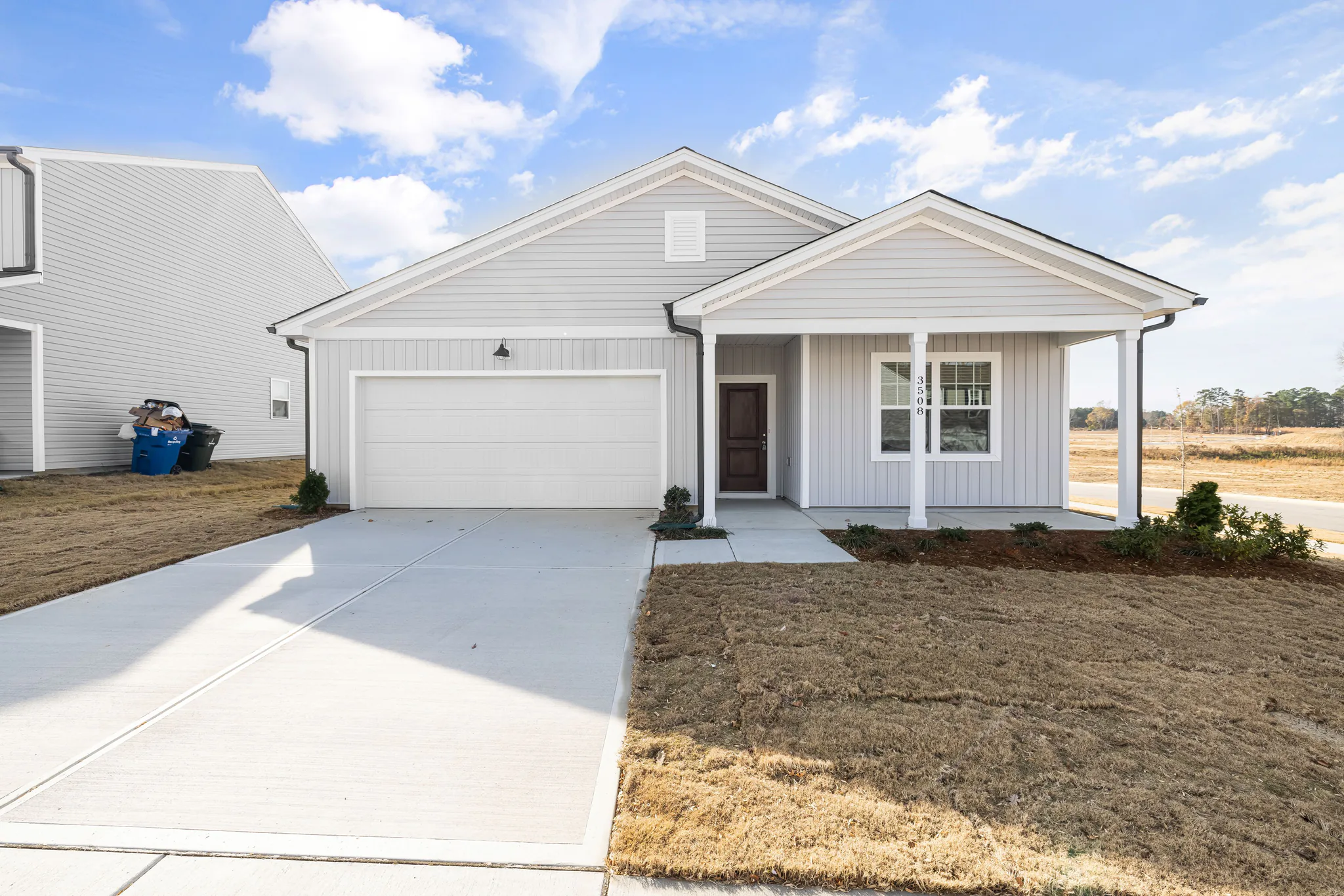
Enhance the facade, landscaping, and entry of an exterior listing photo to improve curb appeal without a reshoot.
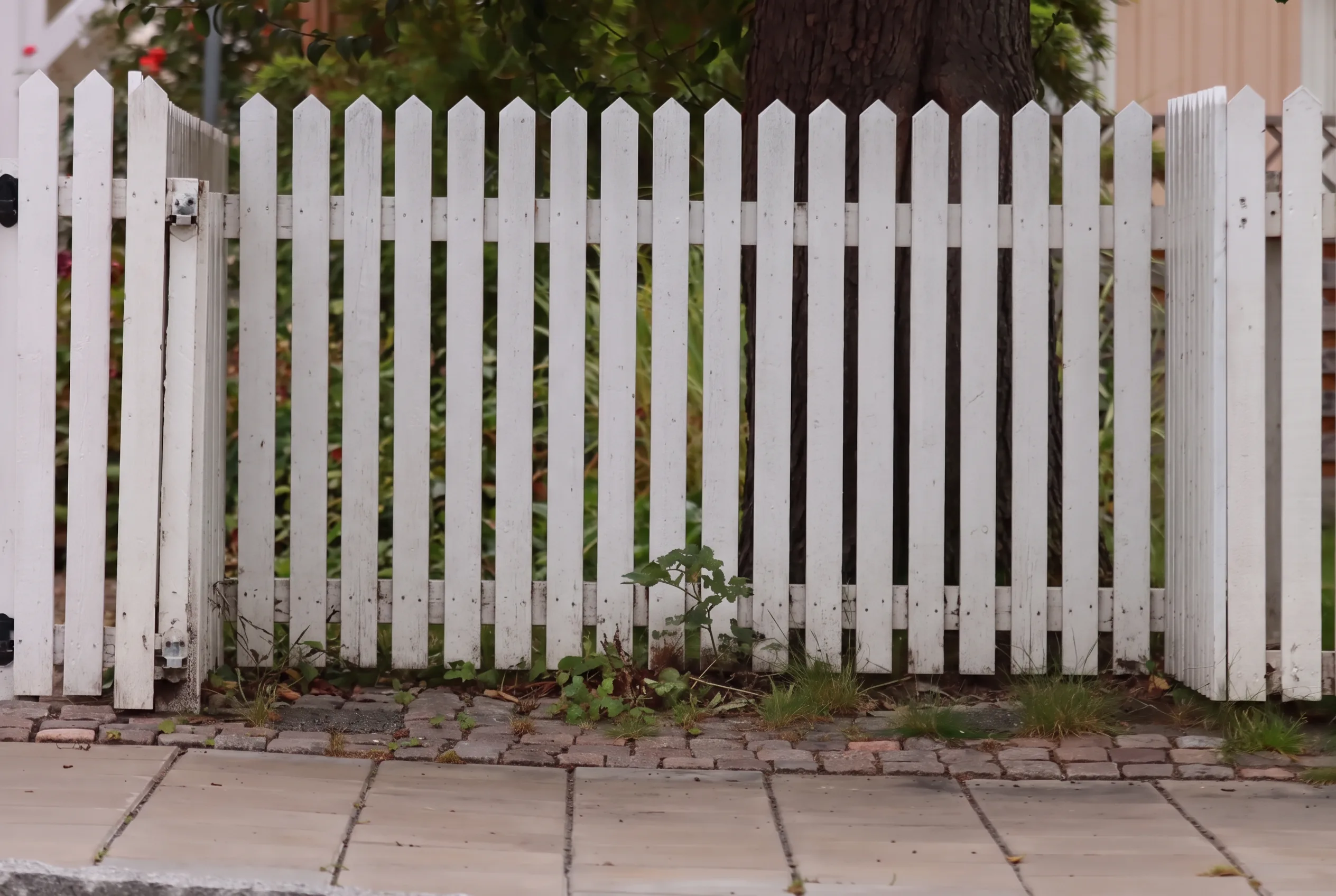
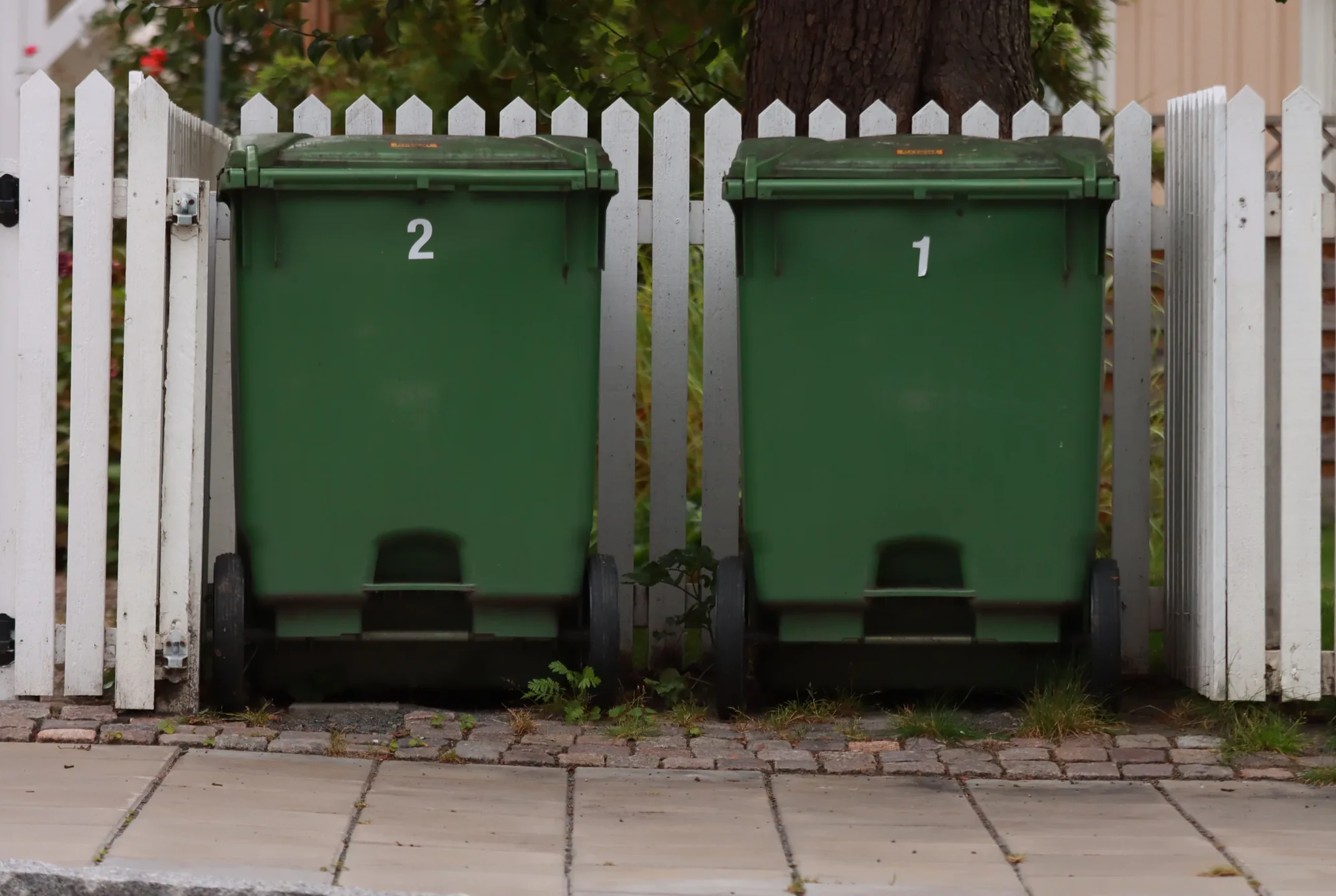
Arraste o divisor para comparar resultados reais em diferentes cenários.
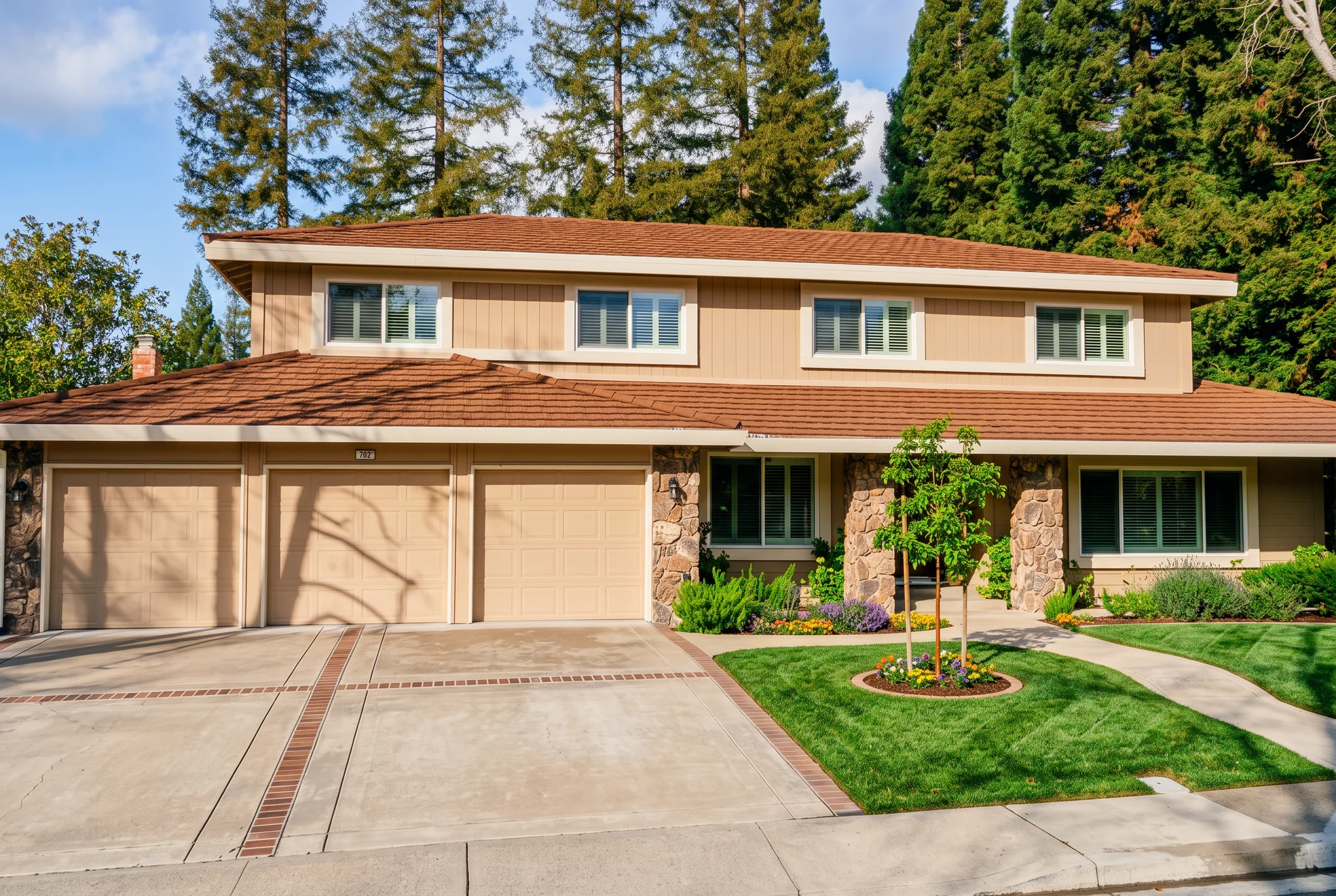
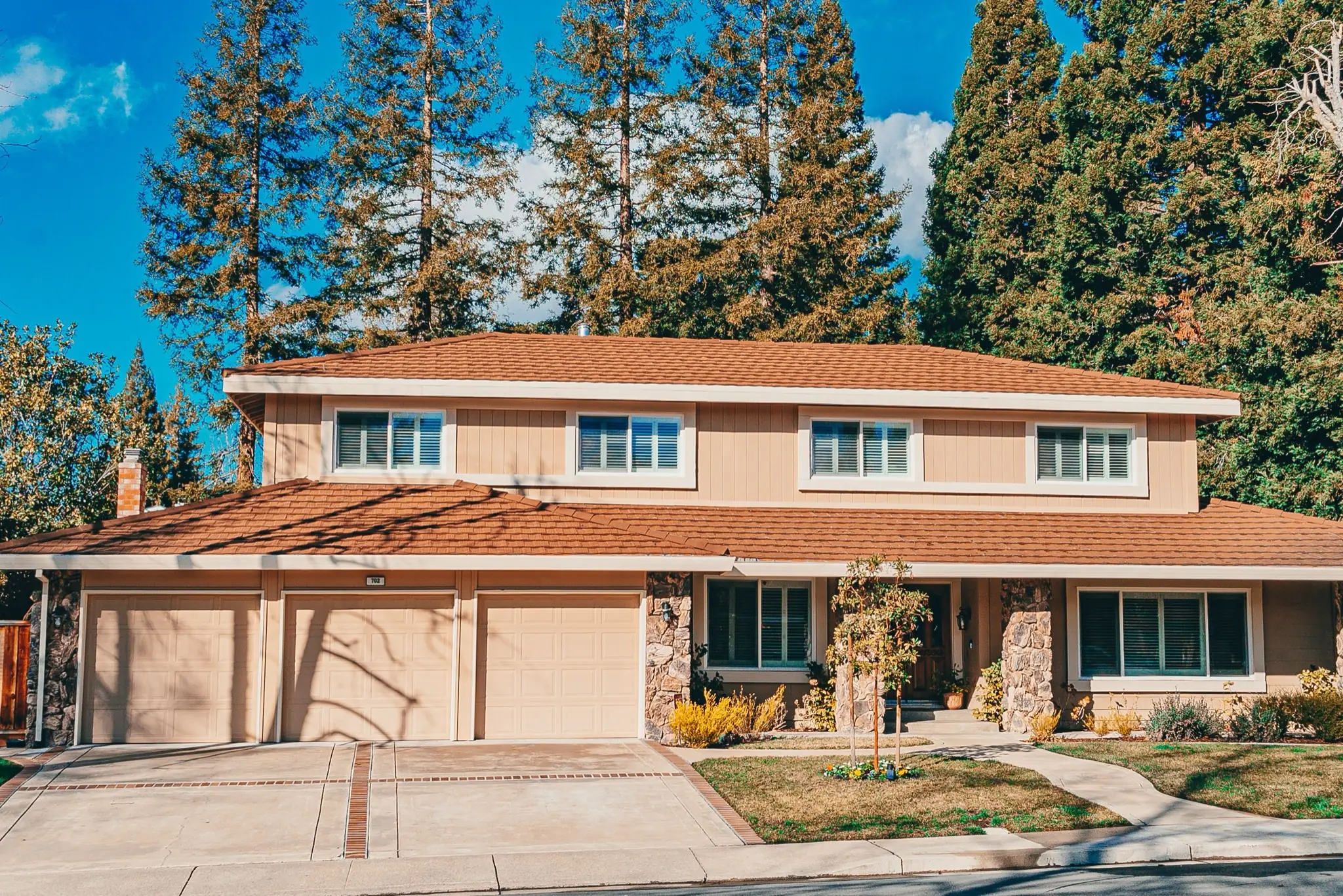
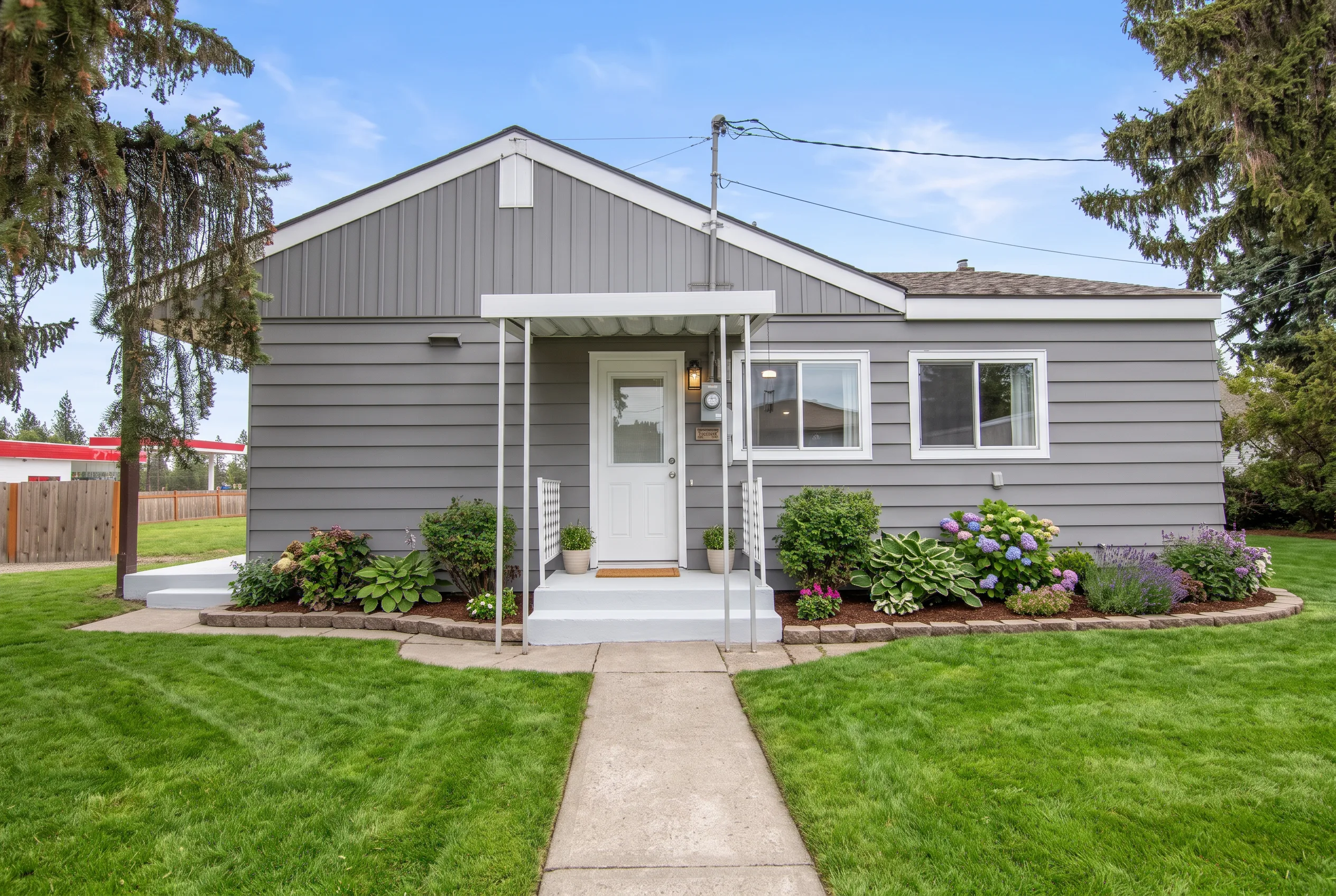
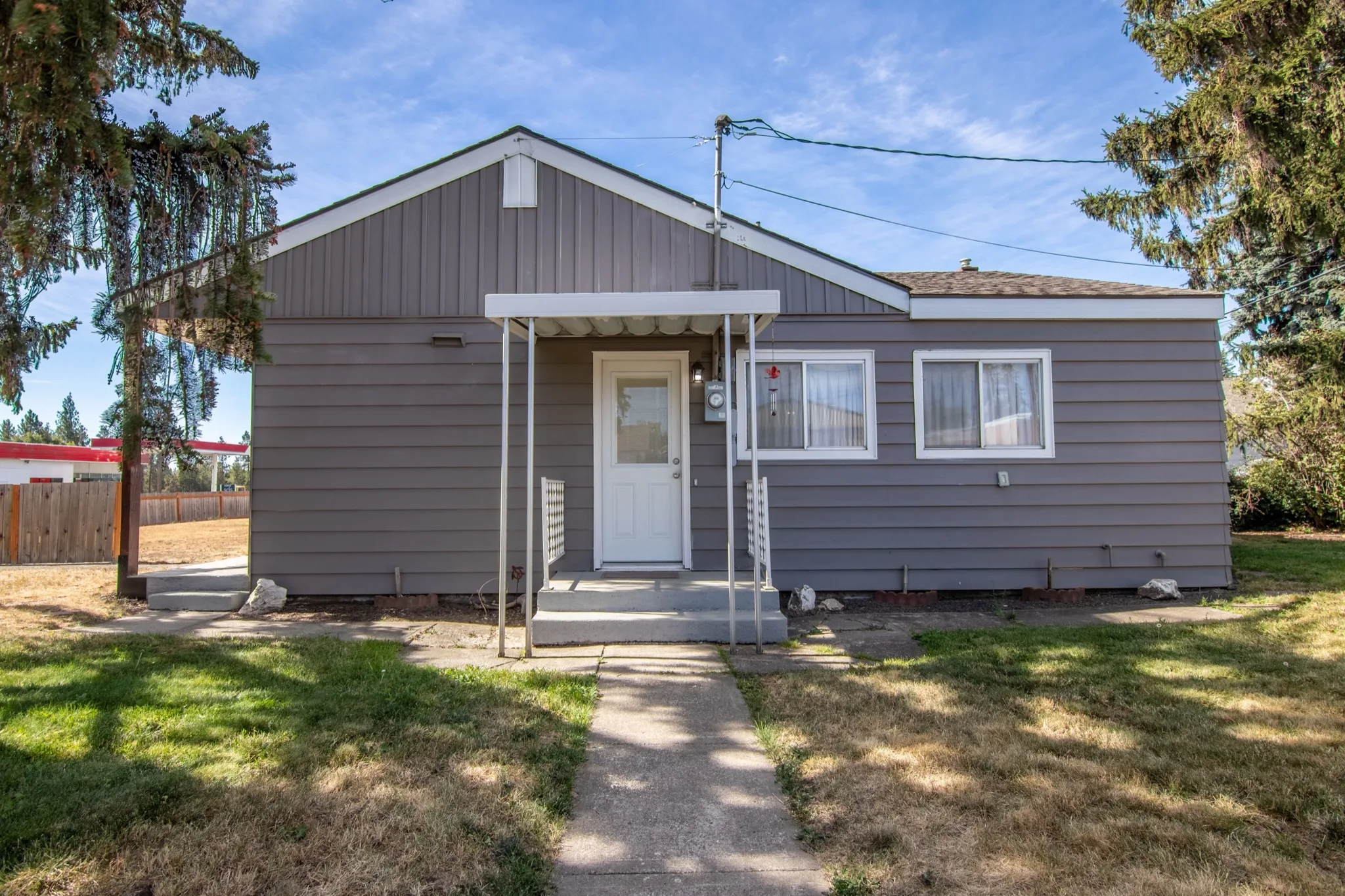
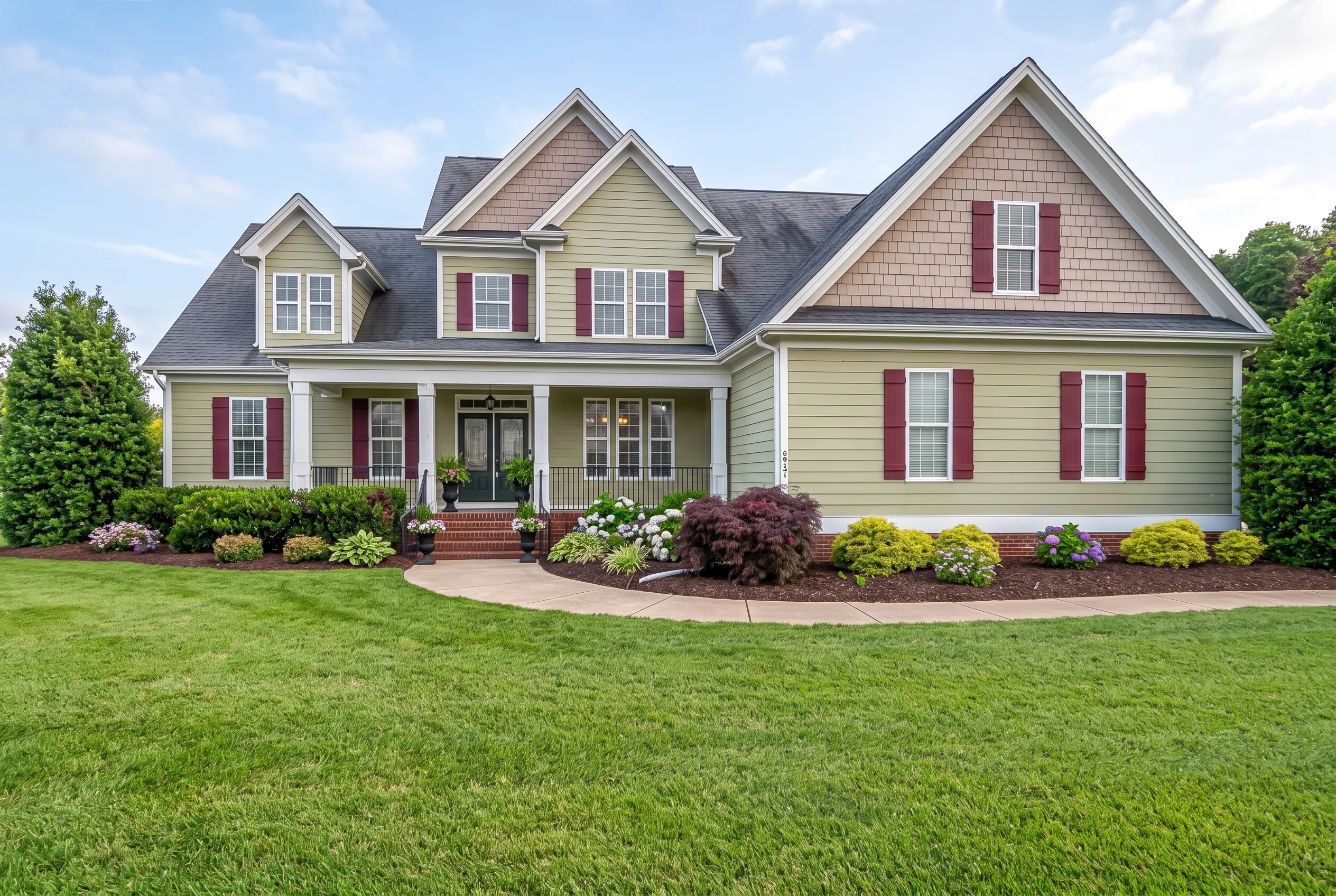
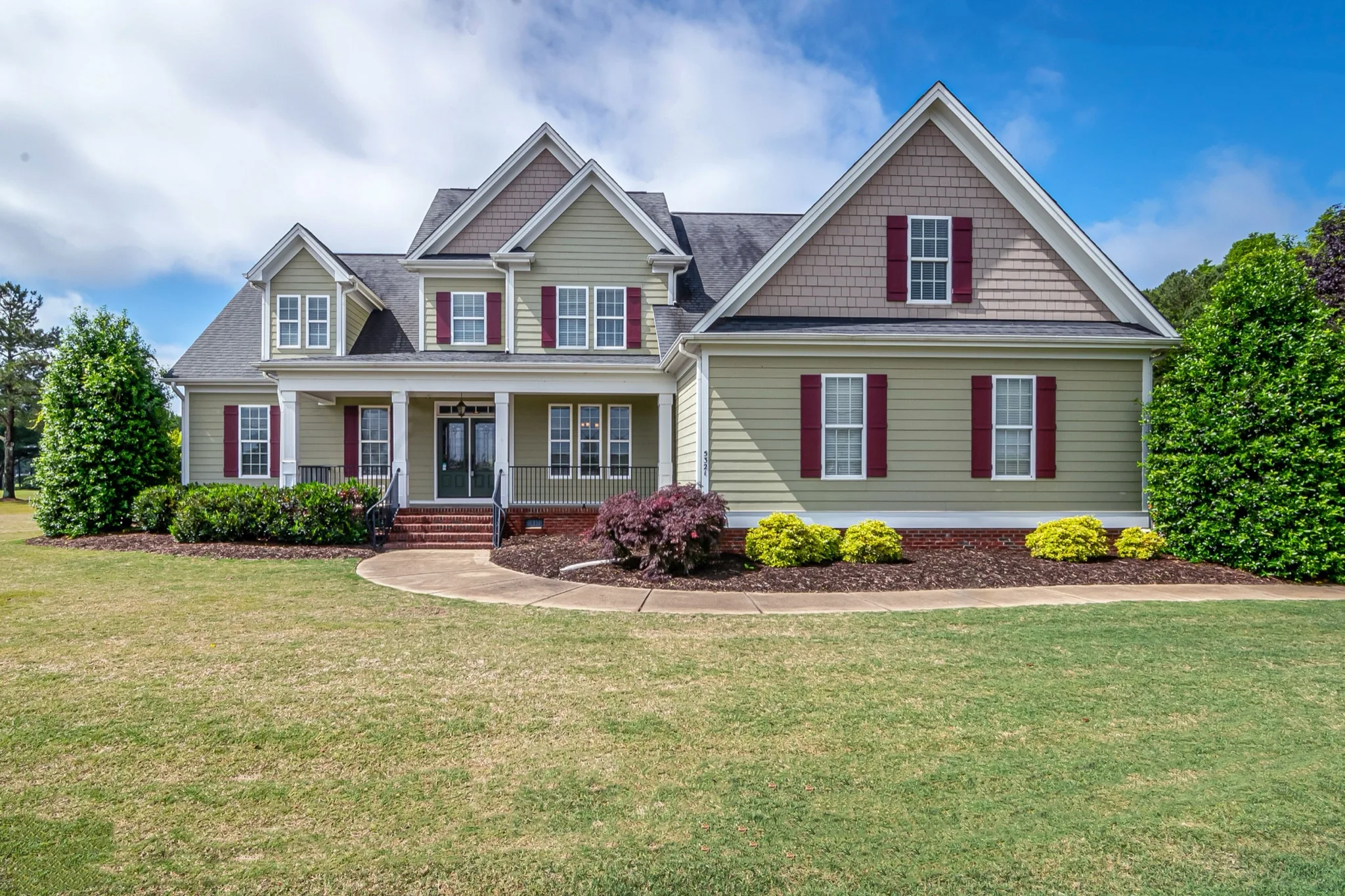
Silhouette, architectural style, window positions, roofline and camera angle stay in place. Favore does not redesign the house or change the structure.
Enhance landscaping, clean the facade, improve the entry area, and boost overall curb appeal with photoreal improvements.
Improve the curb appeal of facade and street-facing photos for better listing presentation without a full reshoot.
Enhance the entry area, walkway, and immediate approach to make the first impression count.
Try subtle, moderate, and dramatic enhancement levels to find the right balance for your listing.
Use a clear JPEG, PNG or WebP of an exterior facade, street-facing or entry listing photo. Keep the building fully visible.
Select Subtle, Moderate or Dramatic. No written prompt is needed.
Check silhouette, windows and roofline against the original. This is a listing preview, not a construction plan.
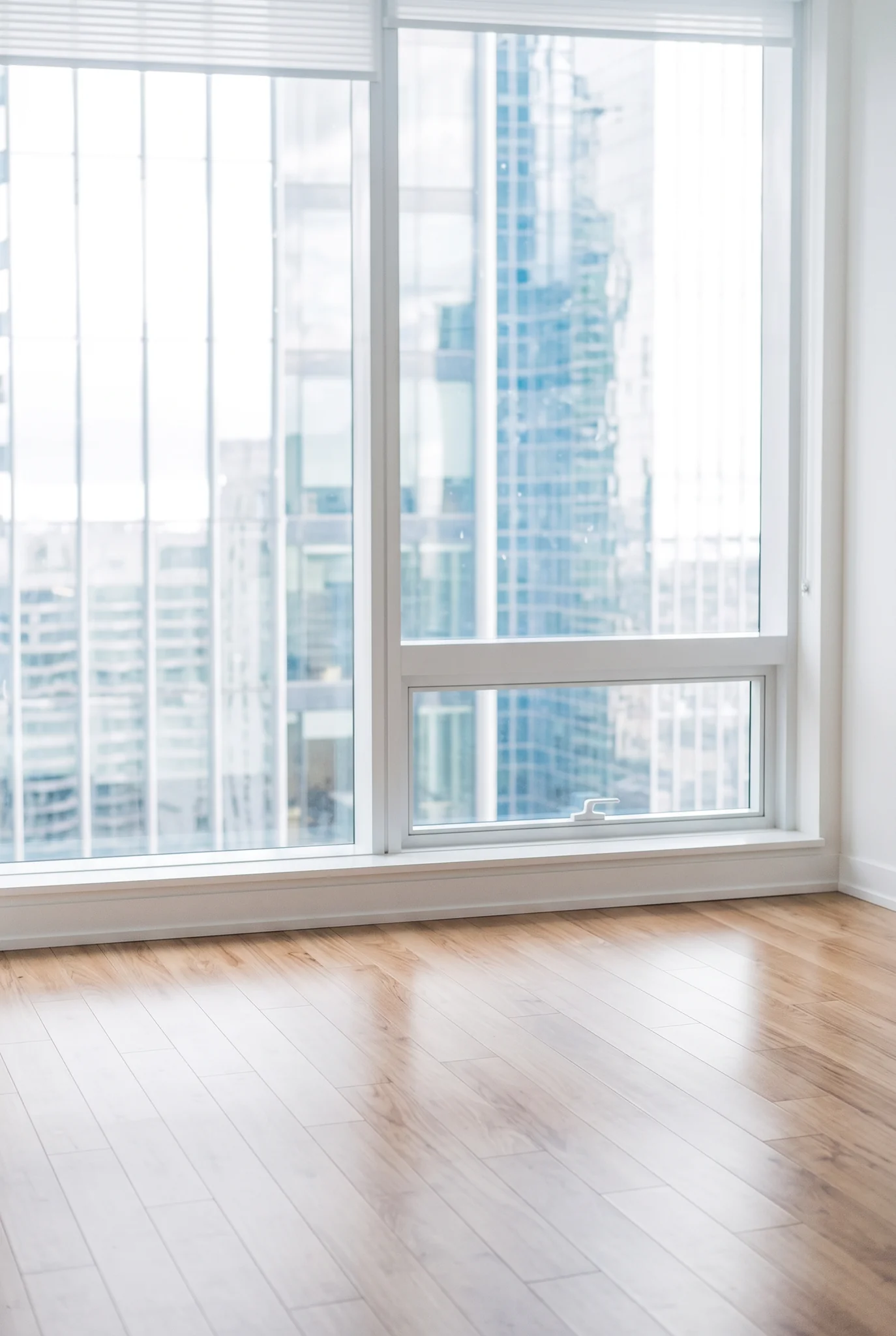
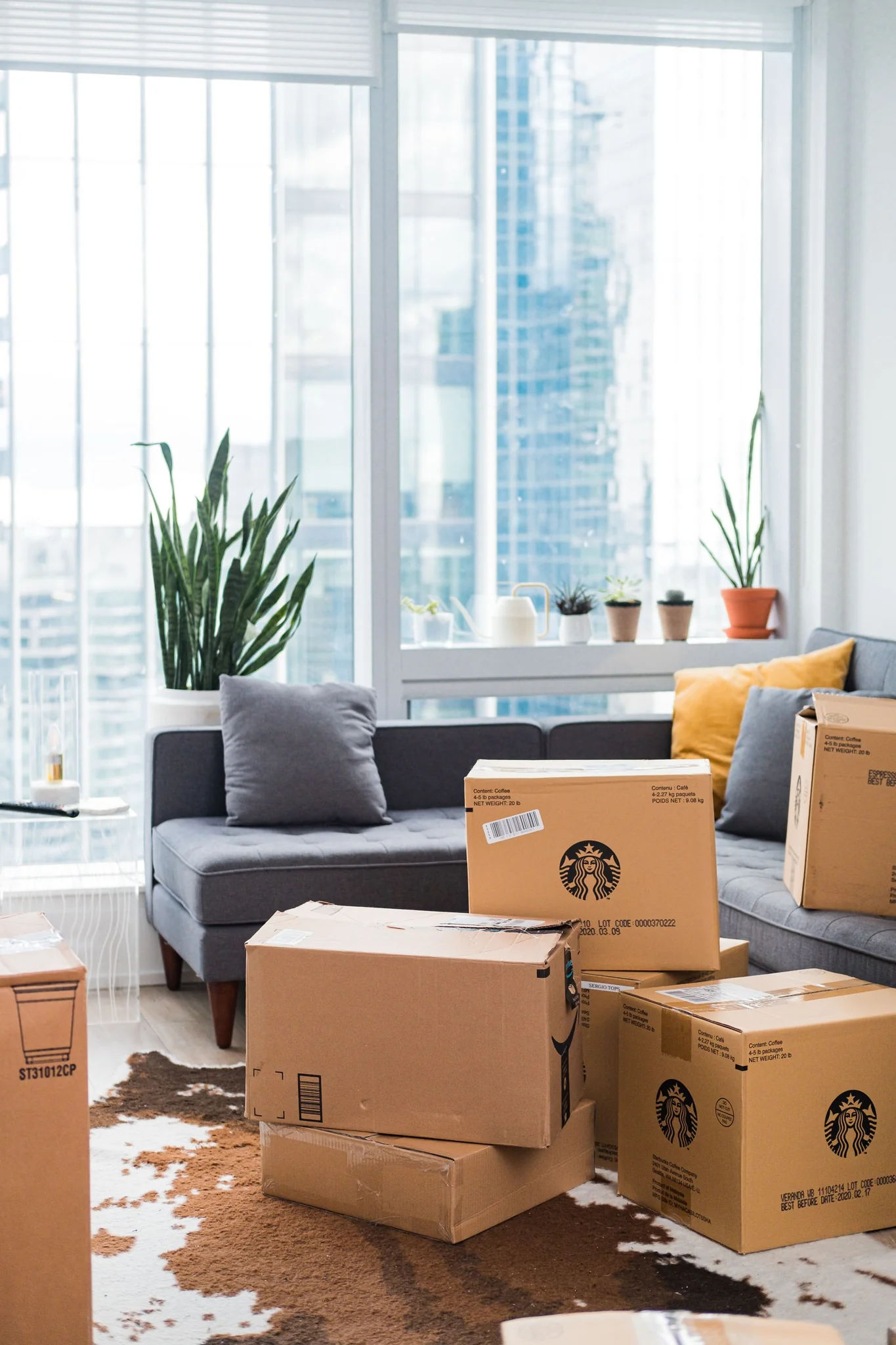
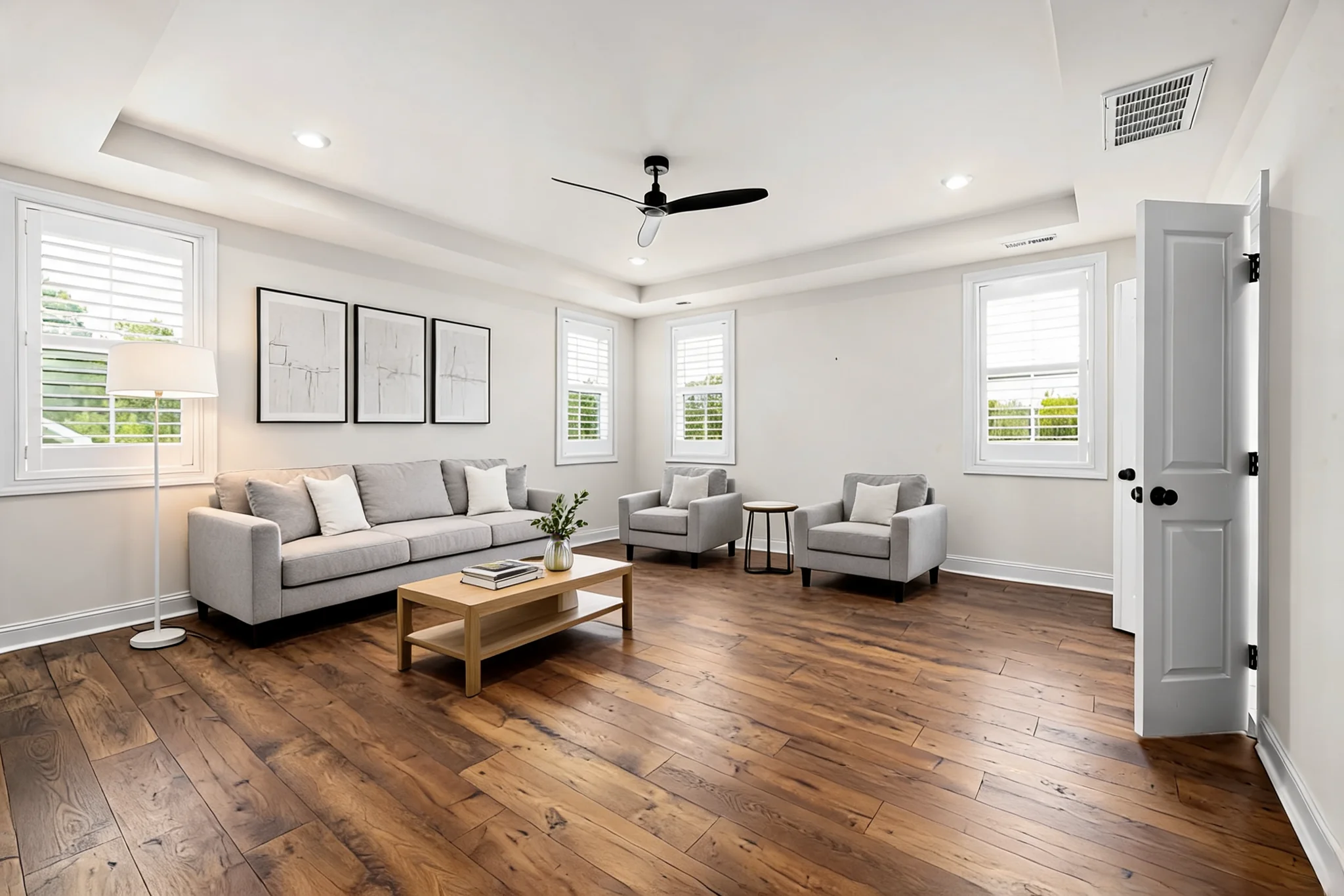
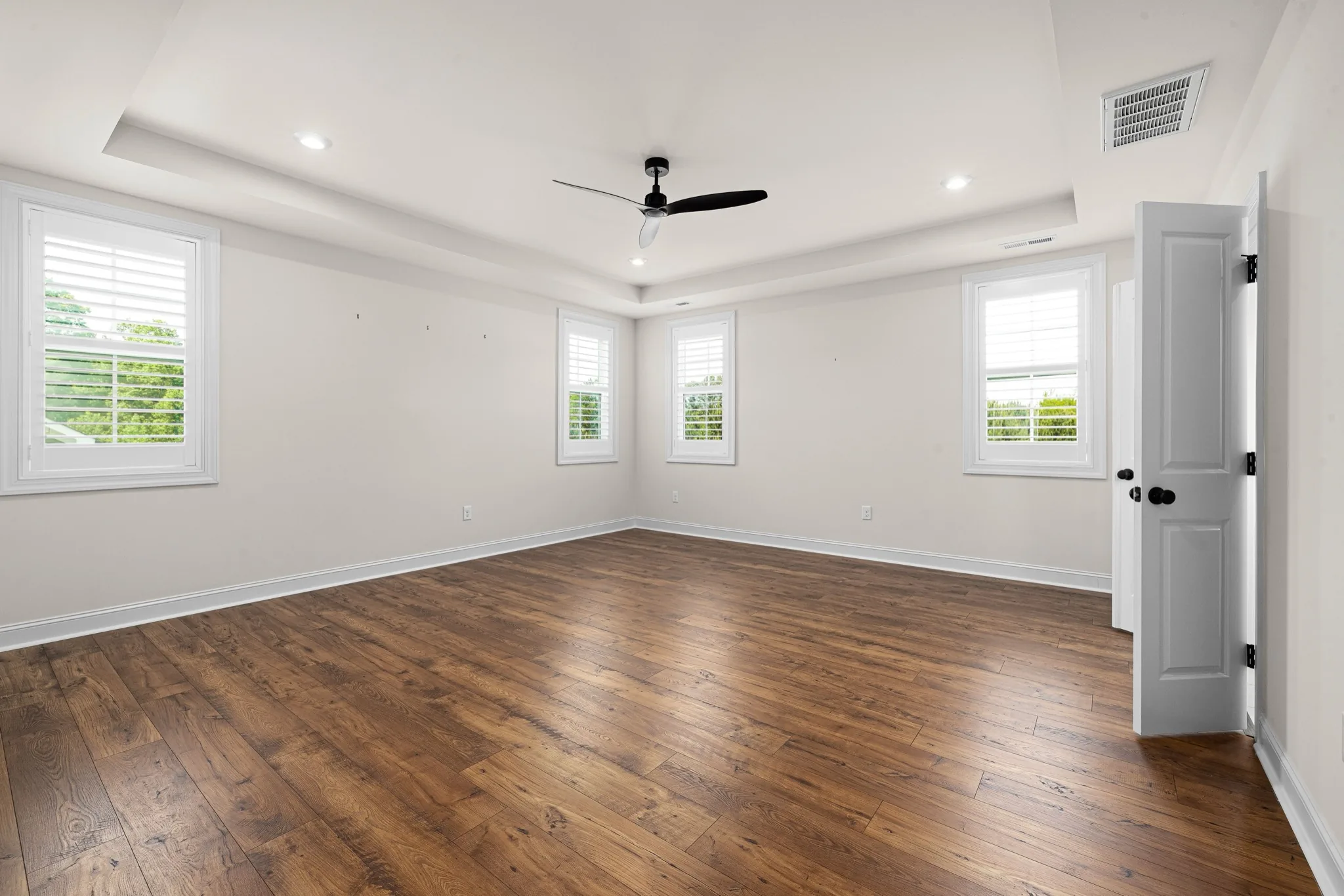
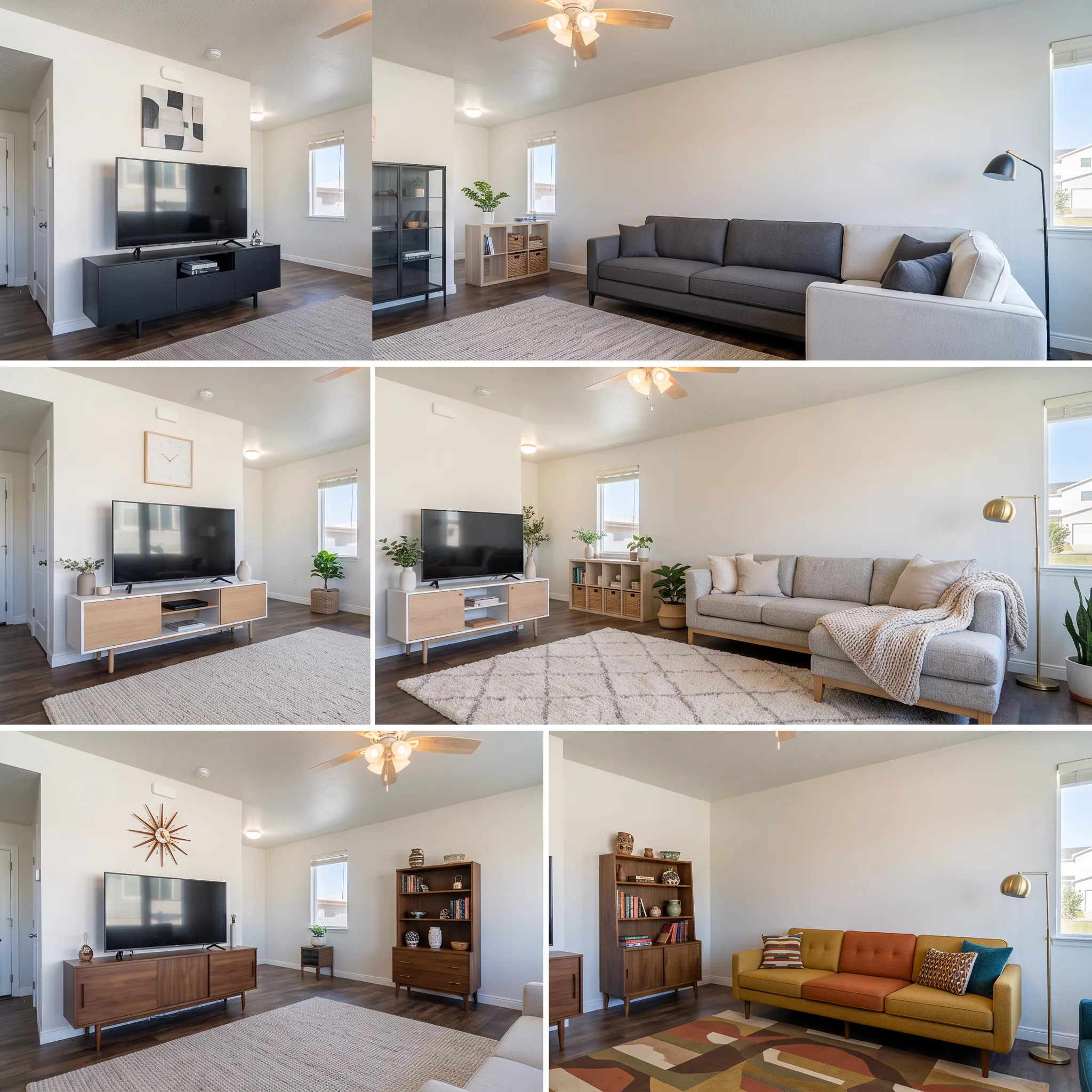
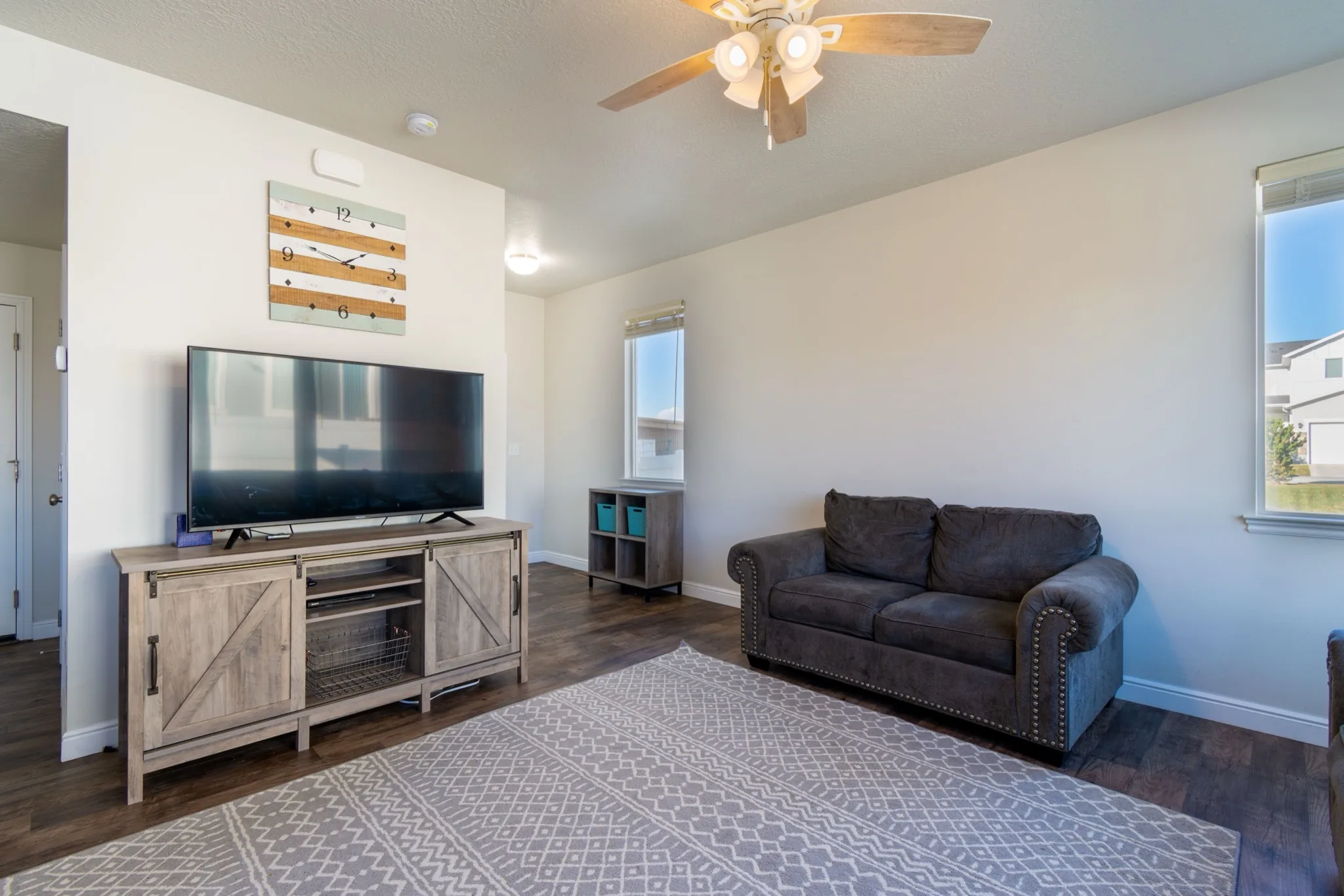
Clear a room, stage furniture, restyle finishes, preview a remodel, or refresh exteriors — for homes, offices, and exteriors.
Enhance the facade, landscaping, and entry of an exterior listing photo to improve curb appeal without a reshoot.