Keep approximate layout
Rooms and openings indicated in the source stay. Favore does not invent rooms that are not shown.
Polish a rough, hand-drawn or scanned floor plan into a clean marketing diagram. Keeps approximate proportions; does not invent rooms.
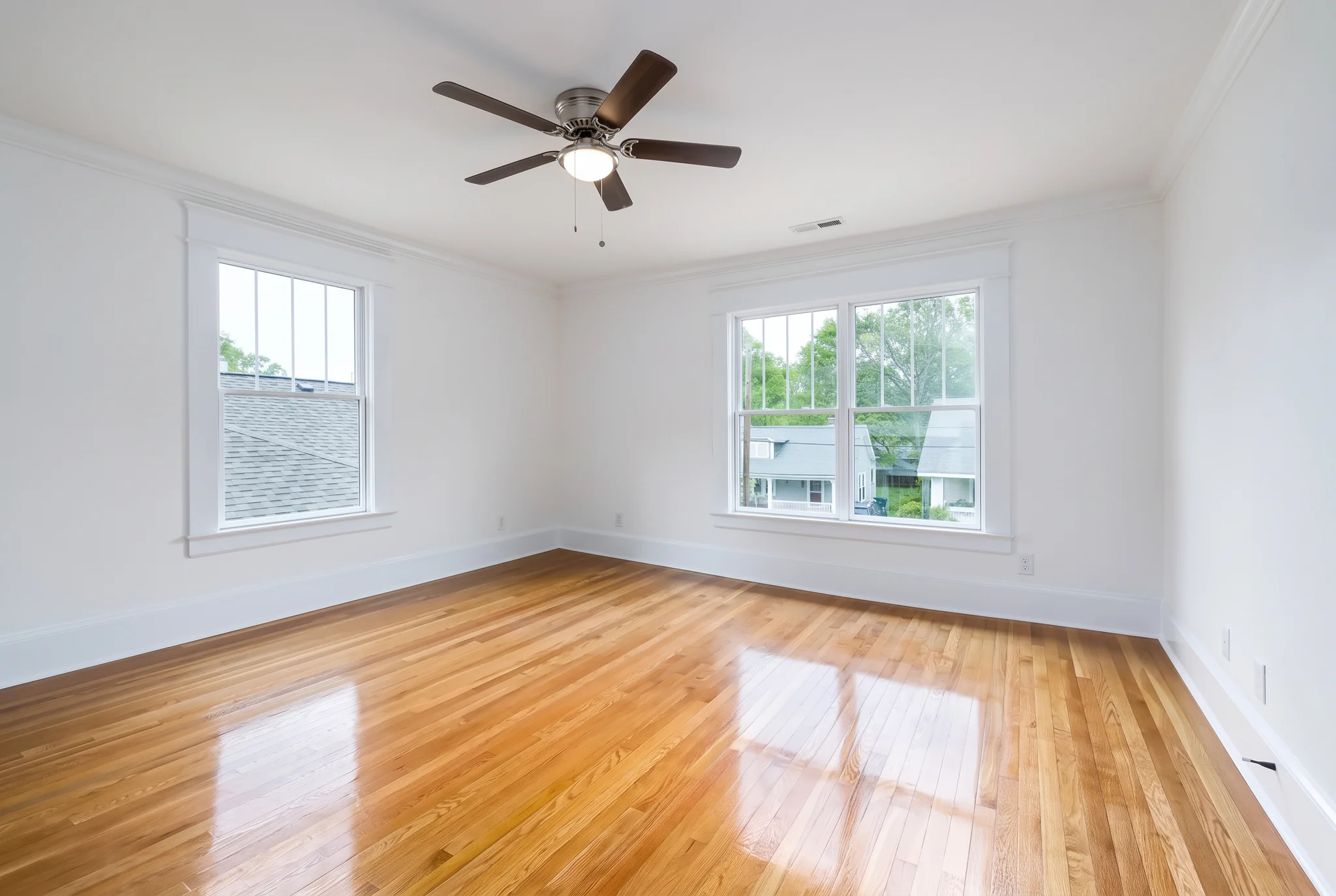
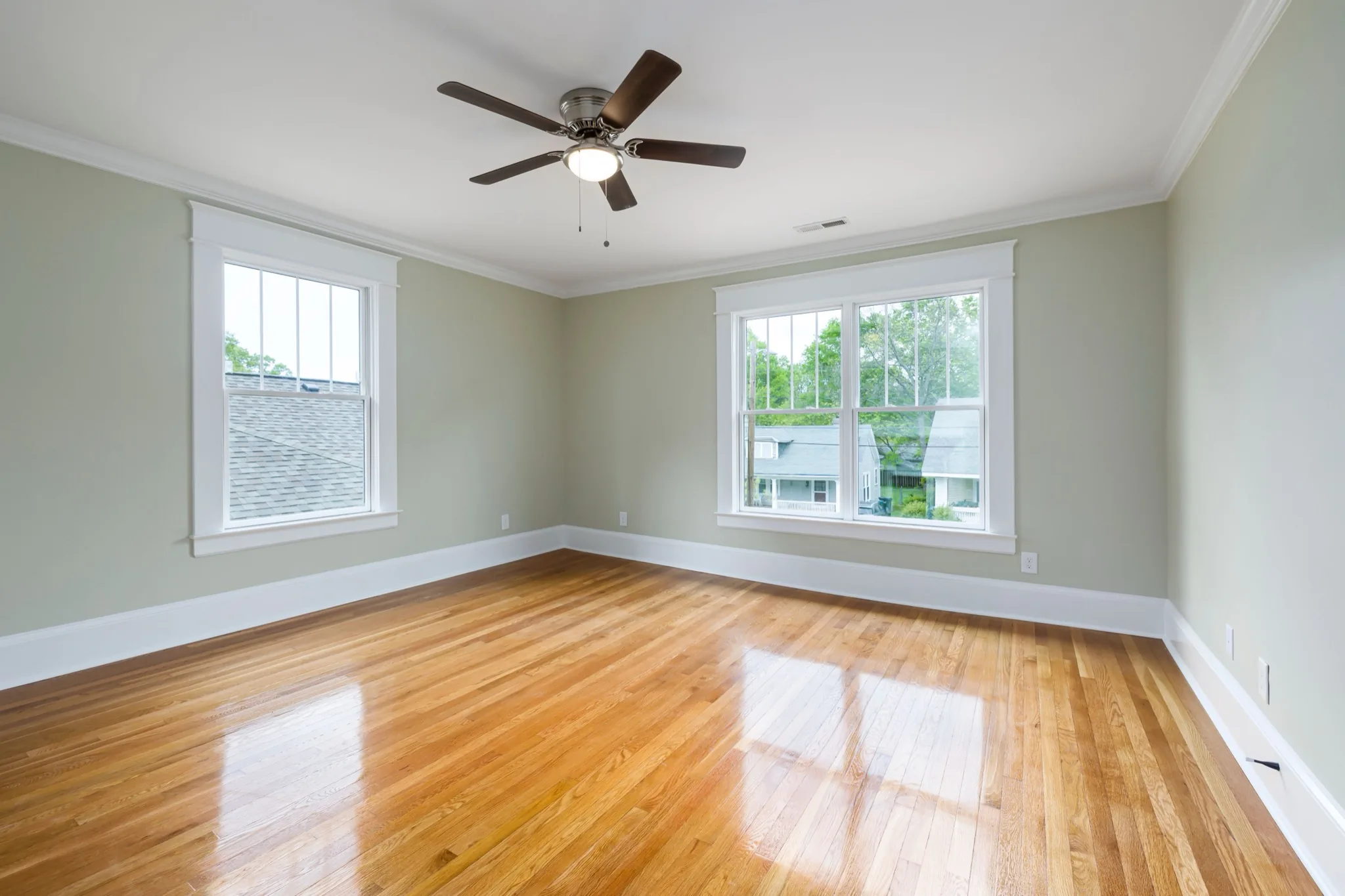
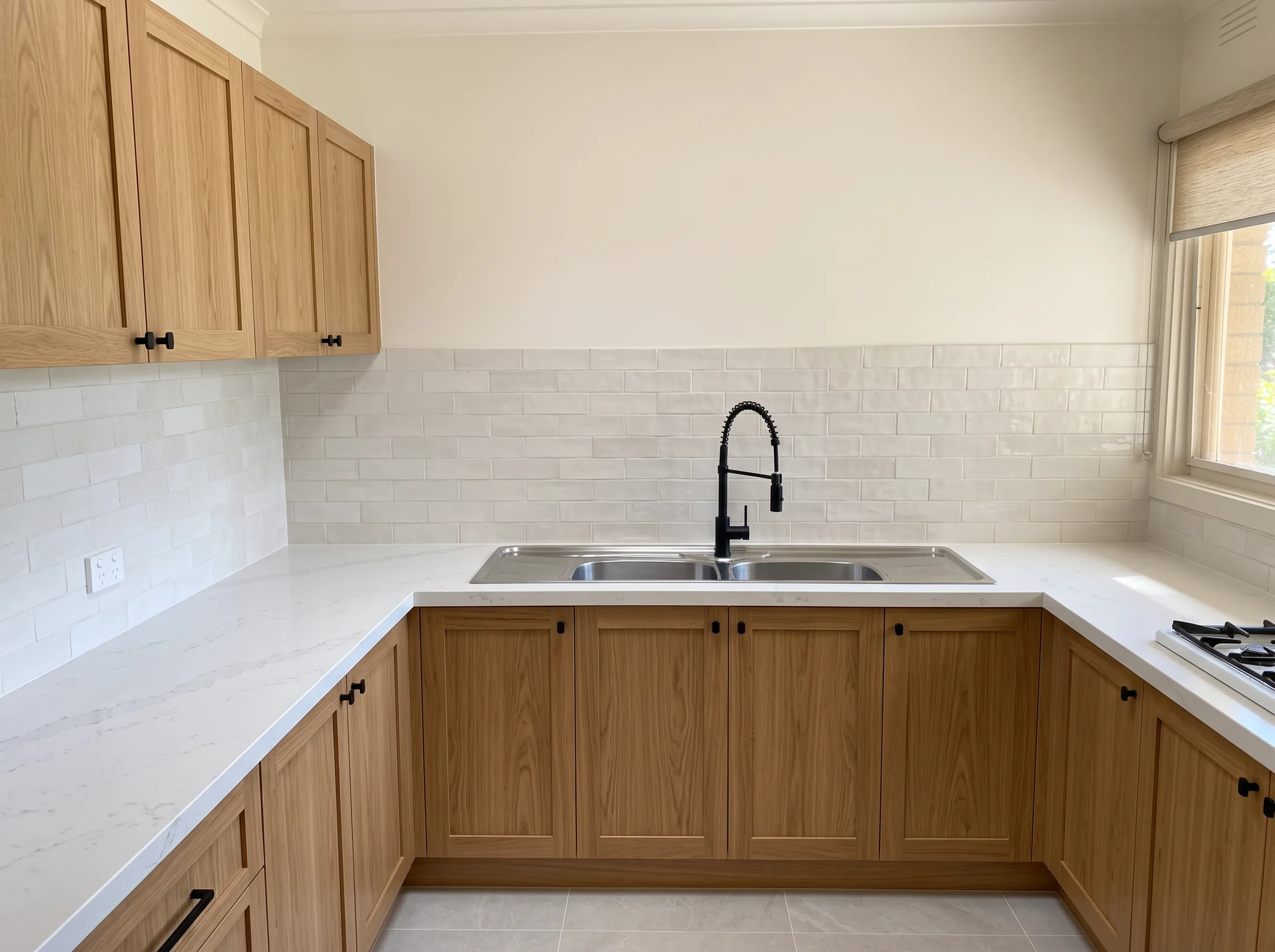
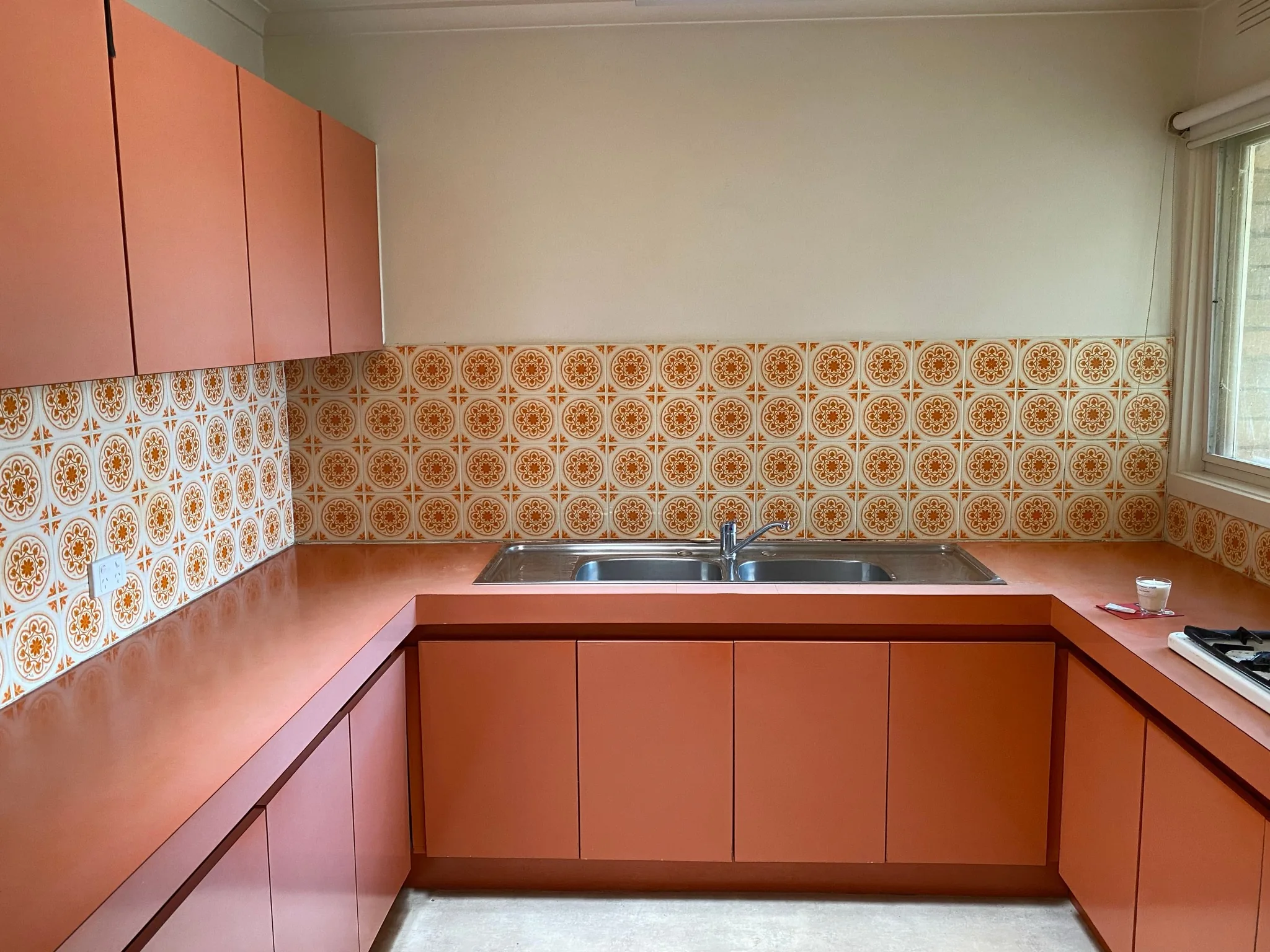
구분선을 드래그하여 다양한 장면의 실제 처리 결과를 비교하세요.
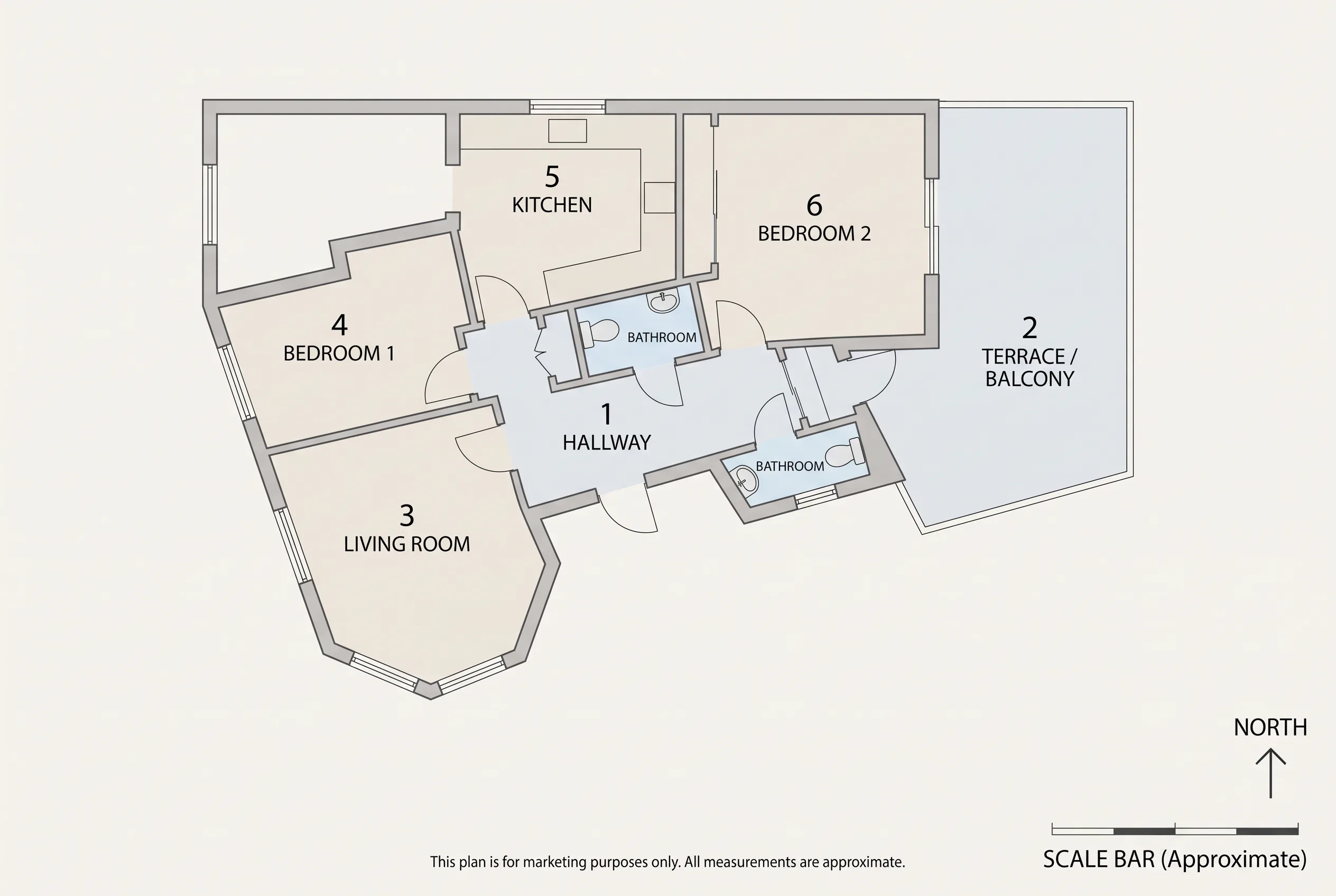
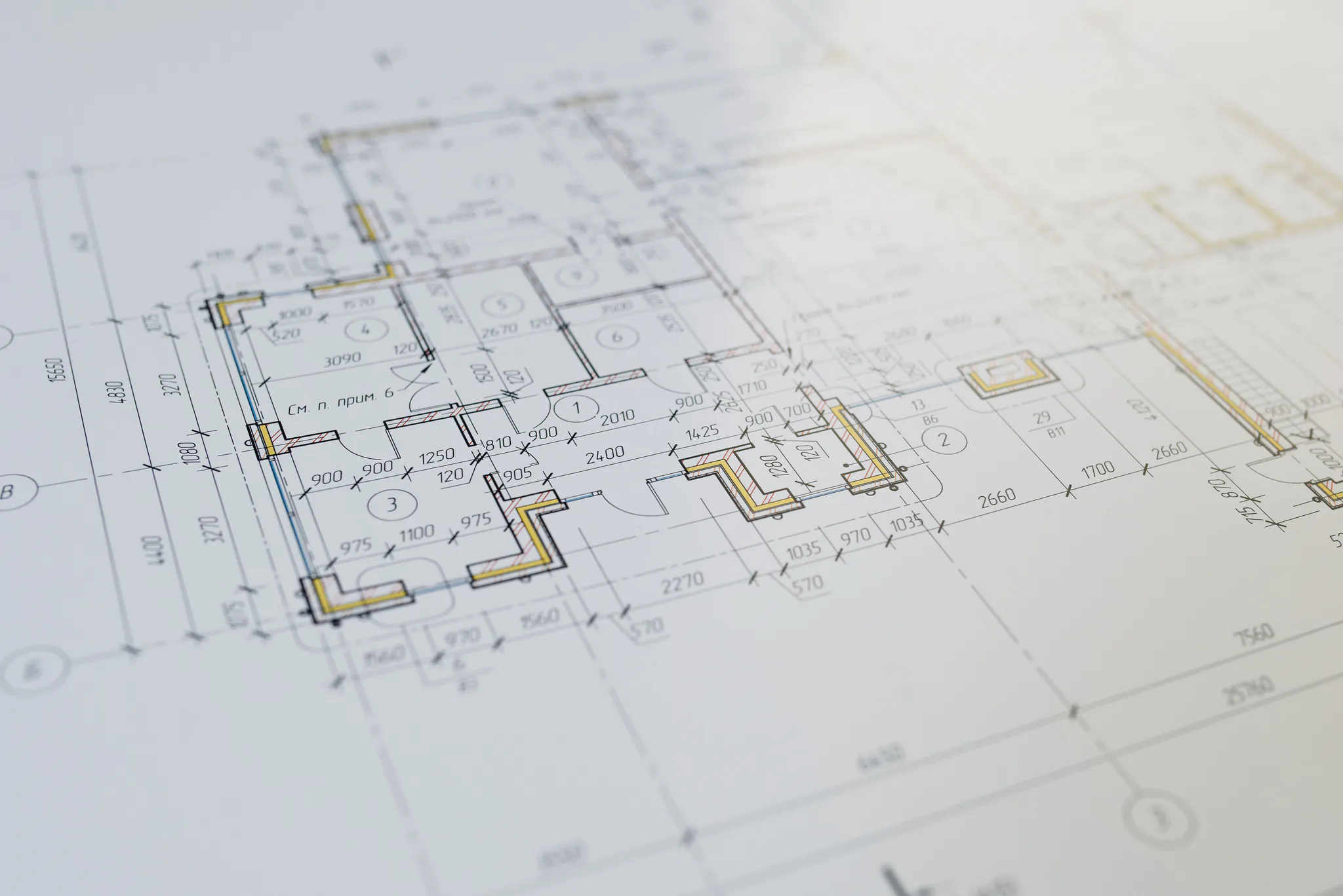
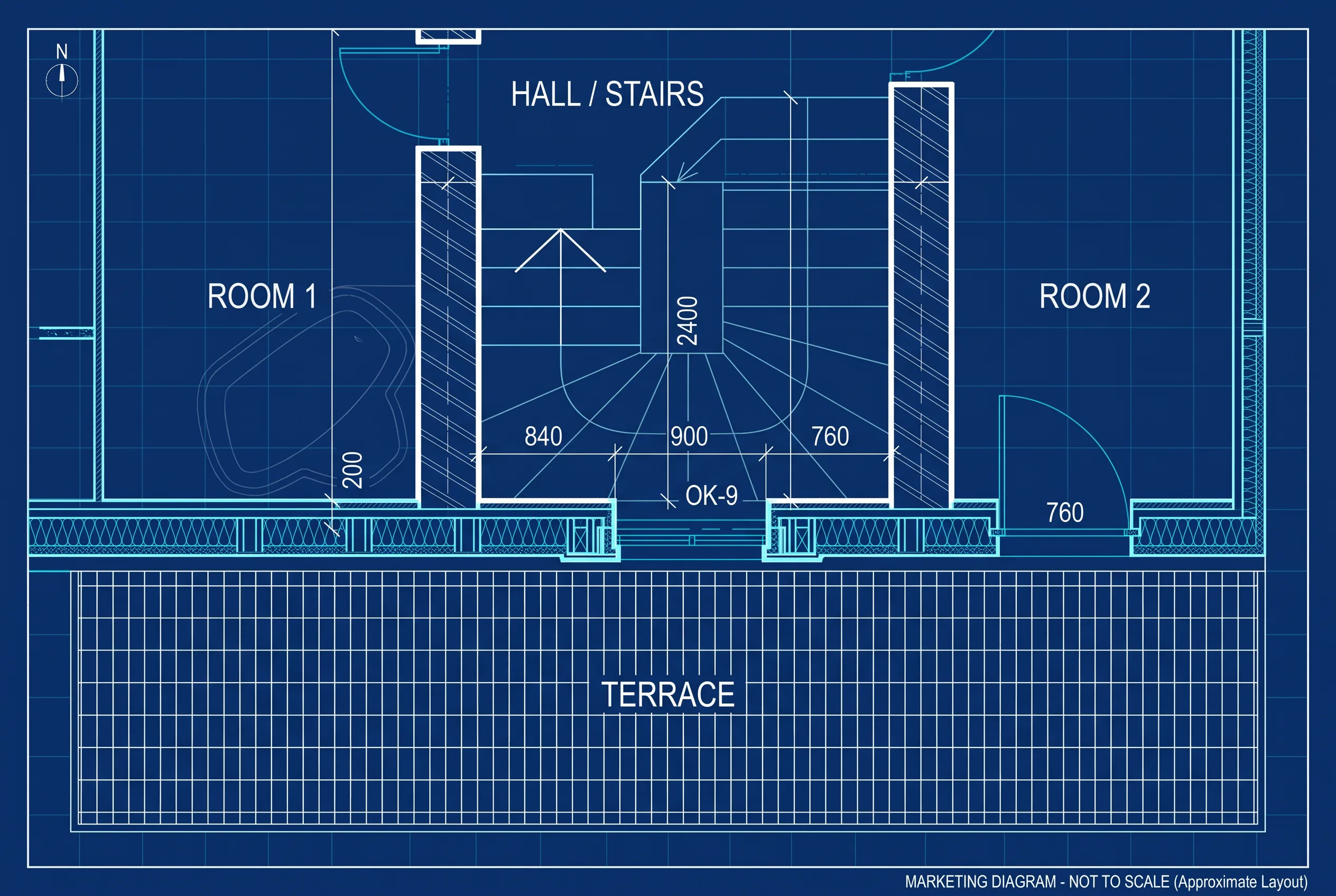
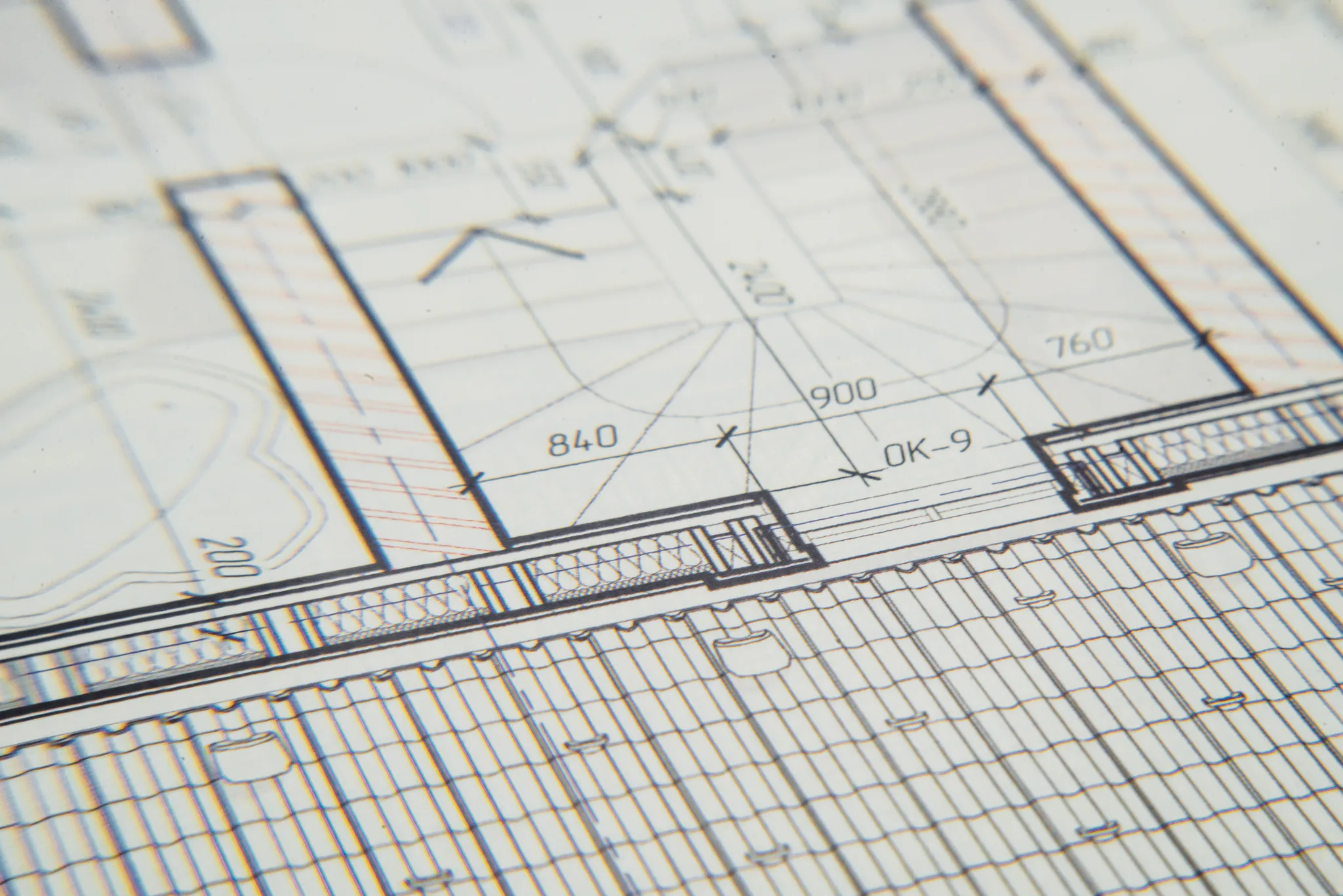
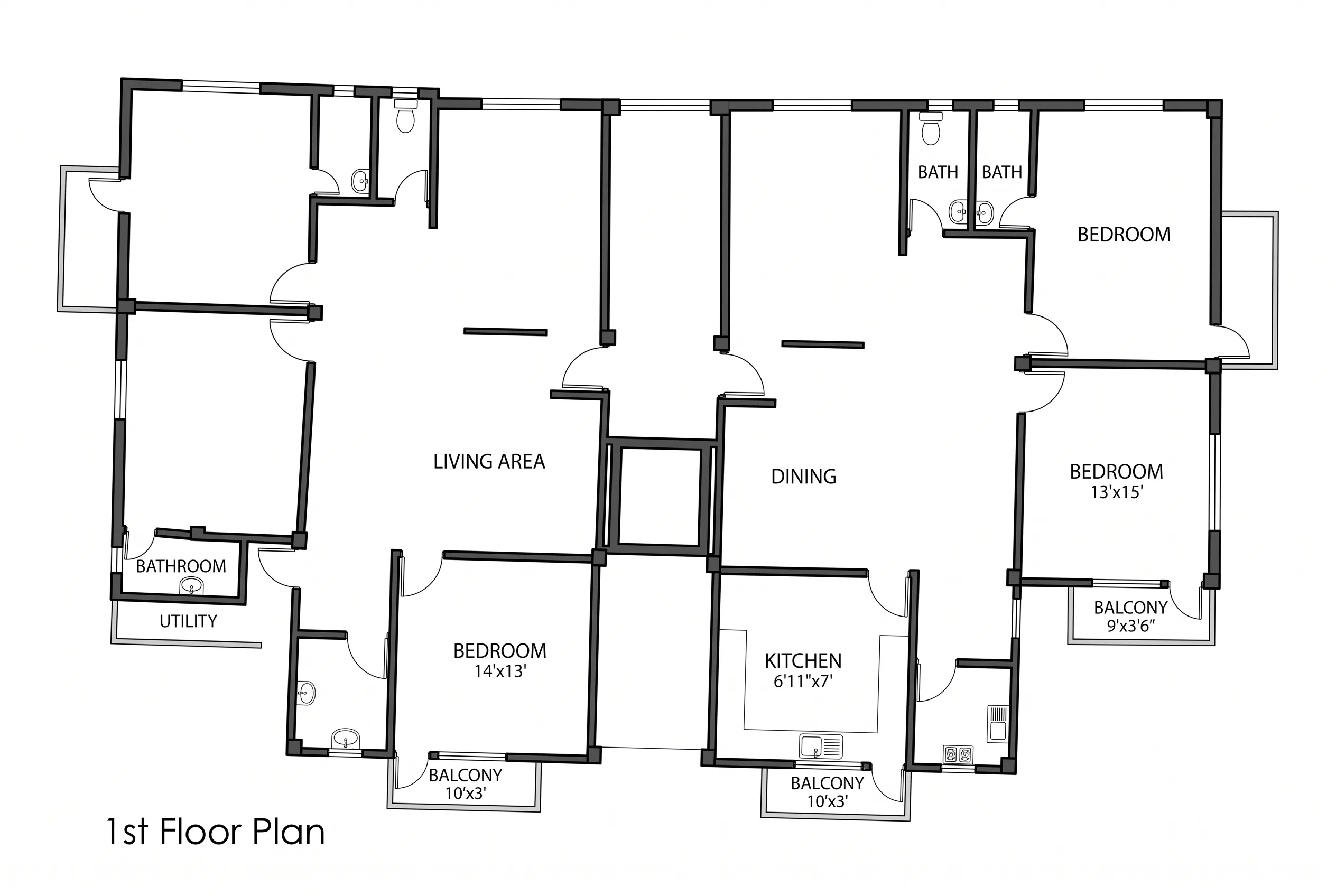
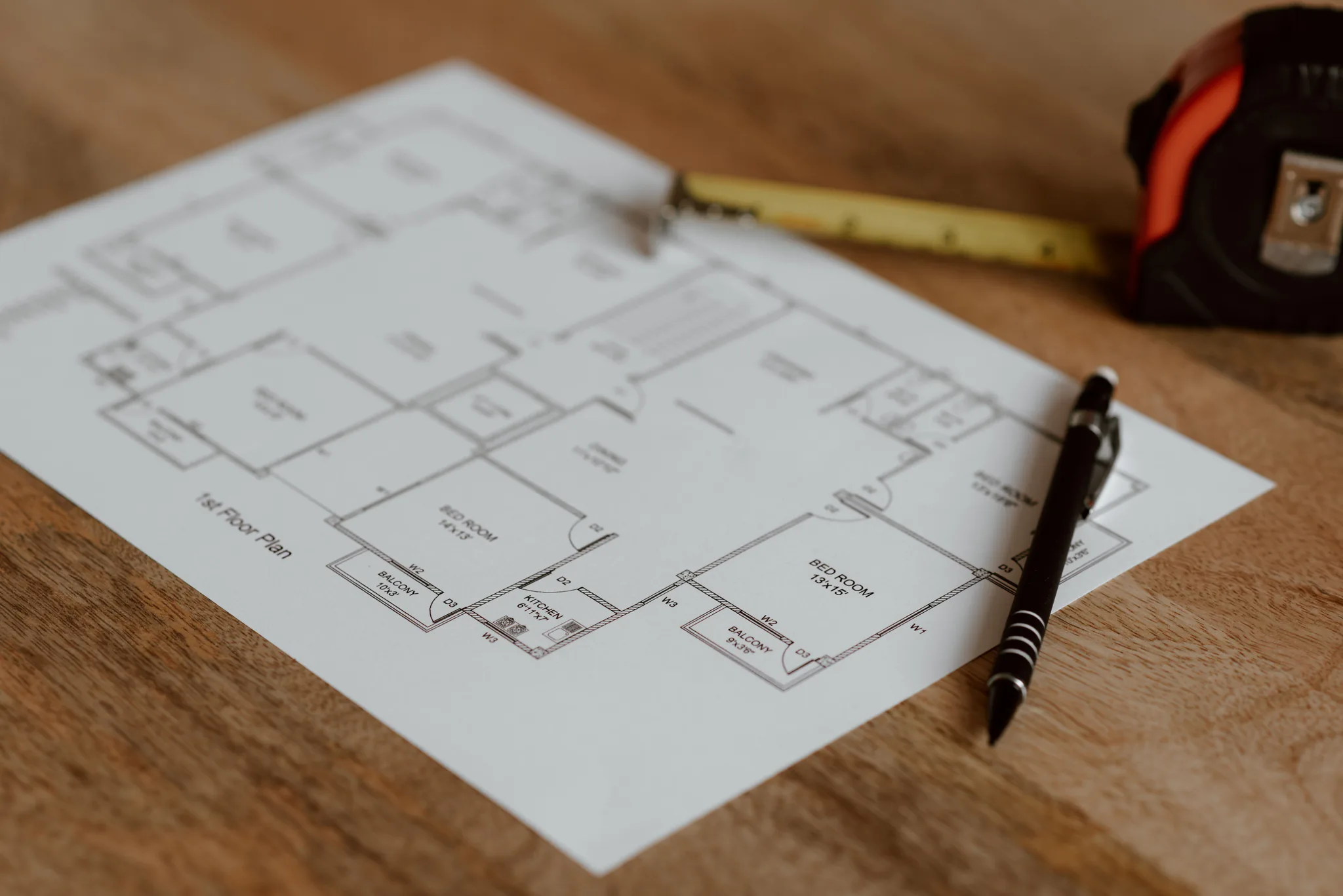
Rooms and openings indicated in the source stay. Favore does not invent rooms that are not shown.
Clean modern, classic blueprint or simple mono for listings and remodel conversations.
Turn a rough plan into a publishable marketing diagram.
Share a clearer layout diagram — not a surveyed legal plan.
Add a clean floor-plan graphic to a property page.
Use a JPEG, PNG or WebP of a rough, hand-drawn or scanned plan.
Select Clean modern, Classic blueprint or Simple mono. No written prompt is needed.
Check rooms and openings against the source. This is a marketing diagram, not a surveyed legal plan.
Clear a room, stage furniture, restyle finishes, preview a remodel, or refresh exteriors — for homes, offices, and exteriors.
Polish a rough, hand-drawn or scanned floor plan into a clean marketing diagram. Keeps approximate proportions; does not invent rooms.