
Screen-print color
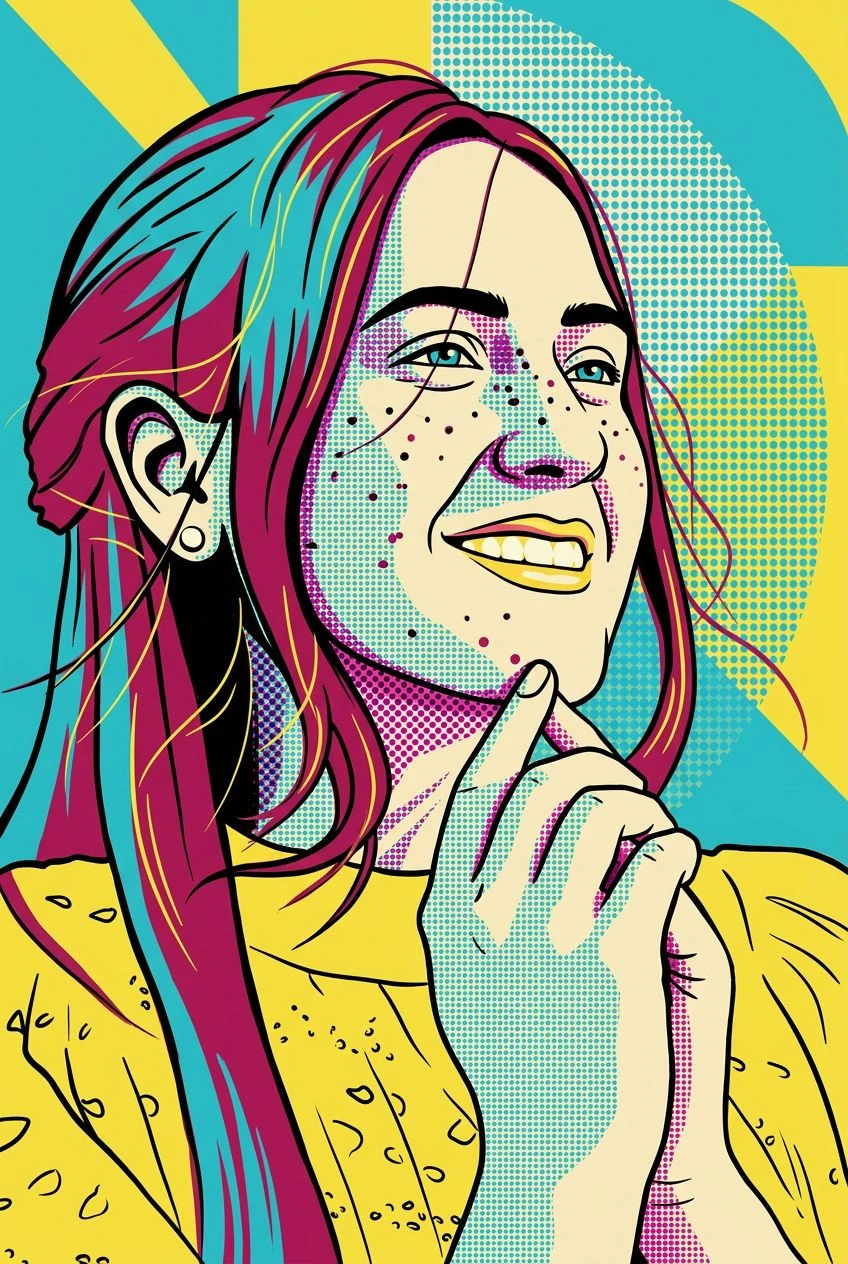
Cyan, magenta, yellow, black, and cream form the default palette.
Turn a face into bold screen-print shapes, halftone dots, and a compact pop-art palette.
Explore profile art, event visuals, or a print-inspired social image.
Select a face with clear hair and an uncluttered outline.
Request a preferred palette in Settings if the default bright colors do not fit the project.
Review the facial outline and whether the major color blocks stay readable at thumbnail size.
Bold outlines, color blocks, and halftone dots create a single graphic portrait.
Cyan, magenta, yellow, black, and cream form the default palette.
Dot patterns replace parts of the smooth photographic shading.
The default creates a single composition rather than a repeated collage or comic panel.
Continue with another ready-made creative effect.
 Before
 Before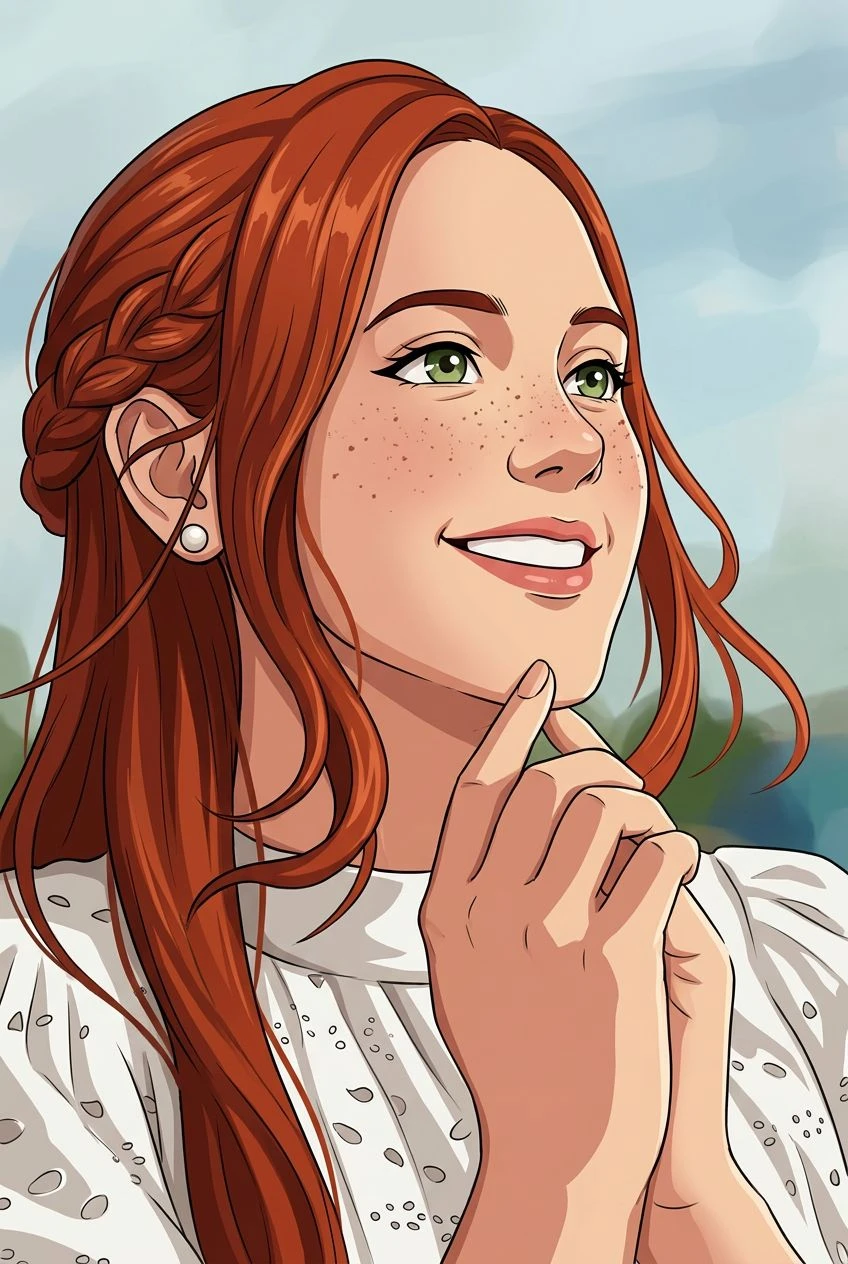
 Before
 Before
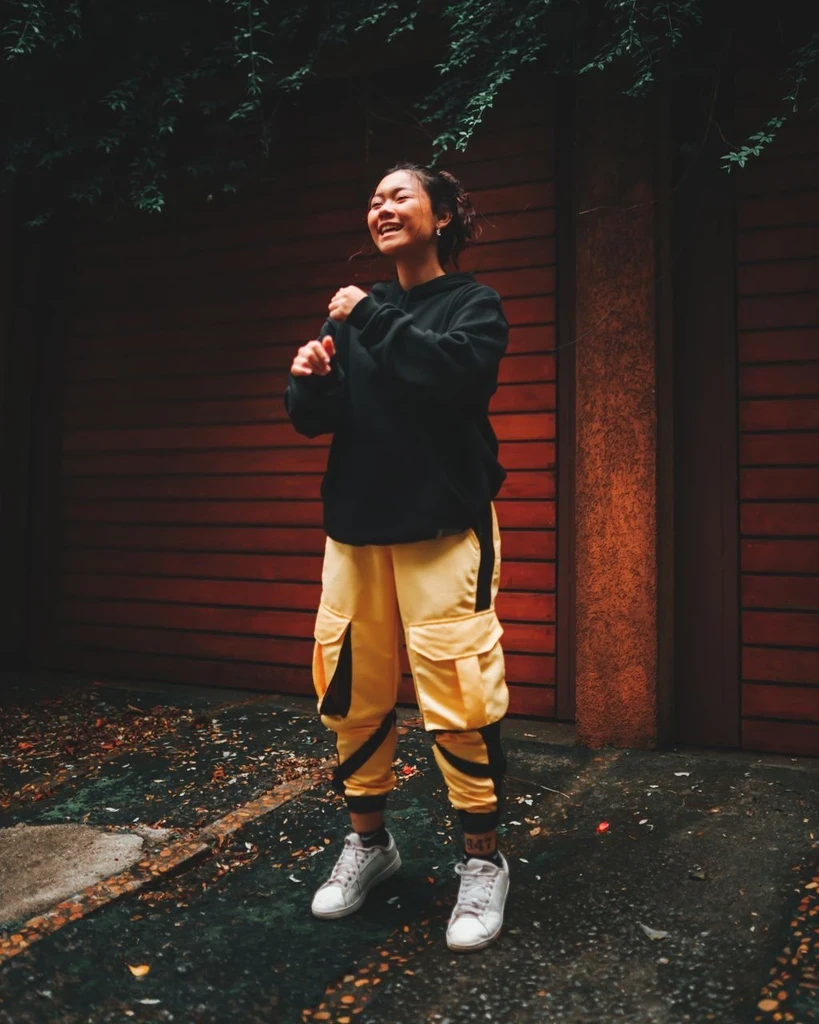 Before
 Before
Turn a face photo into a single graphic image with flat colors and halftone texture.