
Soft construction
Seams, fibers, and padded shapes give the illustration a sewn-toy feel.
Turn a pet, person, or mascot into a soft toy with stitched details and rounded proportions.
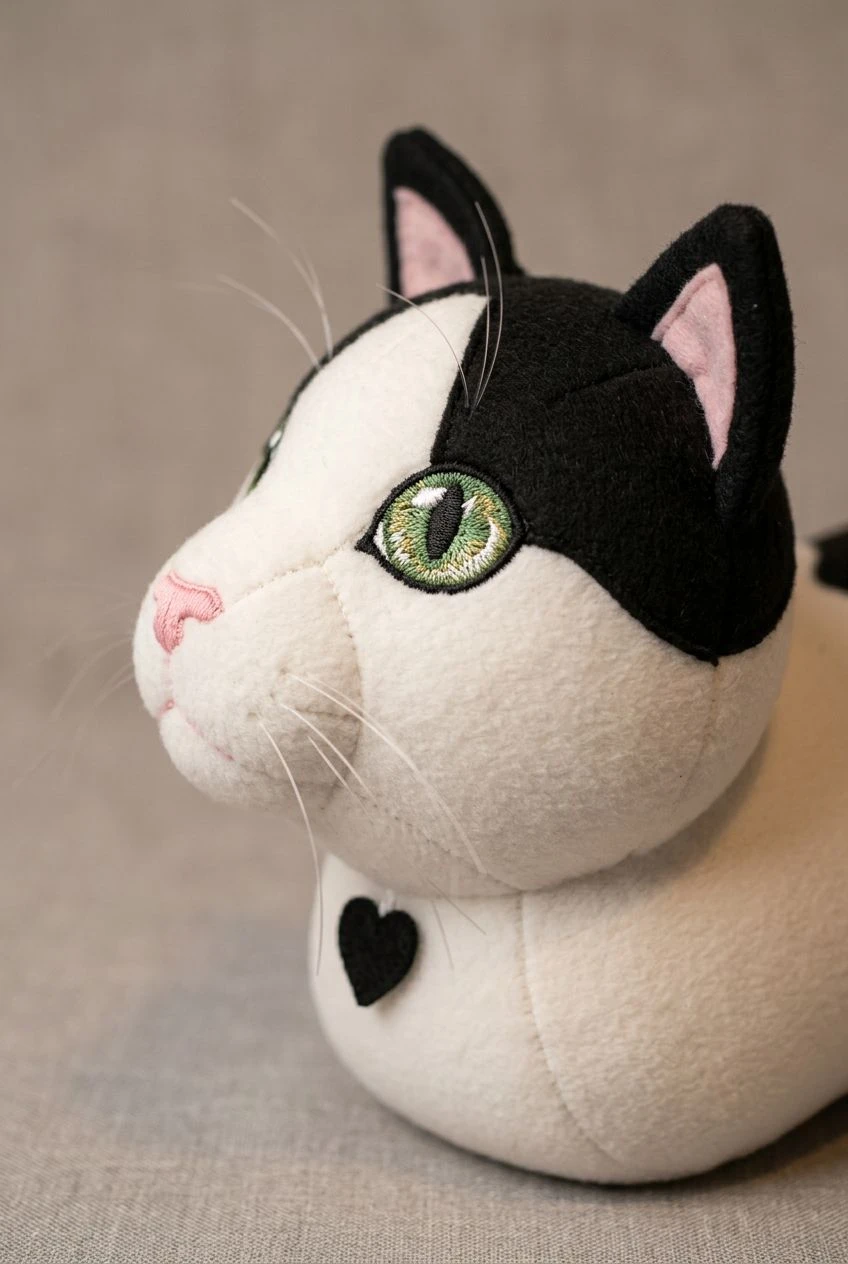
Explore a mascot plush, a pet keepsake, or a gift illustration.
Choose a photo where fur markings, hairstyle, or mascot colors are visible.
Suggest felt, fleece, or embroidered details in Settings.
Look for readable features at a small size, especially the eyes and markings.
Distinctive colors and markings are carried into the toy design.
Seams, fibers, and padded shapes give the illustration a sewn-toy feel.
Use recognizable patches, ears, and coloring to explore a plush version of a favorite animal.
Compare a character’s illustrated appearance with a softer merchandise direction.
Continue with another ready-made creative effect.
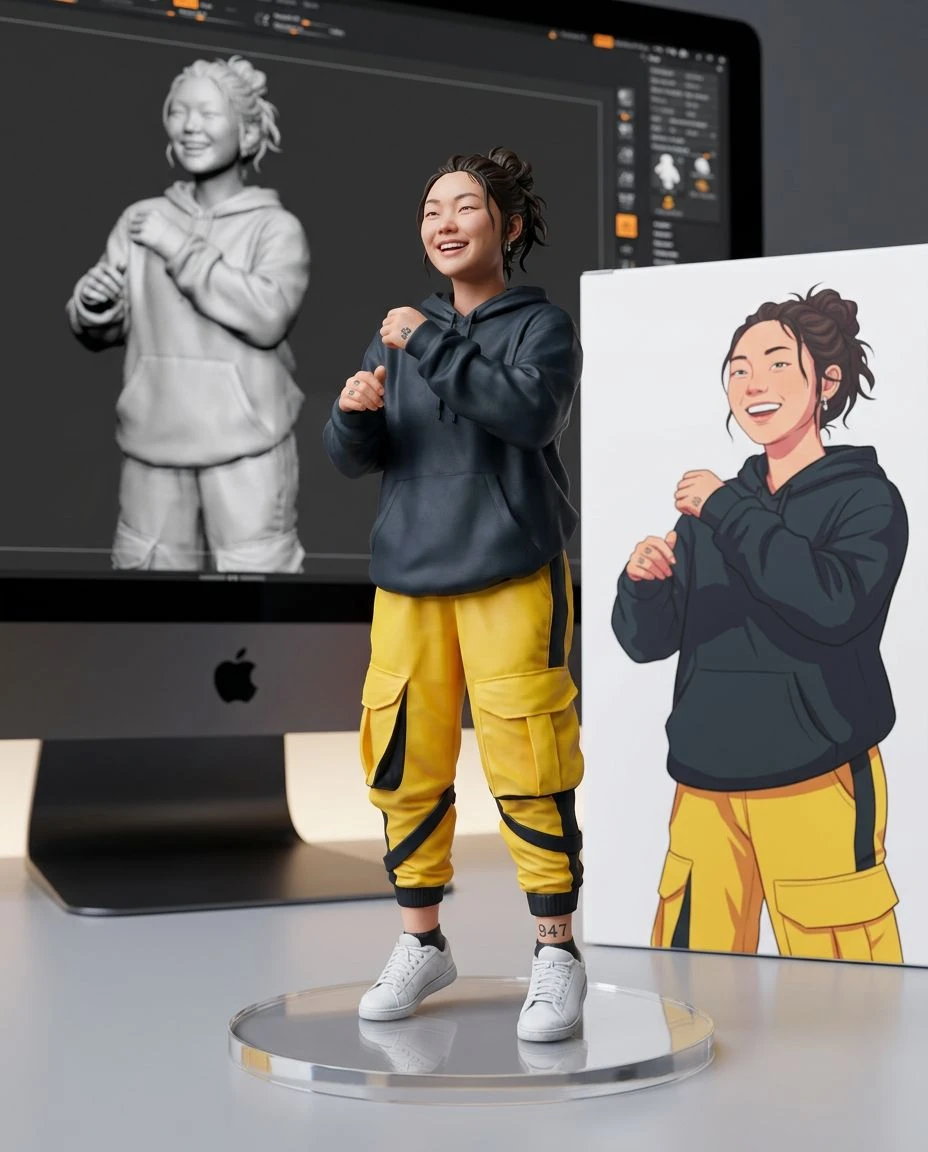
 Before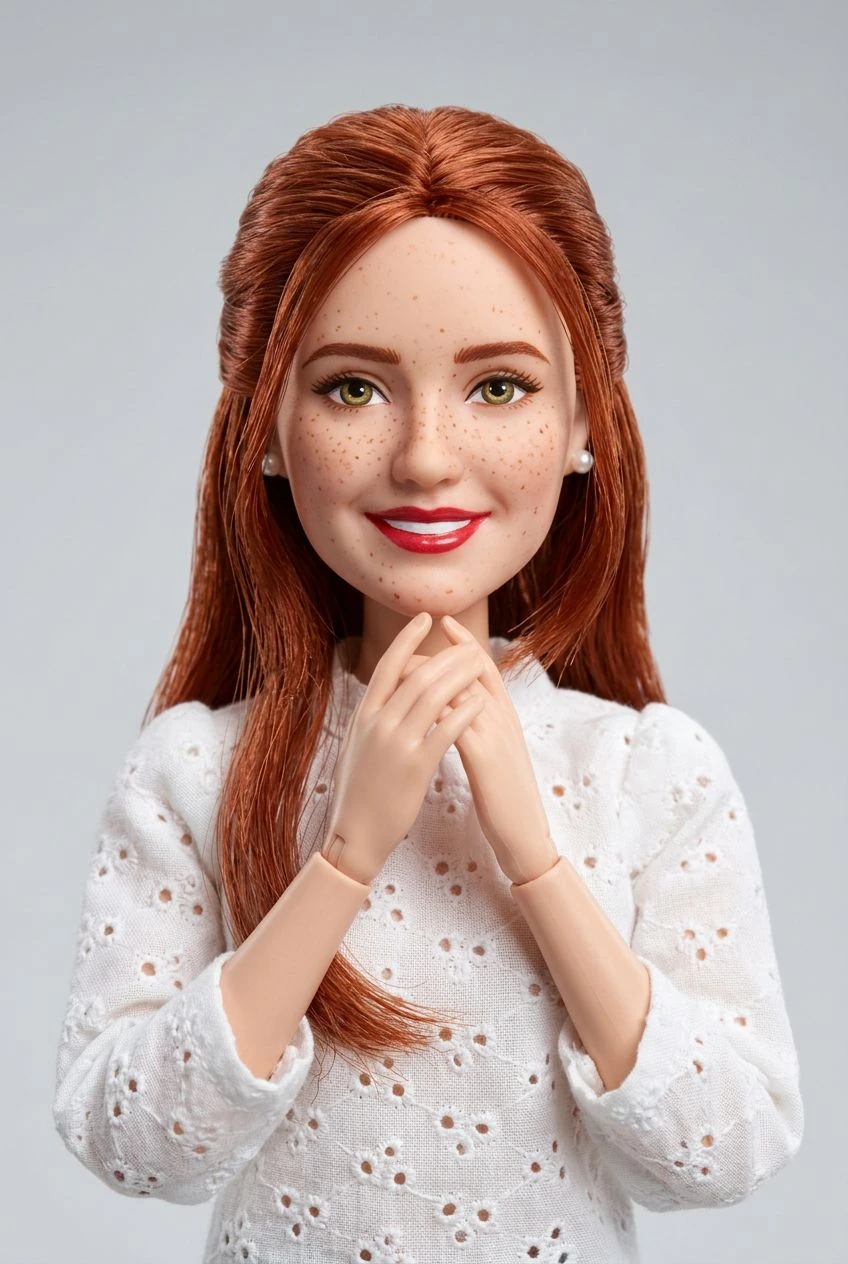
 Before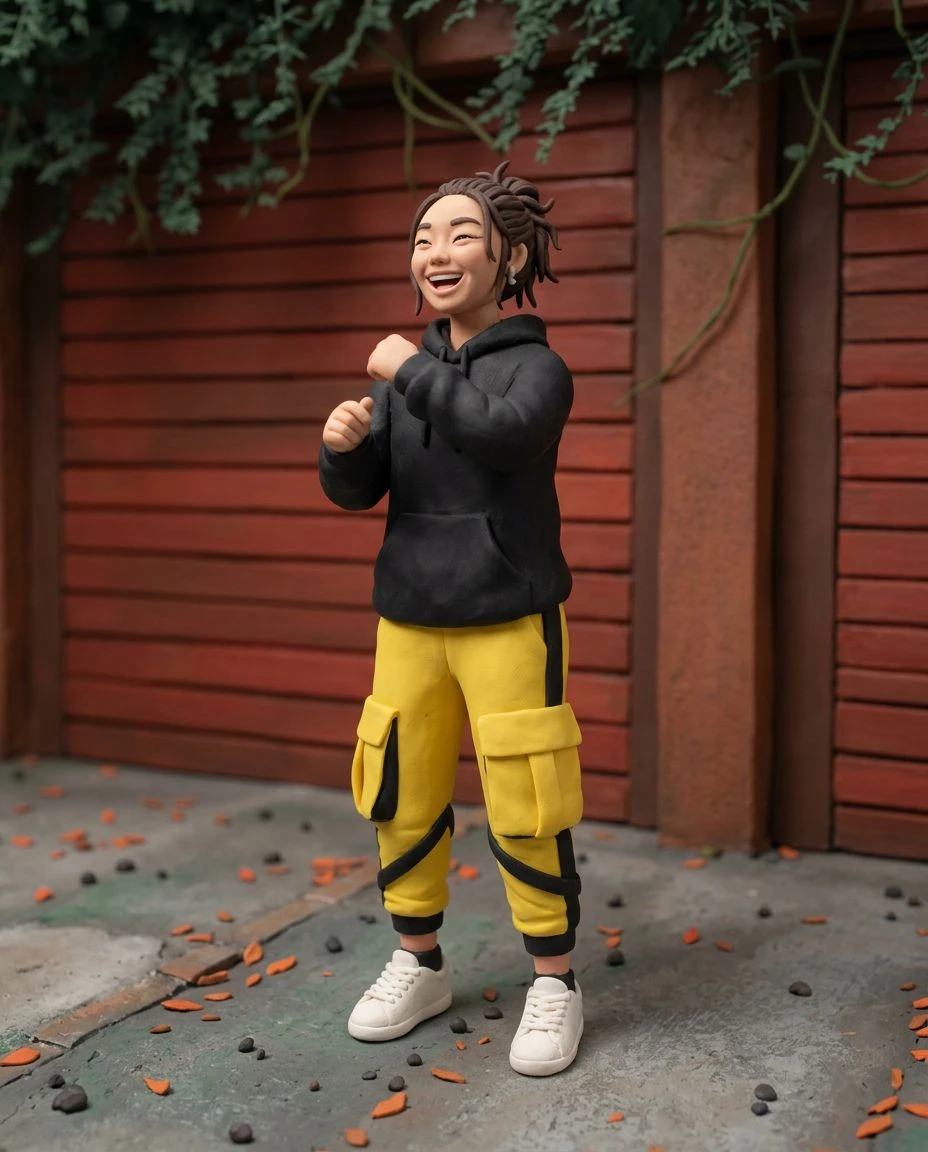
 Before
 Before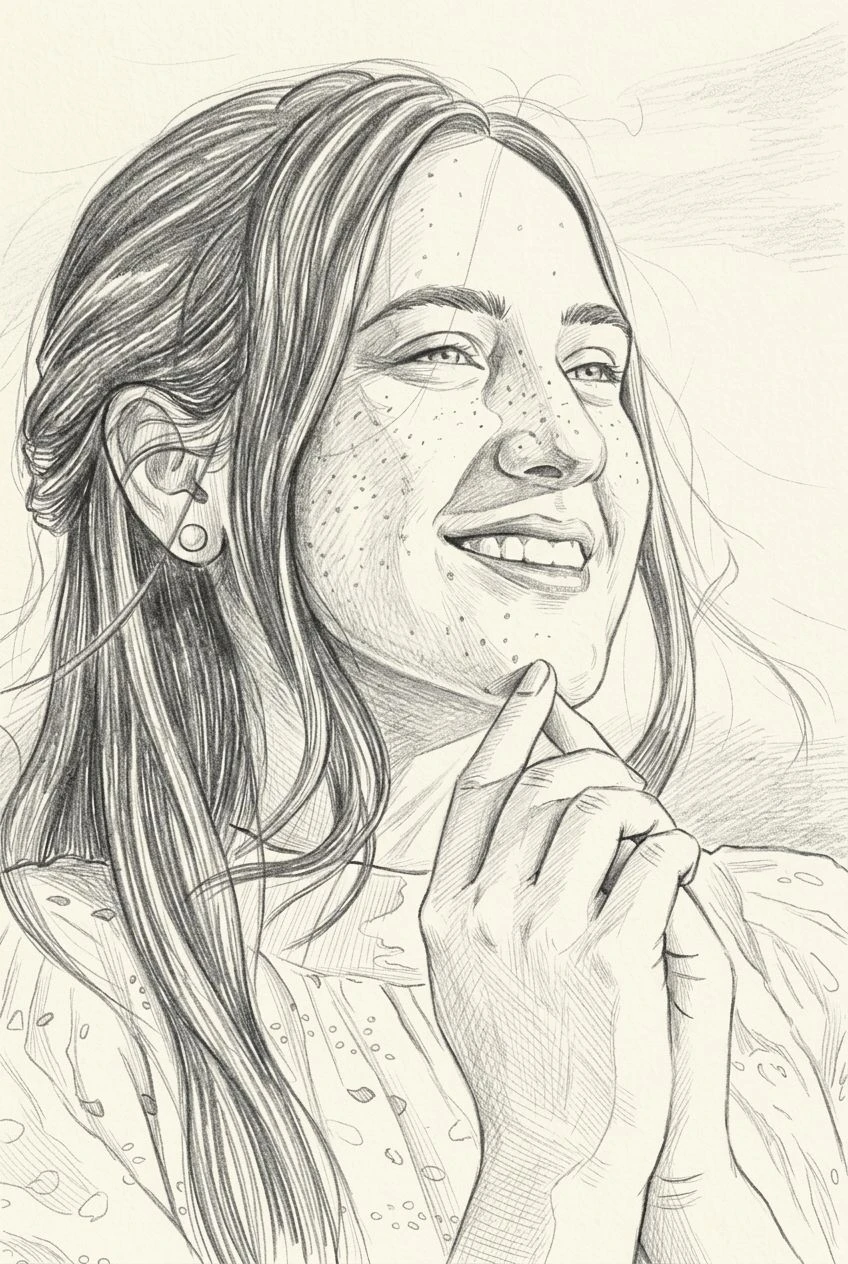
 Before

See a person, pet, or mascot reimagined with soft fabric and stitched details.