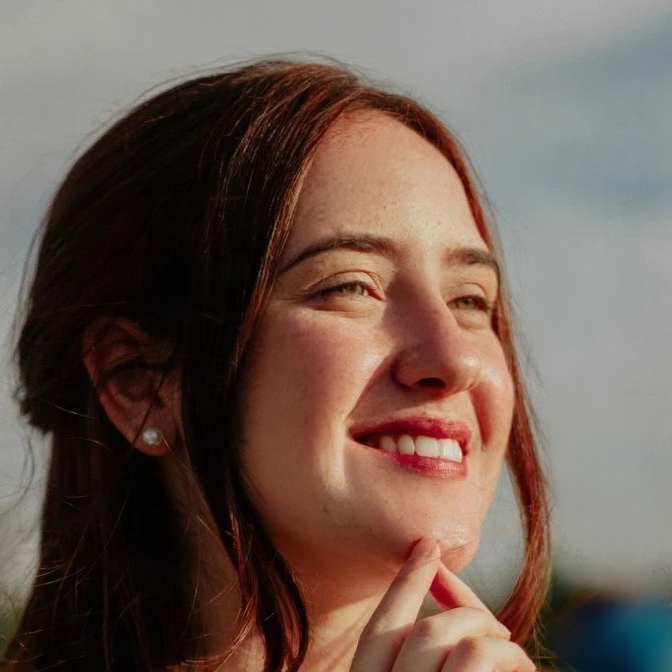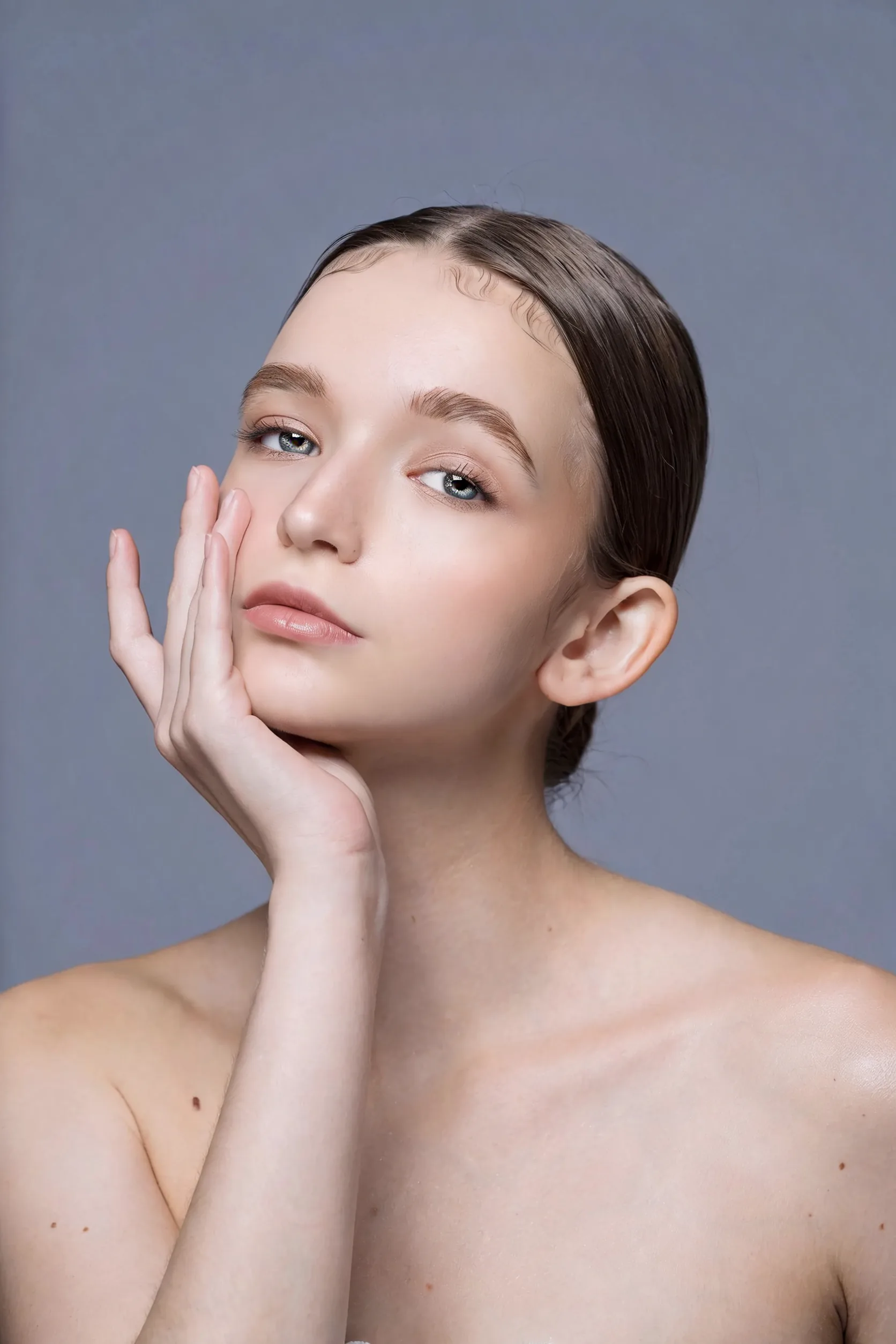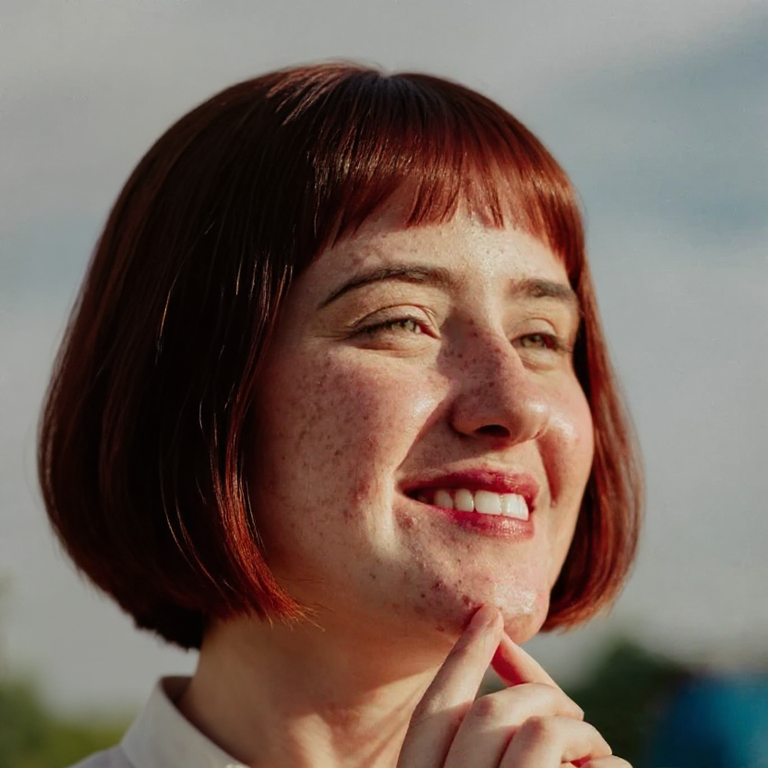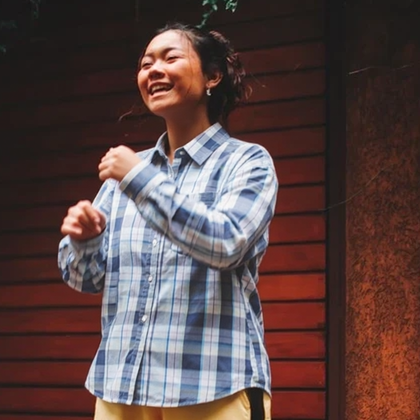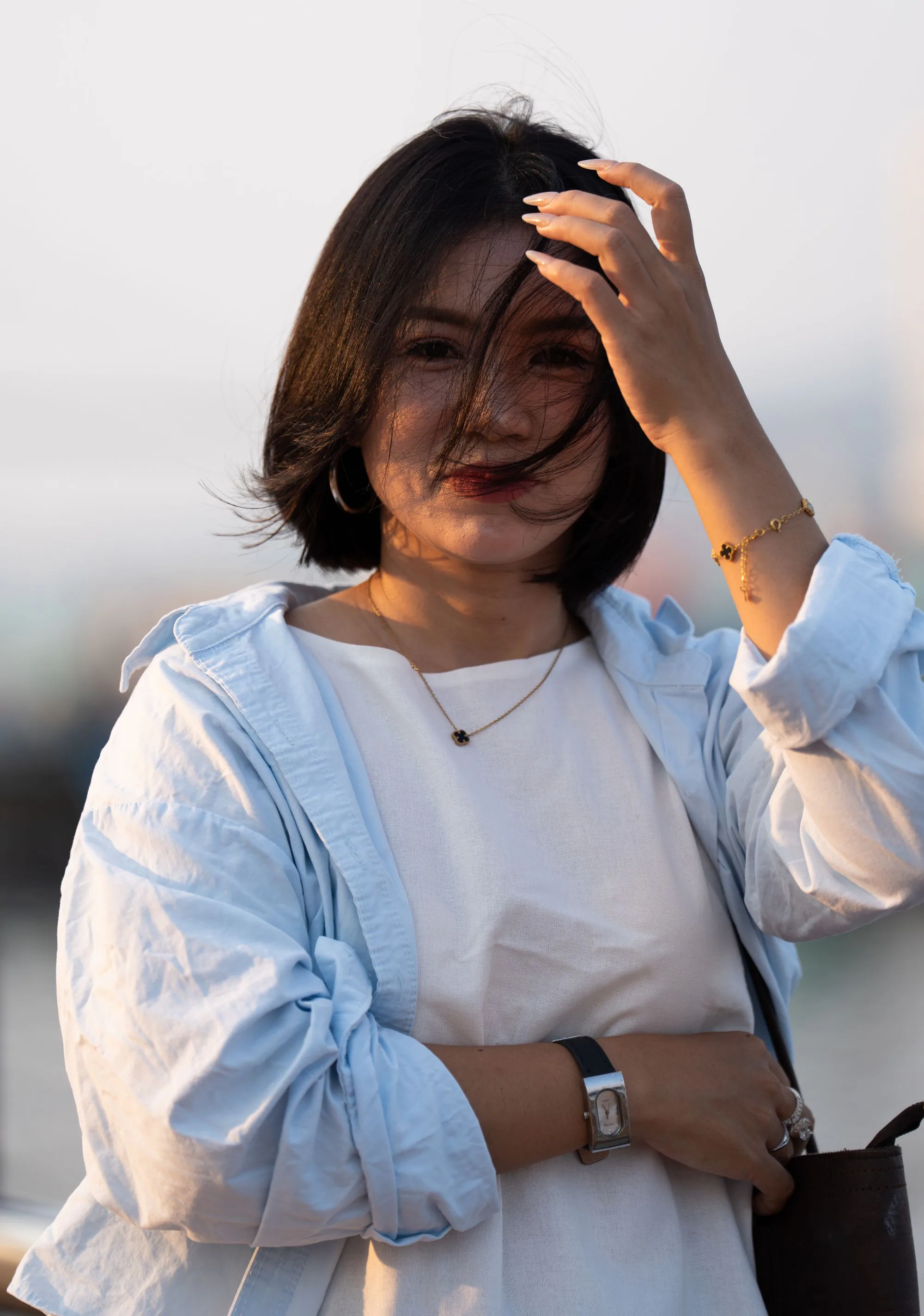
Named lighting styles
Natural, studio, soft, golden hour, dramatic and side light — the same fal relighting stack Favore uses for product photos.
Fix flat or harsh light on your own portrait — studio, soft, golden hour or dramatic side light.
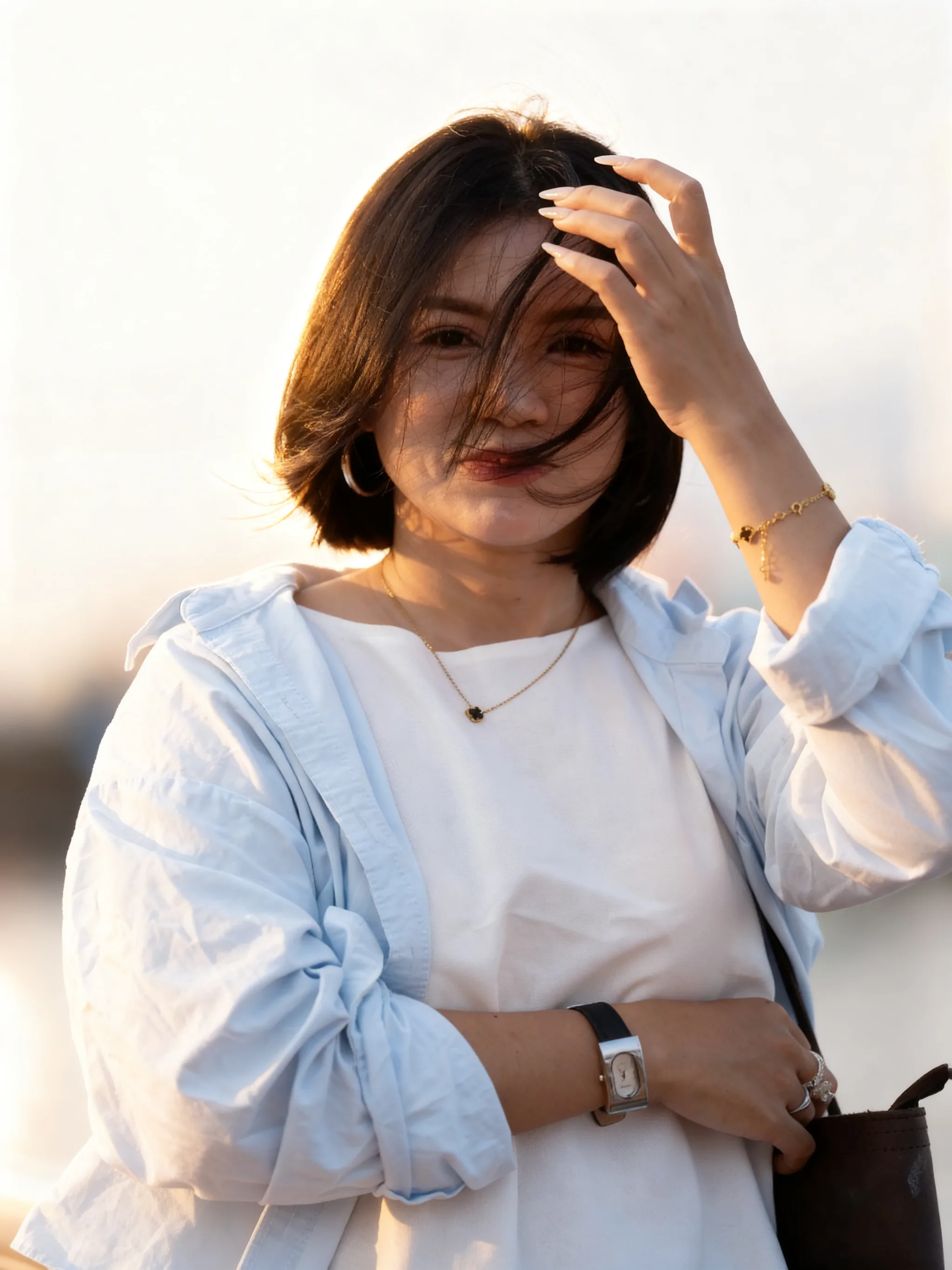
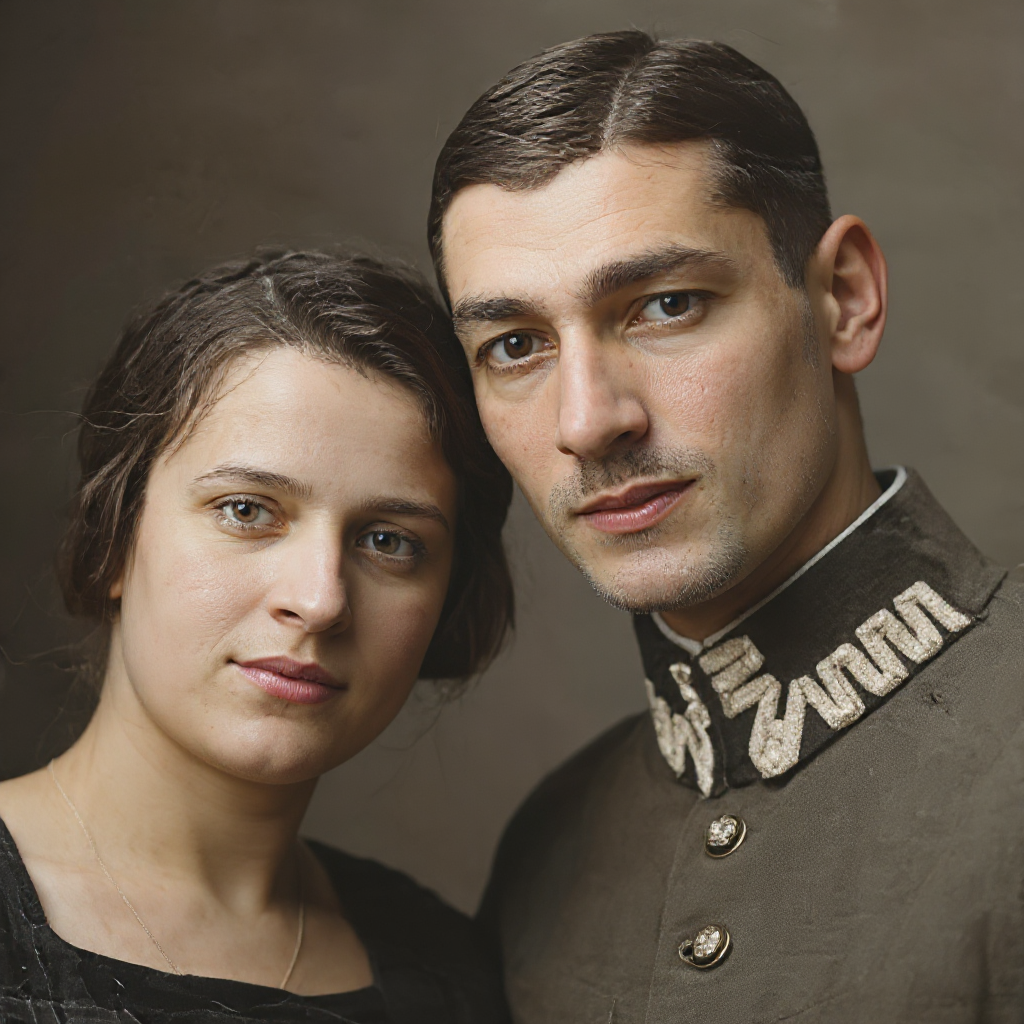
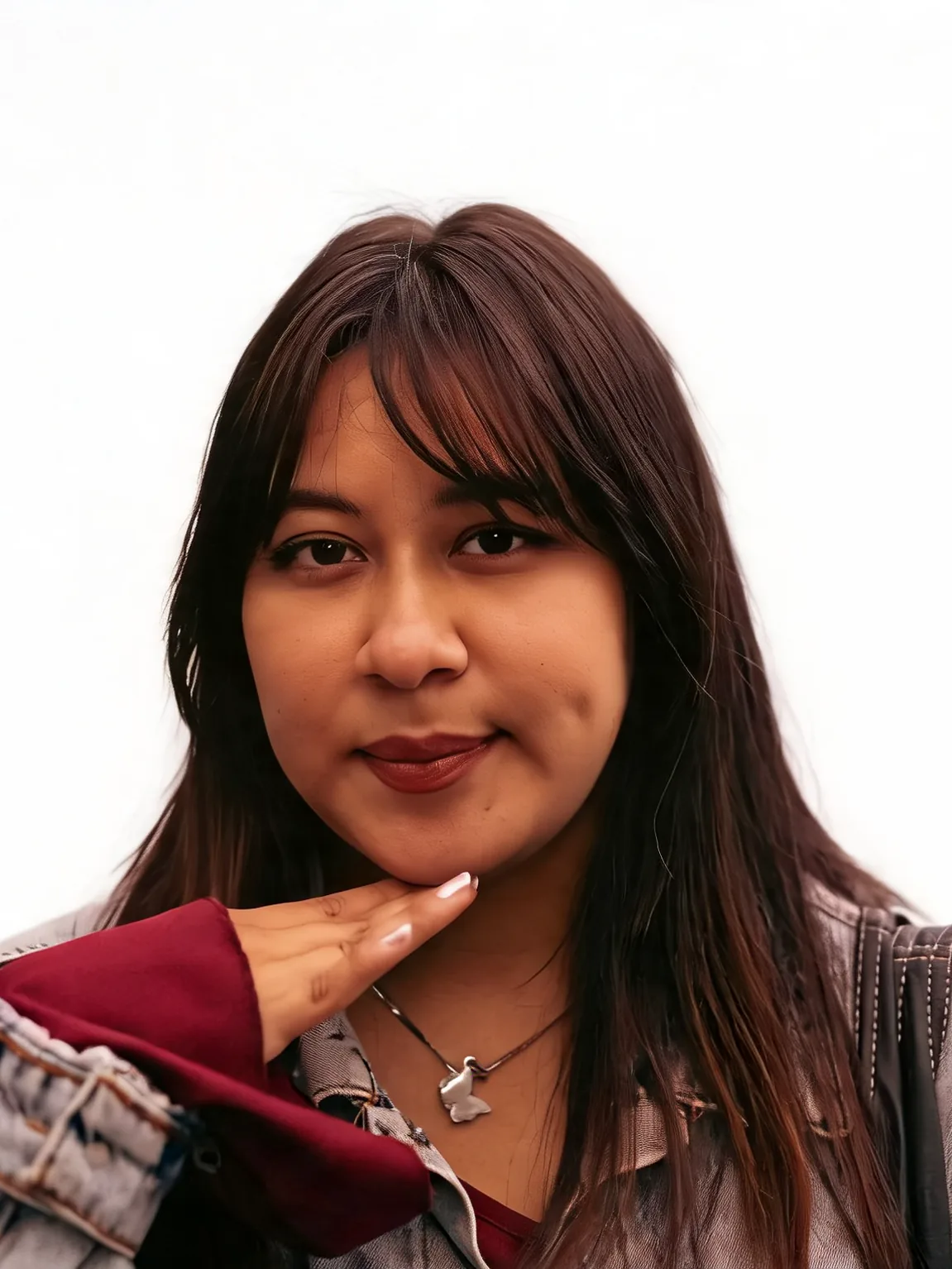
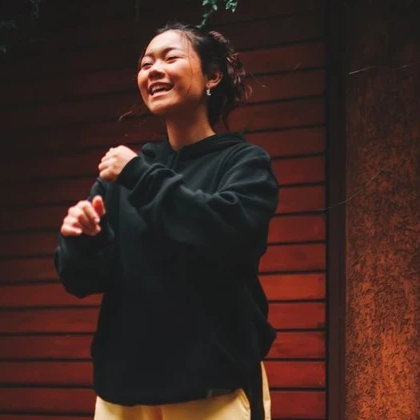
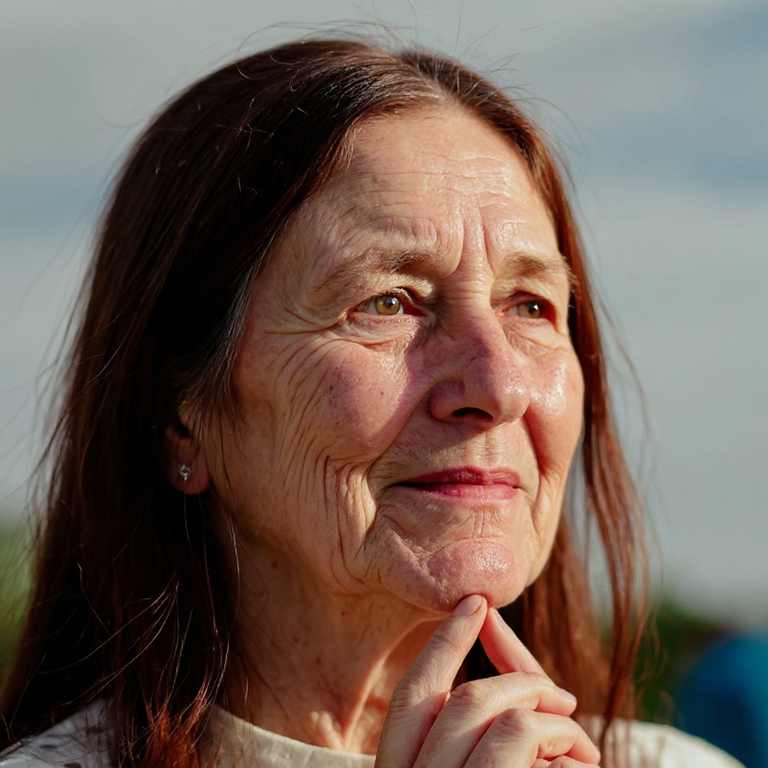
Placeholder compare using existing cinematic-portrait assets until dedicated relight covers are generated.
Temporary example assets from the cinematic portrait effect. Dedicated fal relight outputs still need a real generation pass.
Upload, pick a lighting style, download.
Prefer a clear face with visible light direction. JPG, PNG and WebP are supported.
Pick studio, soft, golden hour or another style, plus an aspect ratio.
Check skin texture and identity against the original, then download.
Rescue flat phone light or harsh noon sun for dating, profile and 写真 workflows.
Natural, studio, soft, golden hour, dramatic and side light — the same fal relighting stack Favore uses for product photos.
Lighting changes; your face should stay recognizable. Always review results before publishing.
Pair with background changer, makeup polish or face retoucher for a full everyday portrait pass.
Styles, credits, identity and how this differs from cinematic effects.
Everyday personal portrait workflows — restore a print, set background and light, retouch makeup and hair, then finish a career headshot.
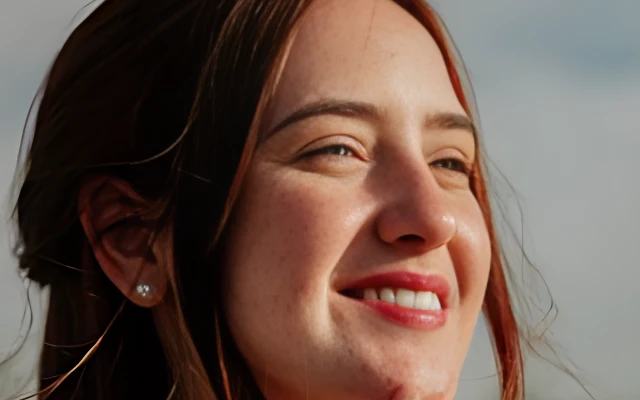

Upload a portrait and try studio or golden-hour lighting on your own photo.