Compare selected looks together
Natural, soft studio and cinematic are selected by default. Add golden hour, editorial, black and white or warm film, or keep just one look.
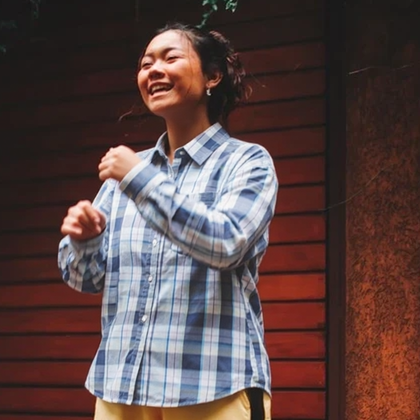
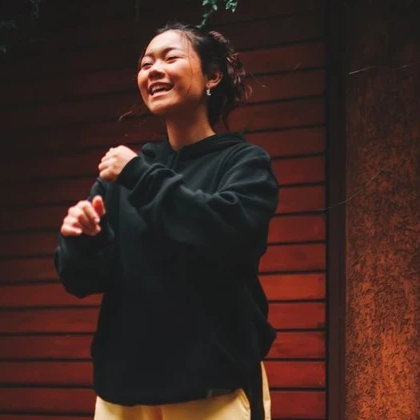
Compare the same portrait in natural, studio, cinematic and other photographic looks. Choose styles to generate one unlabeled contact-sheet grid while keeping your own features, pose and clothing.
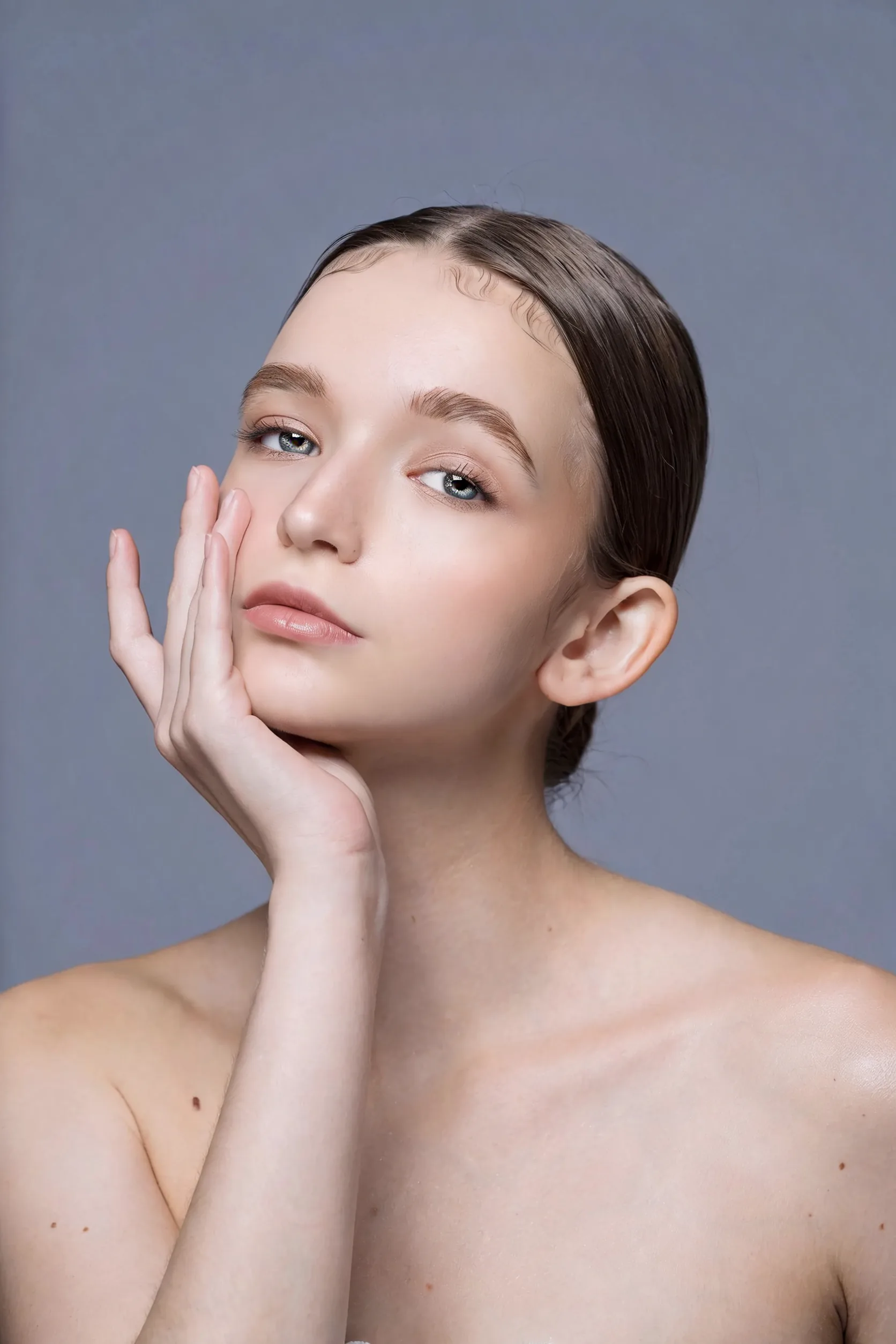
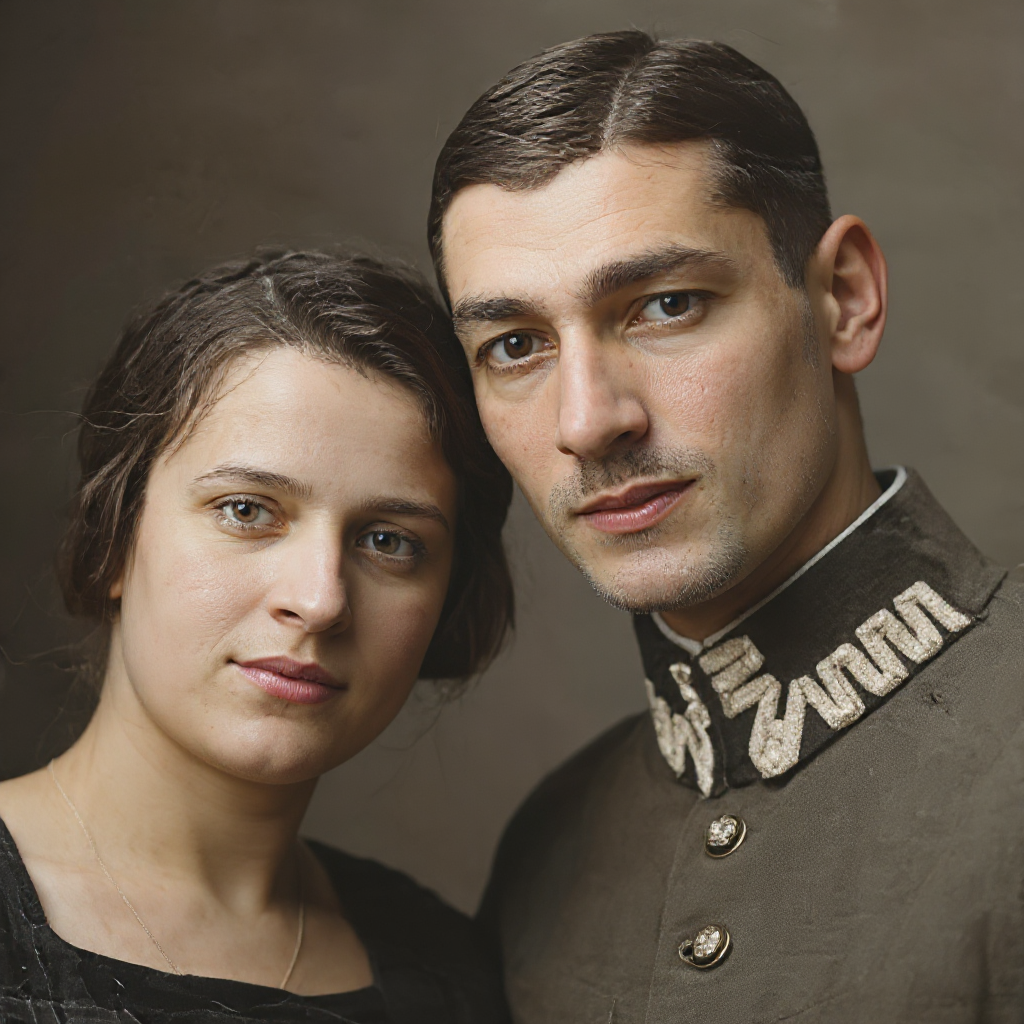
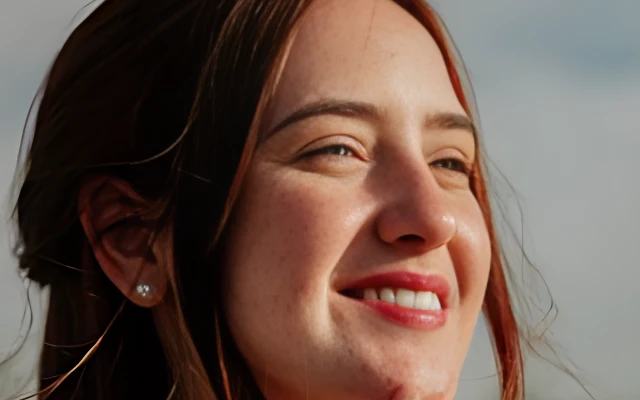
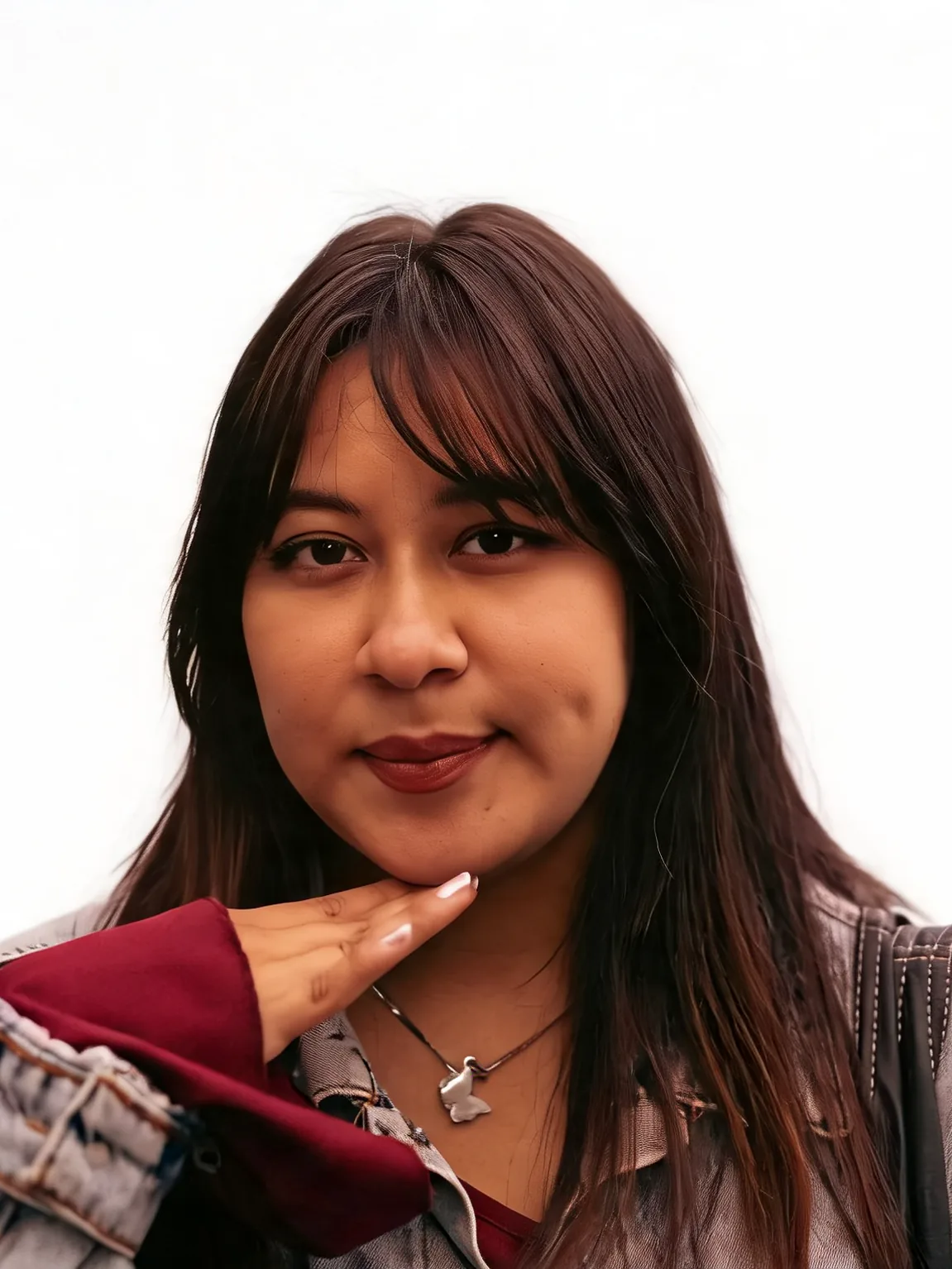
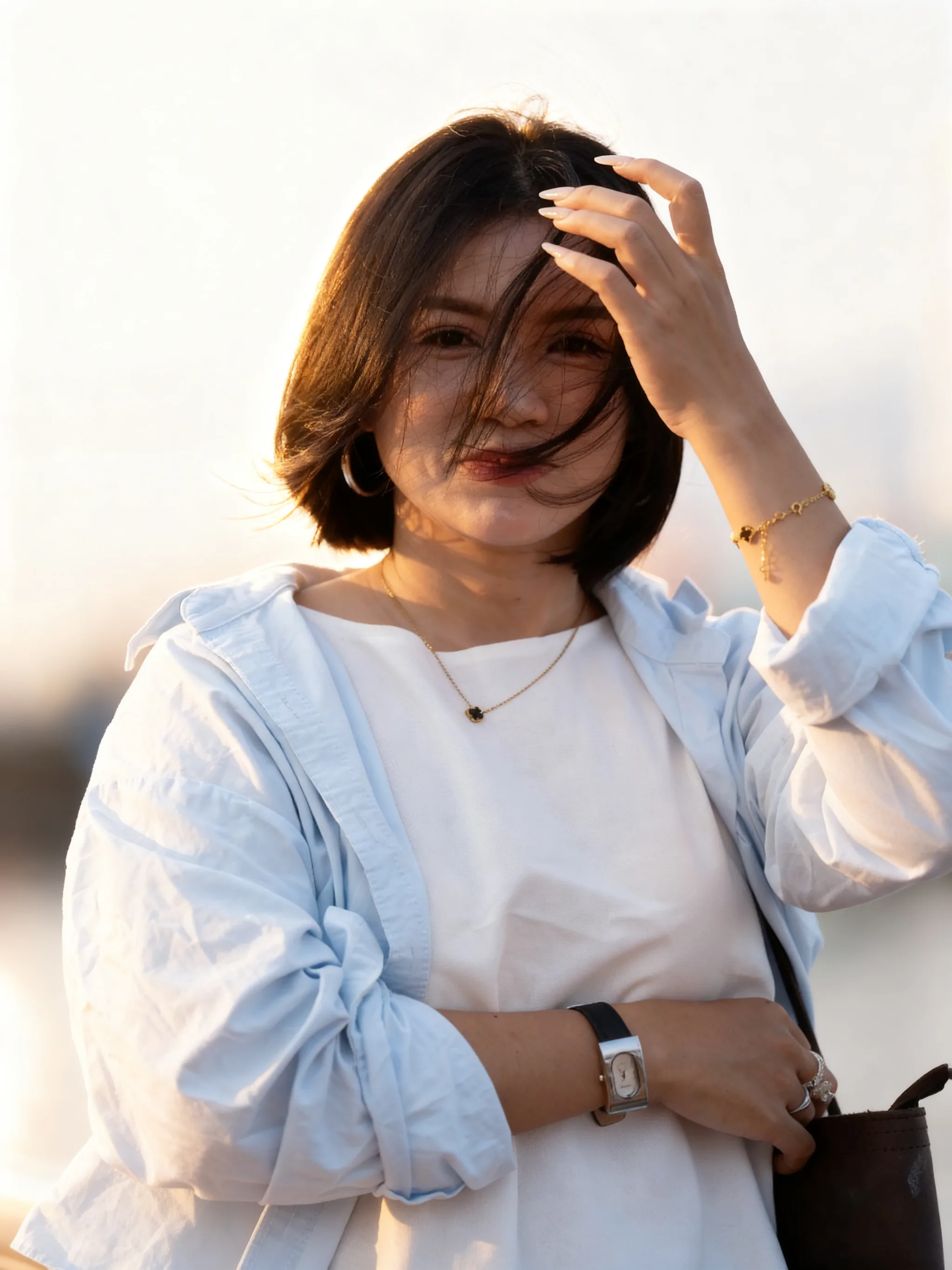
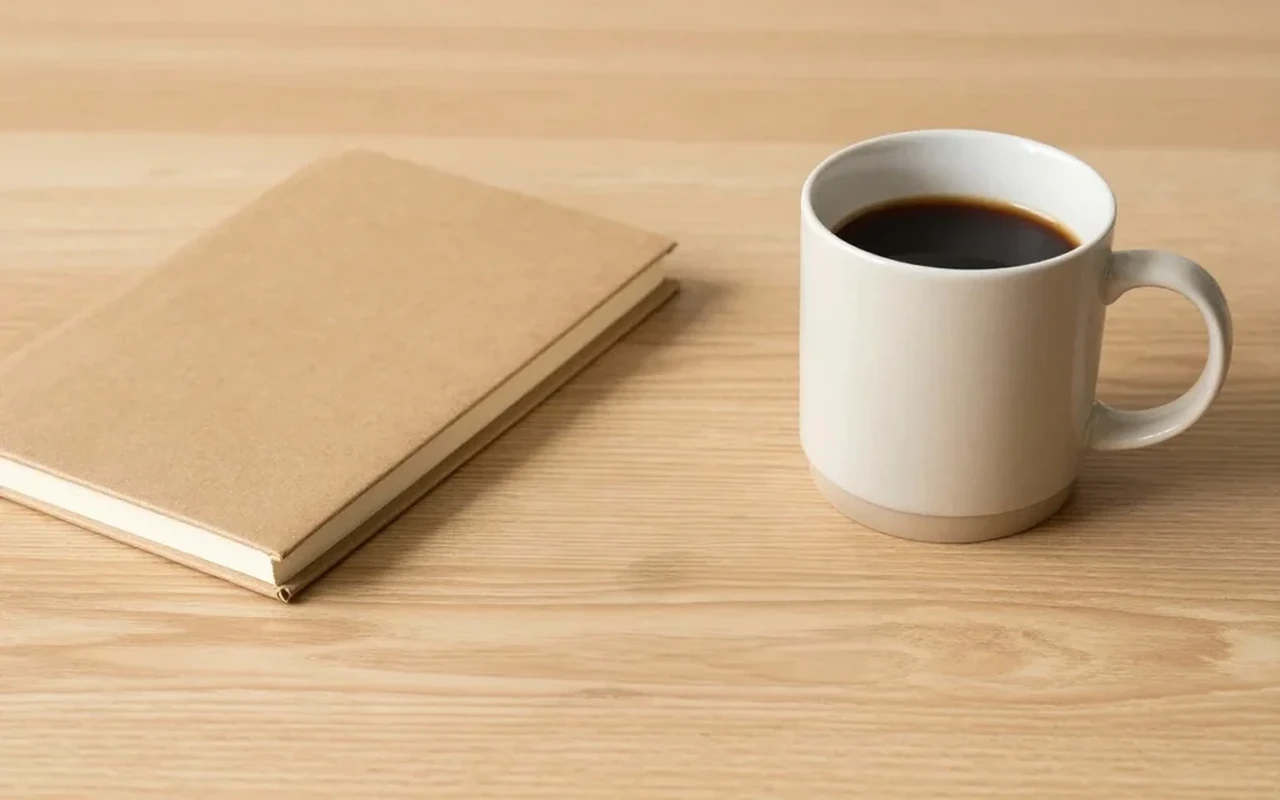
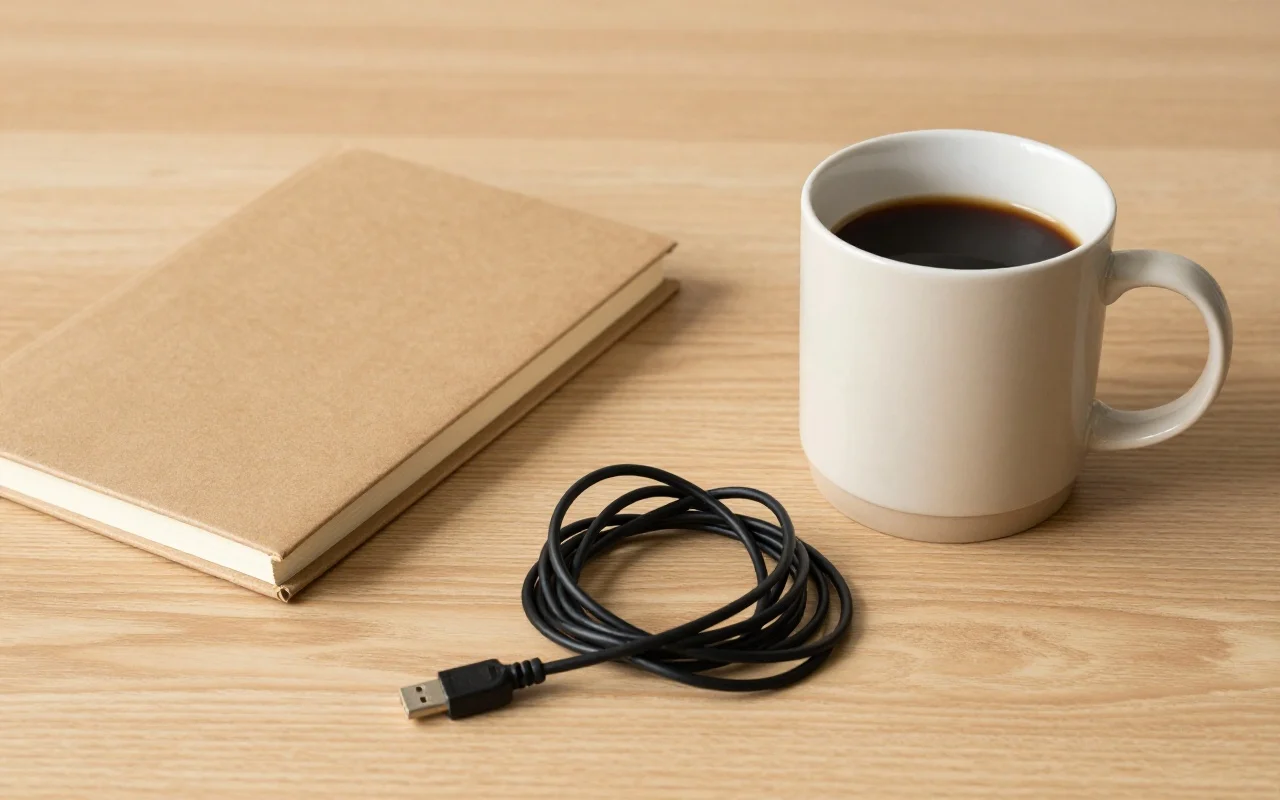
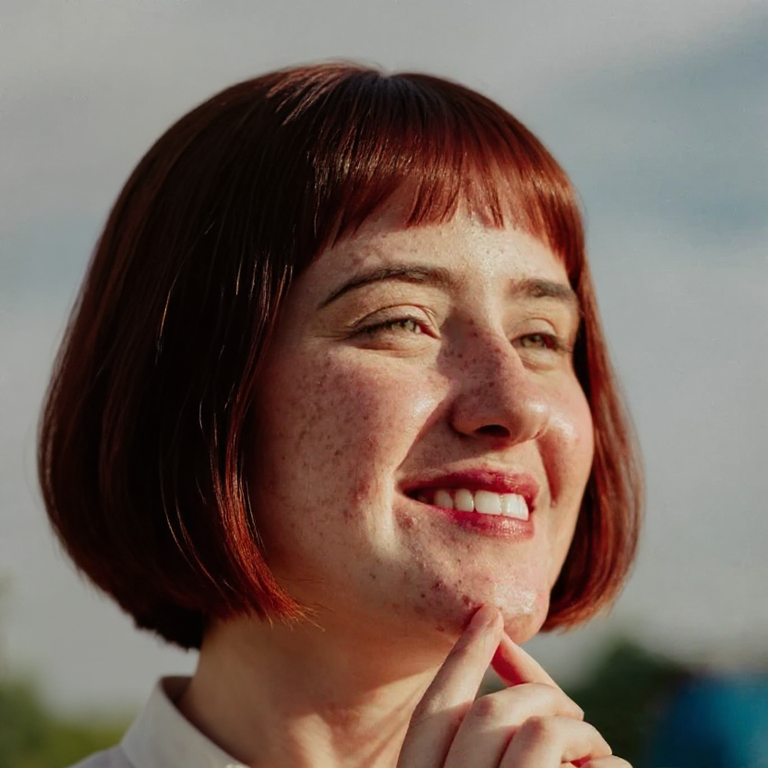
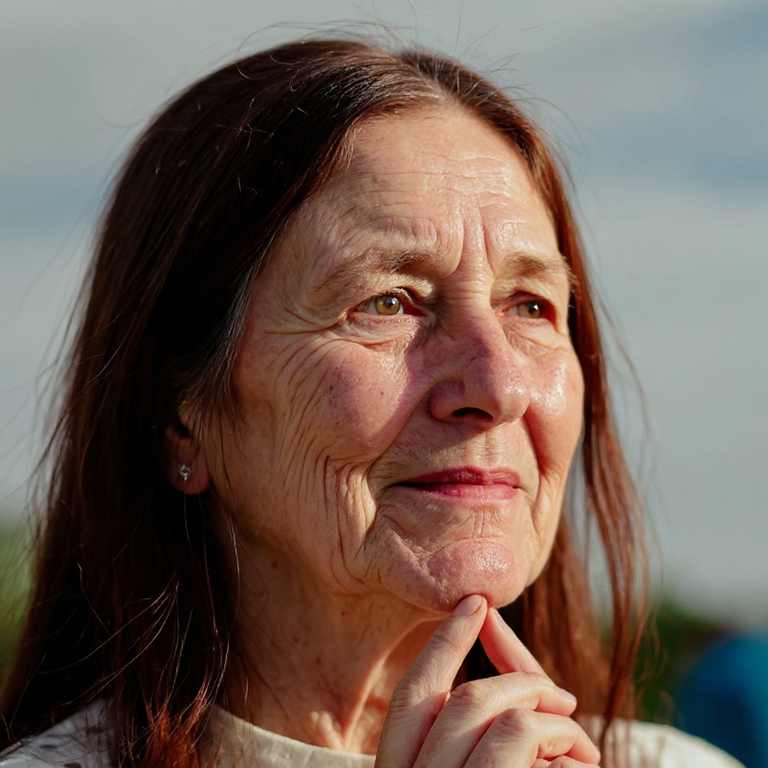
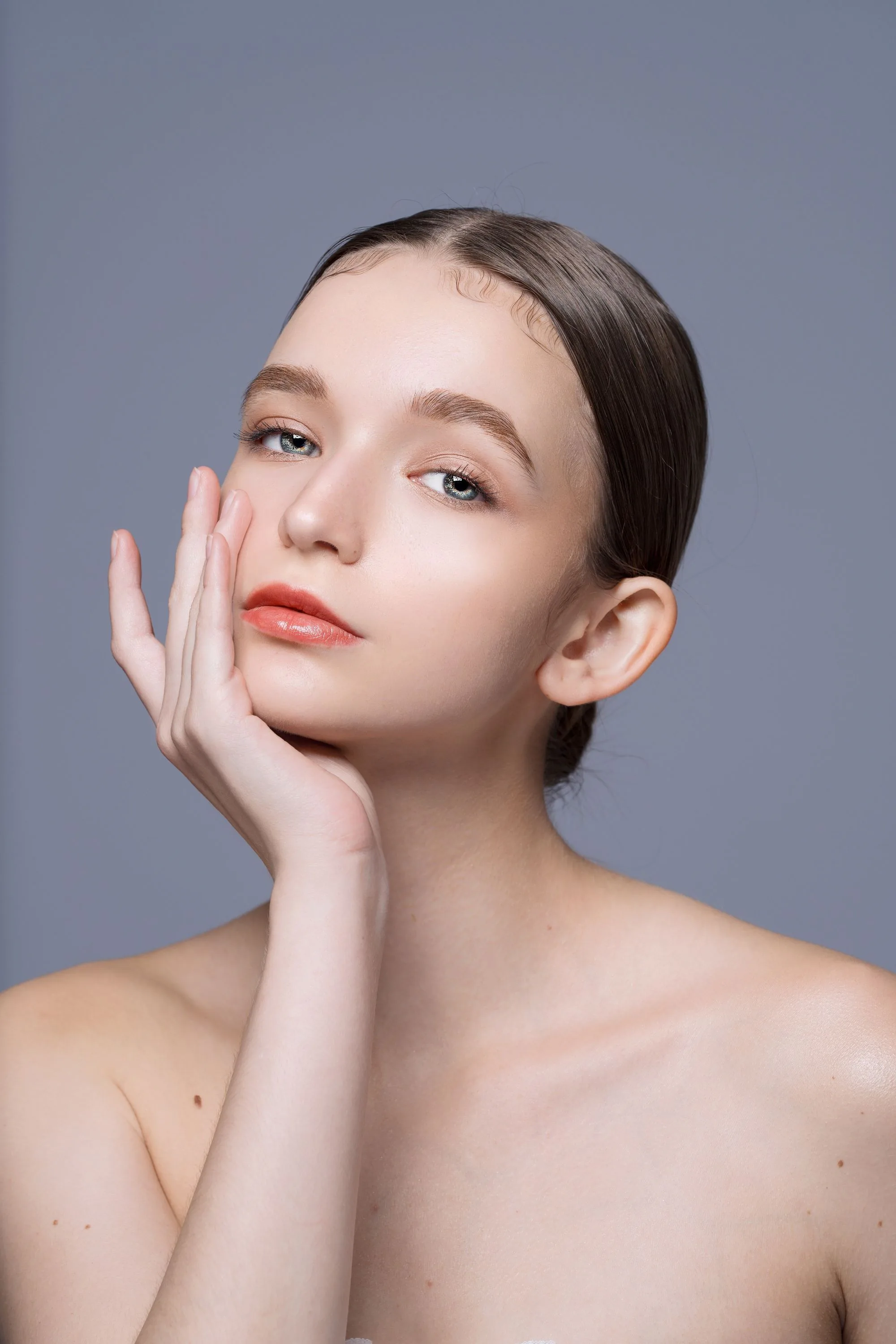
This comparison shows Makeup Polish on a clean portrait. It is a makeup reference, not a verified portrait-style-preview result or contact sheet.
Illustrative makeup reference only. A verified style-preview contact sheet is not yet available.
Upload one authorized portrait, select at least one look and review the grid.
Use a JPG, PNG or WebP of yourself or someone who consented. A clear face and stable framing make it easier to compare the looks.
Toggle the photographic styles you want to compare. Keep at least one selected. The aspect ratio controls the whole grid canvas and defaults to the source ratio.
Review facial details, identity, clothing and pose against your source. Download the single contact sheet if the result works for you; AI edits can vary.
Explore presentation choices for personal portraits and profile photos in one comparison image.
Natural, soft studio and cinematic are selected by default. Add golden hour, editorial, black and white or warm film, or keep just one look.
The instructions preserve identity, face structure, pose, clothing, body, age and gender presentation. Only lighting mood, color grade, contrast and soft photographic styling should change.
Receive a single grid for side-by-side review. Use it to choose a mood; each tile is part of the shared image, rather than a separate full-size download.
How the grid works, credits, identity, consent and choosing a portrait tool.
Start with the three default looks on a portrait you are authorized to edit.