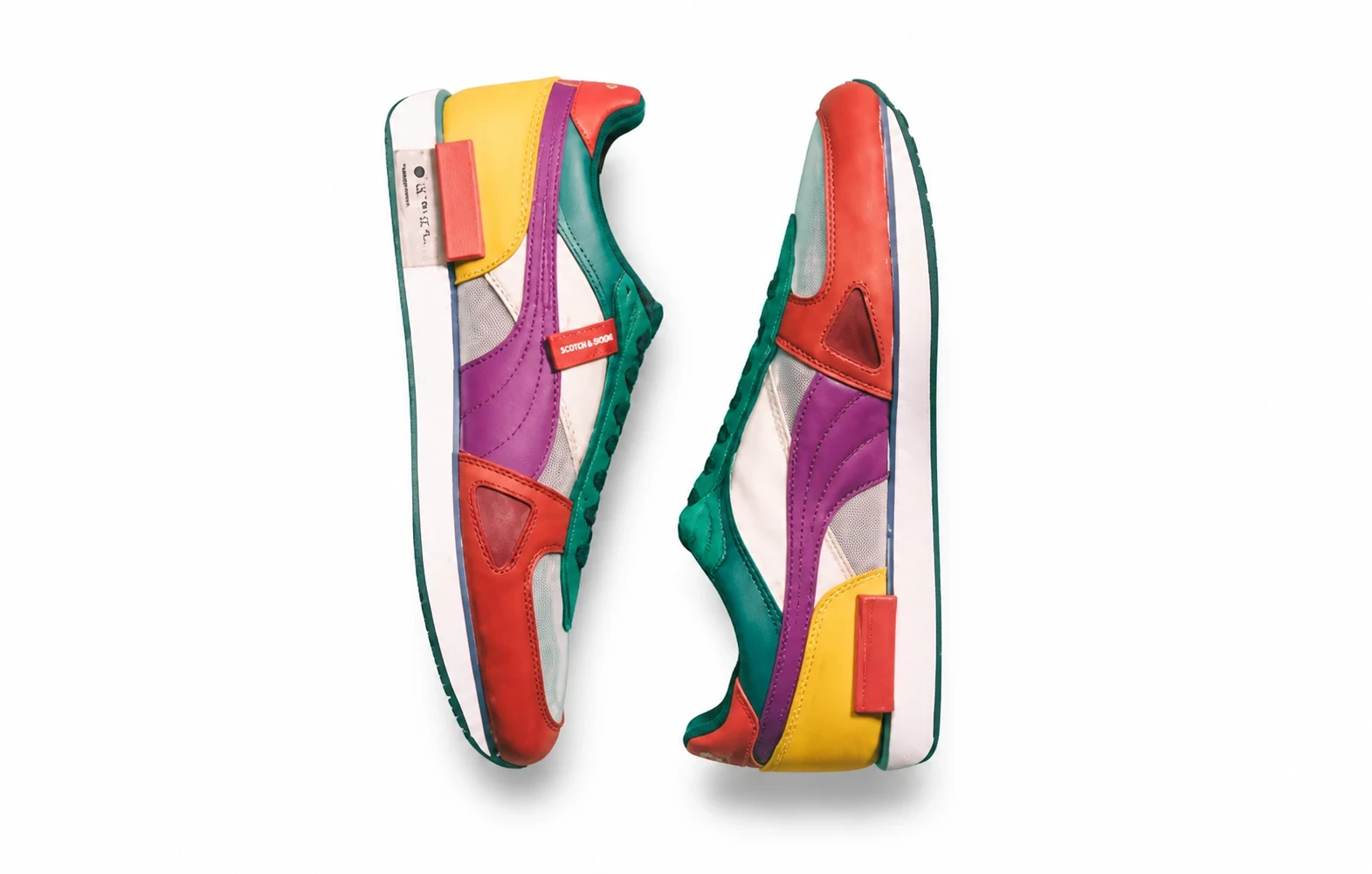
Plan before you spend
Pick white packshot, scene, shadow, creative or flat-lay tiles. A preview contact sheet costs one generation.
Preview several listing styles from one product photo, then generate only the styles you want.
Pick white packshot, scene, shadow, creative or flat-lay tiles. A preview contact sheet costs one generation.
Commit full images one style at a time. Failed styles are not charged.
See a few presentation directions before paying for a complete set.
Skip styles that do not fit the product instead of regenerating a whole pack.
Prepare packshot, scene and shadow options from the same source photo.
상품 전체가 보이는 선명한 JPEG, PNG 또는 WebP를 사용하세요. 포장과 라벨을 읽을 수 있도록 해주세요.
Select the styles to preview. Generate a contact sheet first, then create full images for the styles you keep.
원본과 비교하고 상품의 형태, 색상, 라벨 글자를 확인한 후 사용하세요.
다른 상품 촬영 작업을 살펴보고, 기존 배경을 제거하거나 이미지를 확대해 다음 디자인에 활용하세요.
Preview several listing styles from one product photo, then generate only the styles you want.