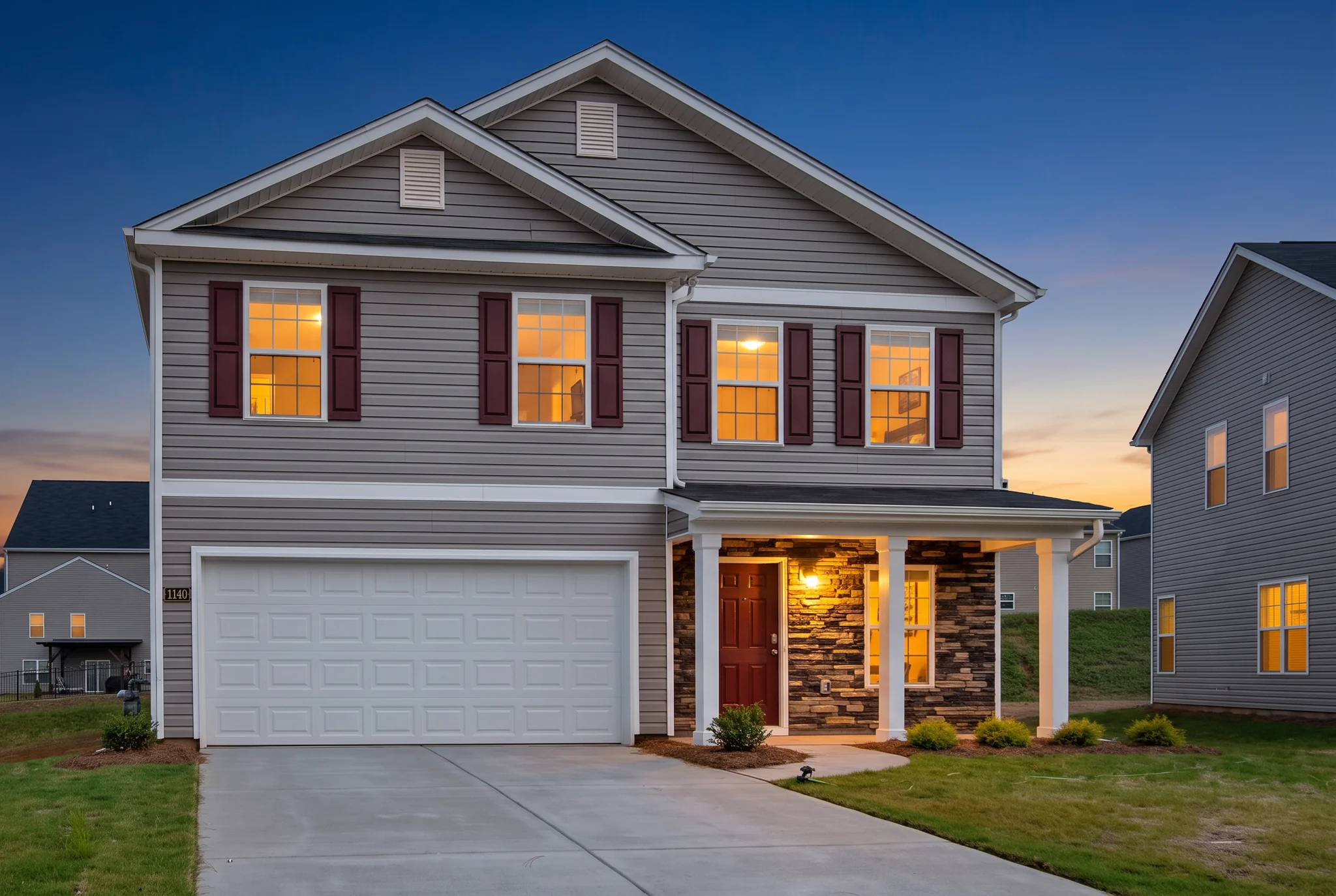
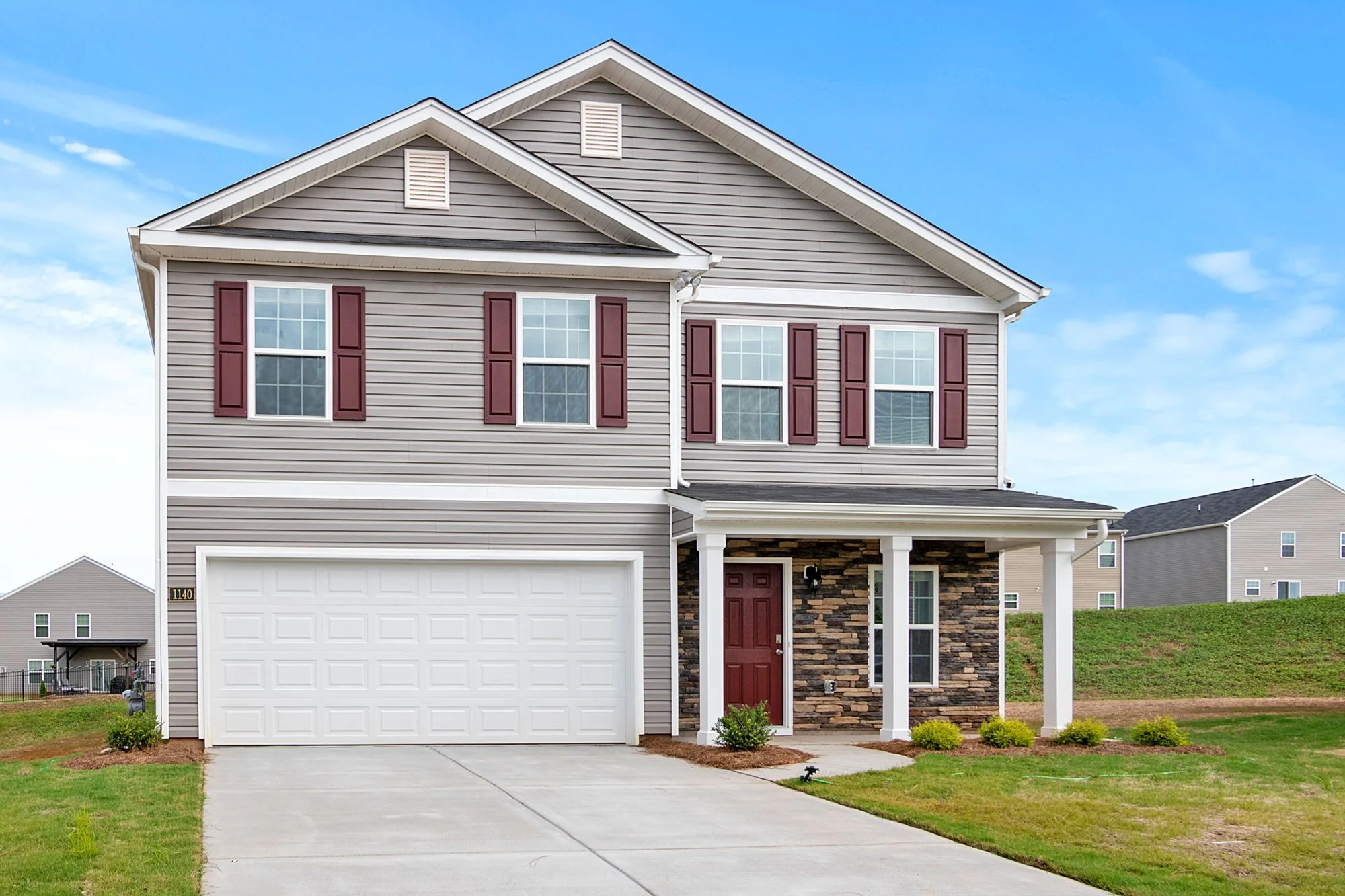
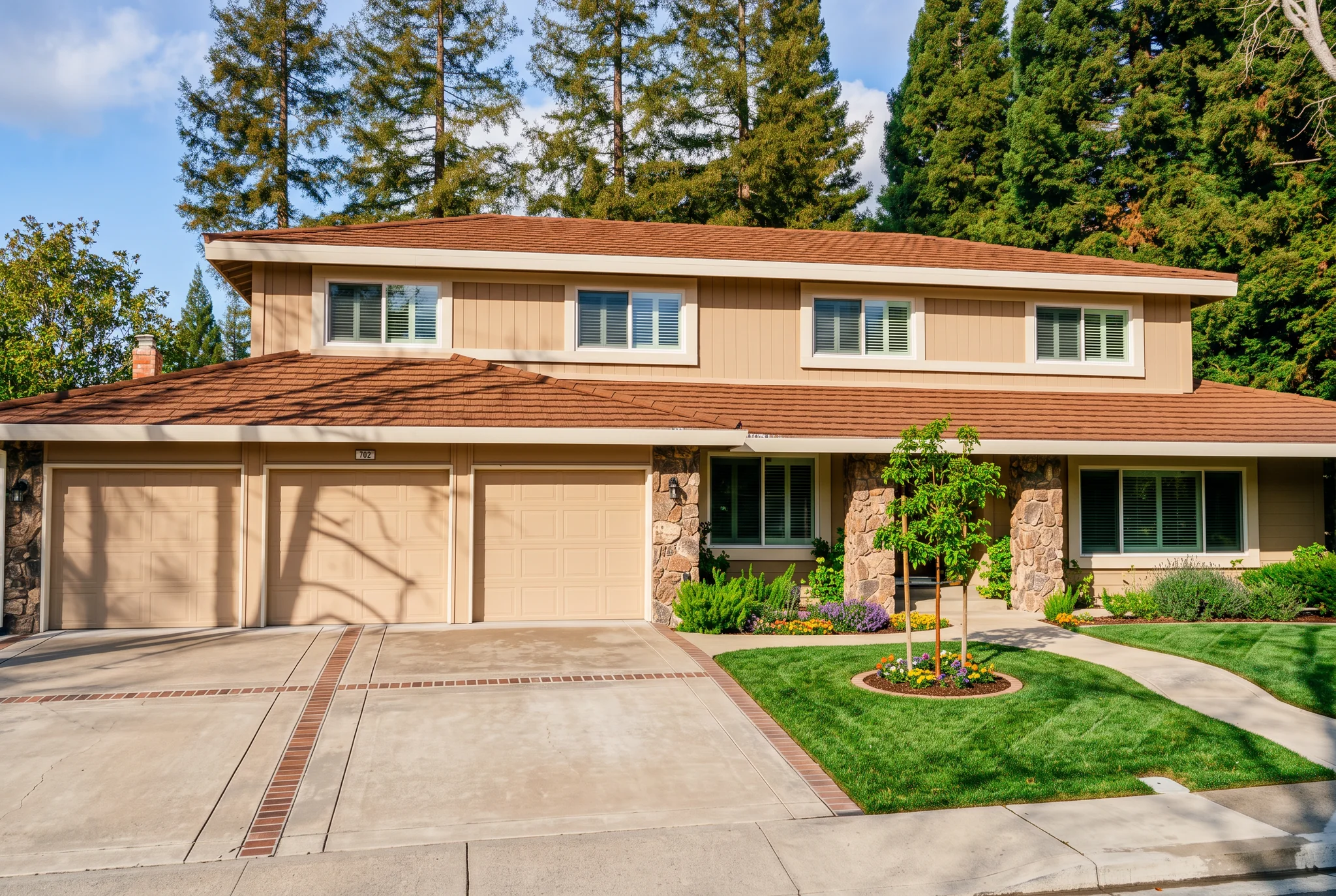
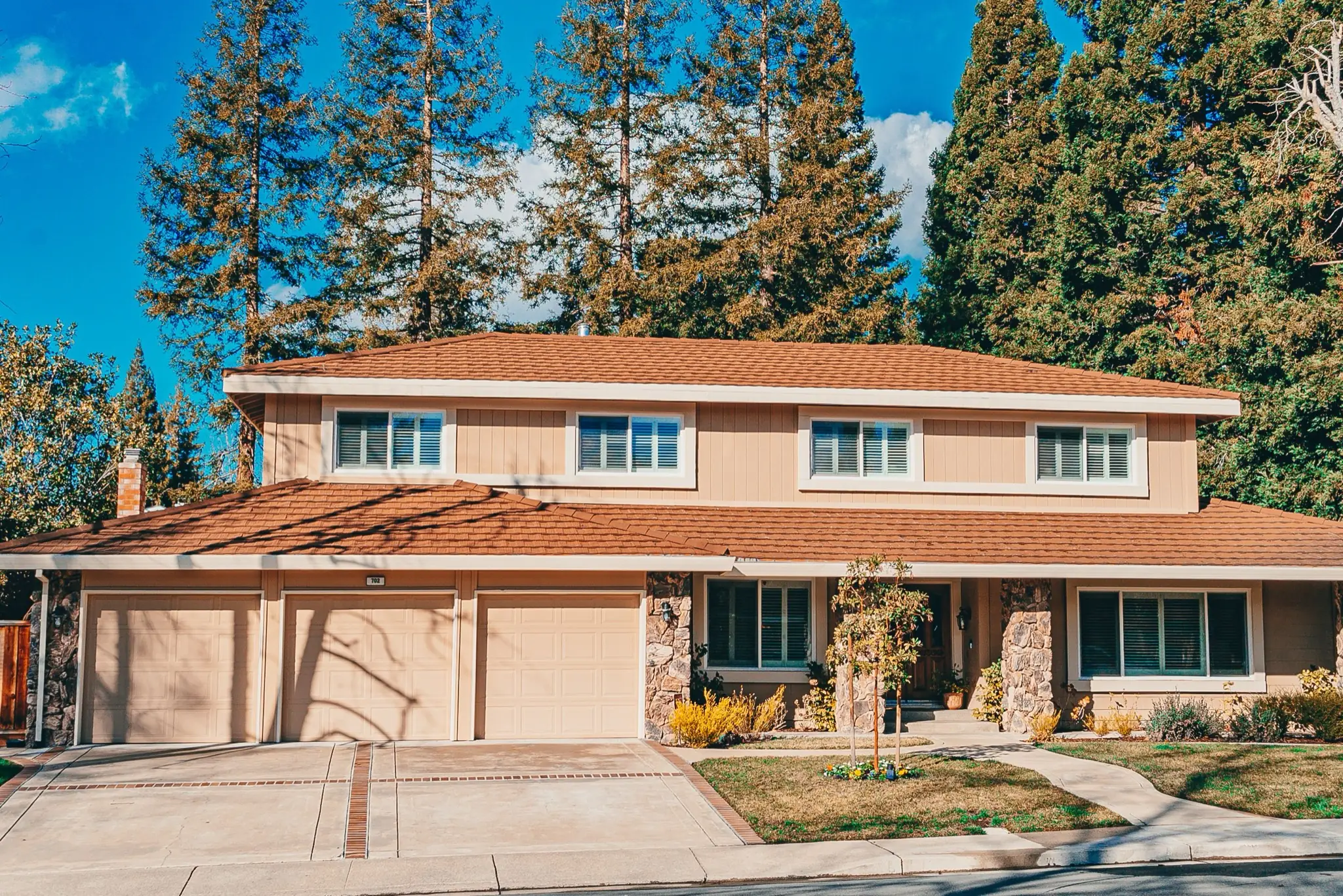
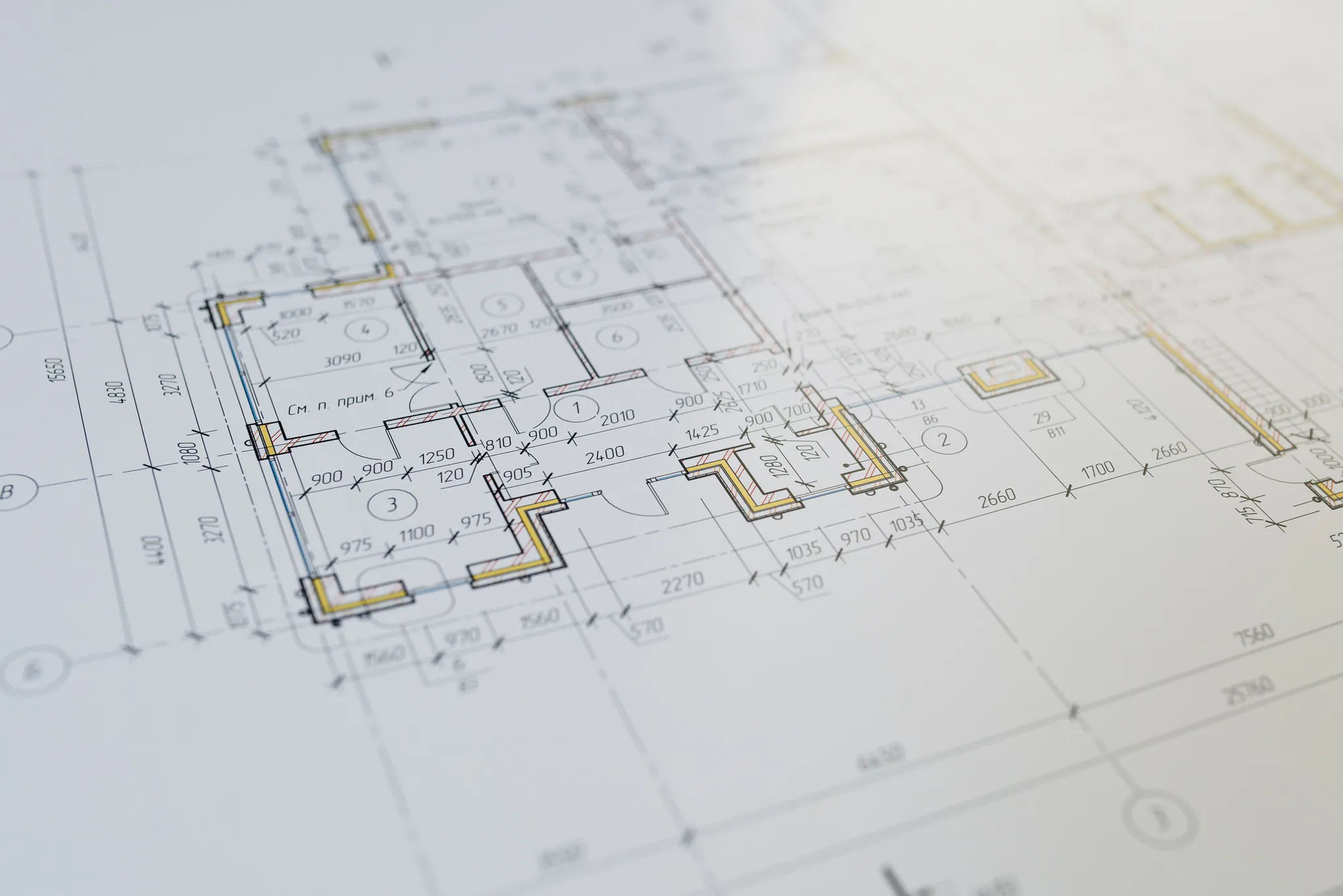
Keep the architecture
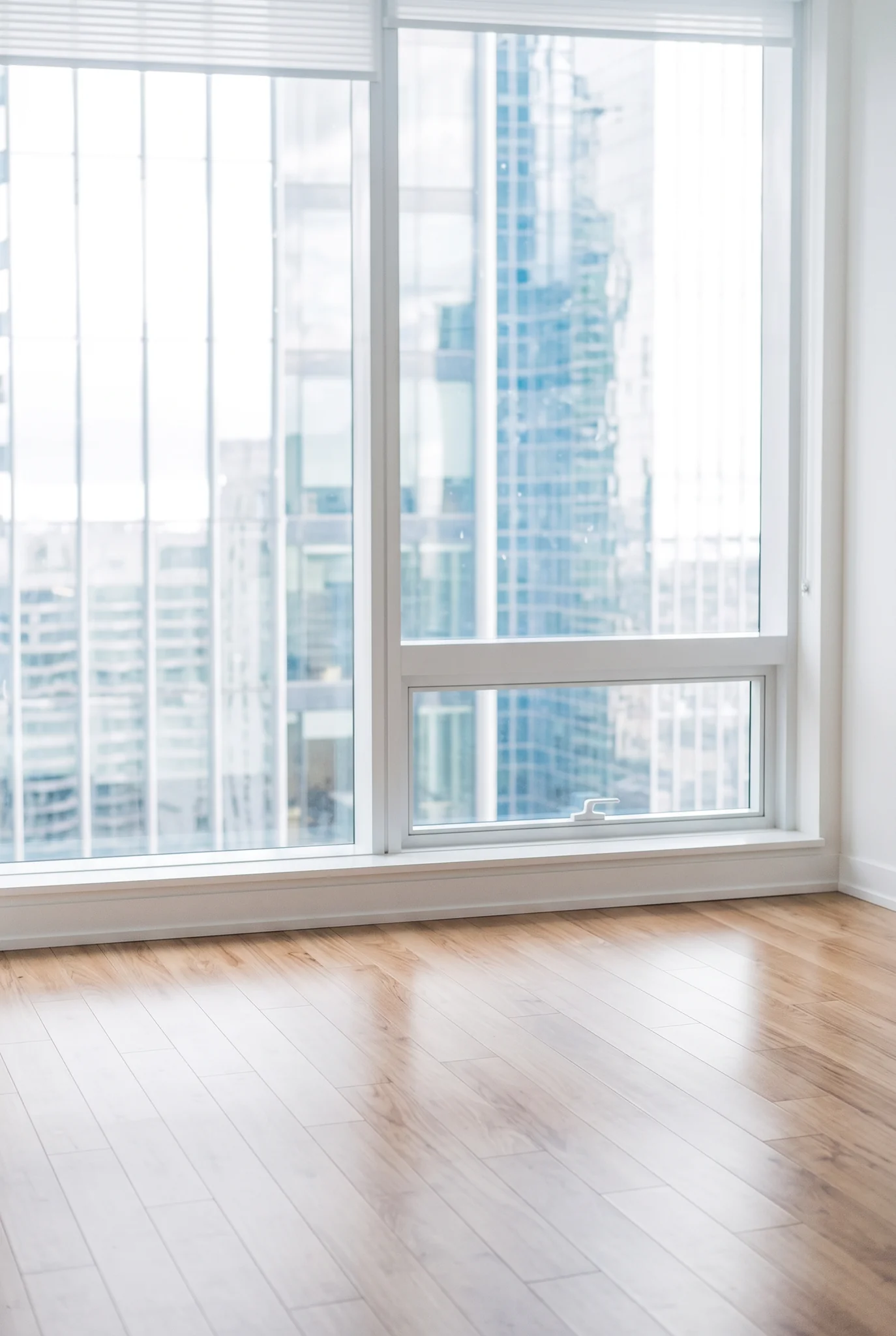
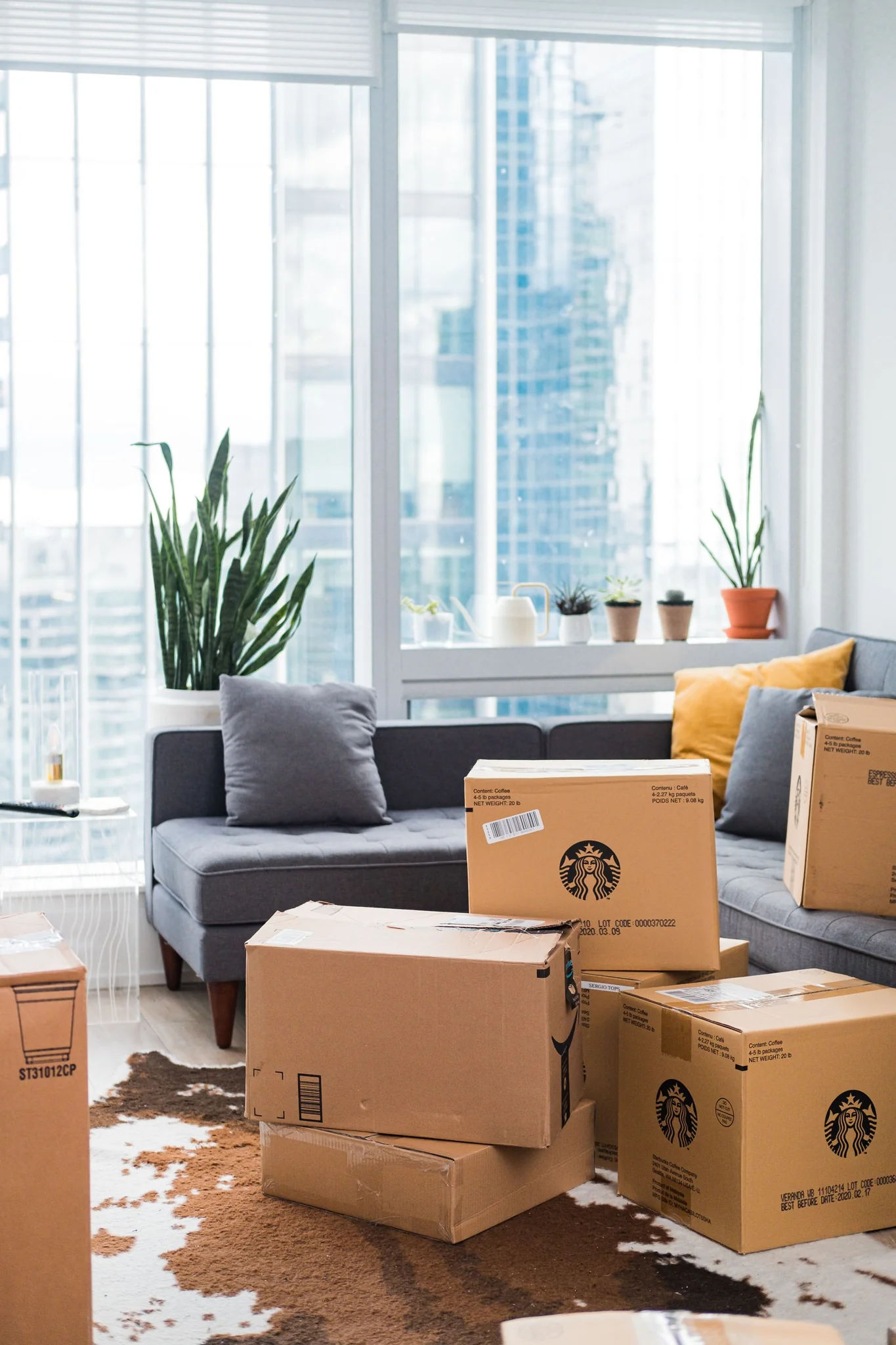
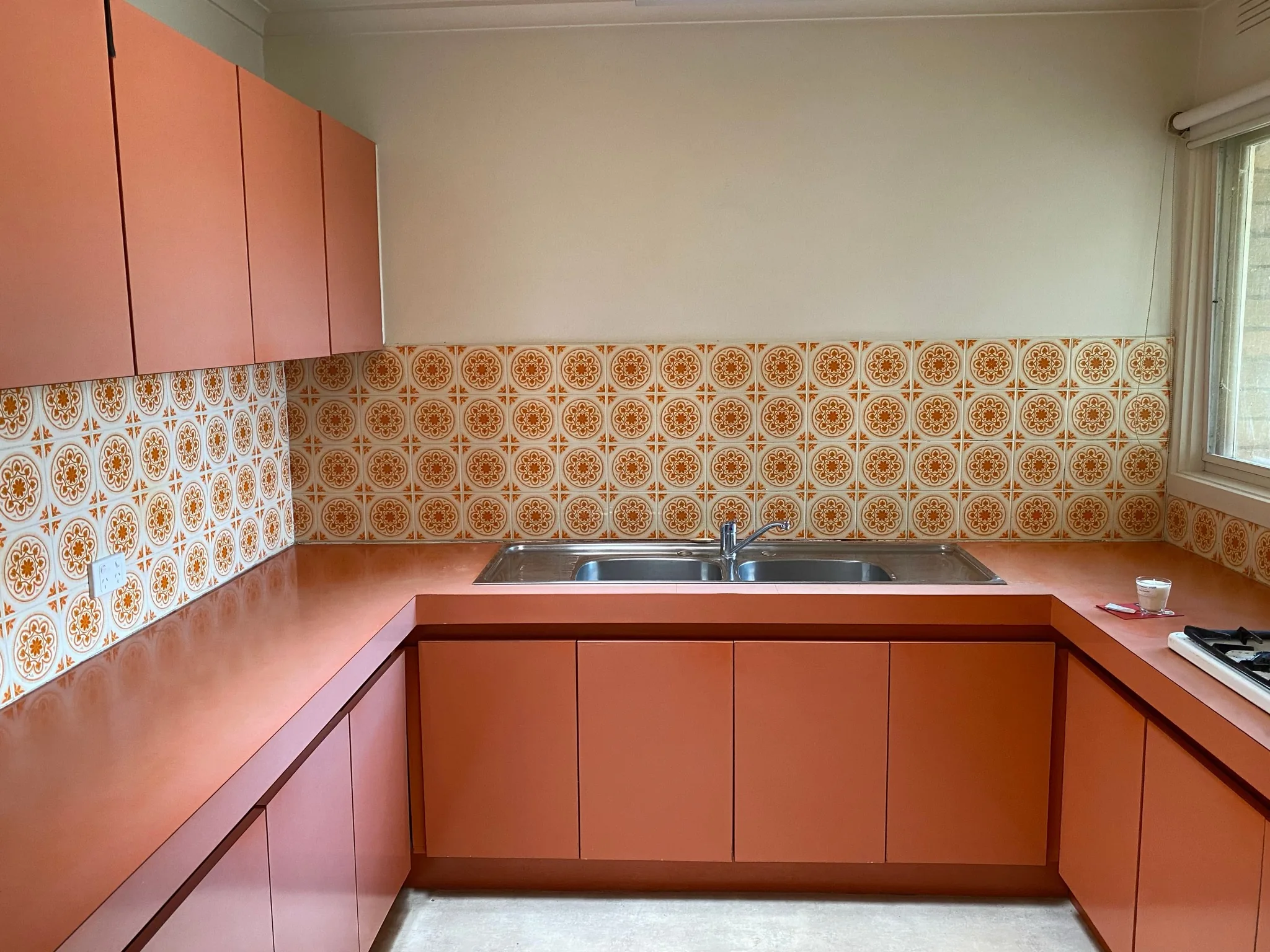
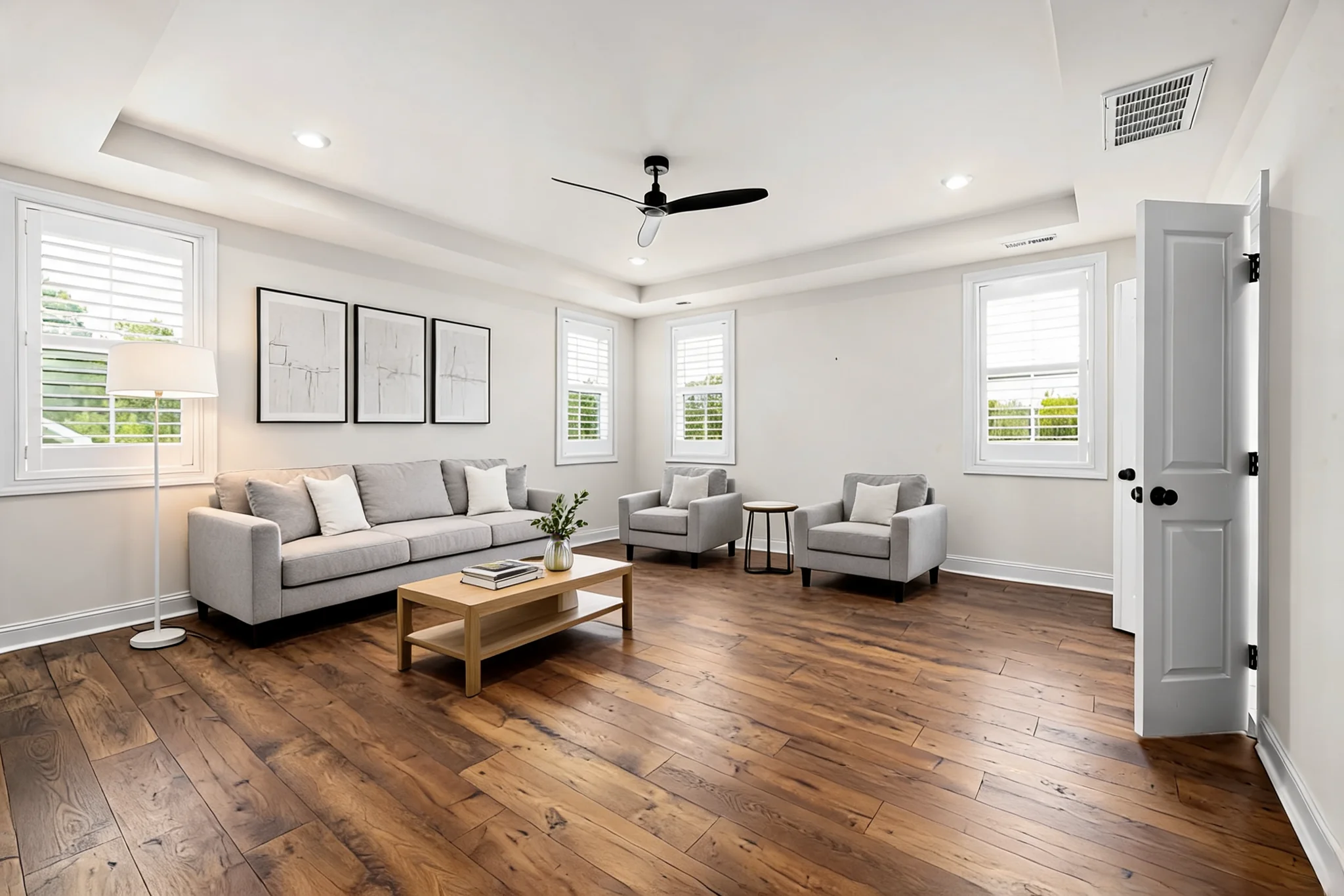
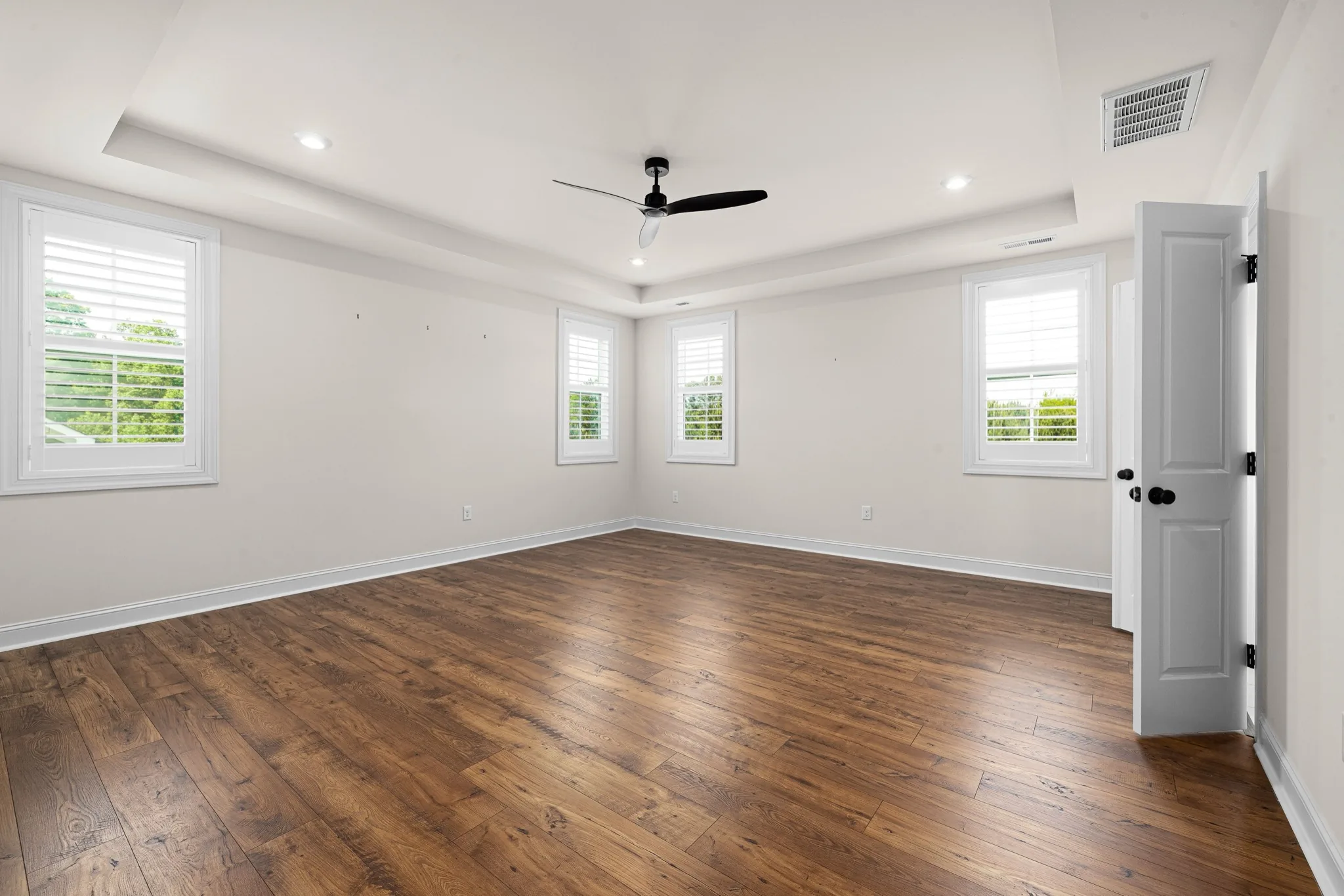
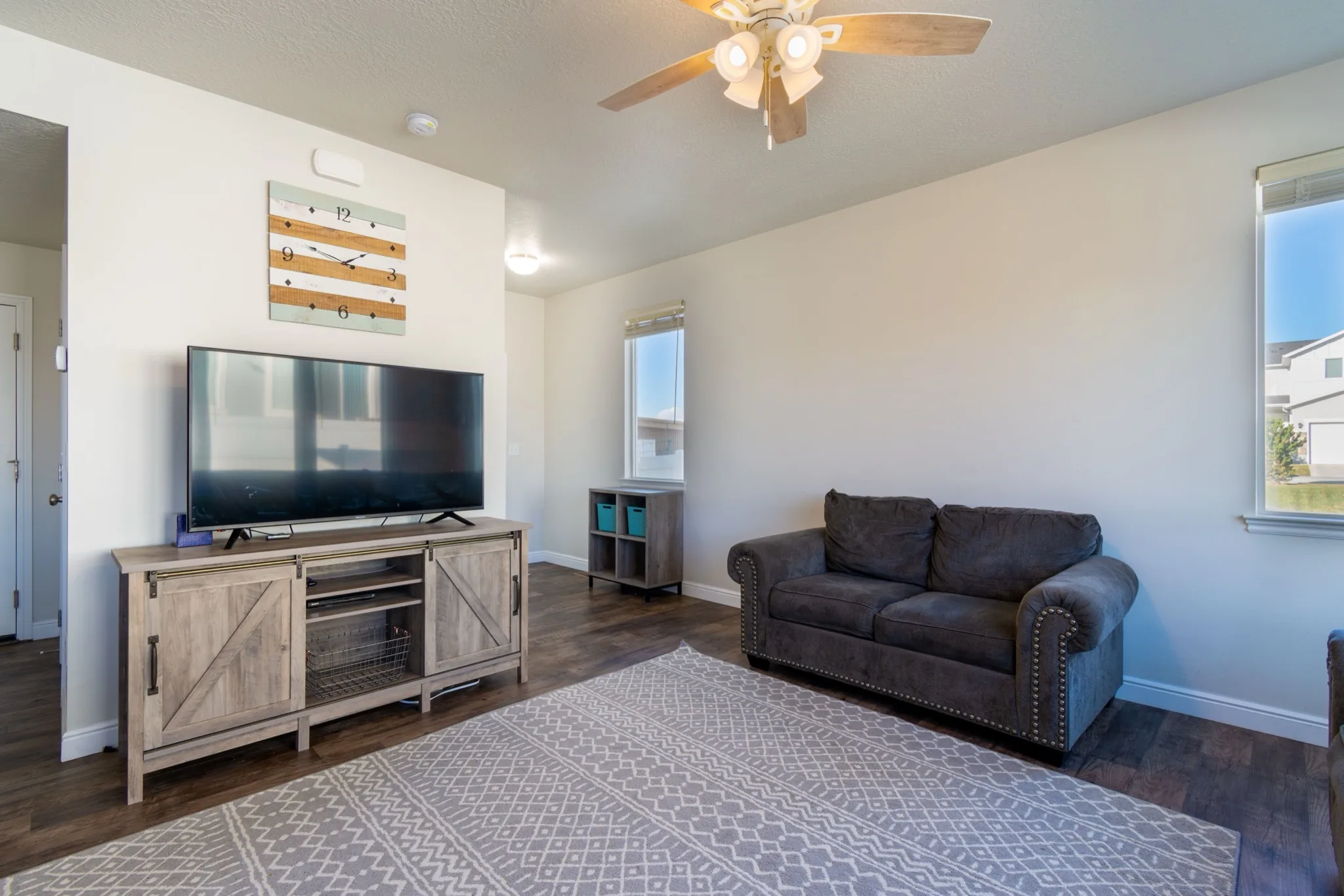
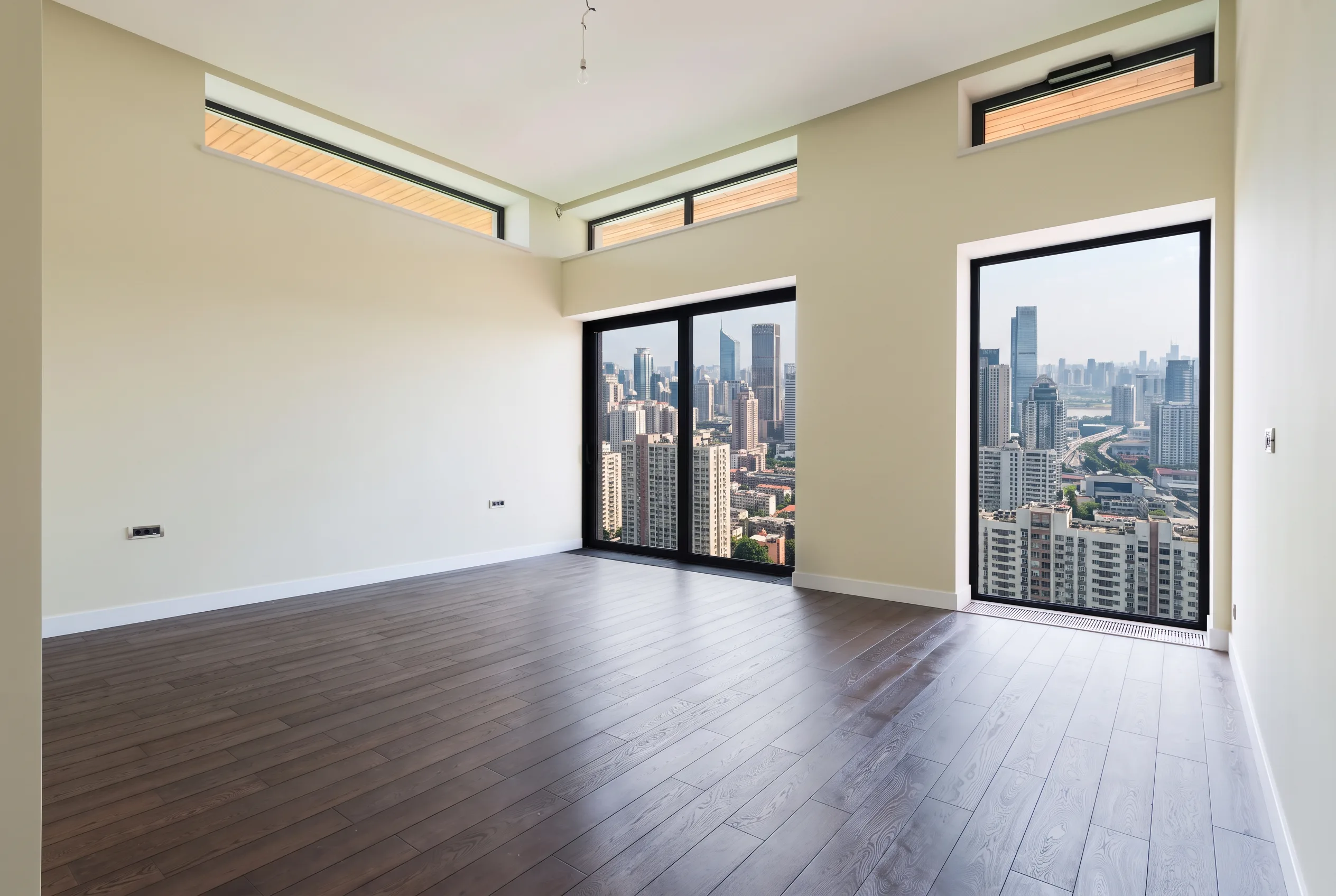
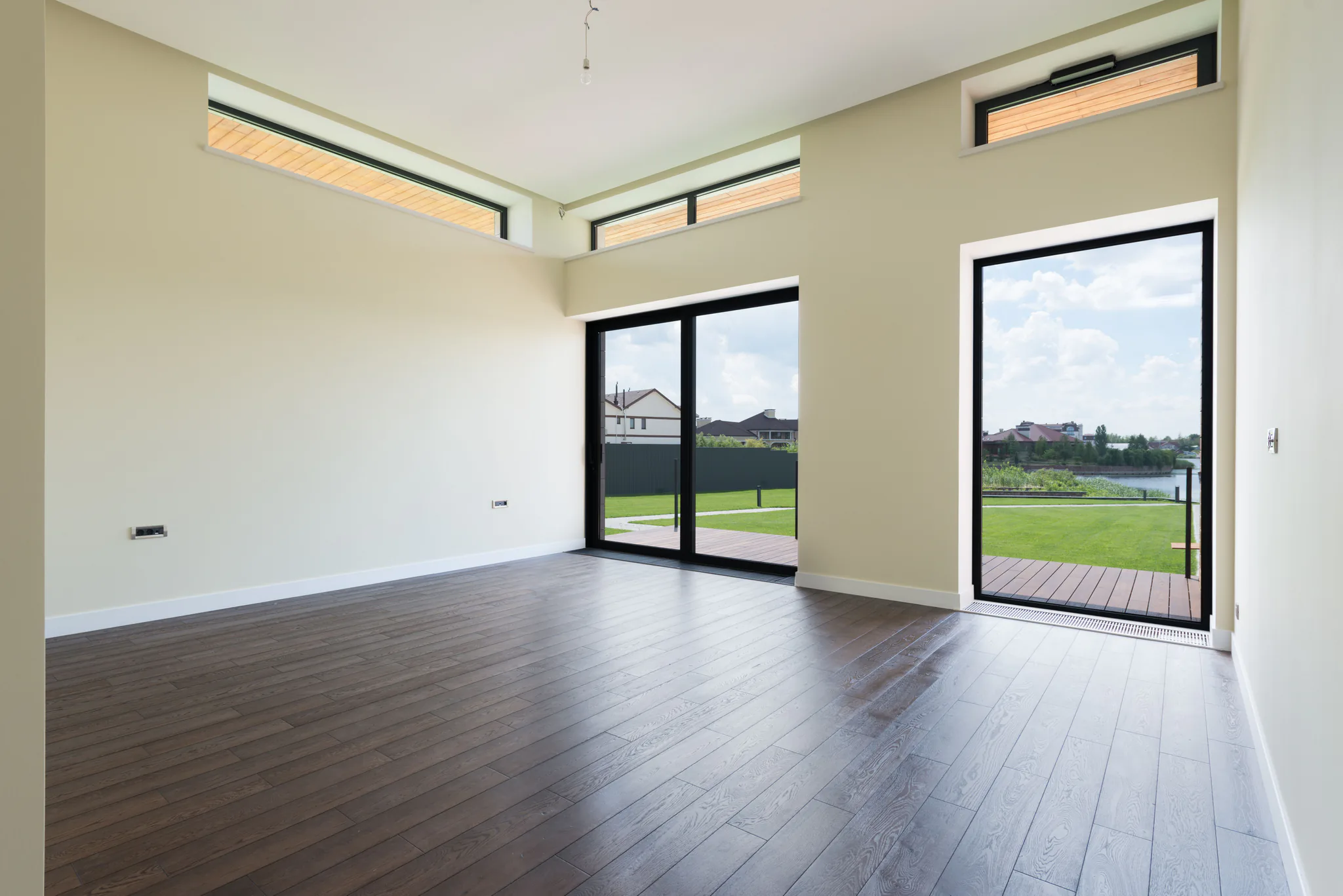
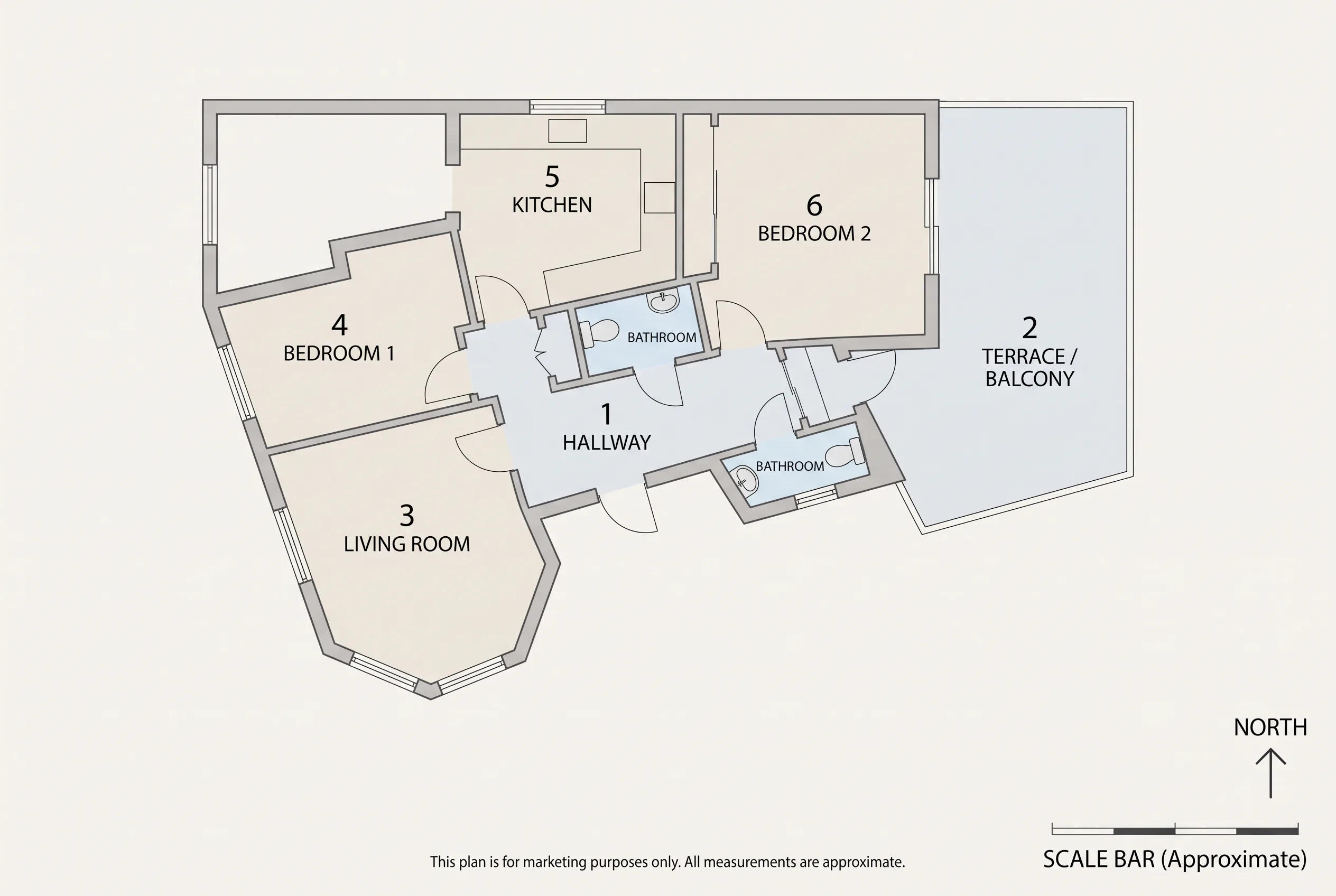
Walls, windows, floor plan, camera angle and major furniture silhouettes stay in place. Favore does not redesign the room.
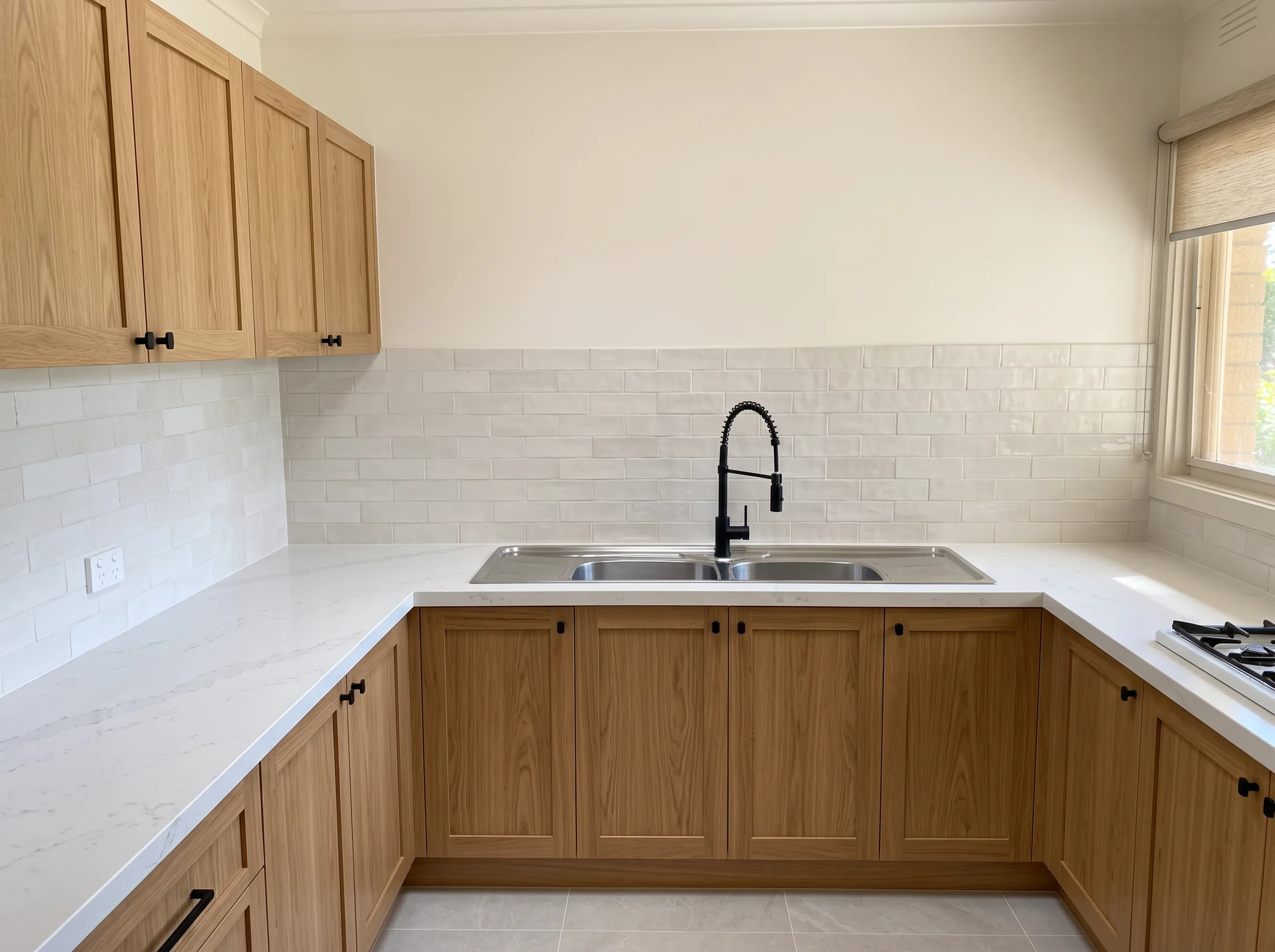
Preview new wall paint or floor finishes on a listing photo without renovating. Change only the surface you pick.
Перетащите разделитель, чтобы сравнить реальные результаты в разных сценах.
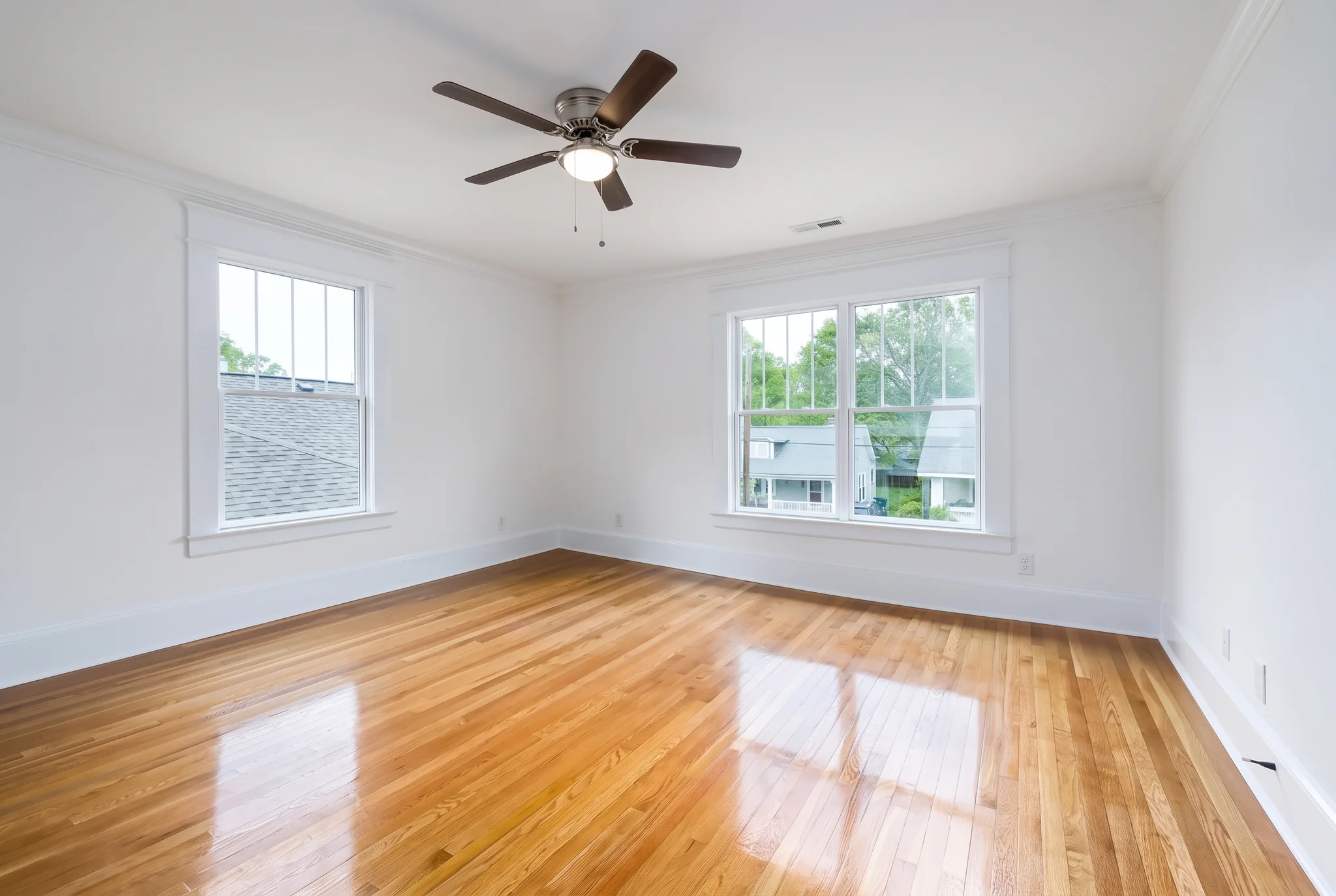
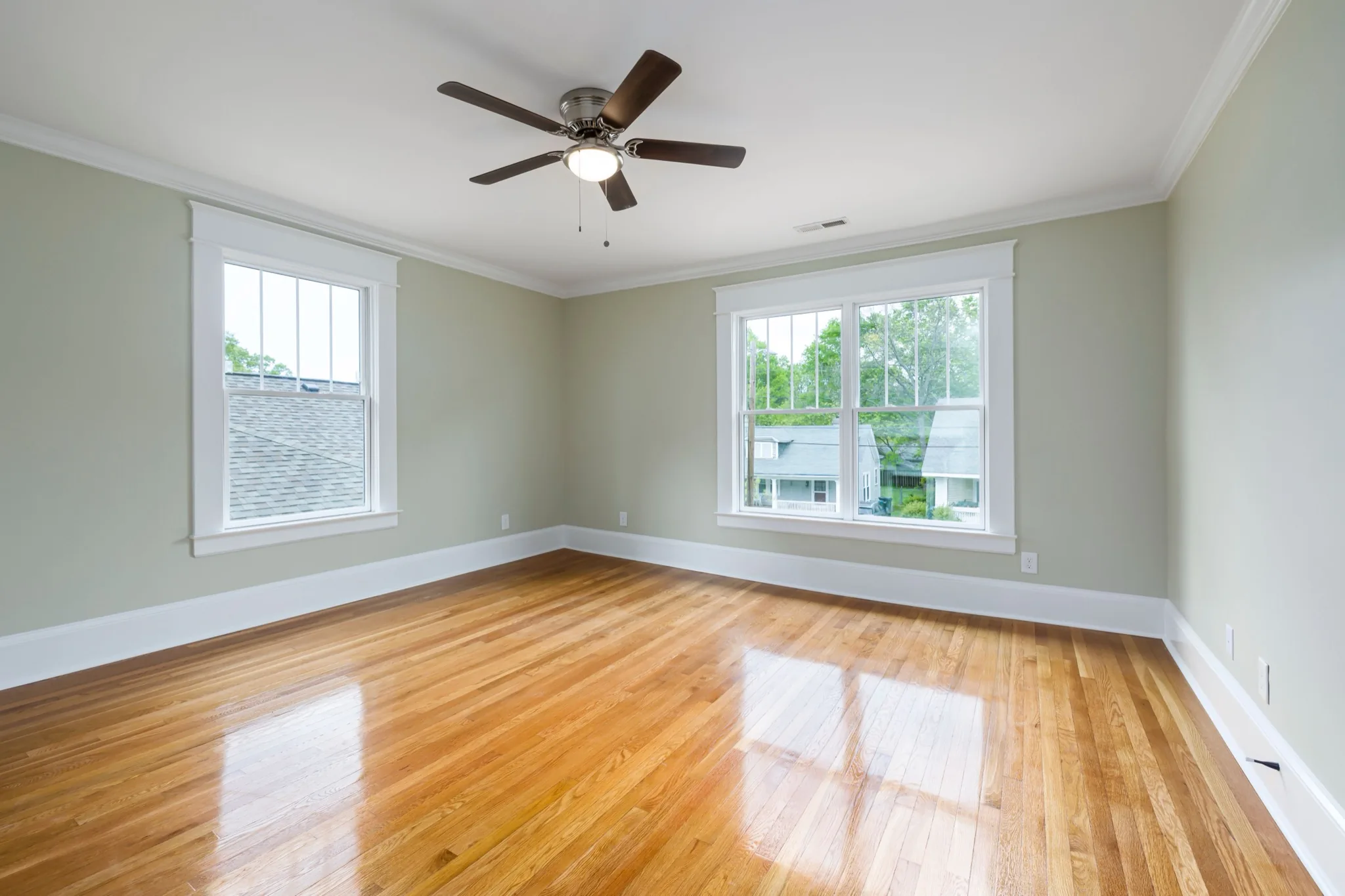
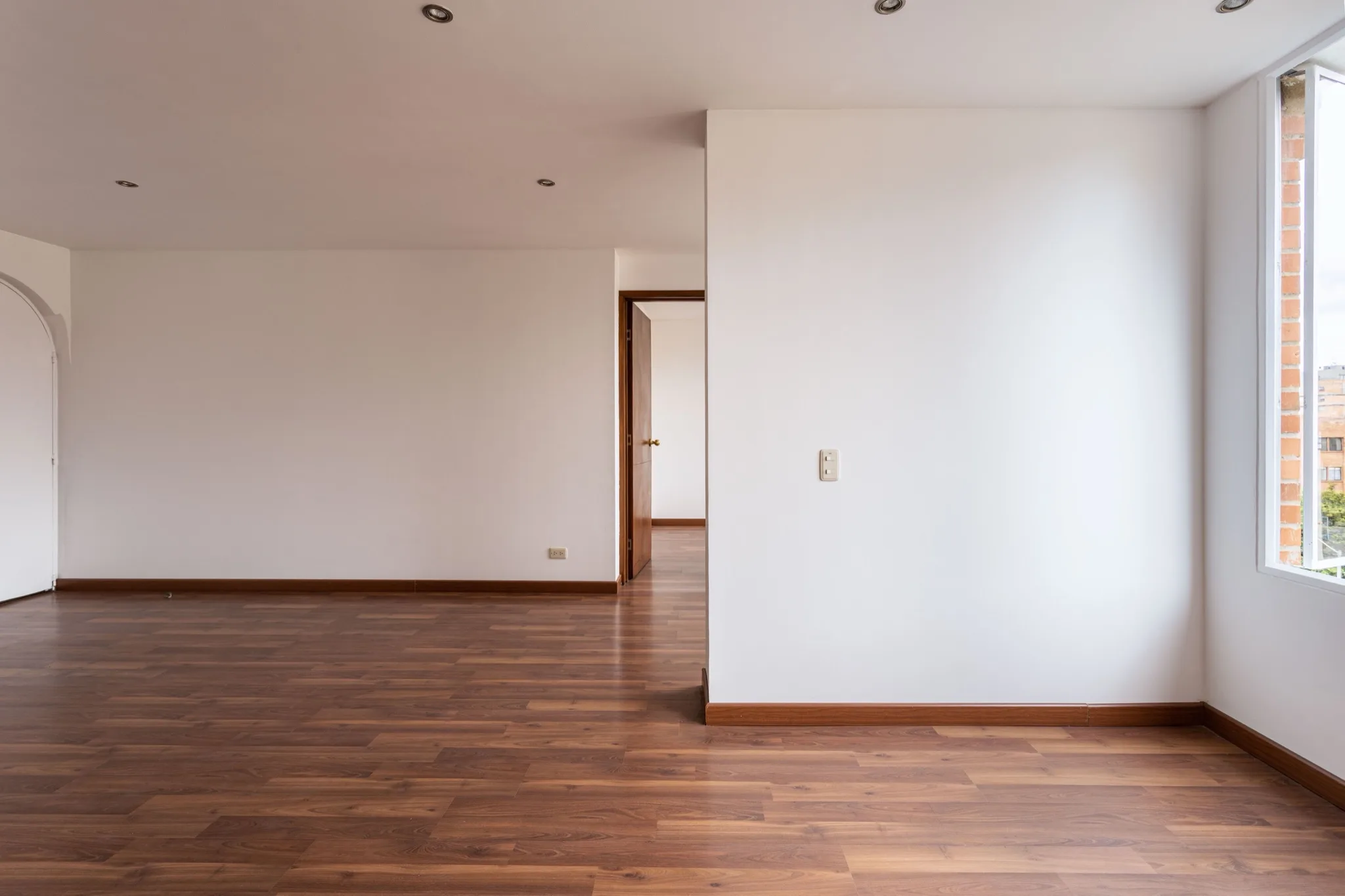
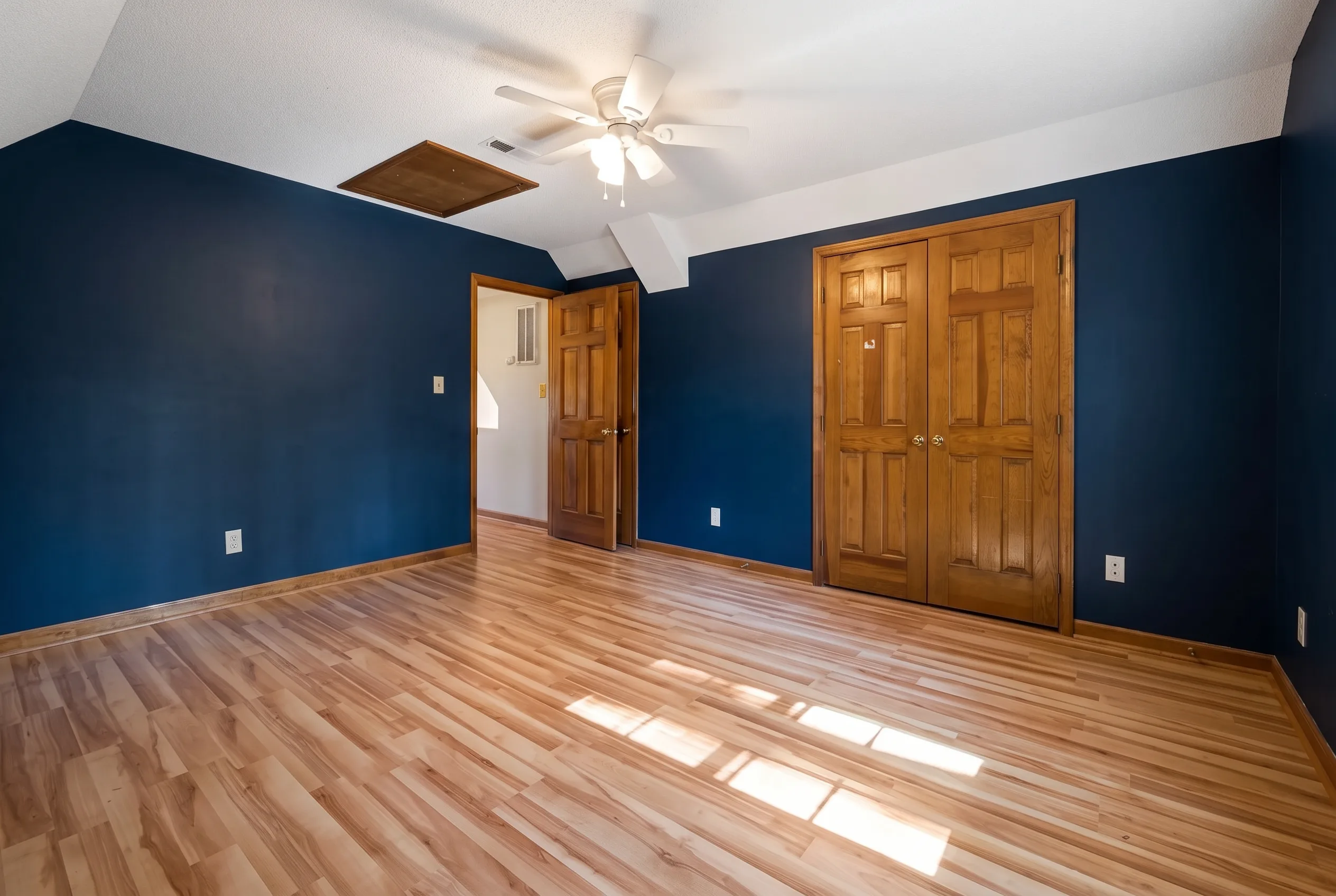
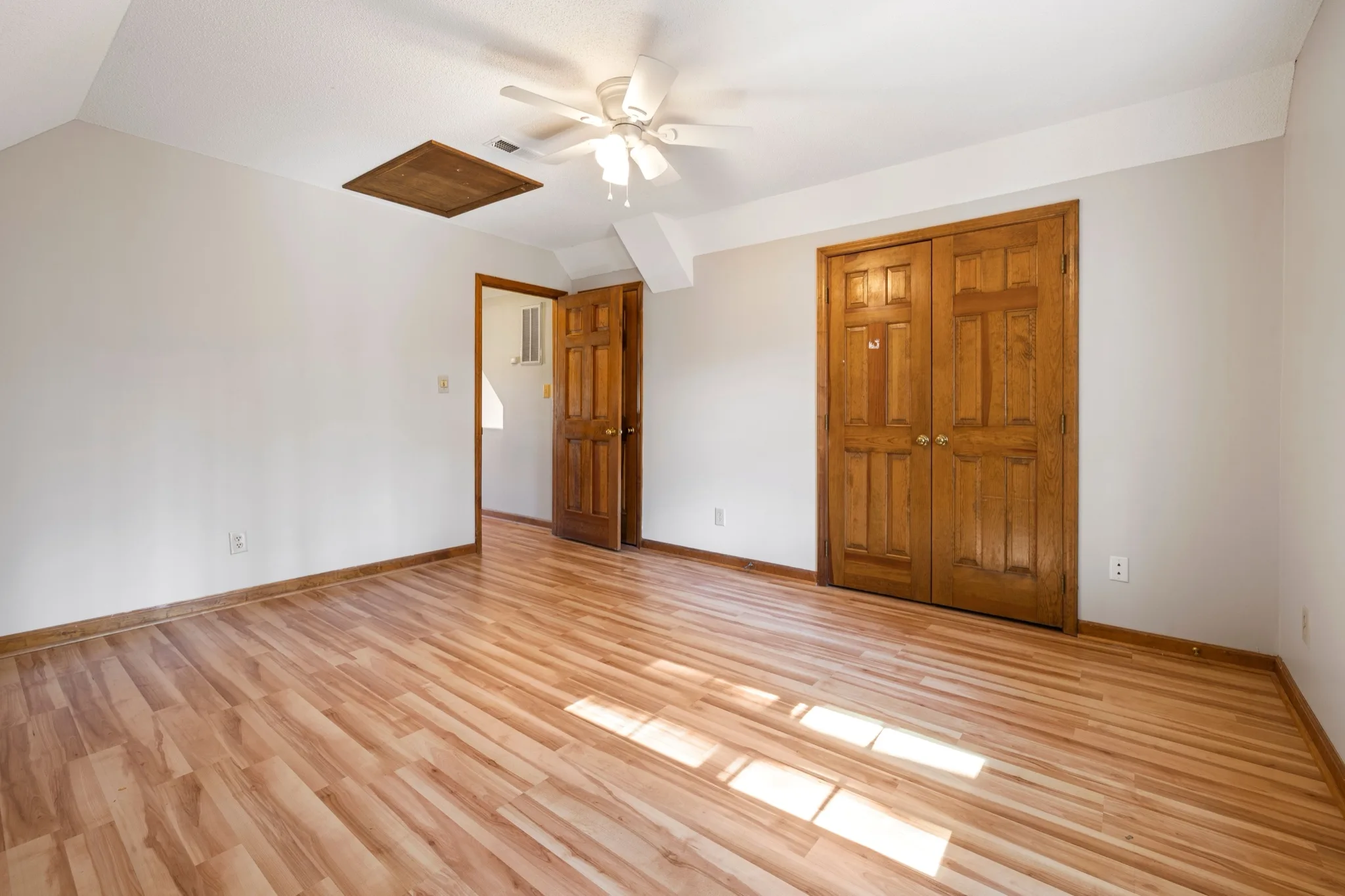
Walls, windows, floor plan, camera angle and major furniture silhouettes stay in place. Favore does not redesign the room.
Choose Walls or Floor, then a practical finish: neutral paints, oak, tile or polished concrete.
Show buyers a white, beige, sage, gray or navy wall on the same listing photo.
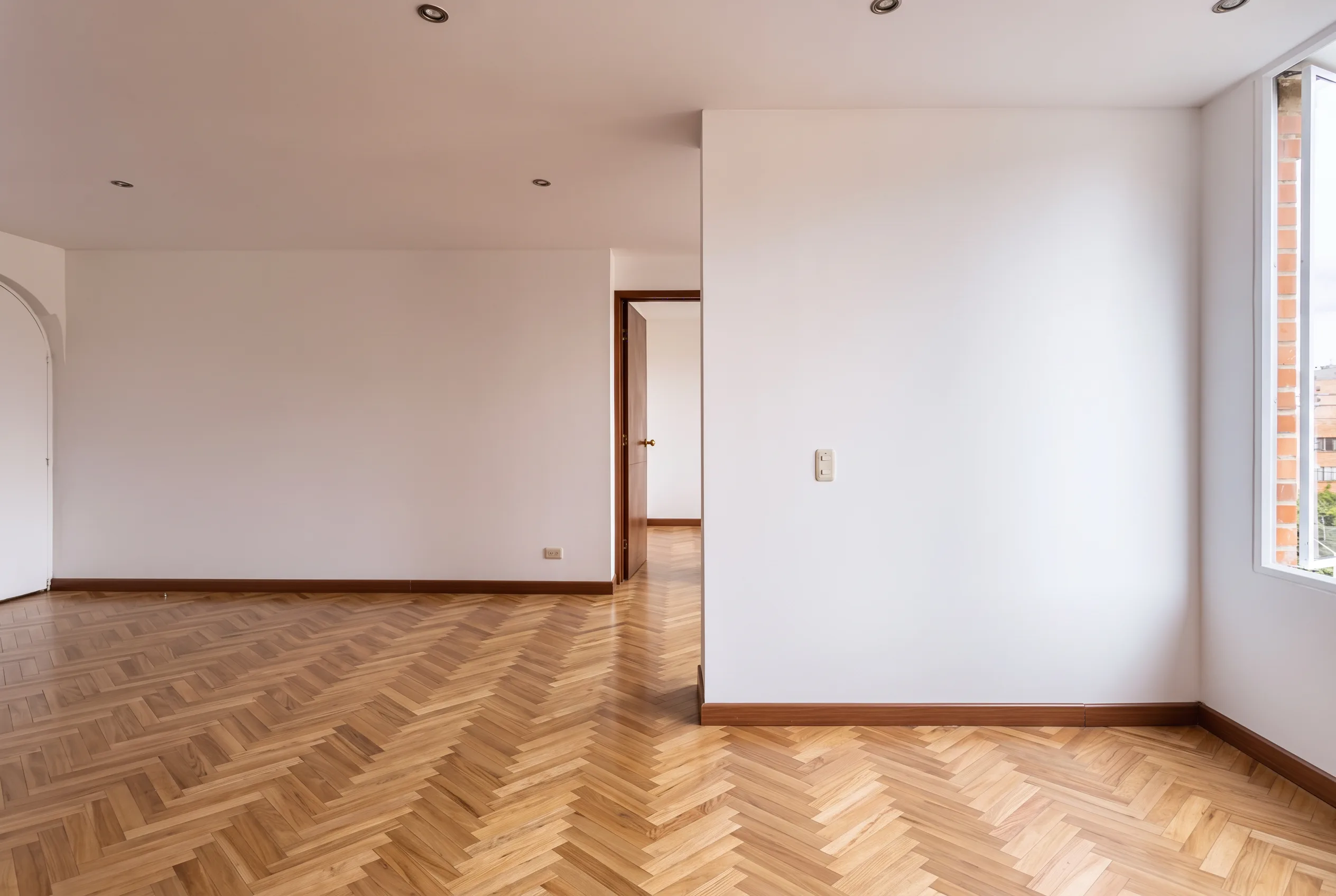
Compare light oak, walnut, herringbone, porcelain tile or polished concrete before you specify materials.
Works on vacant rooms and furnished listings. Furniture silhouettes stay; only the selected surface changes.
Use a clear JPEG, PNG or WebP of an empty or furnished room. Keep walls and floor visible. People and pets should stay out of frame.
Select Walls or Floor, then a labeled paint or floor finish. No written prompt is needed.
Check architecture, furniture outlines and lighting against the original. This is a listing preview, not a construction plan.
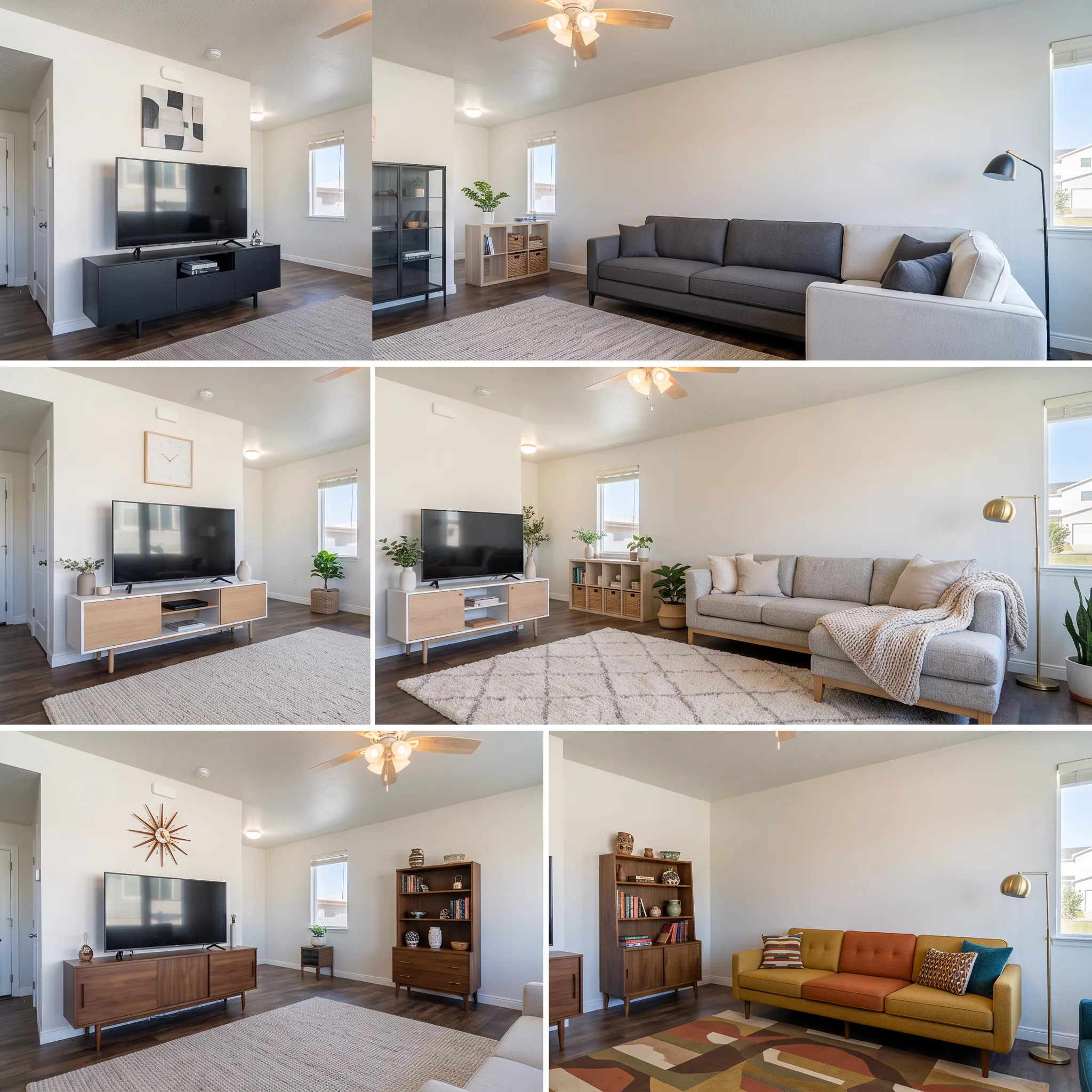
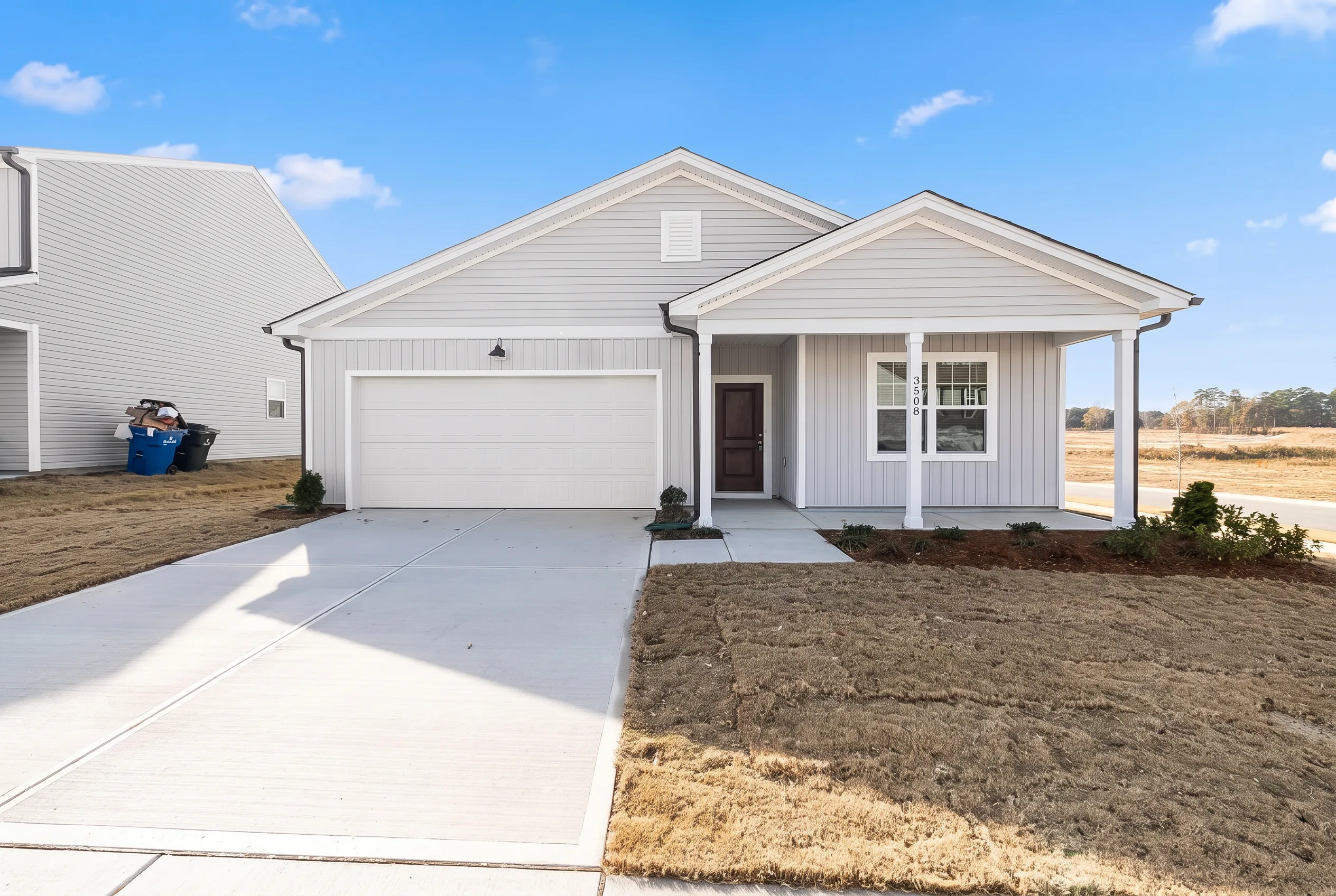
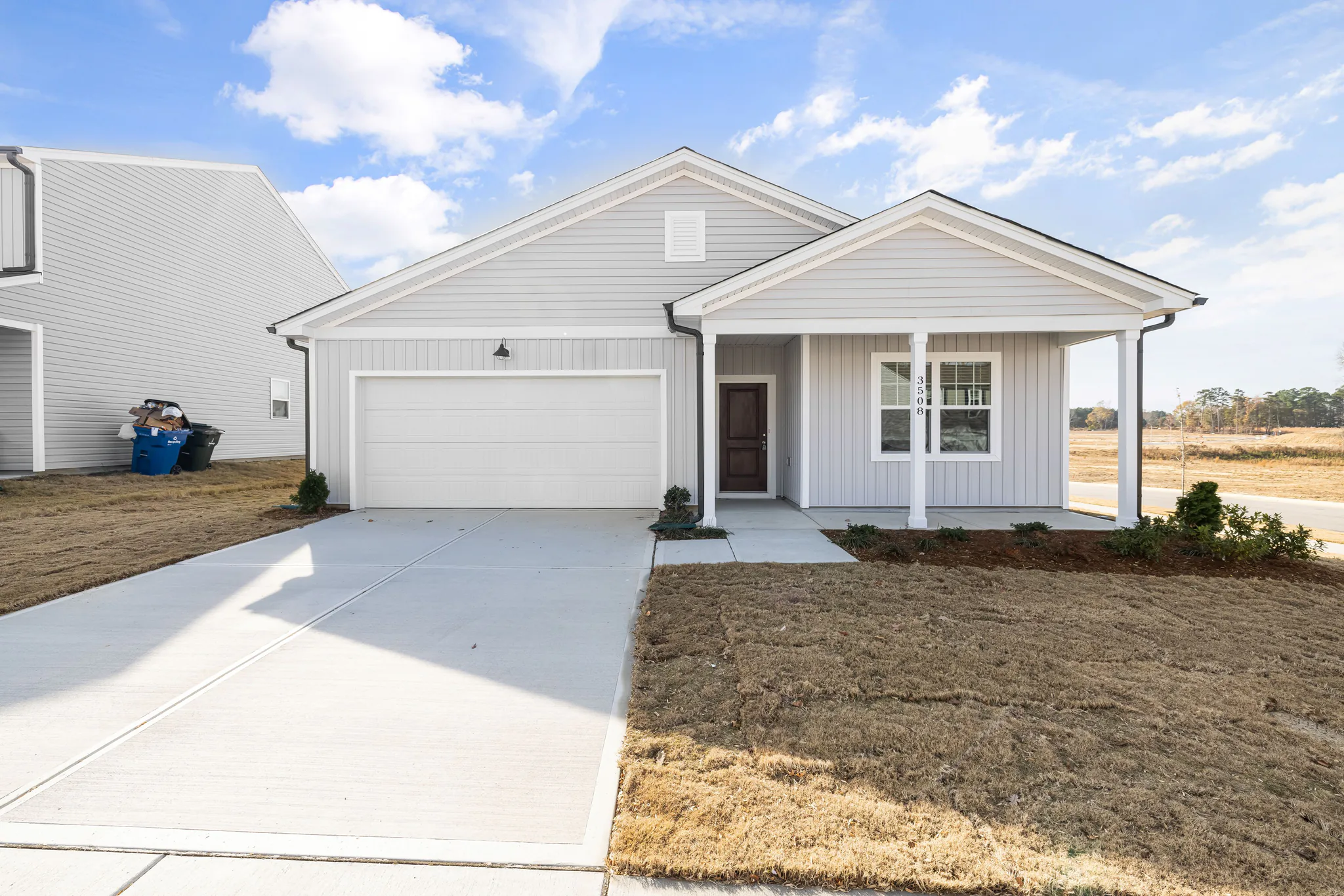
Clear a room, stage furniture, restyle finishes, preview a remodel, or refresh exteriors — for homes, offices, and exteriors.
Preview new wall paint or floor finishes on a listing photo without renovating. Change only the surface you pick.