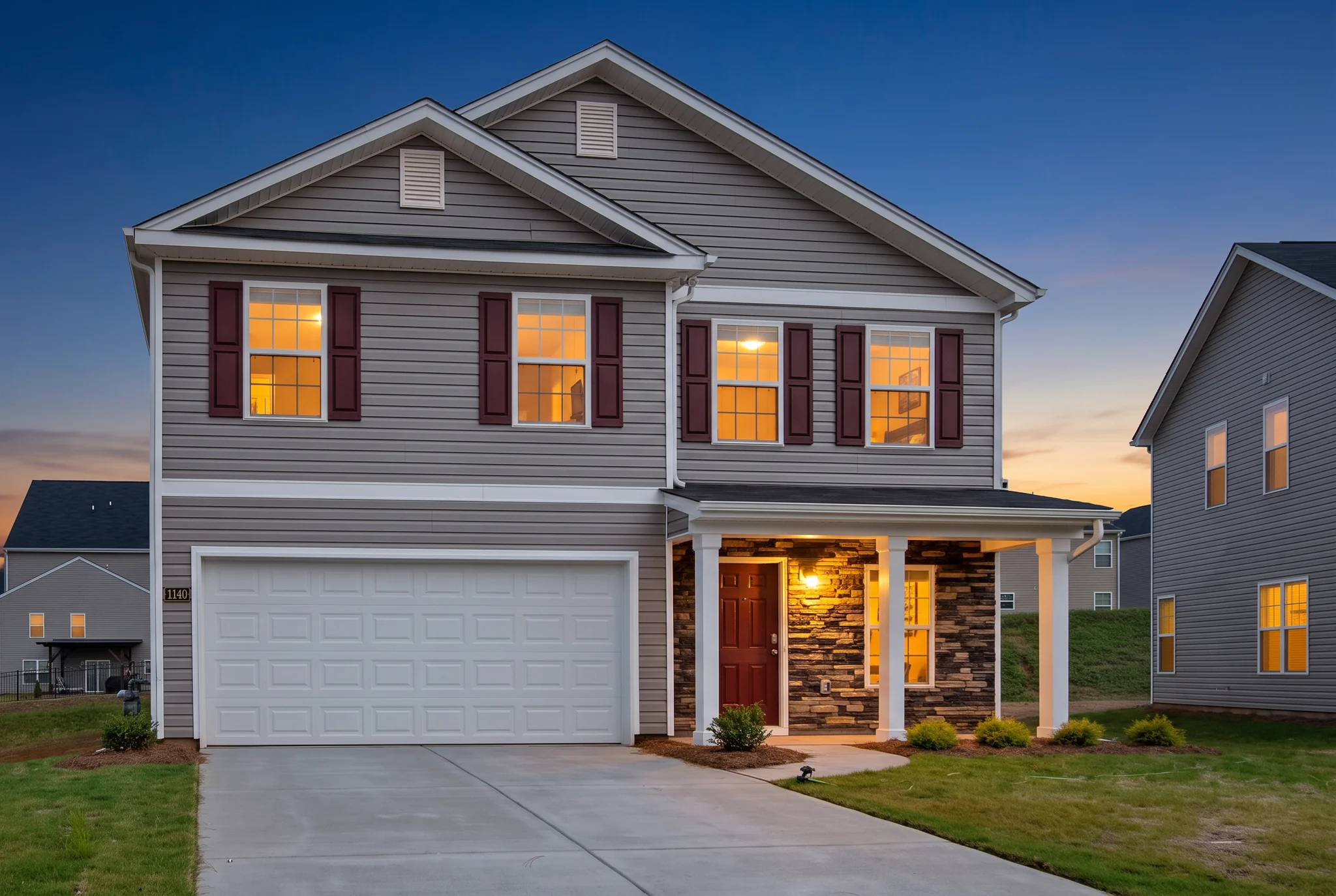
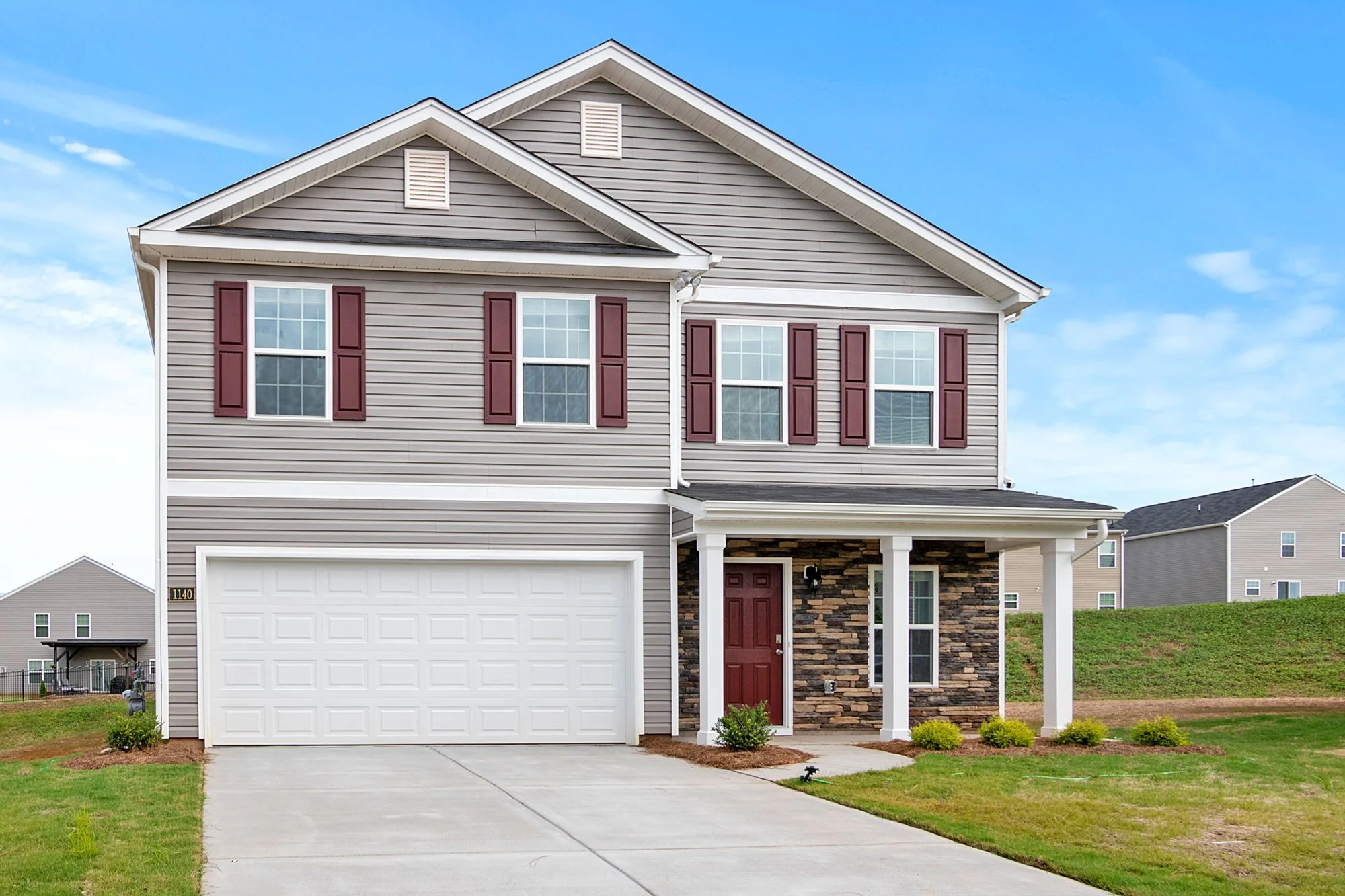
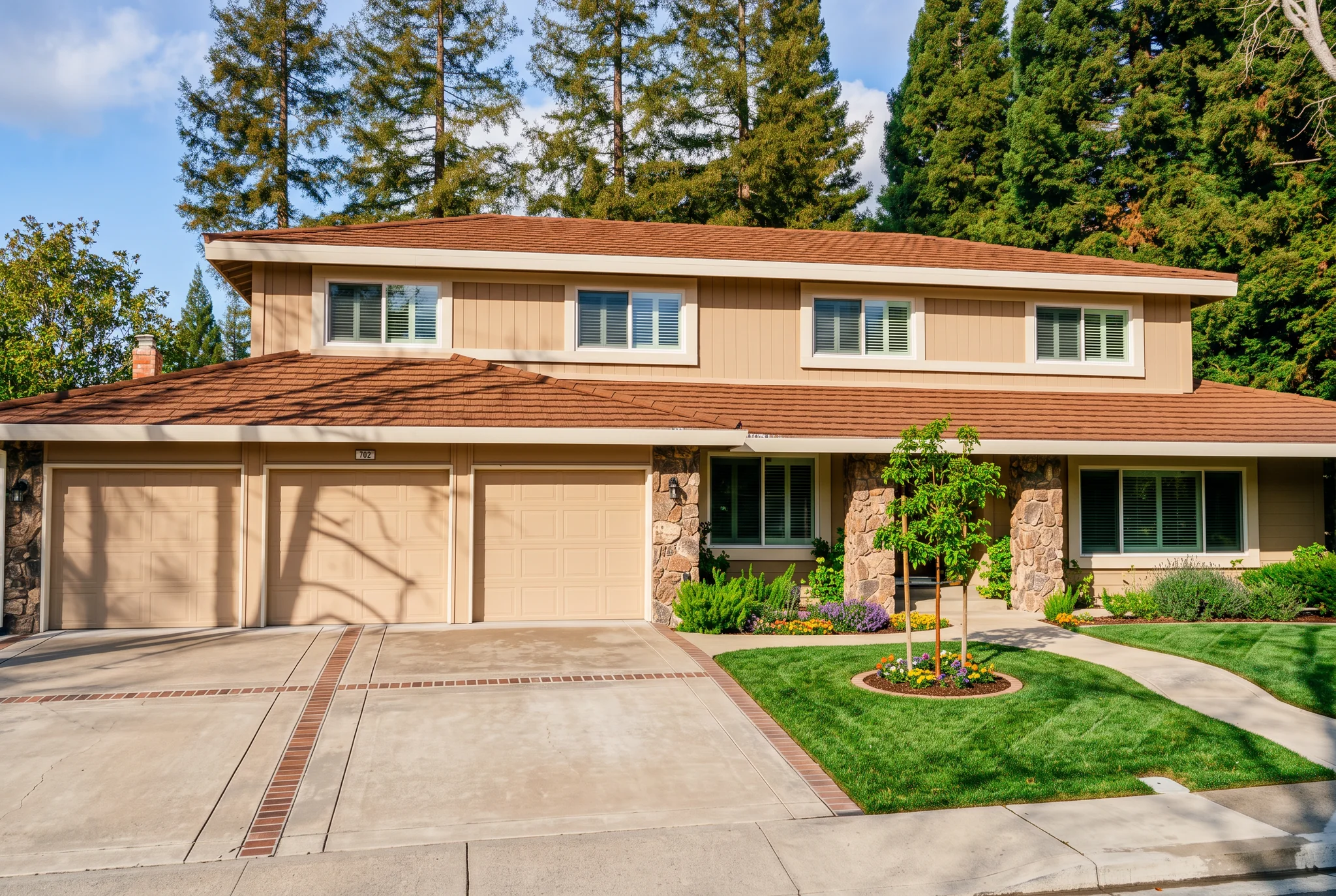
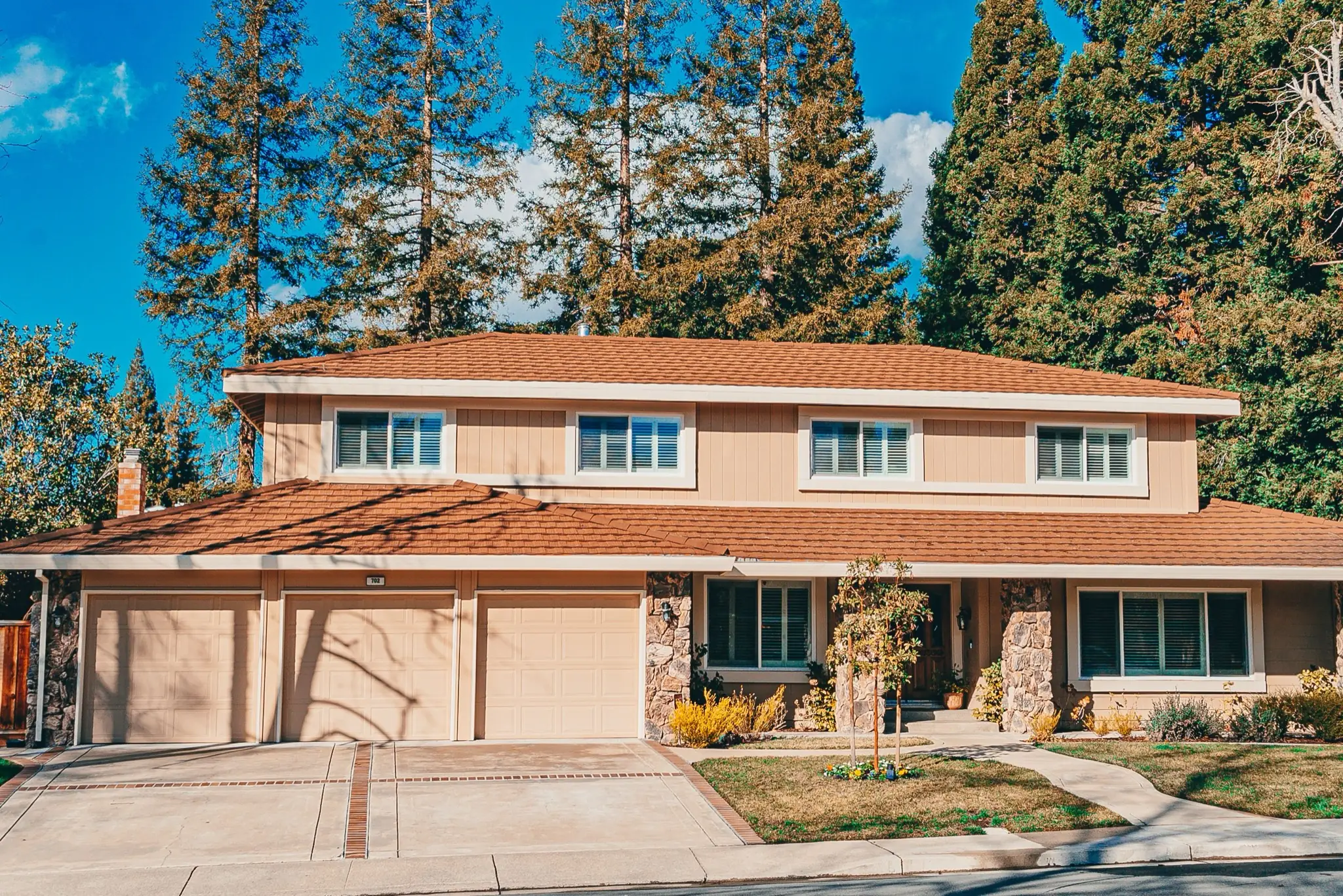
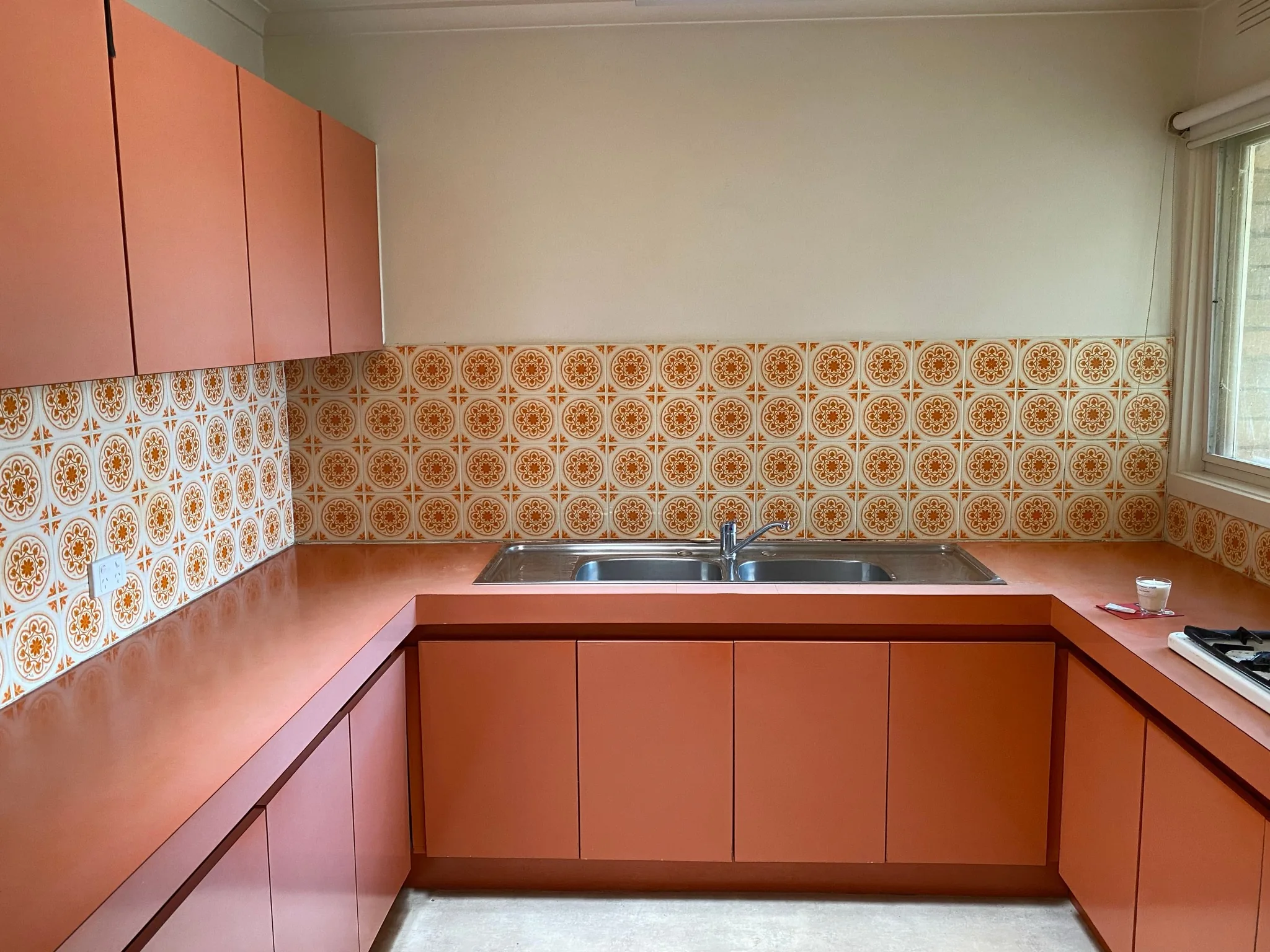
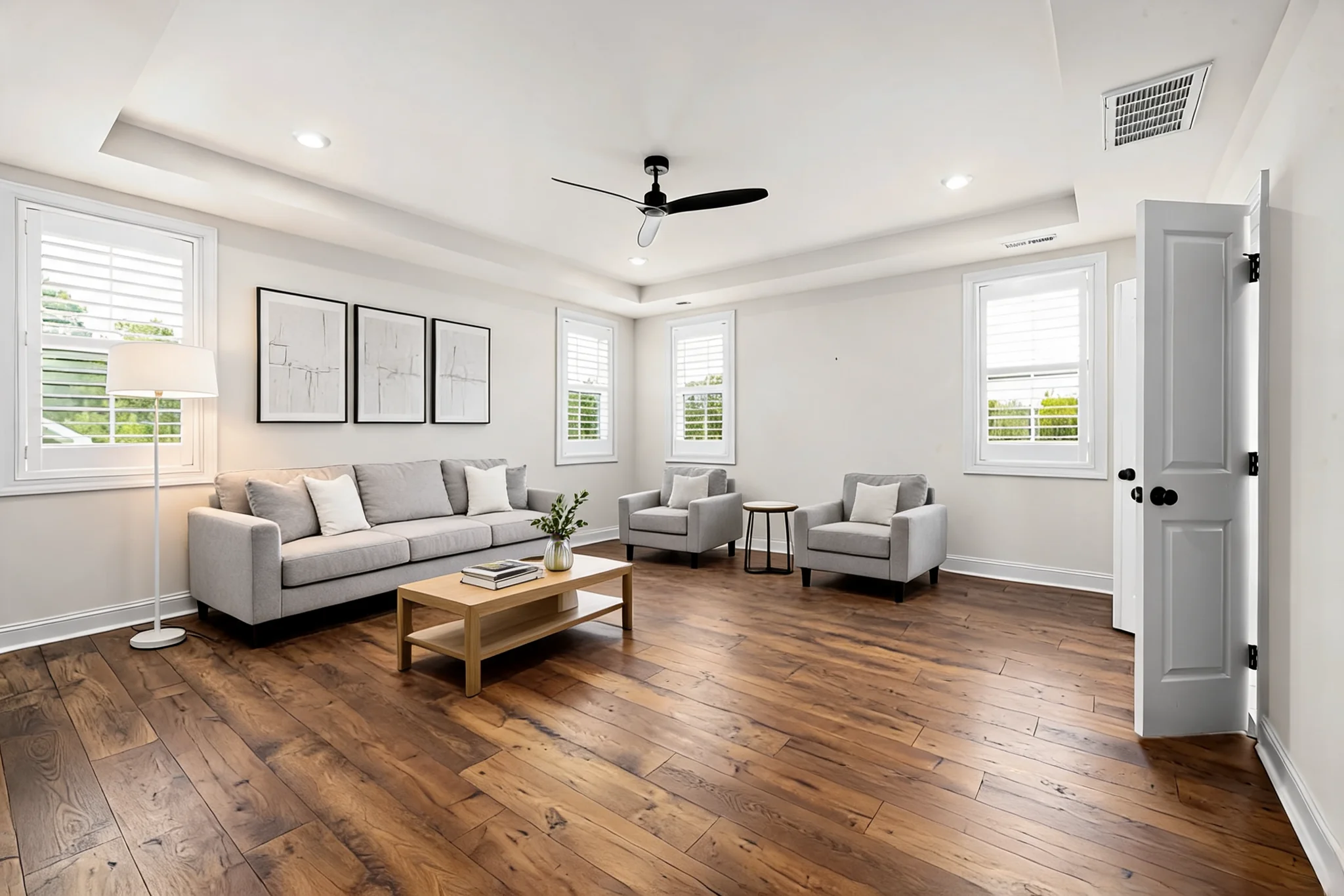
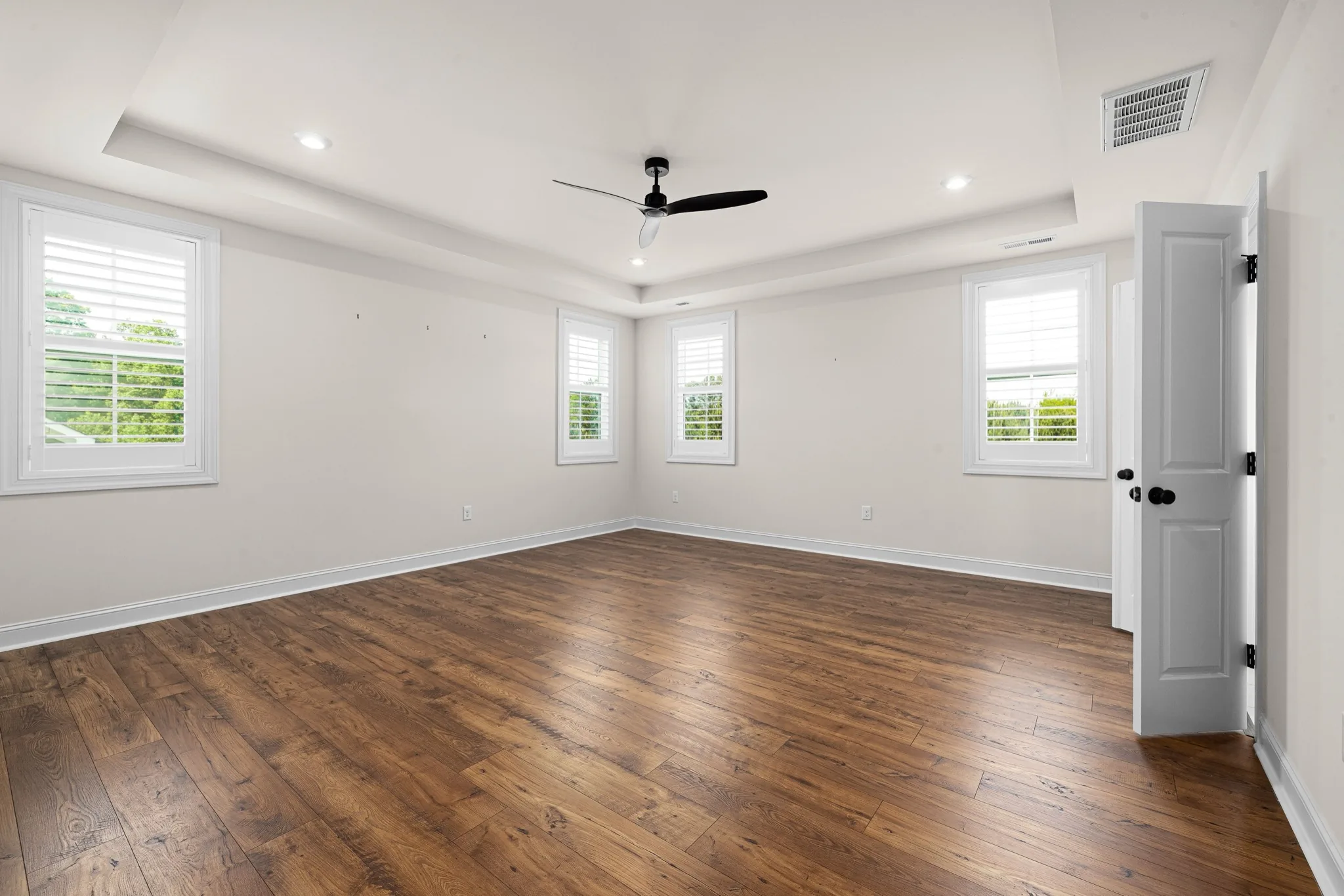
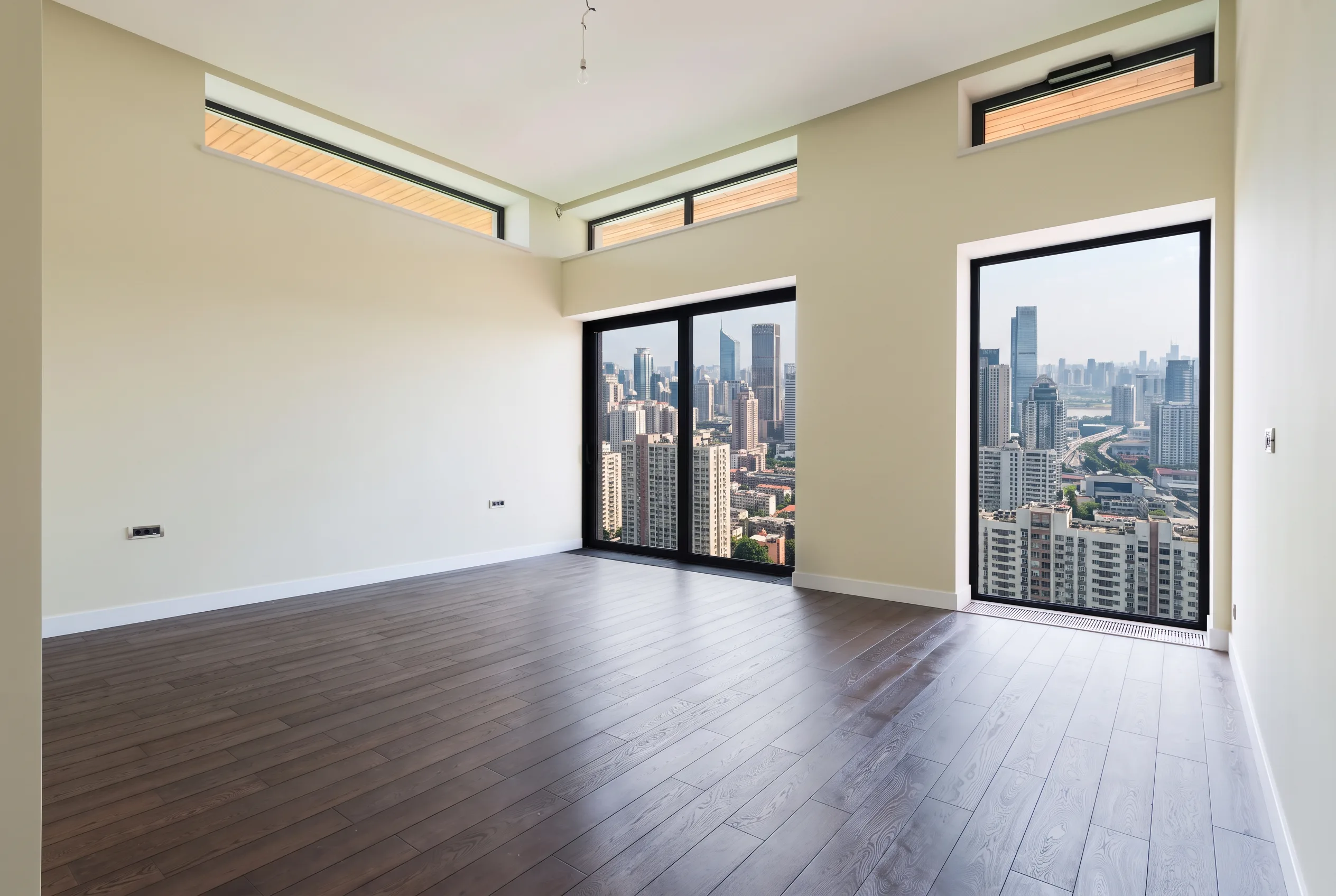
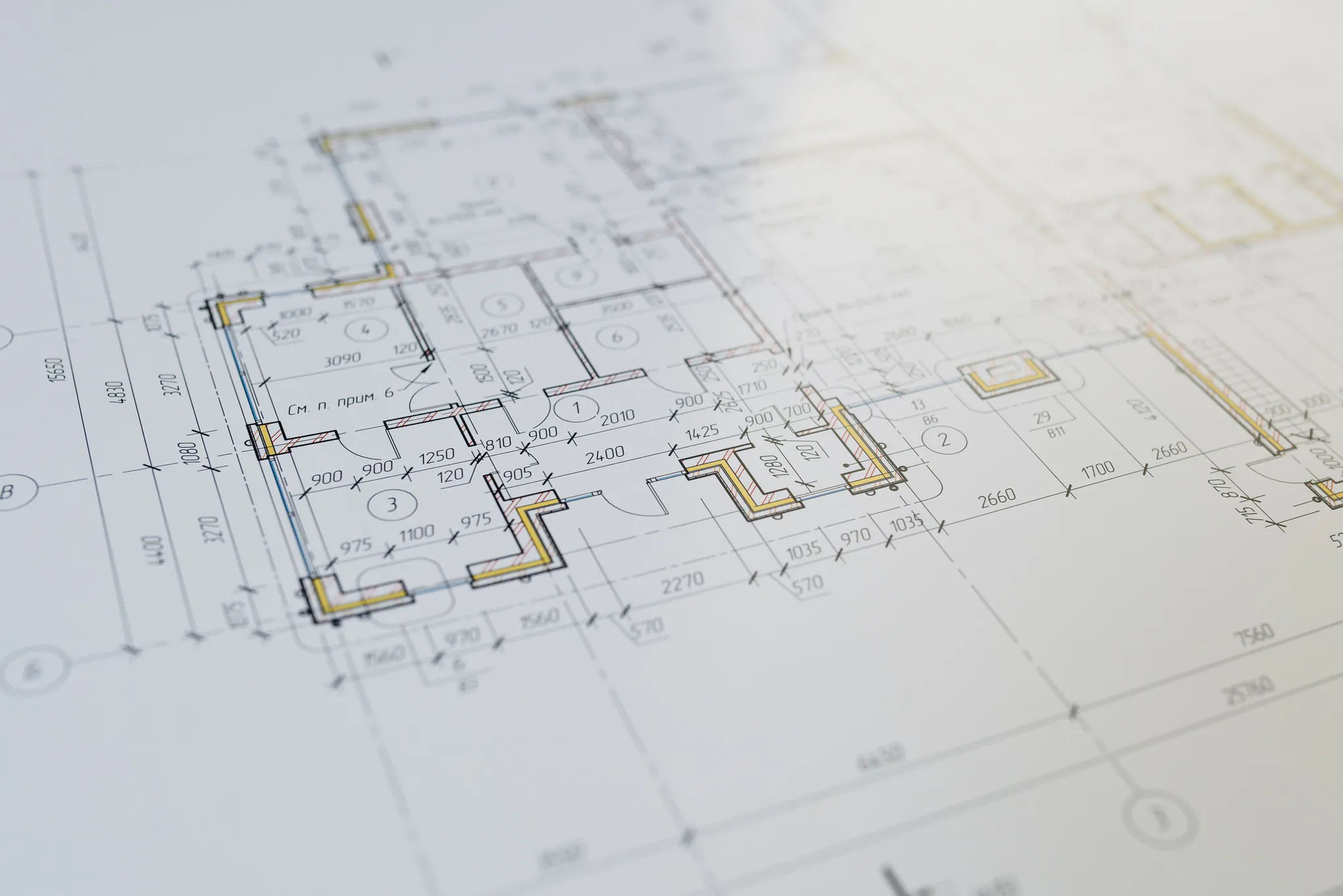
Keep the architecture
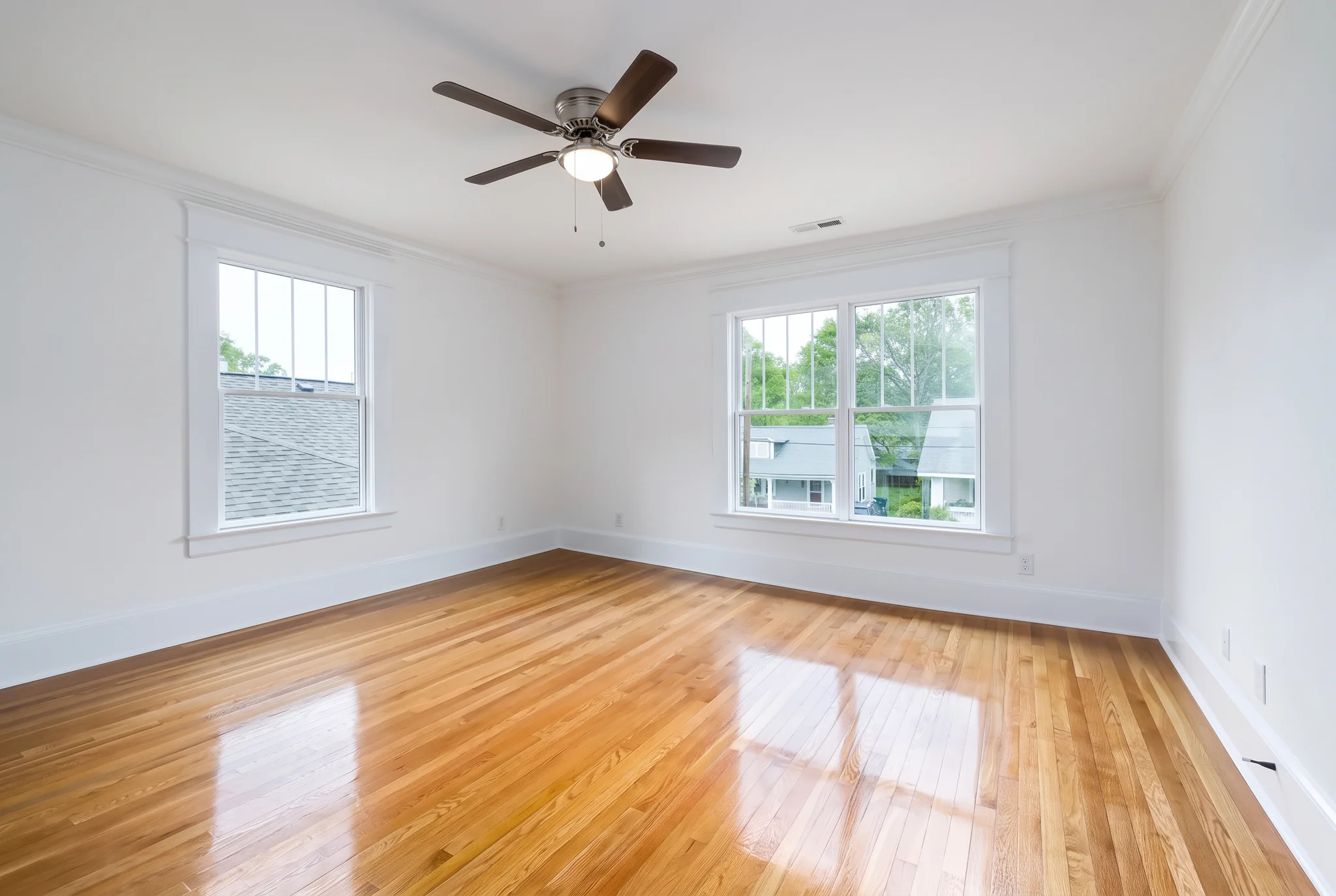
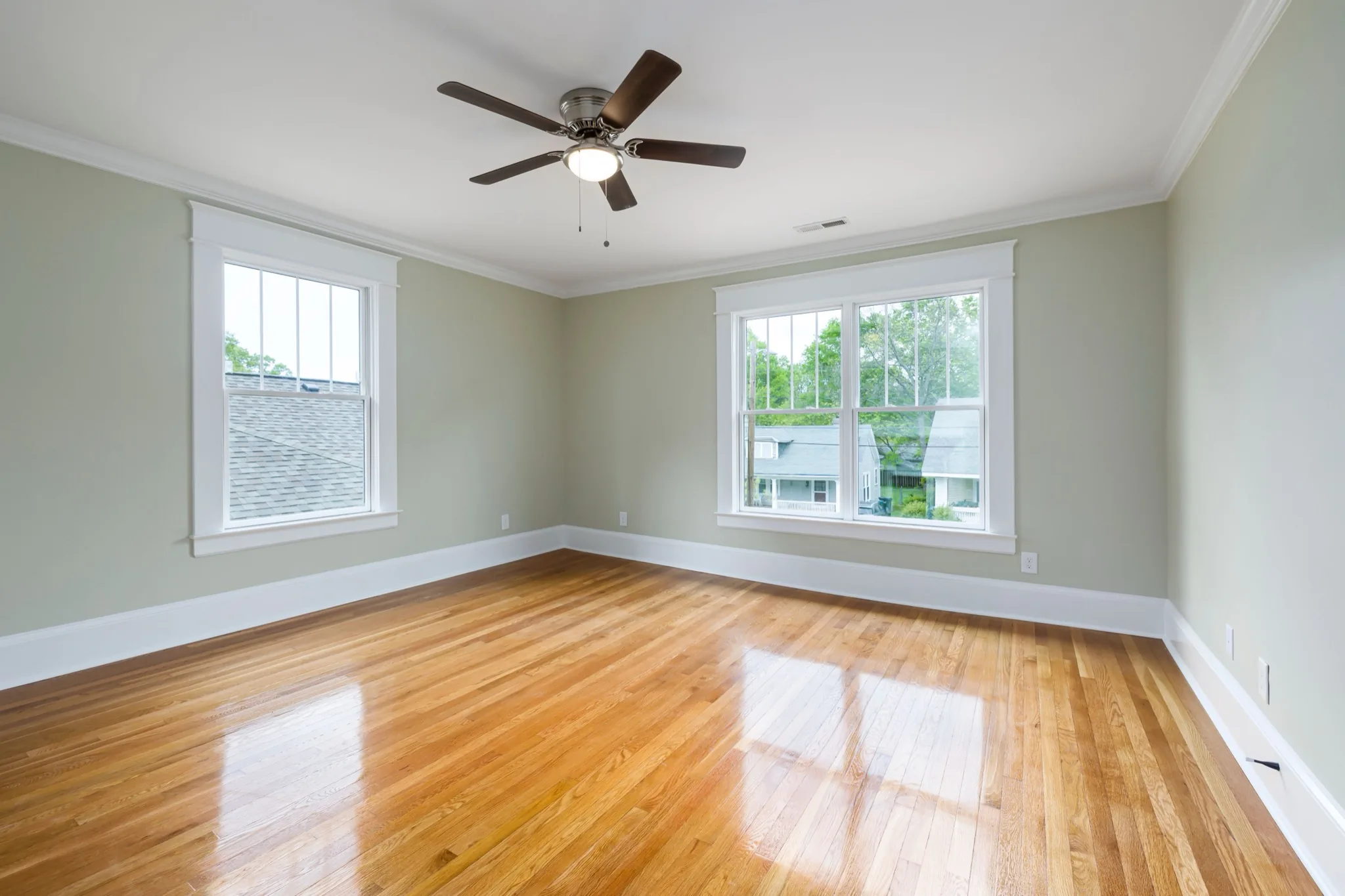
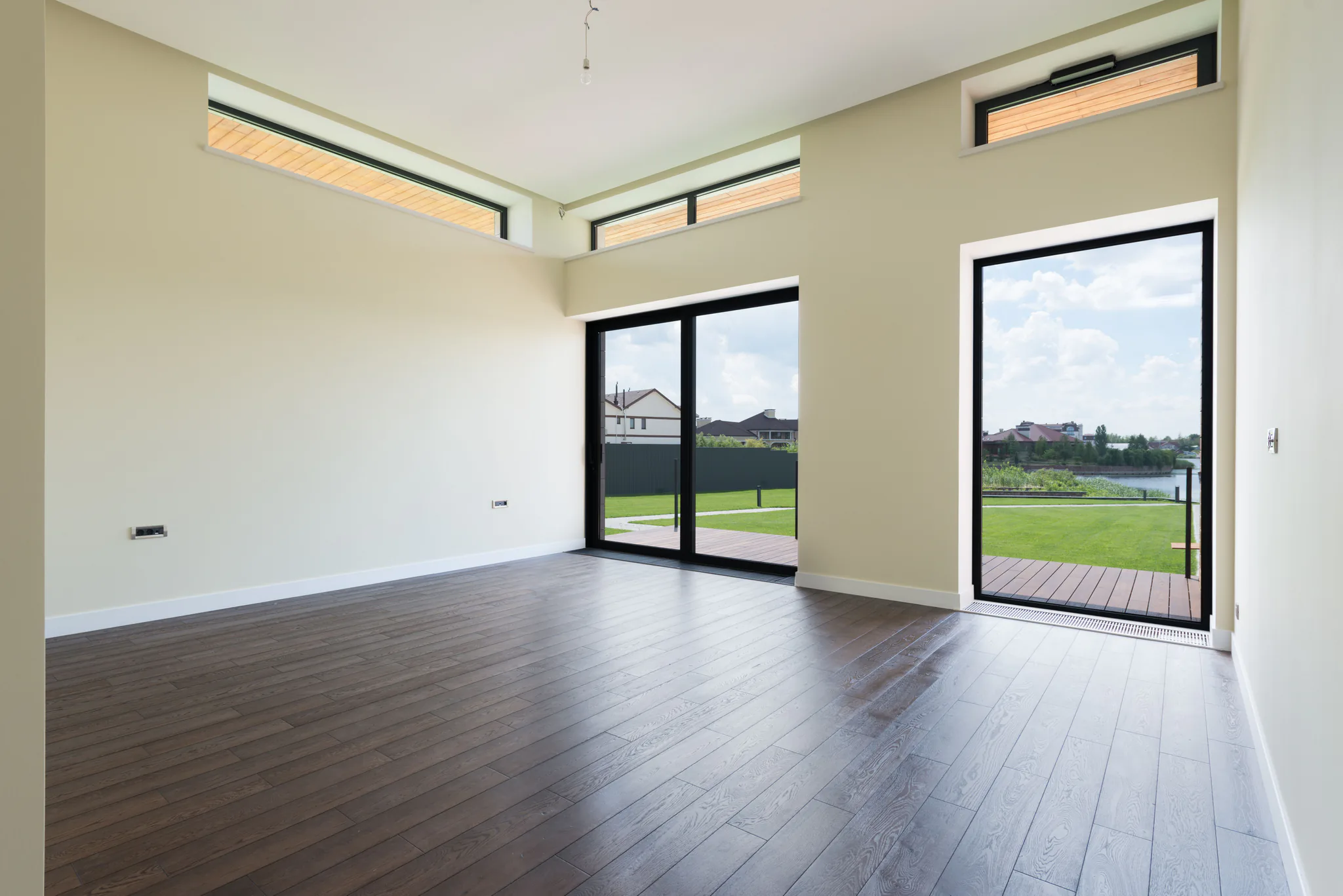
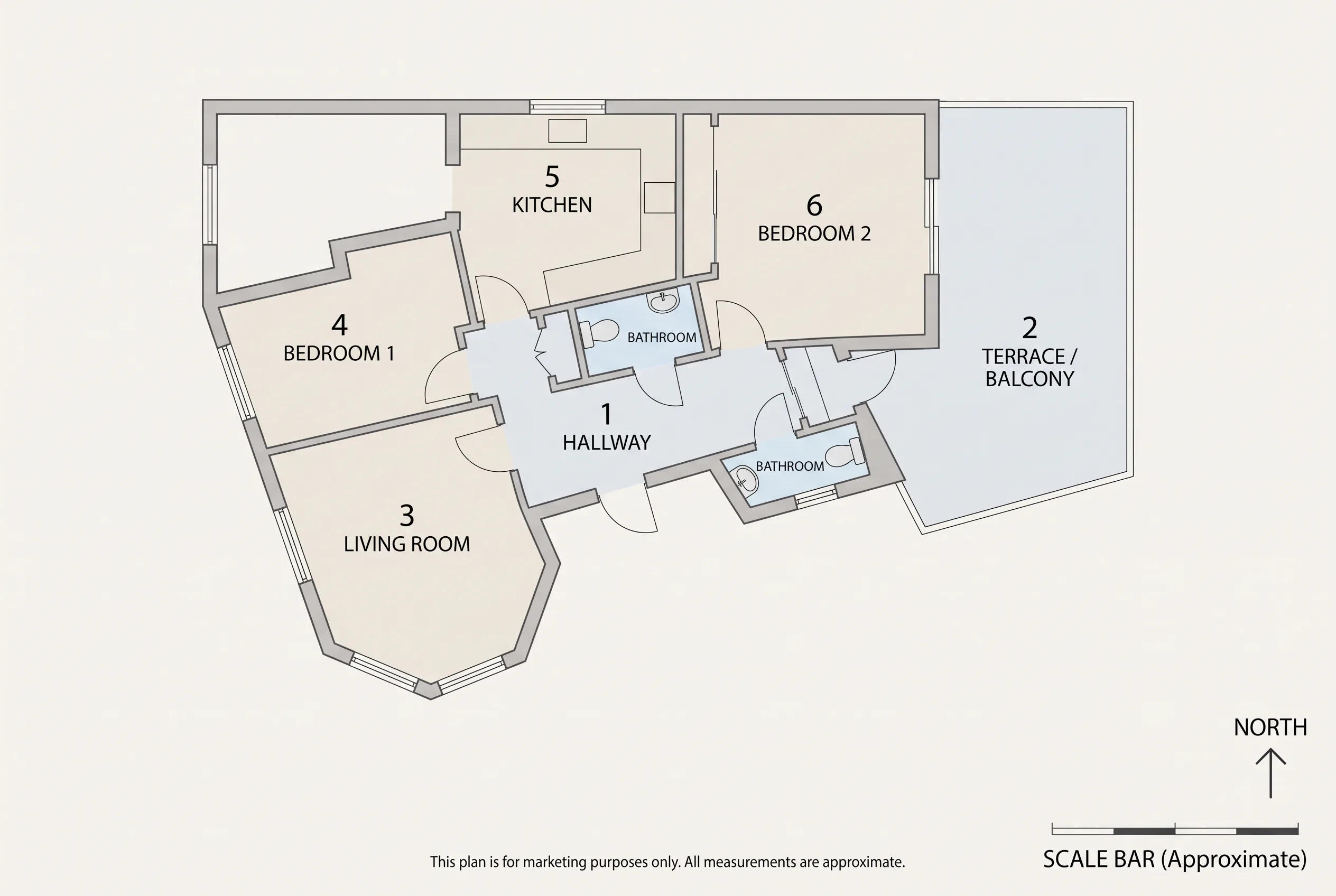
Walls, windows, floor plan and camera angle stay identical. Favore changes only the furniture, decor and styling.
Preview one room in multiple interior design styles from a single photo. Compare Modern, Scandinavian, Mid-century and more before you commit to one full listing.
Przeciągnij separator, aby porównać rzeczywiste wyniki w różnych scenach.
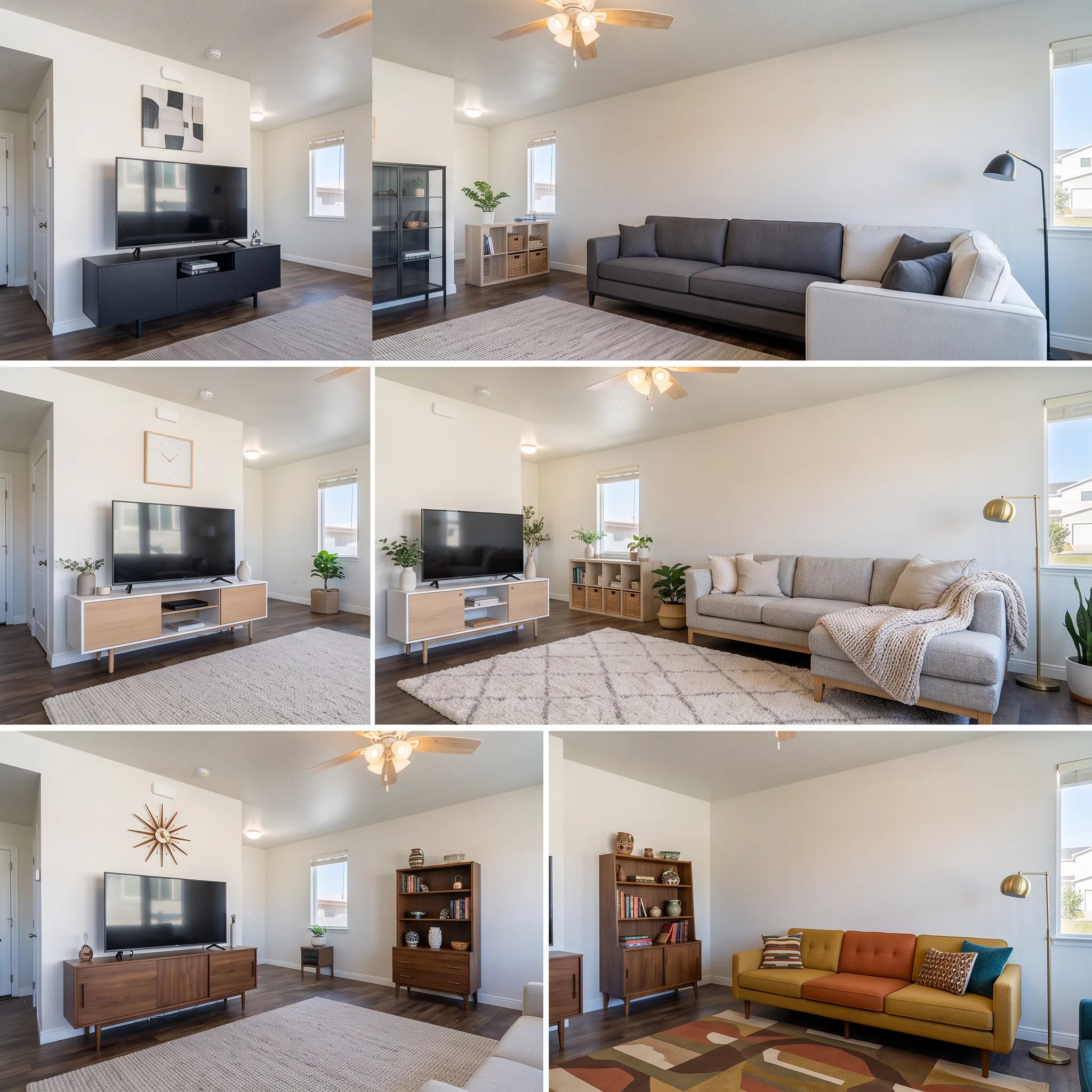
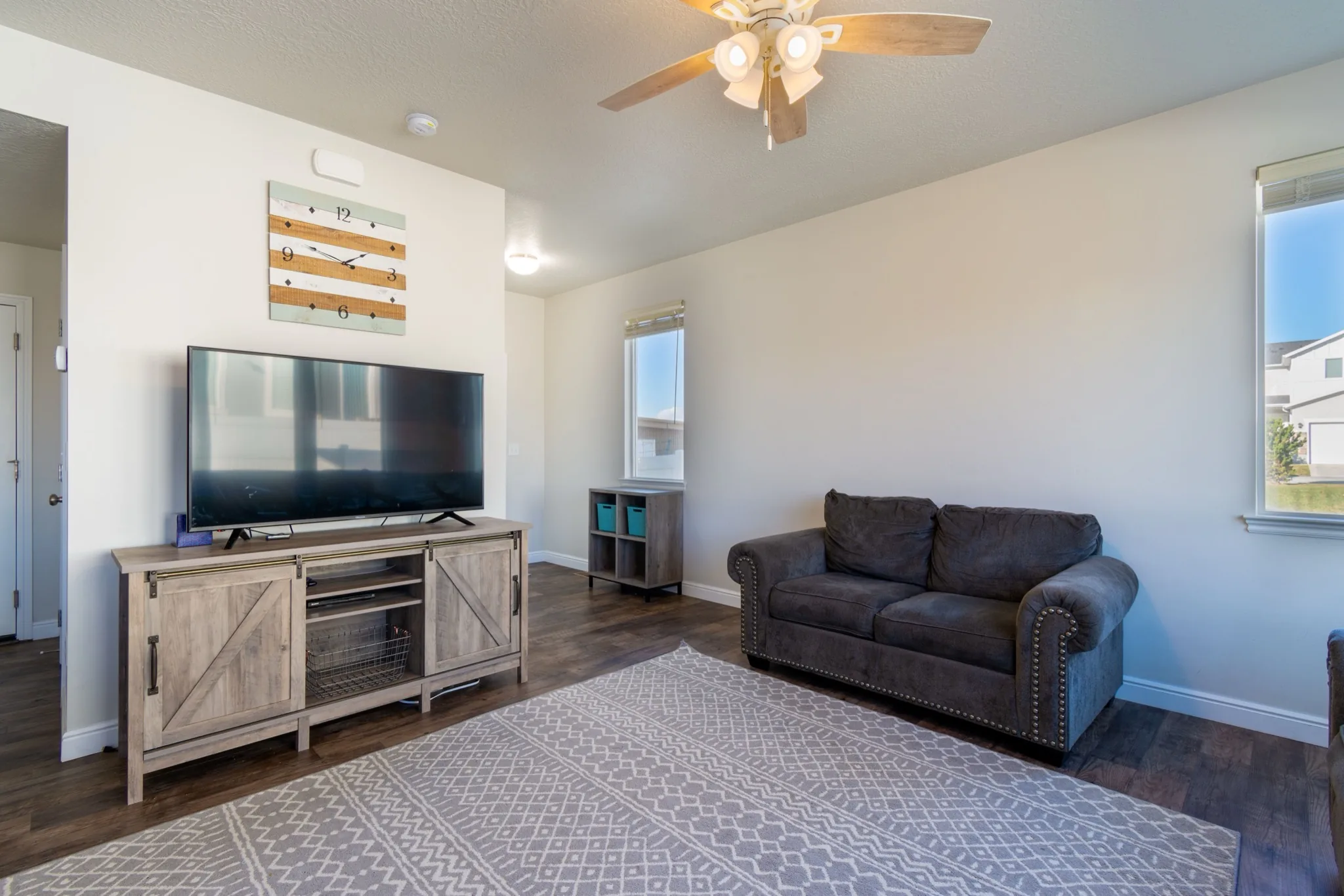
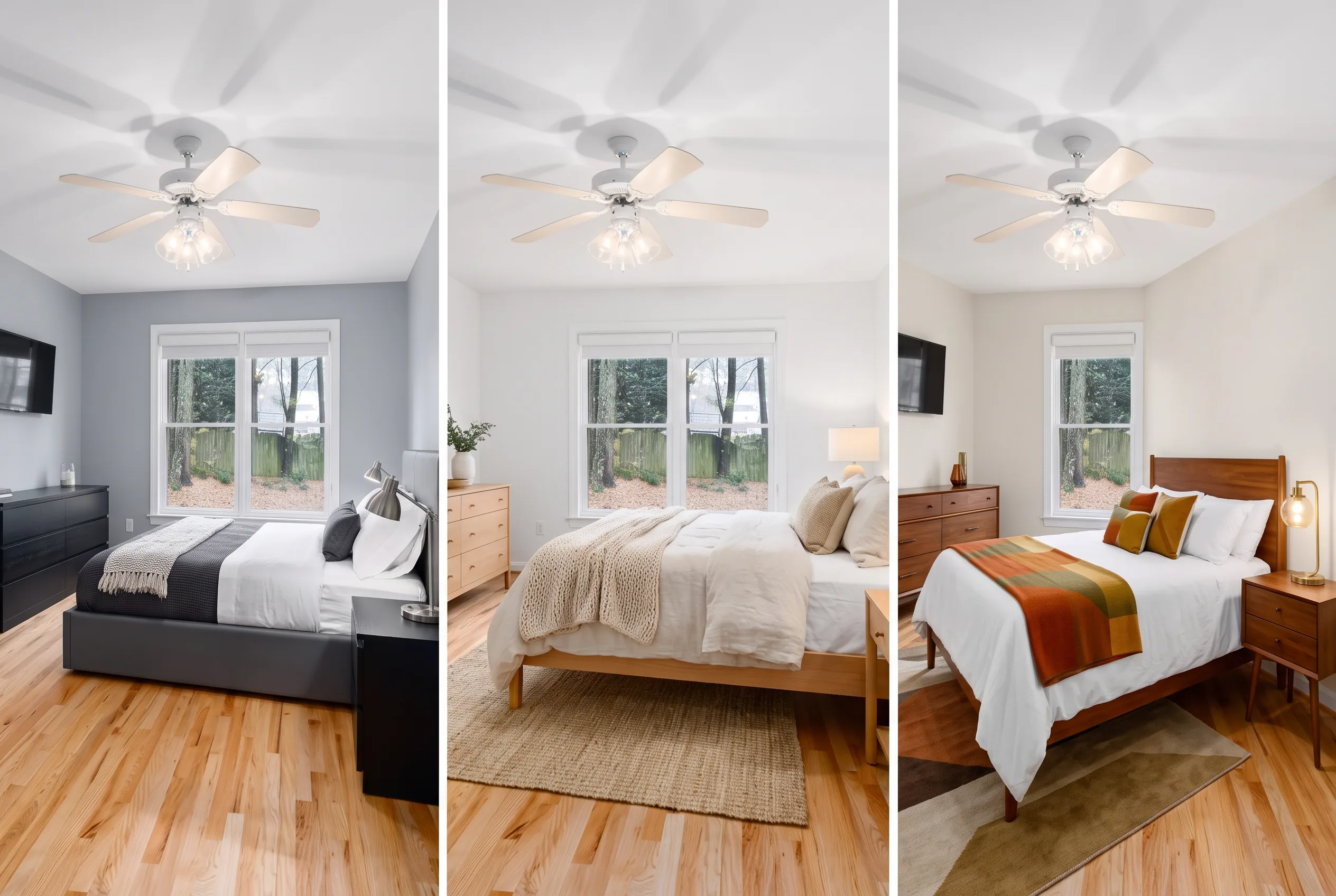
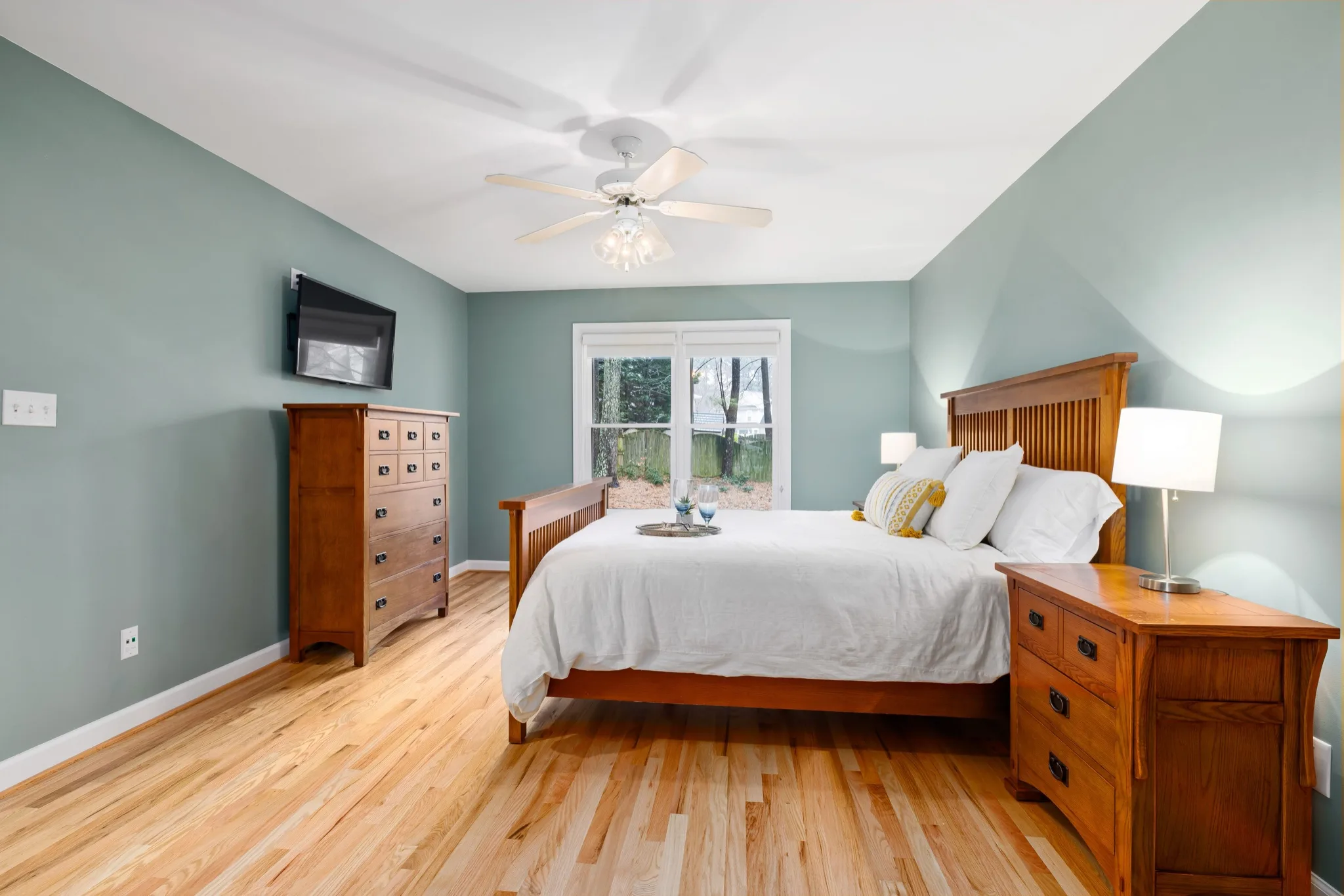
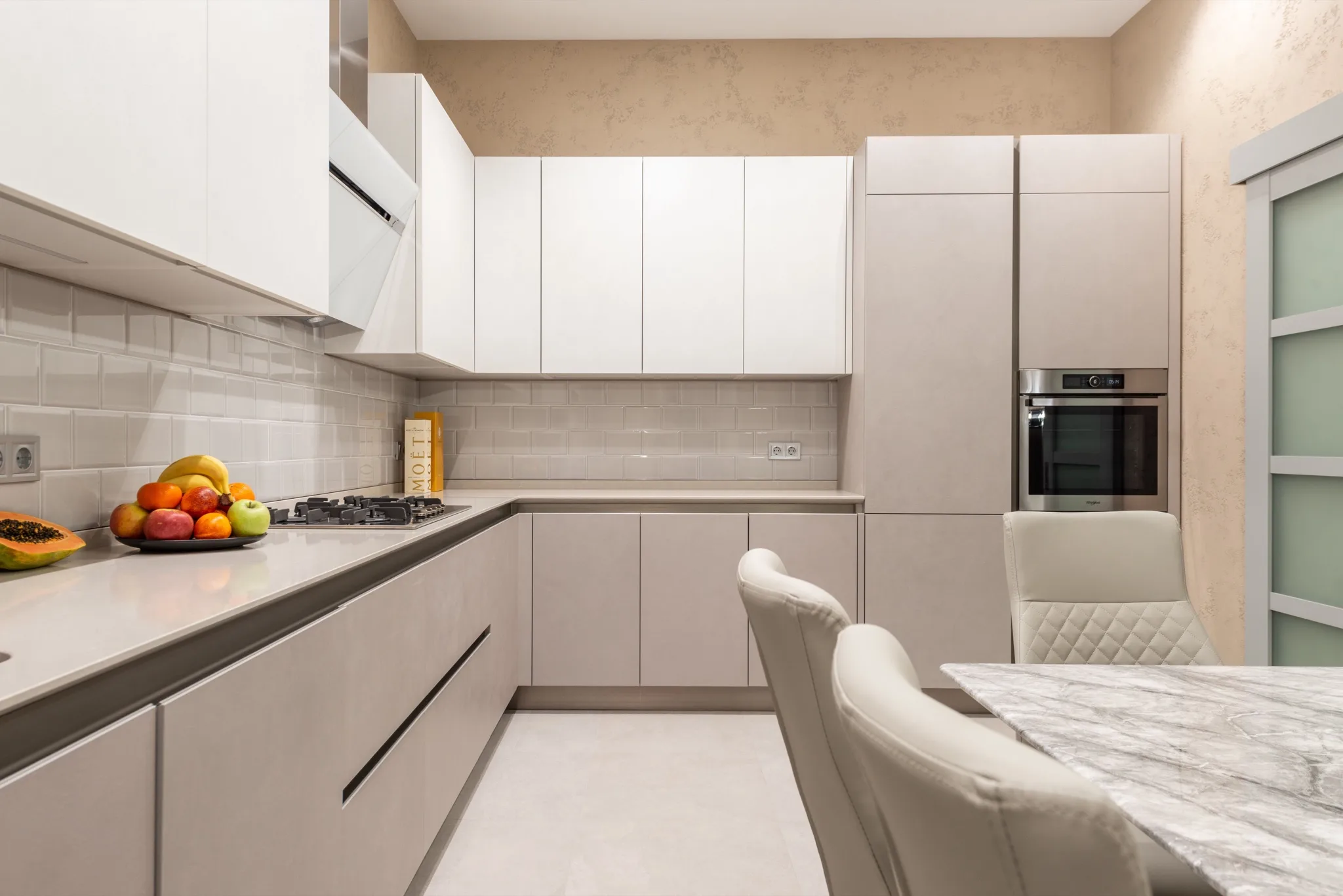
Walls, windows, floor plan and camera angle stay identical. Favore changes only the furniture, decor and styling.
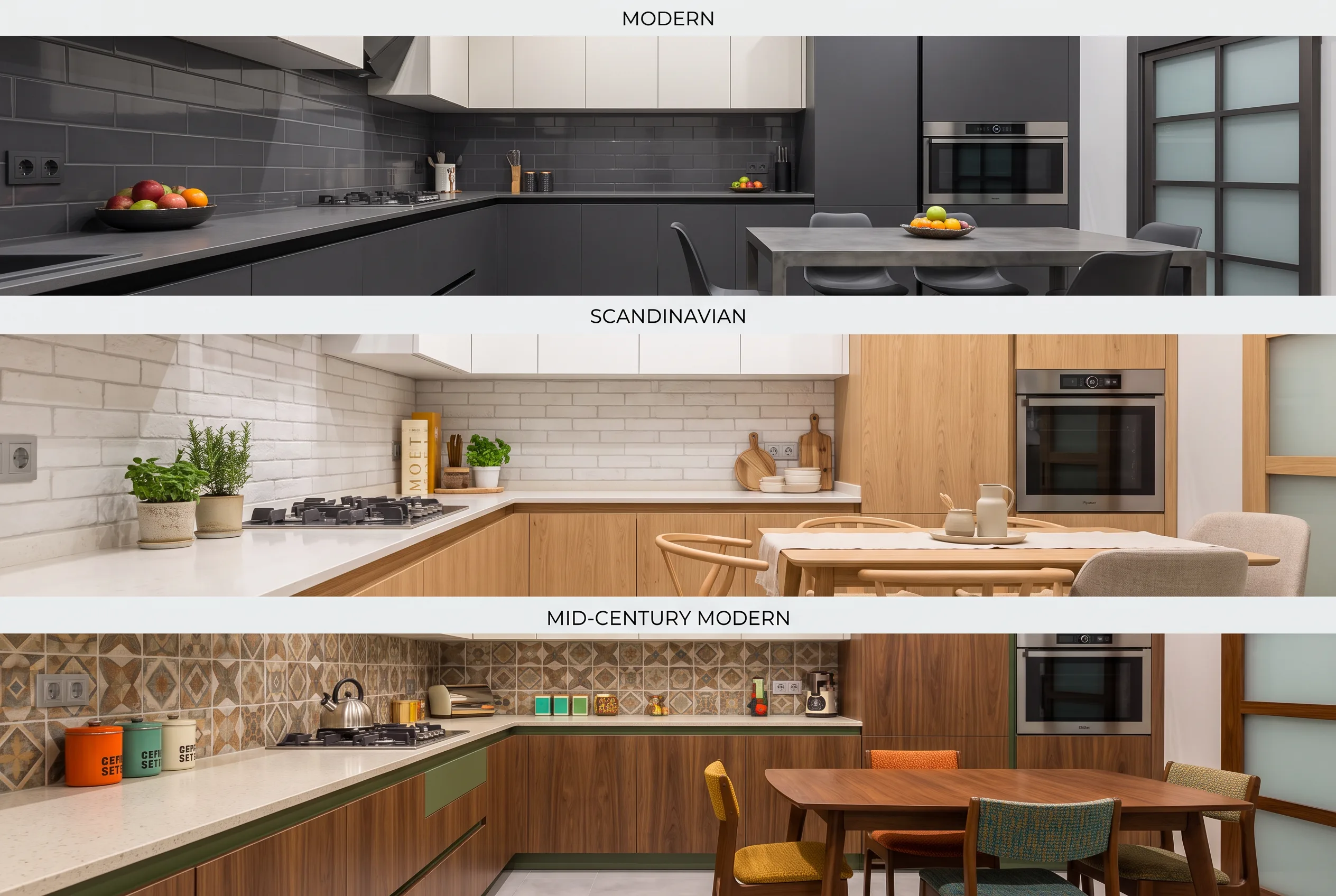
Select which interior design styles to preview. Each tile shows the same room with different styling.
Present multiple style directions from one room photo before you select a final listing style.
Preview how Modern, Scandinavian or Luxury would look in the same space before you generate full listings.
Use the preview grid to evaluate style fit before committing credits to a single full-resolution listing.
Use a clear JPEG, PNG or WebP of an interior. Keep walls, windows and floor visible.
Choose 3-7 design styles to preview. Pick Modern, Scandinavian, Mid-century, Industrial, Coastal, Luxury or Farmhouse.
Check each tile. This is a planning contact sheet, not the final listing set. Individual style runs are separate.
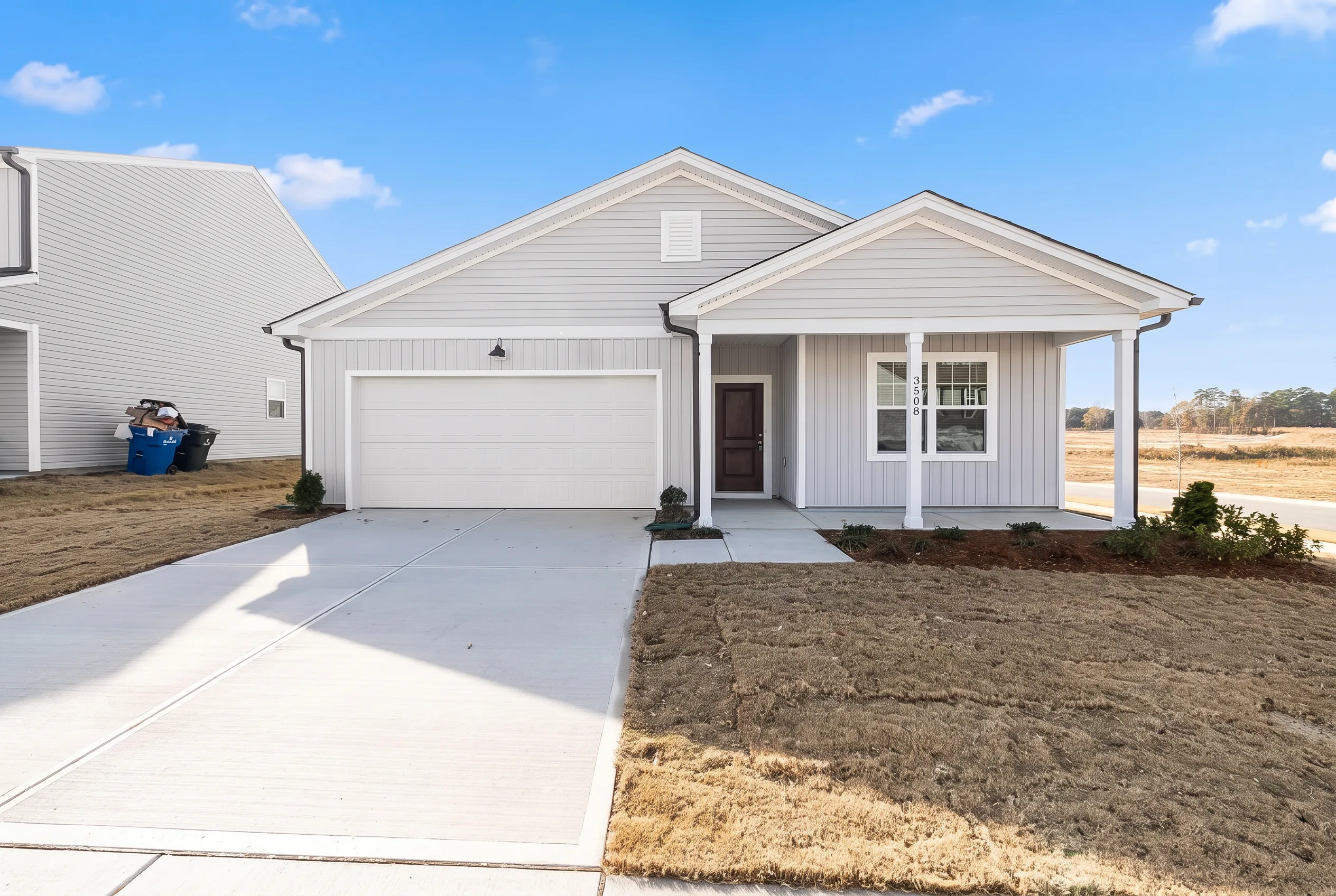
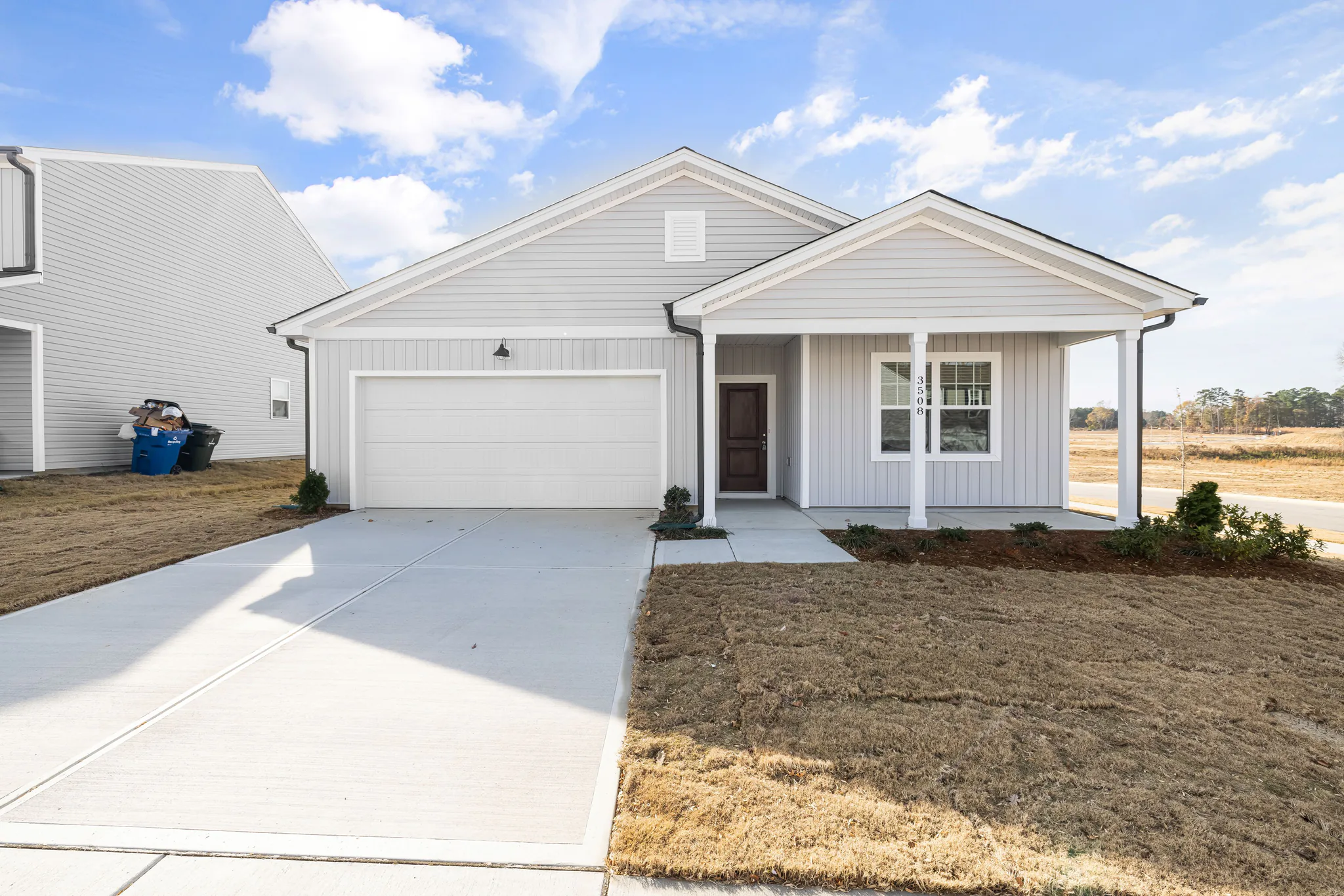
Clear a room, stage furniture, restyle finishes, preview a remodel, or refresh exteriors — for homes, offices, and exteriors.
Preview one room in multiple interior design styles from a single photo. Compare Modern, Scandinavian, Mid-century and more before you commit to one full listing.