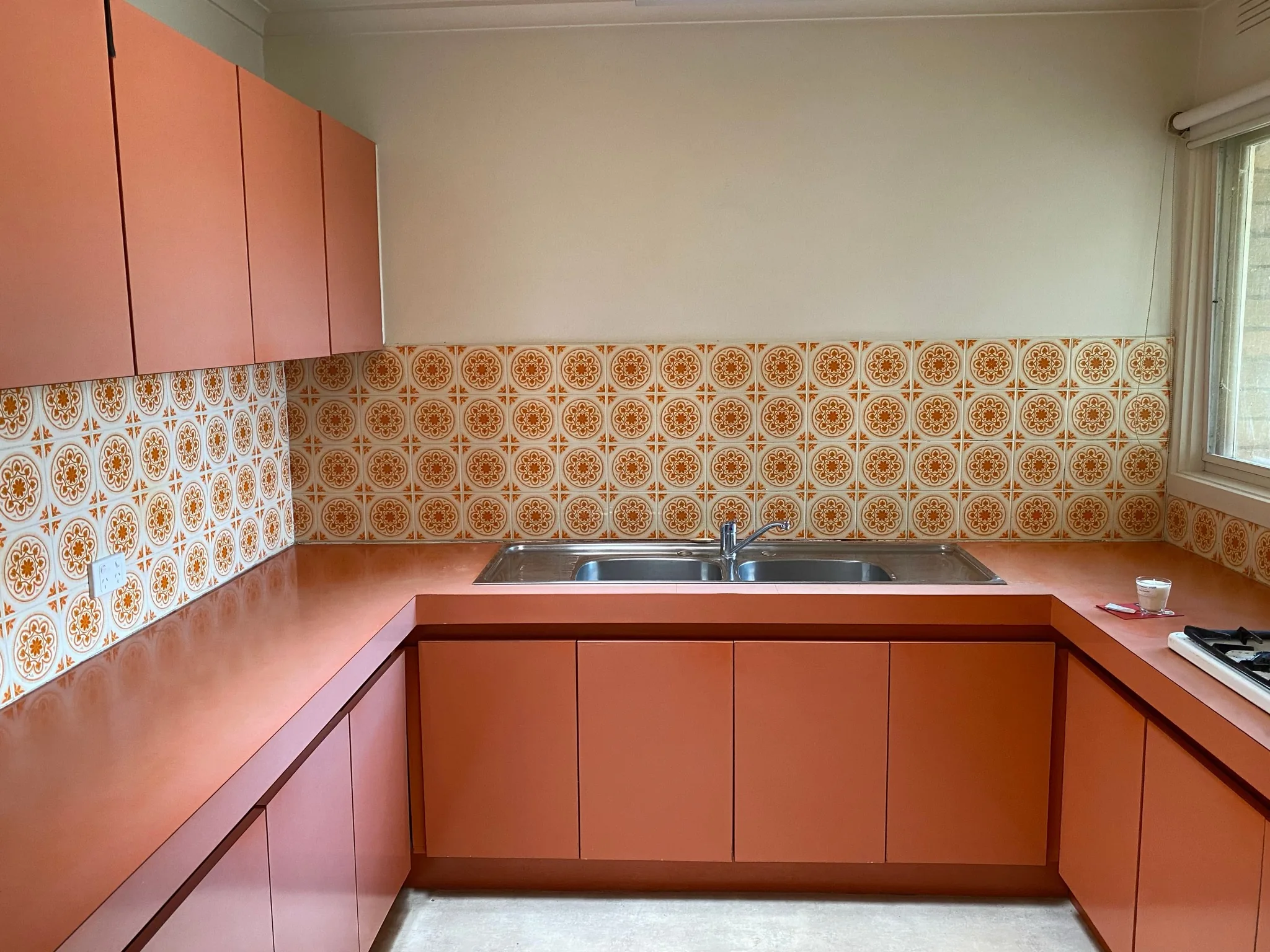
Keep the room structure
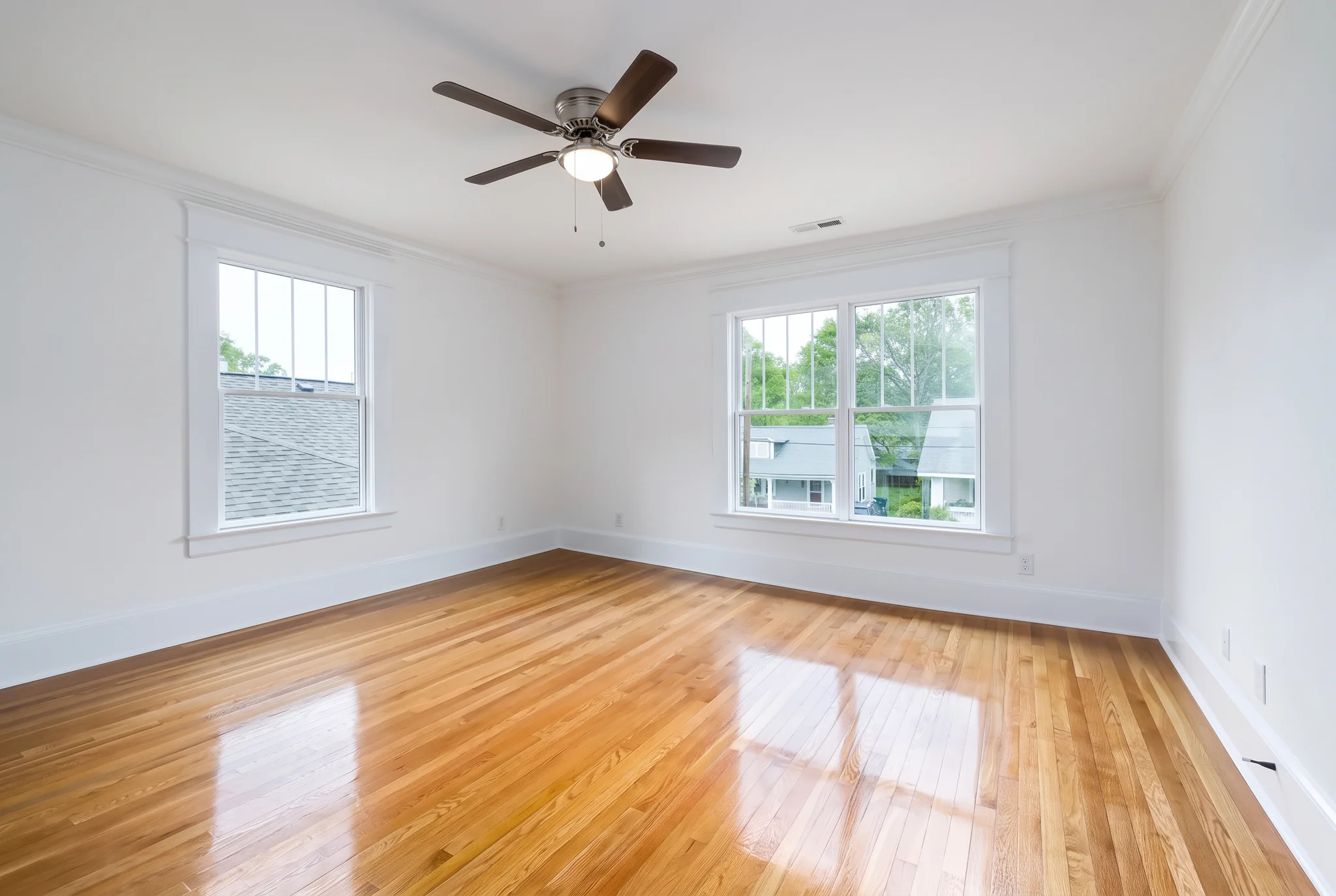
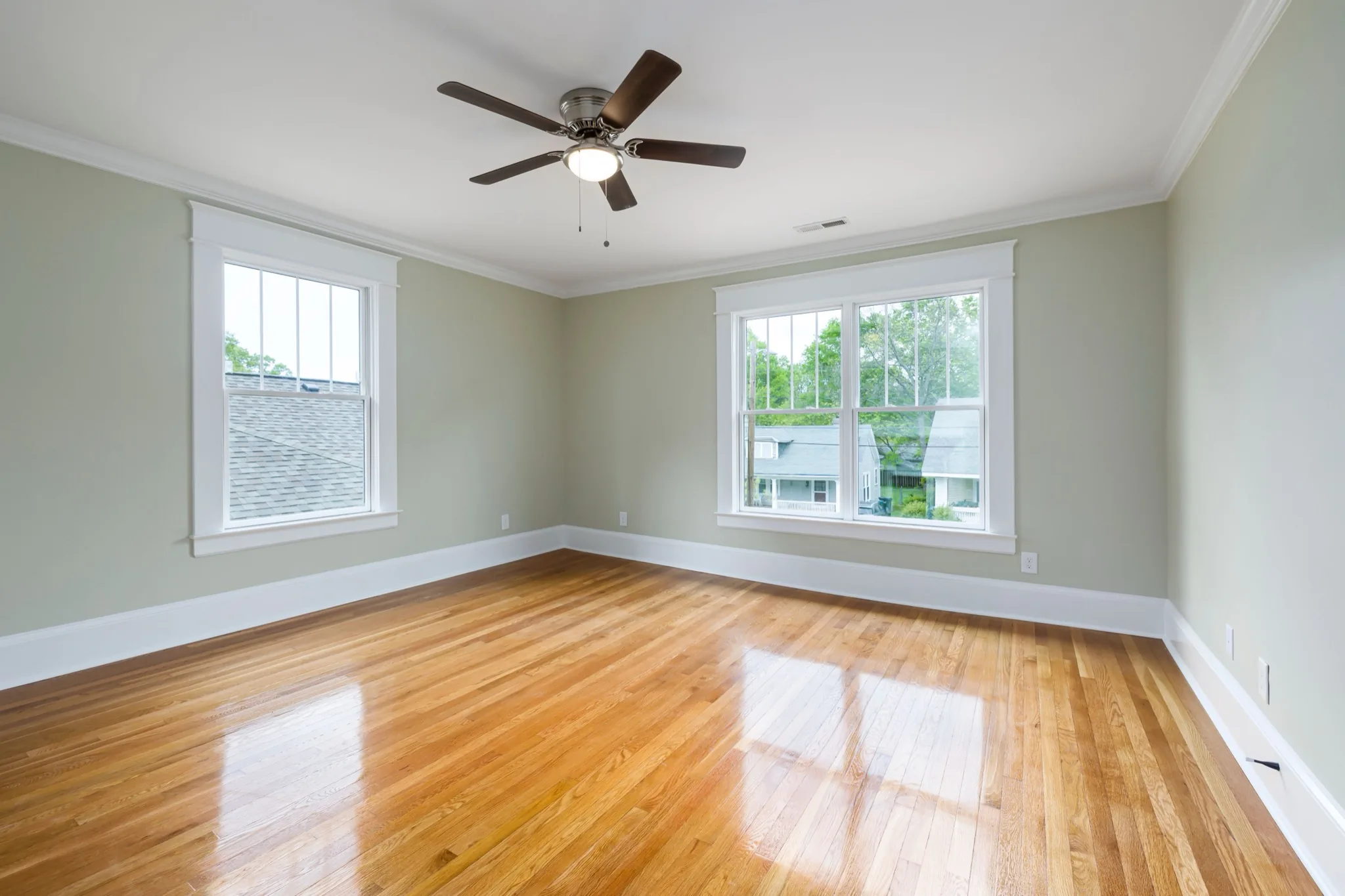
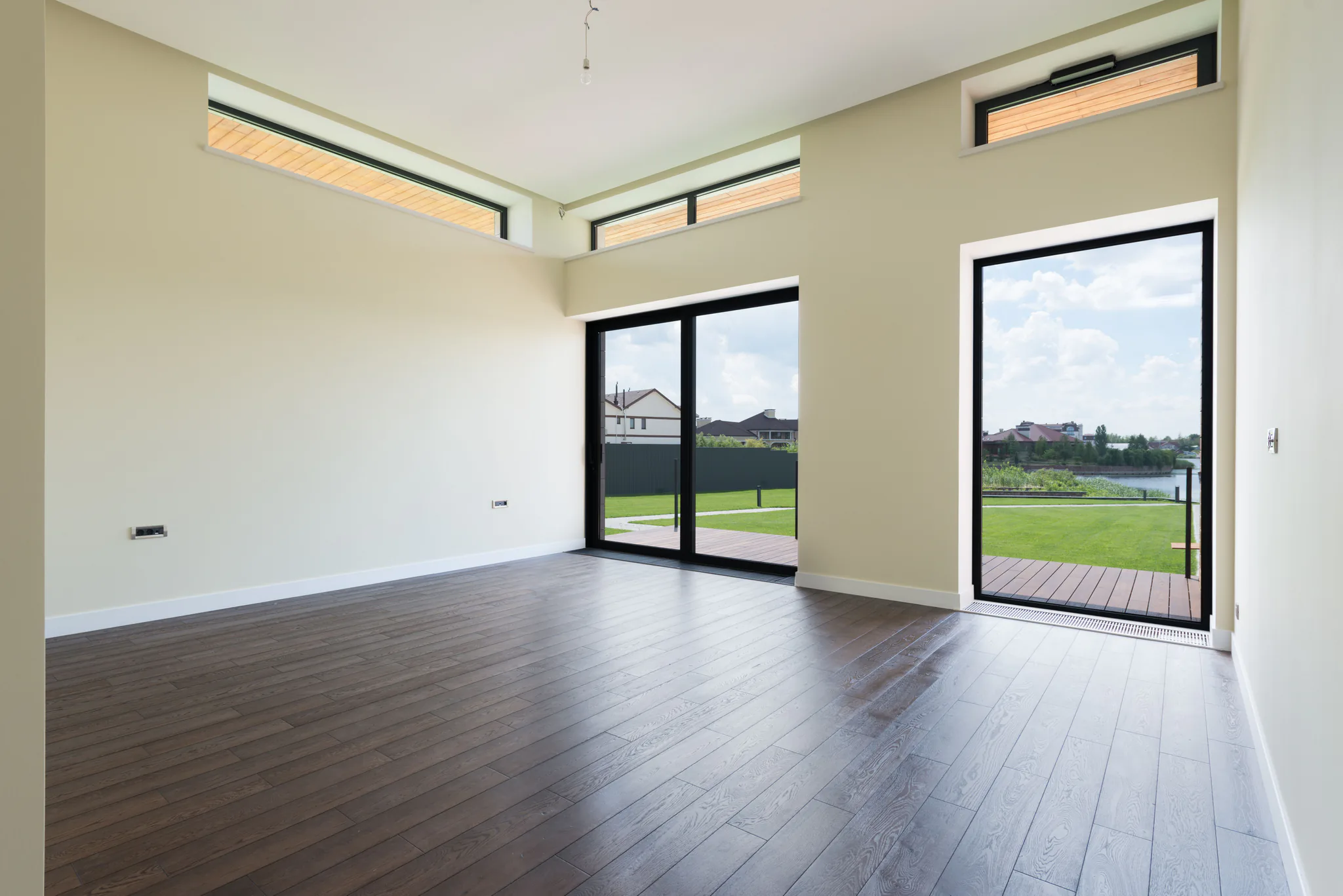
Walls, windows, doors and camera angle stay in place. Furniture is added to the existing space.
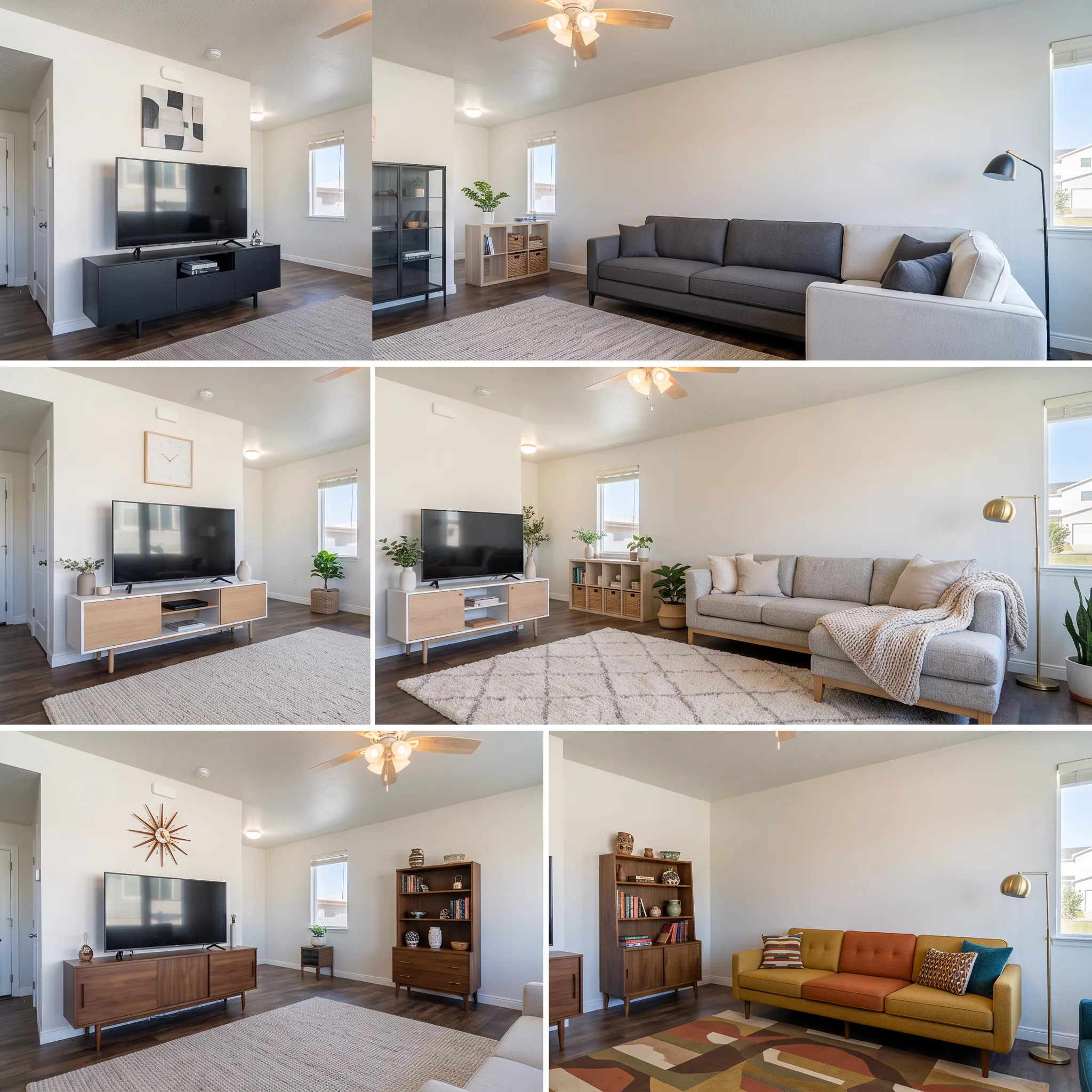
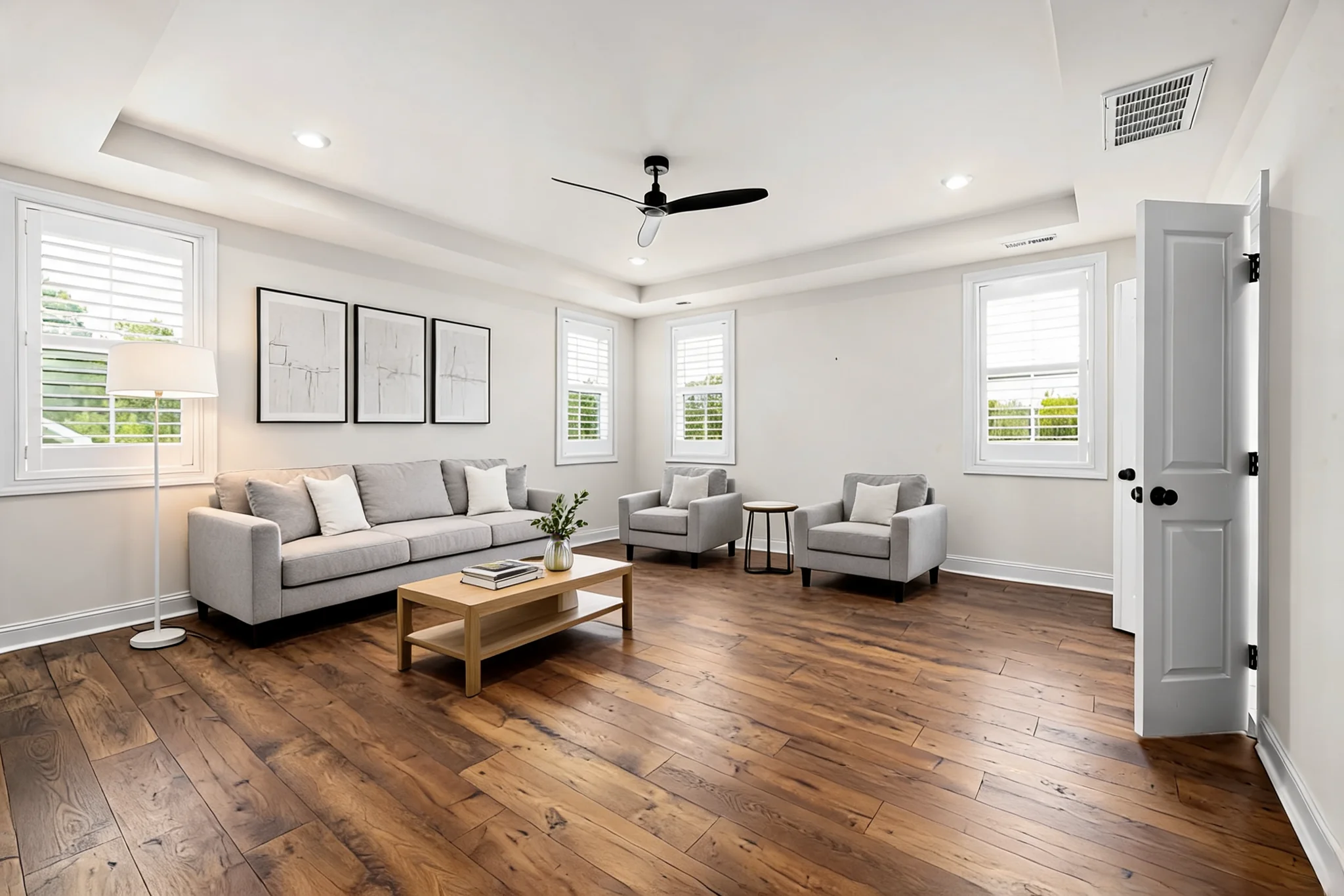
Virtually stage an empty or sparsely furnished room for real-estate listings. Choose a room type, interior style and furniture density.
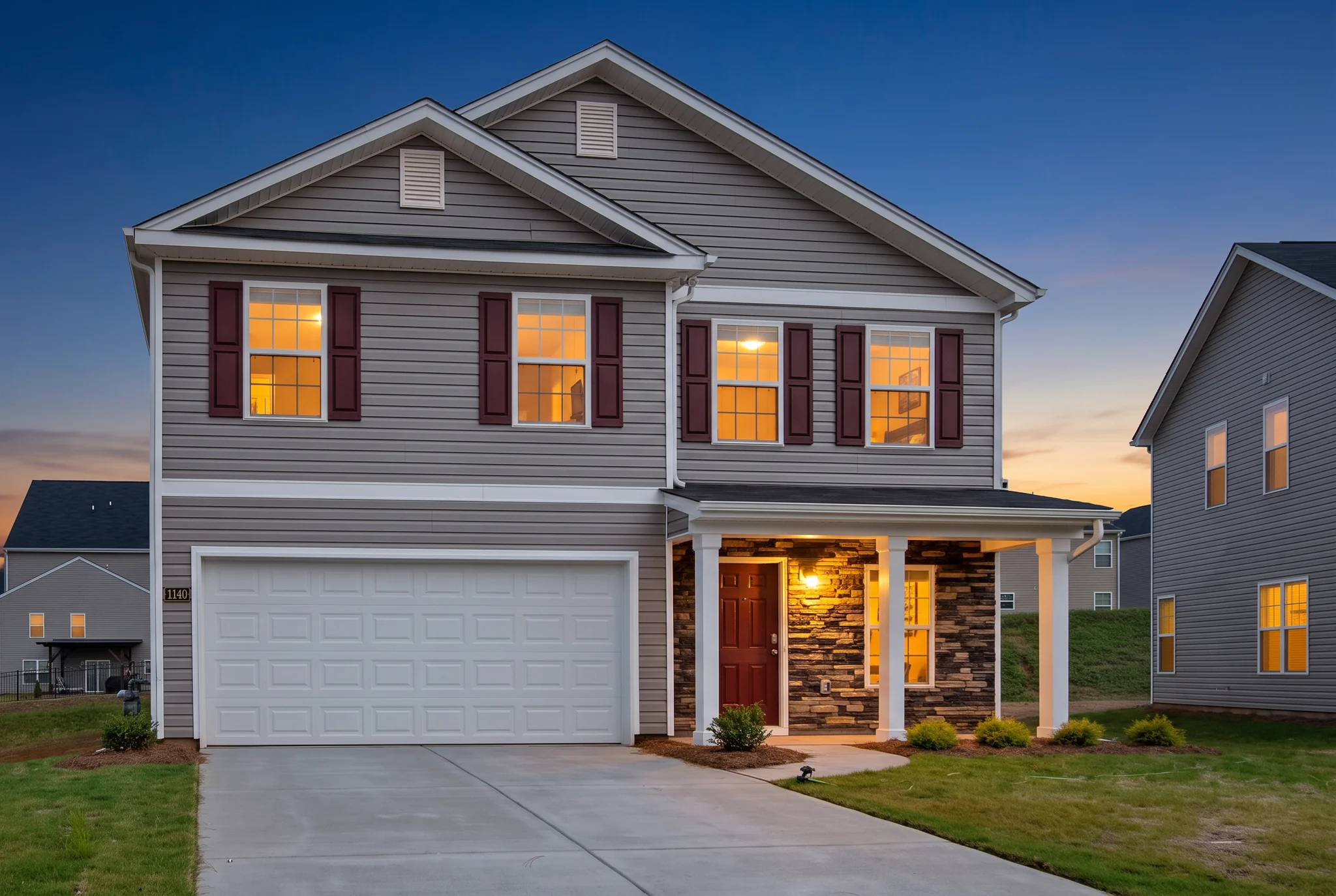
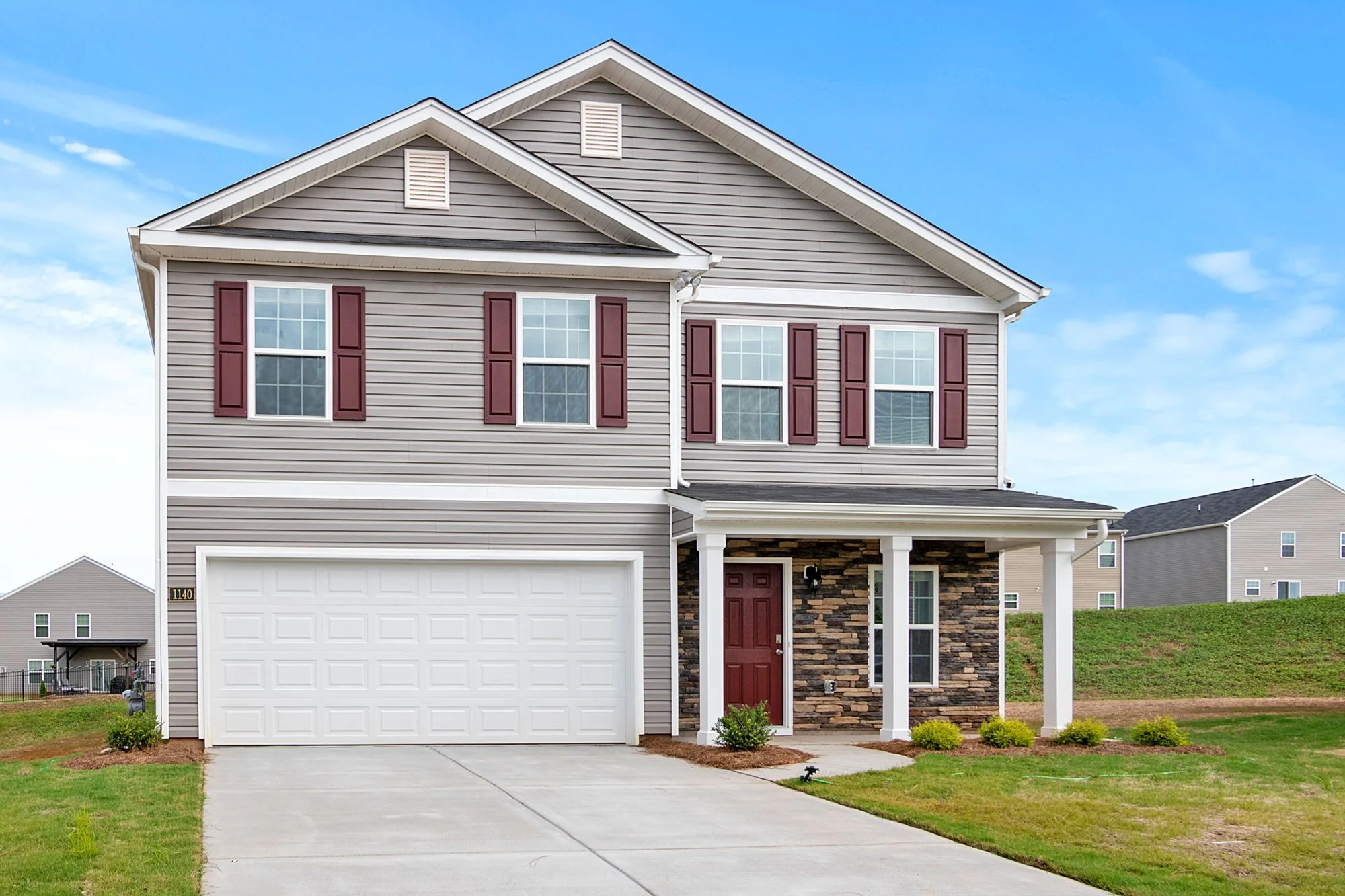
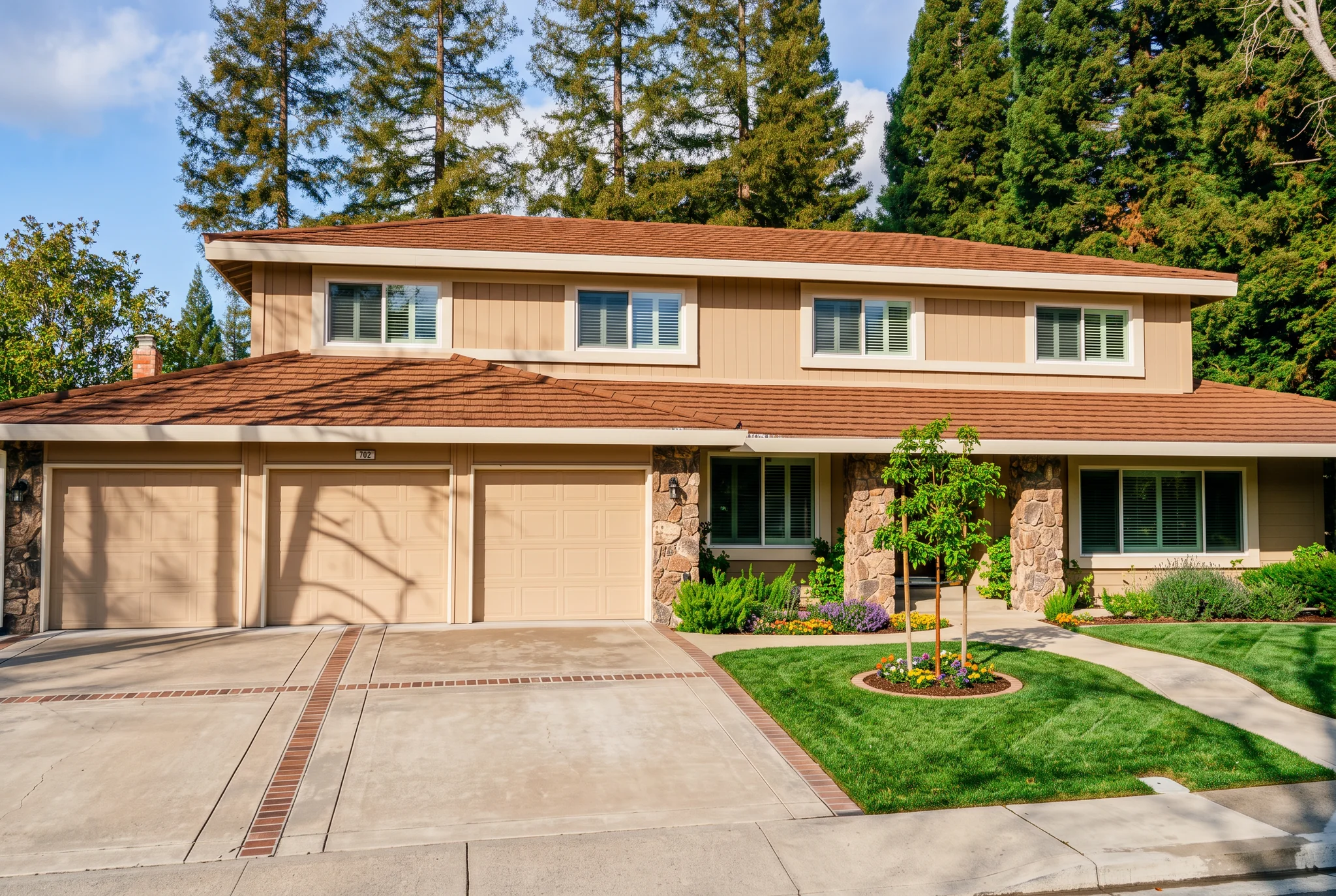
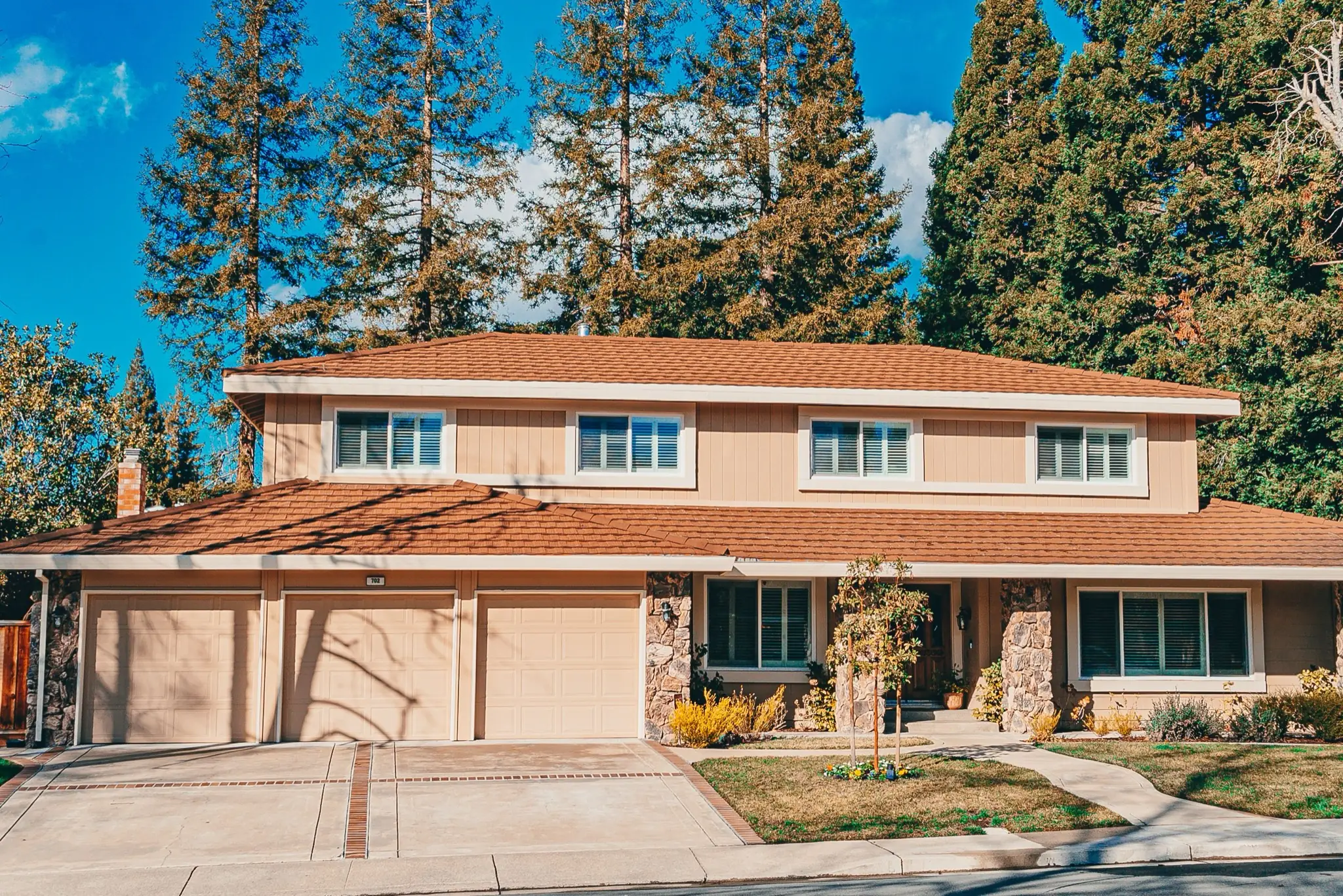
Sleep de scheidingslijn om echte resultaten in verschillende scènes te vergelijken.
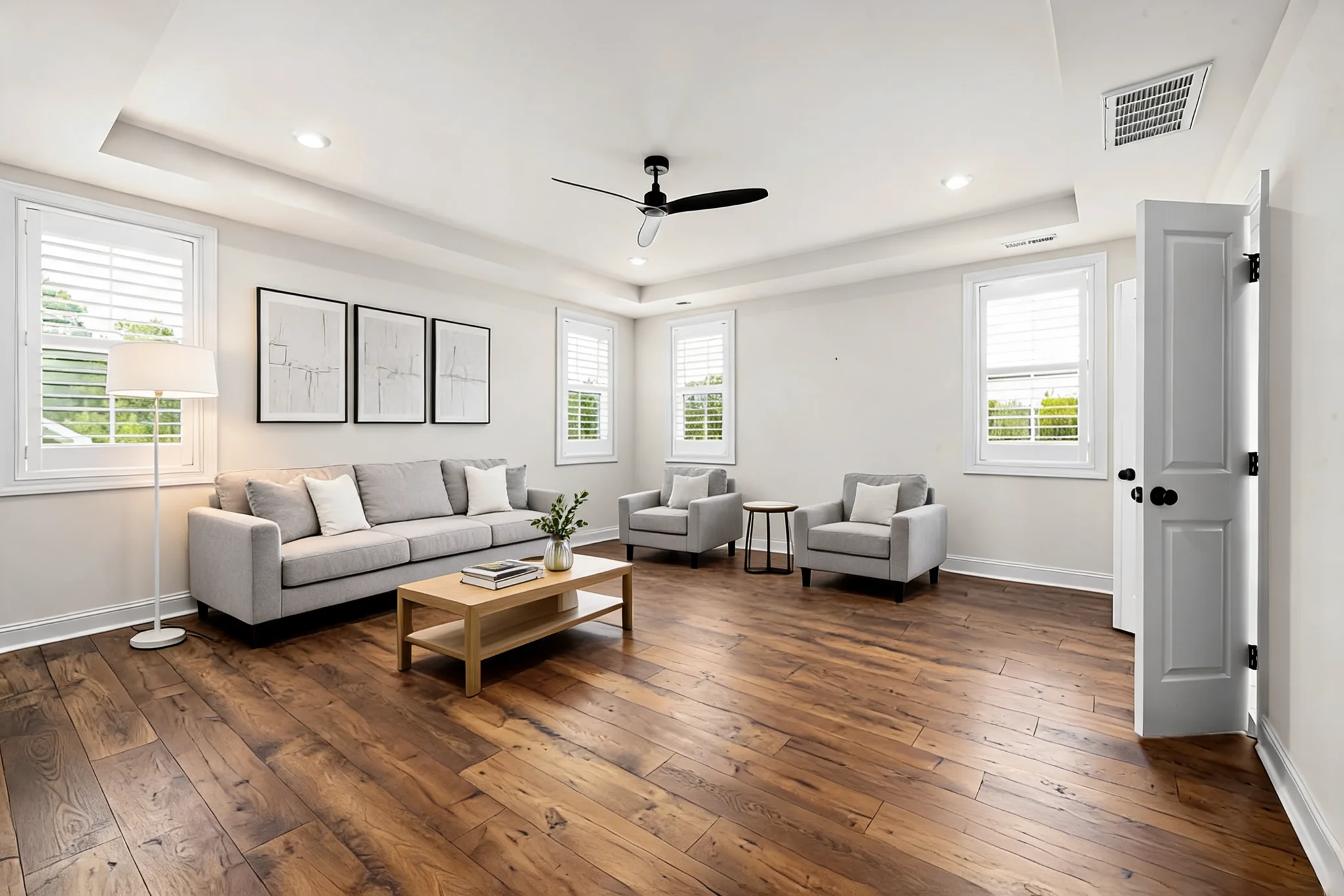
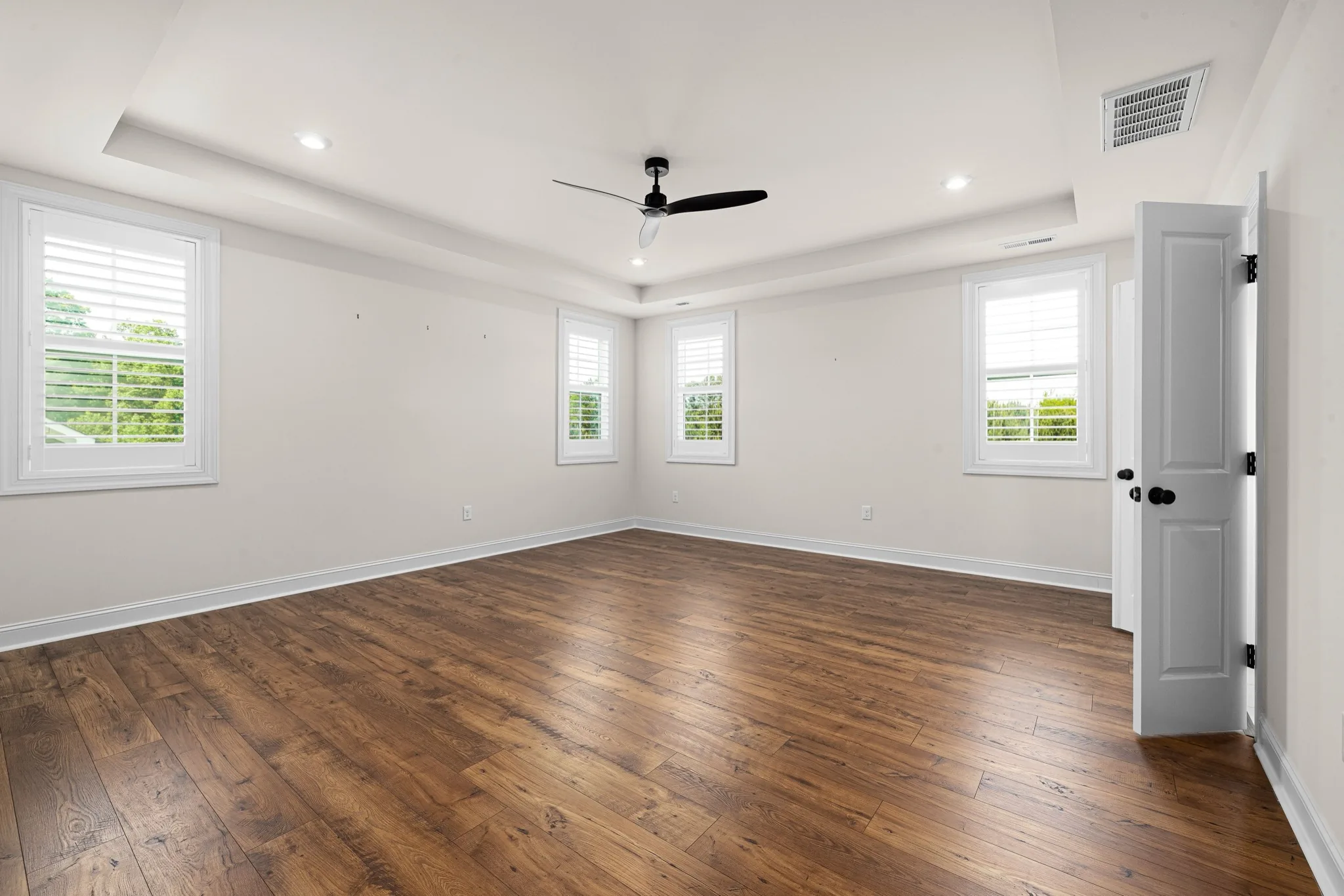
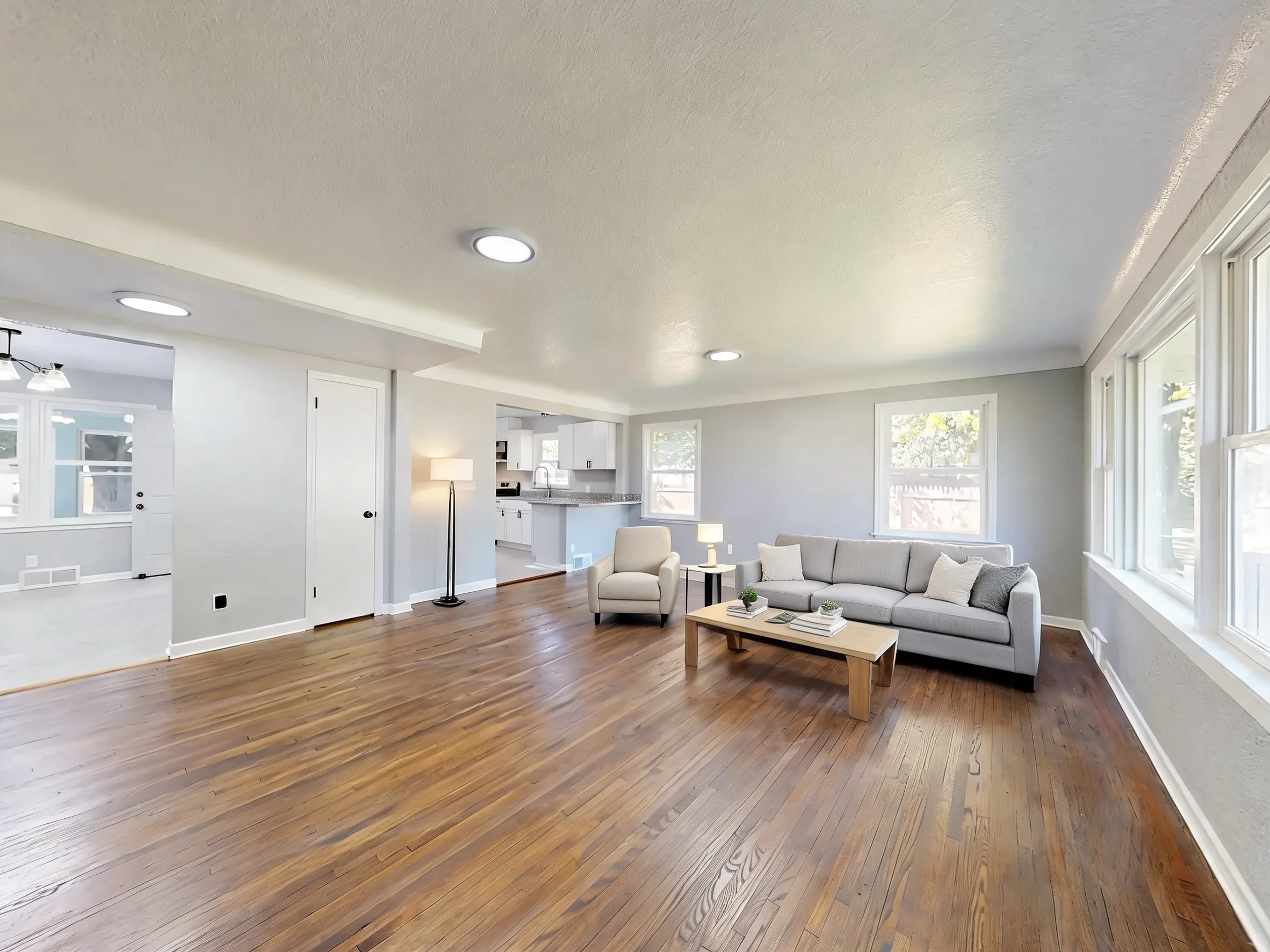
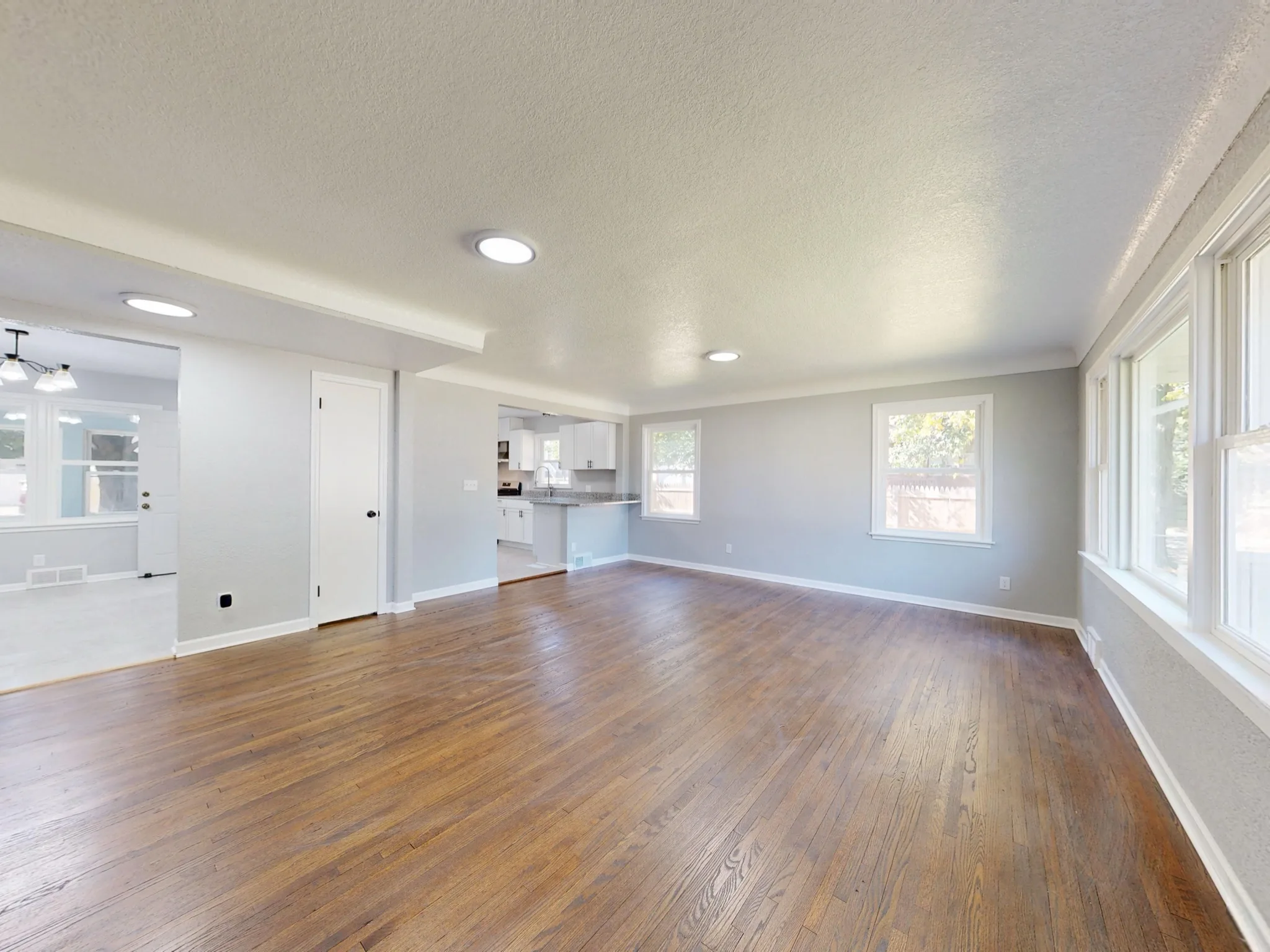
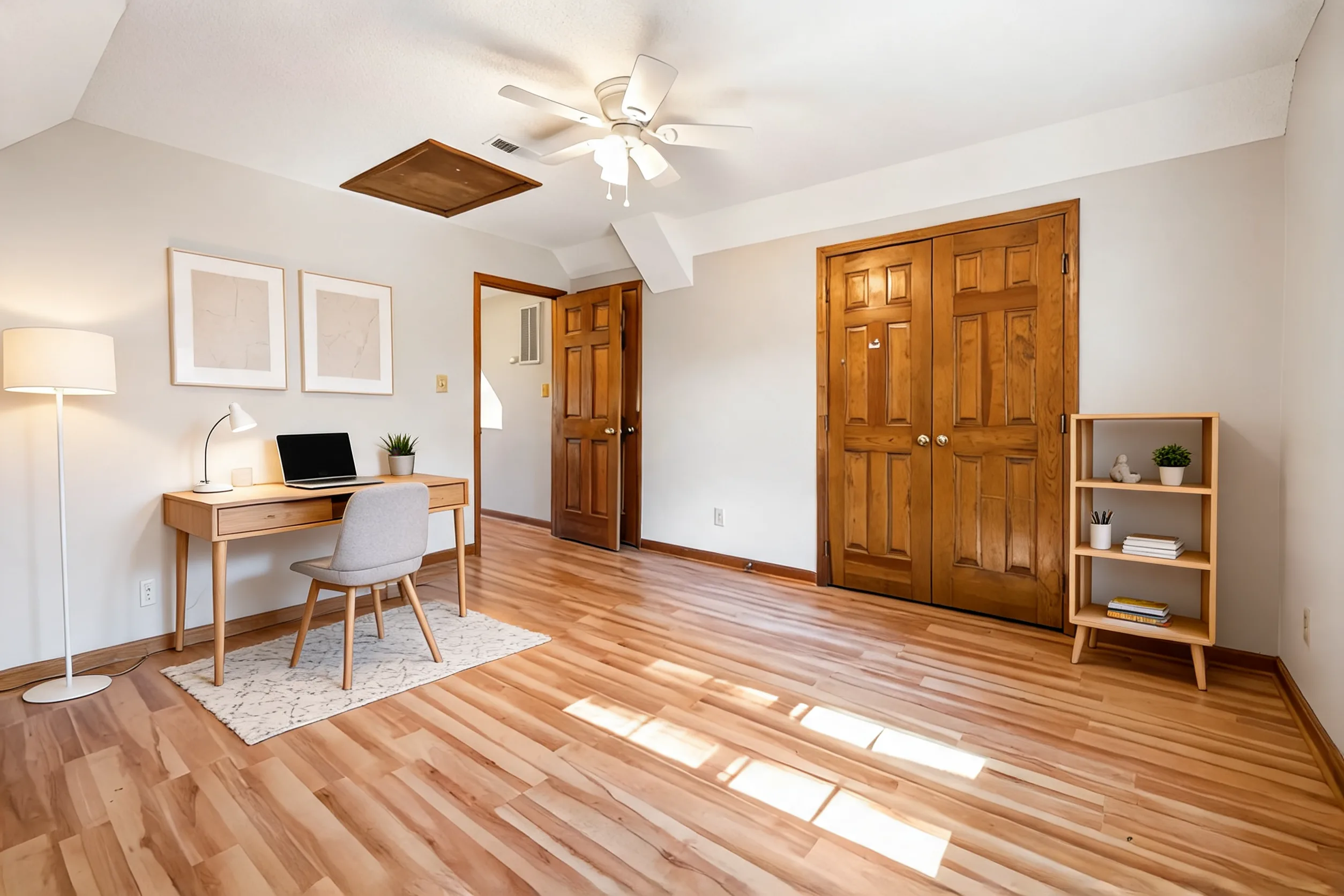
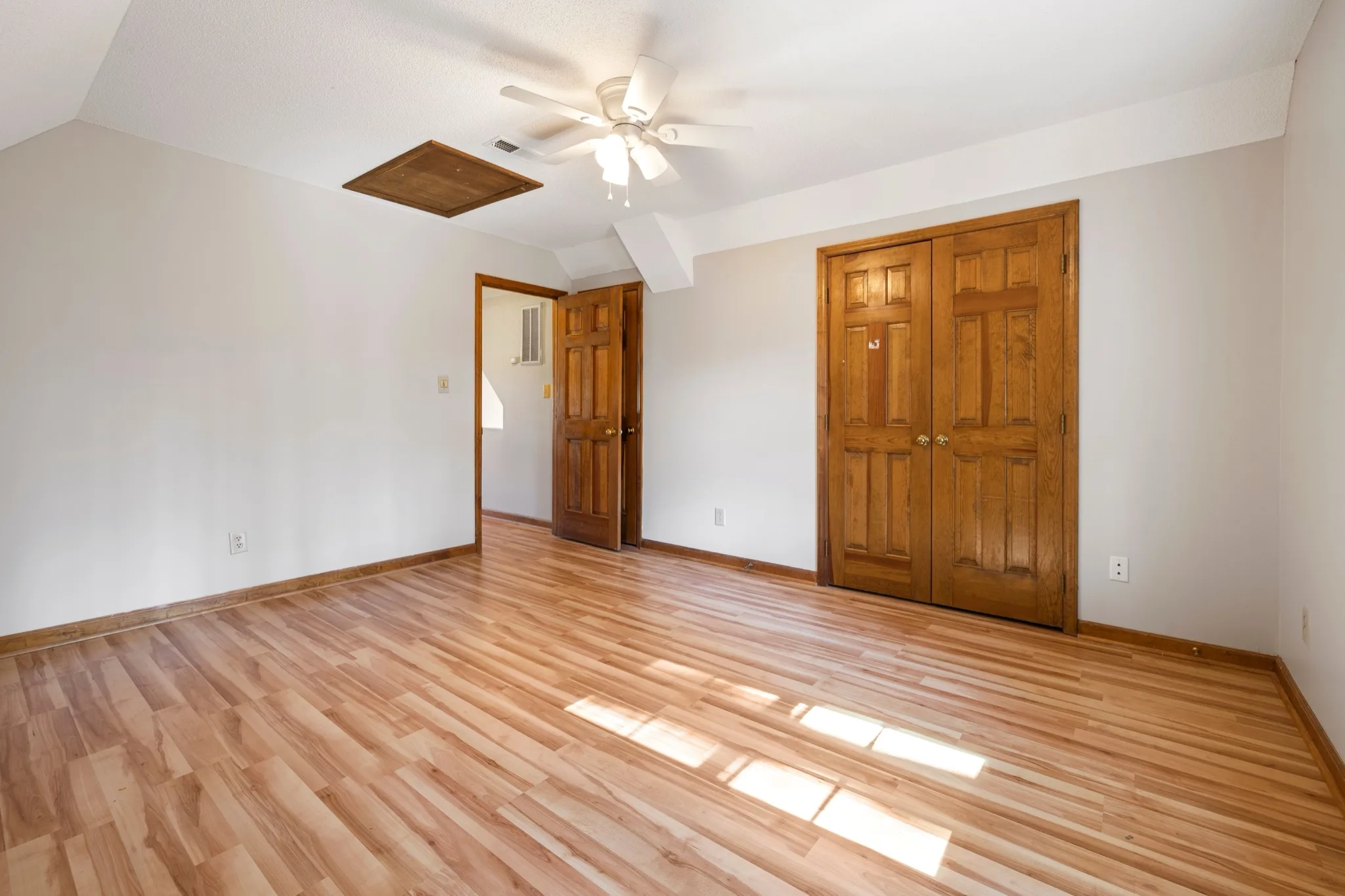
Walls, windows, doors and camera angle stay in place. Furniture is added to the existing space.
Pick a room type, interior style and how fully the room should be furnished.
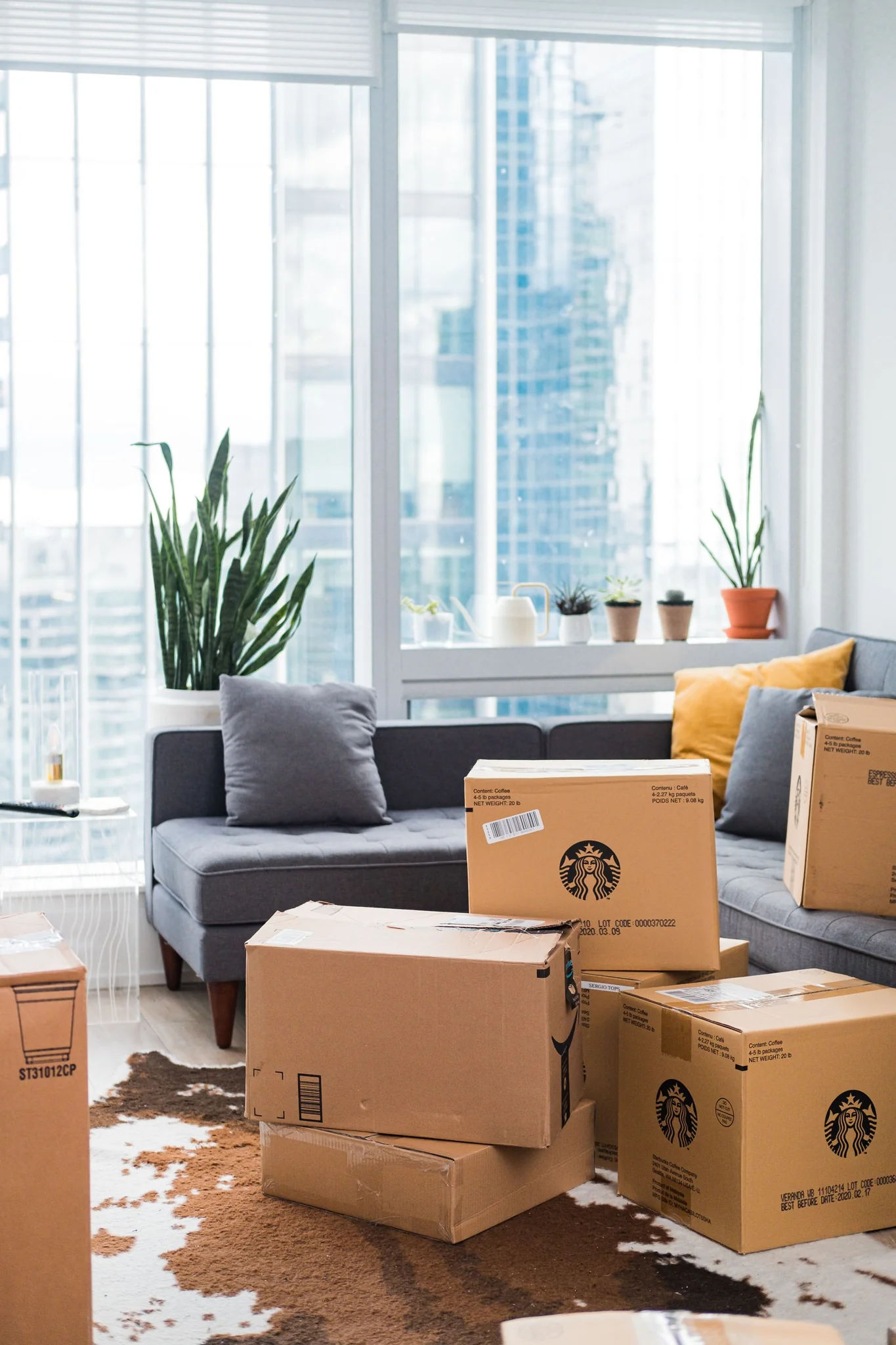
Show buyers how a vacant room could be lived in without a physical furniture move.
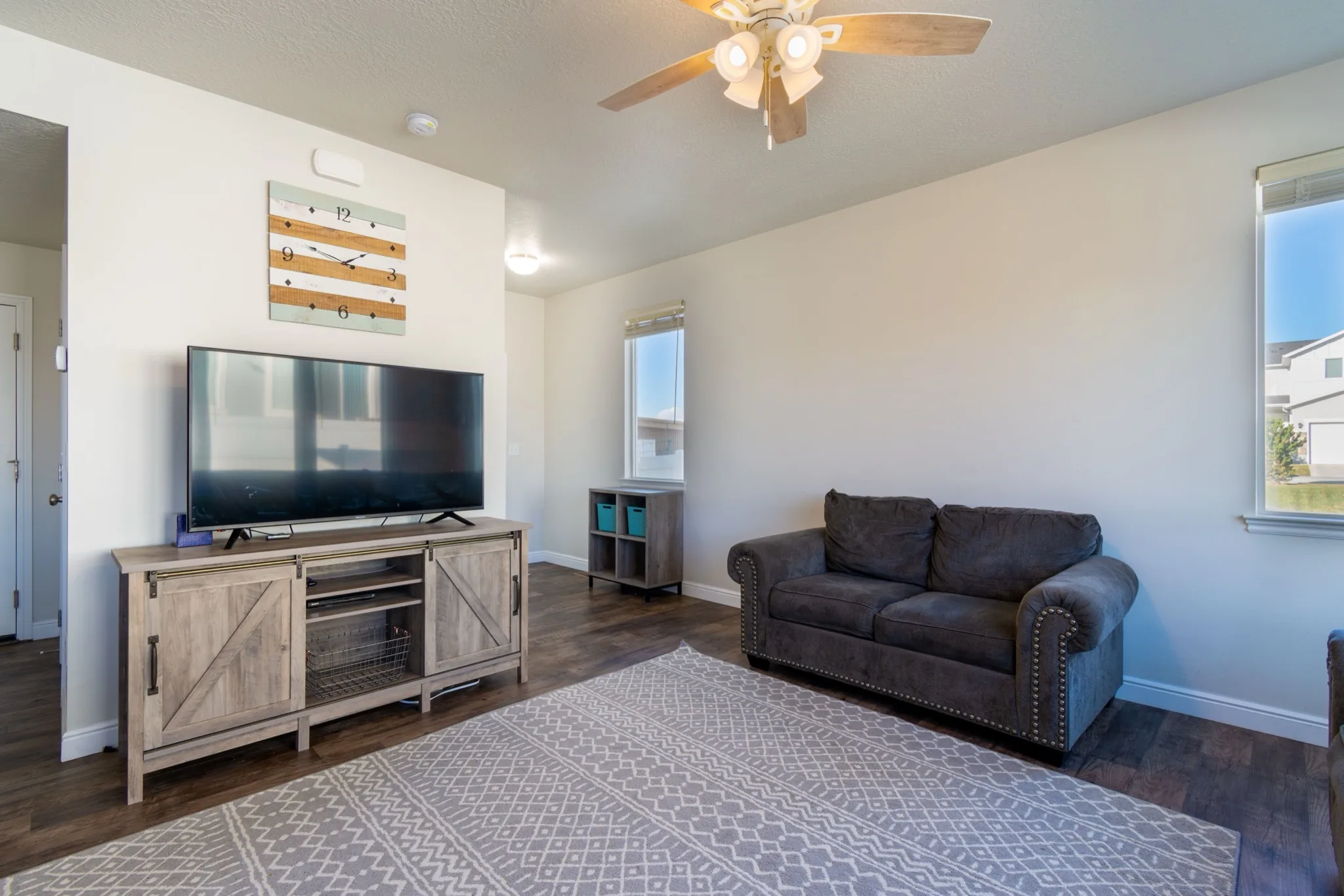
Add a complete but restrained furniture set to an under-styled room.
Compare modern, Scandinavian or coastal directions before a photoshoot.
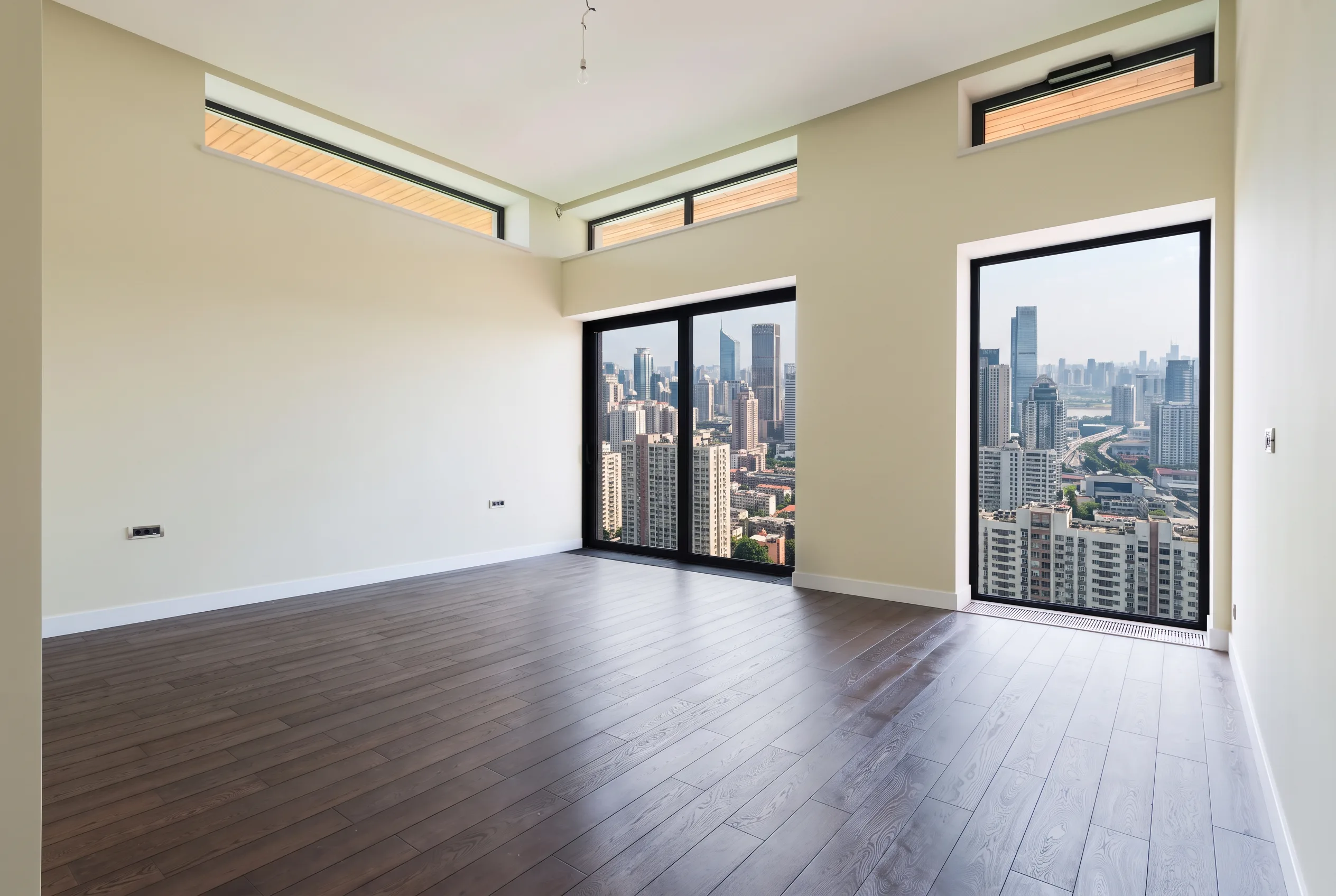
Use a clear JPEG, PNG or WebP of an empty or sparsely furnished room. Keep architecture visible.
Select the room type, interior style and furniture density. No written prompt is needed.
Check walls, windows and floor against the original. This is a listing preview, not a construction plan.
Practical playbooks that link declutter, staging, exteriors, and dusk heroes for homes, offices, and exteriors.
 Guides
 Guides
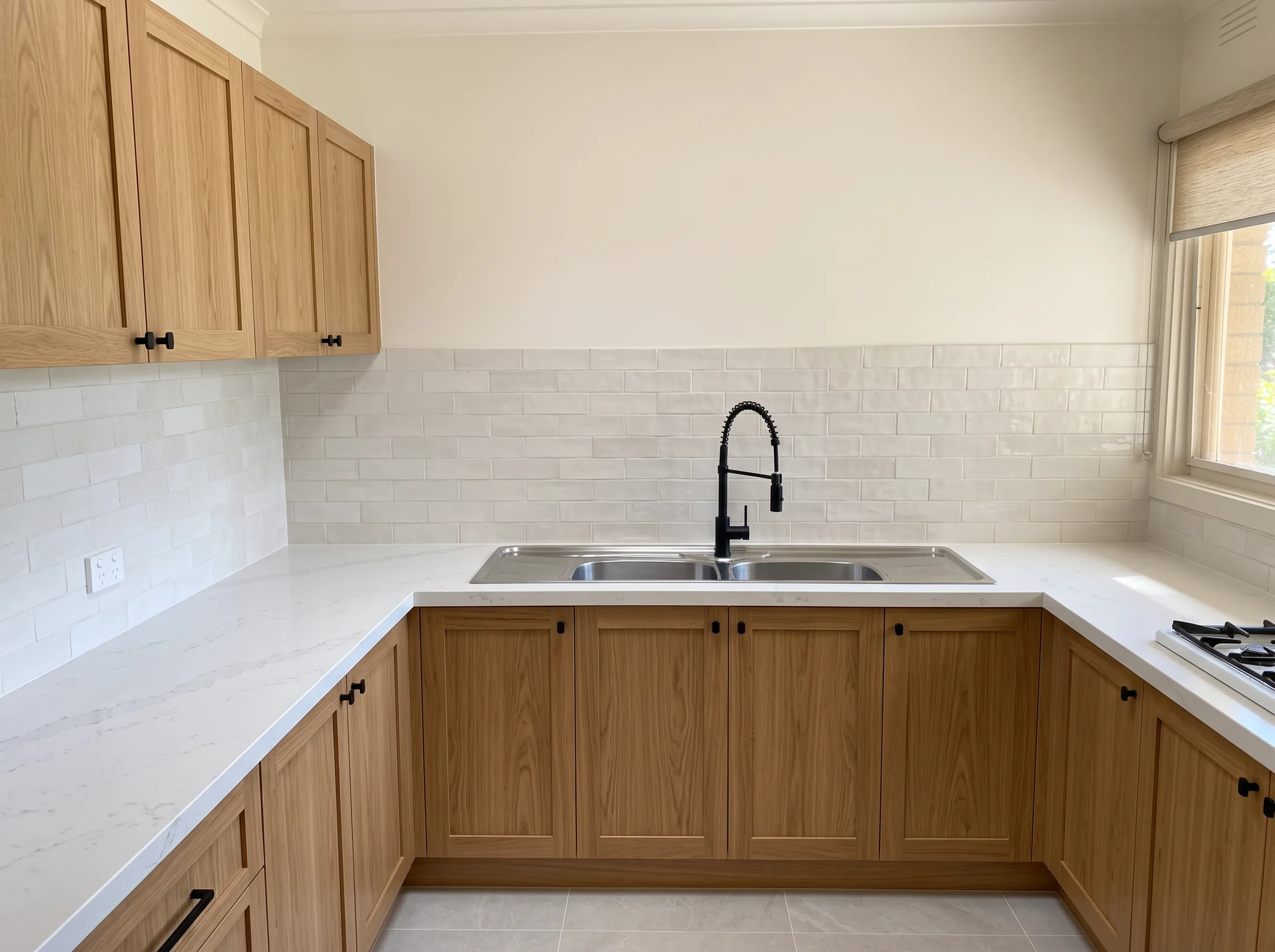
Clear a room, stage furniture, restyle finishes, preview a remodel, or refresh exteriors — for homes, offices, and exteriors.
Virtually stage an empty or sparsely furnished room for real-estate listings. Choose a room type, interior style and furniture density.