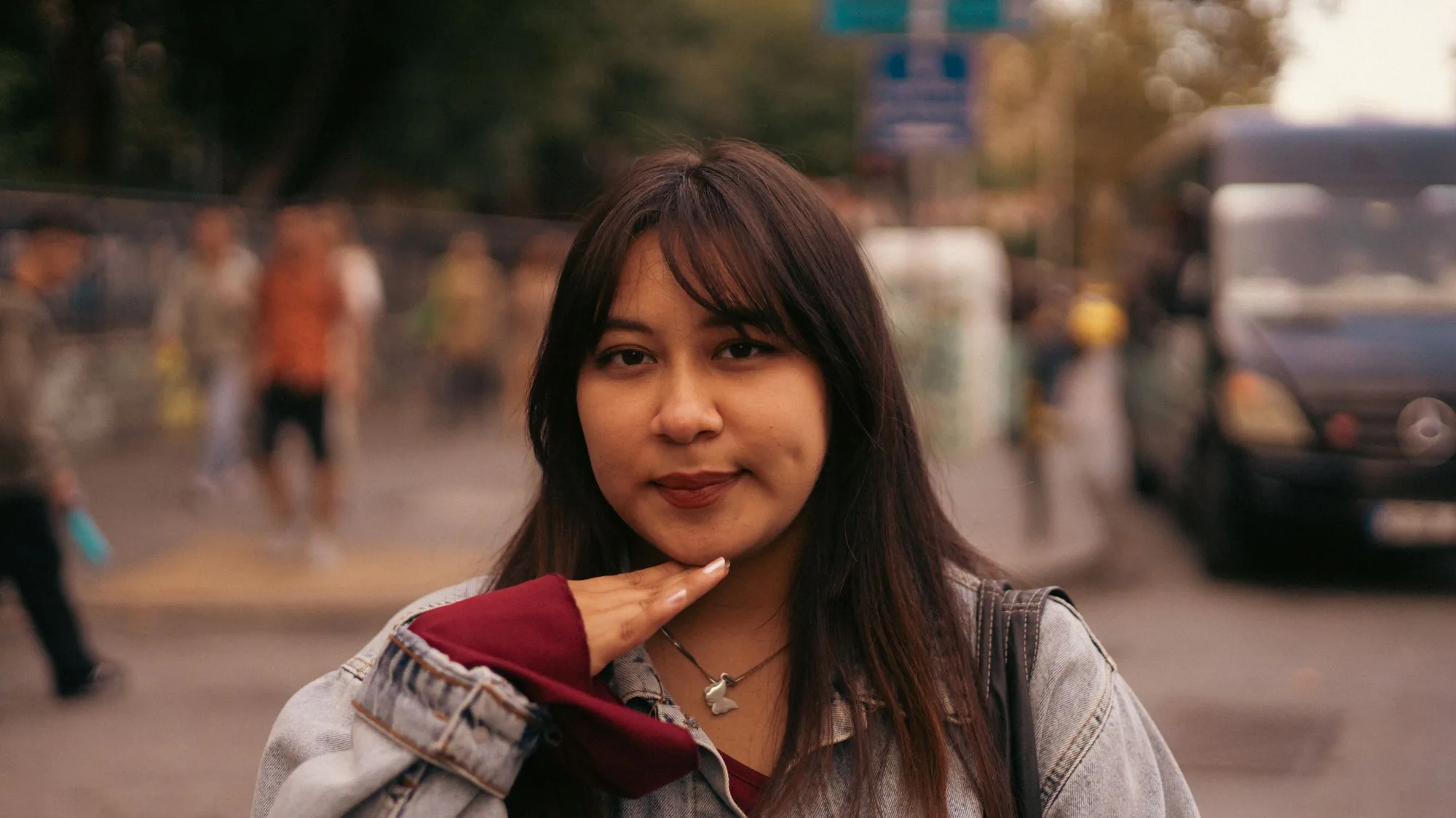
Studio and soft lifestyle presets
Choose white, gray, beige, soft outdoor bokeh, cafe or city blur — everyday portrait scenes, not career office packs.
Replace a busy backdrop with studio white, soft gray, or gentle bokeh while keeping your face and clothes.
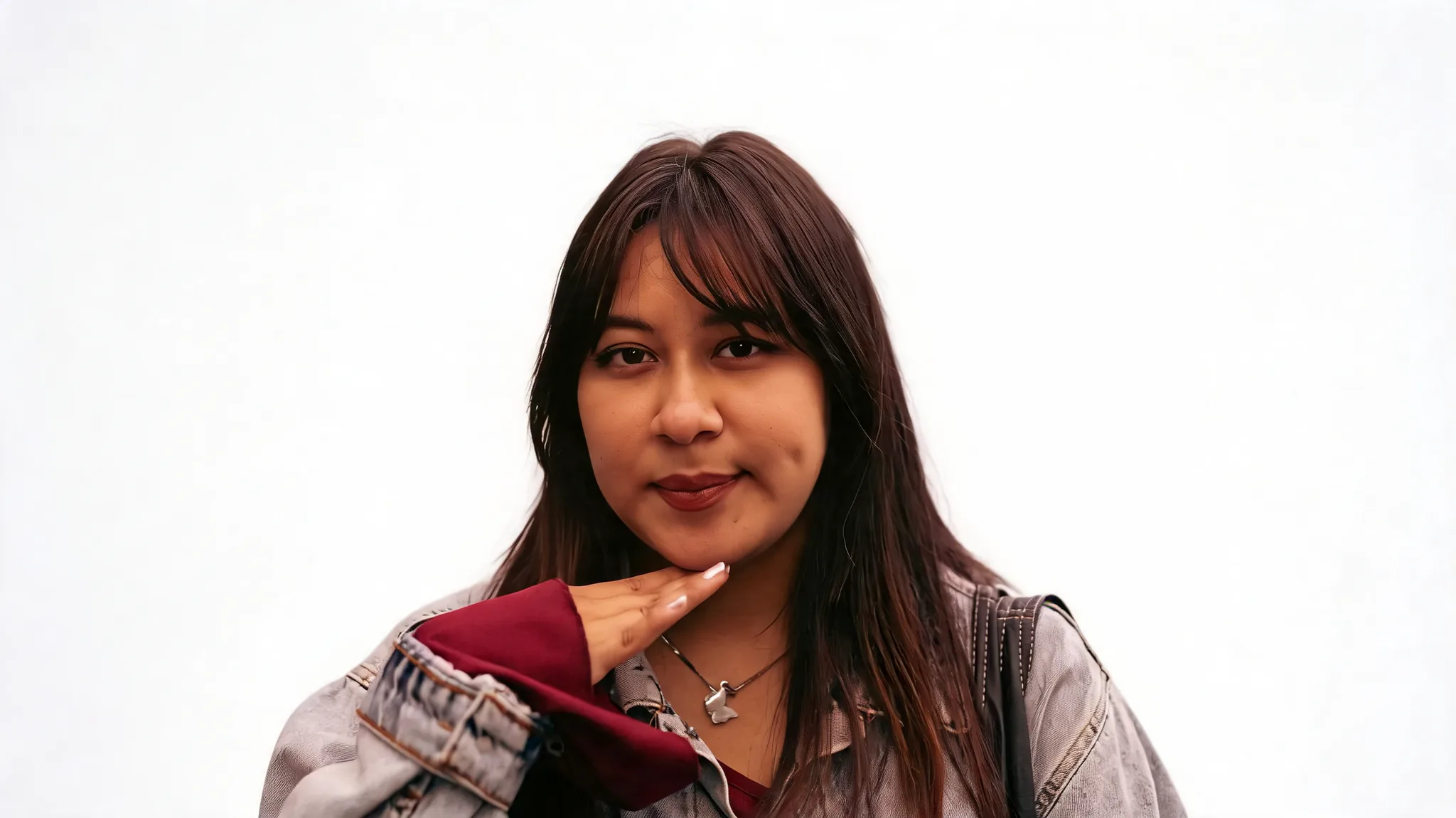
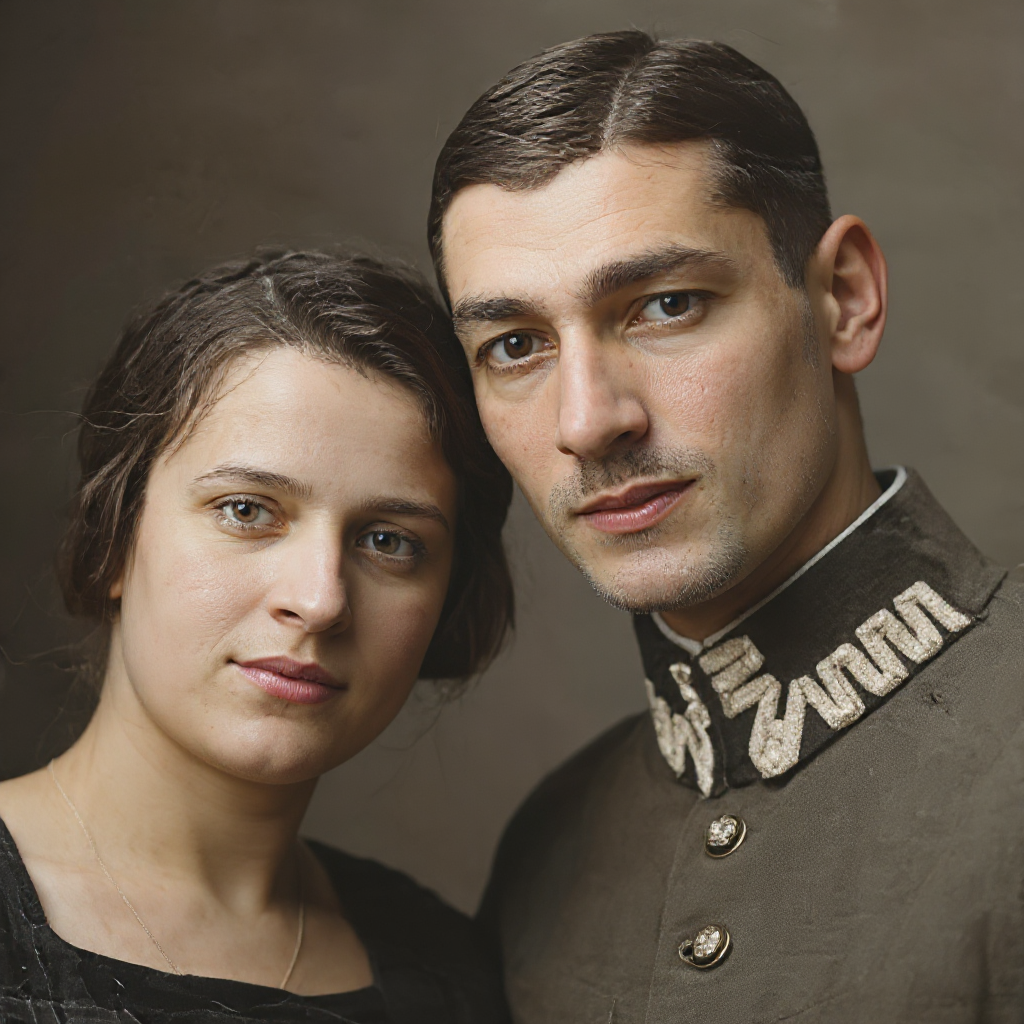
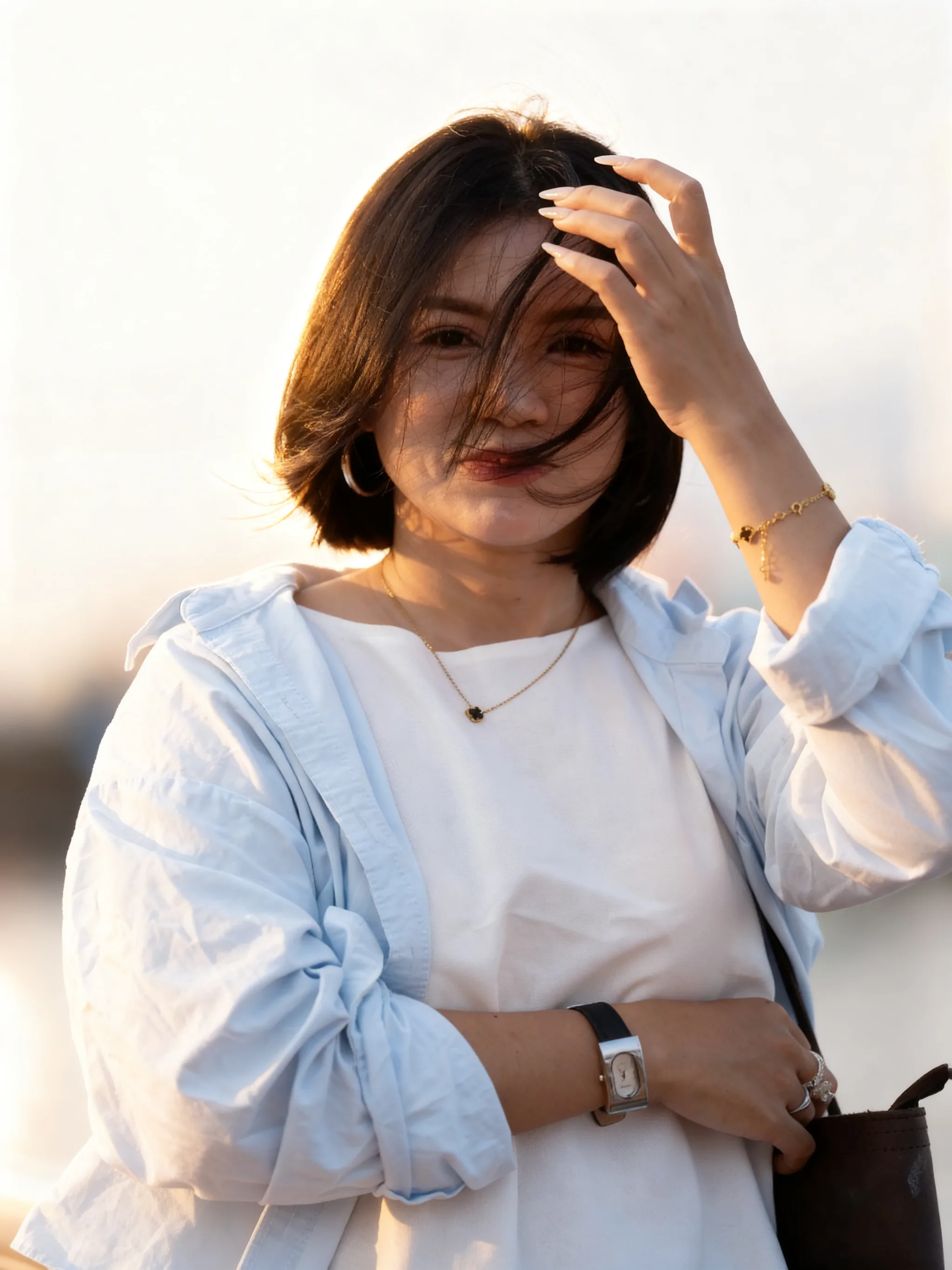
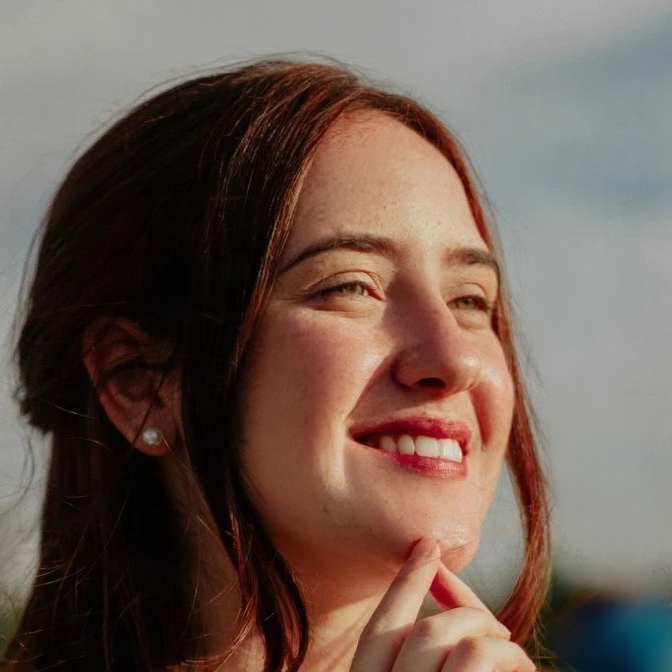
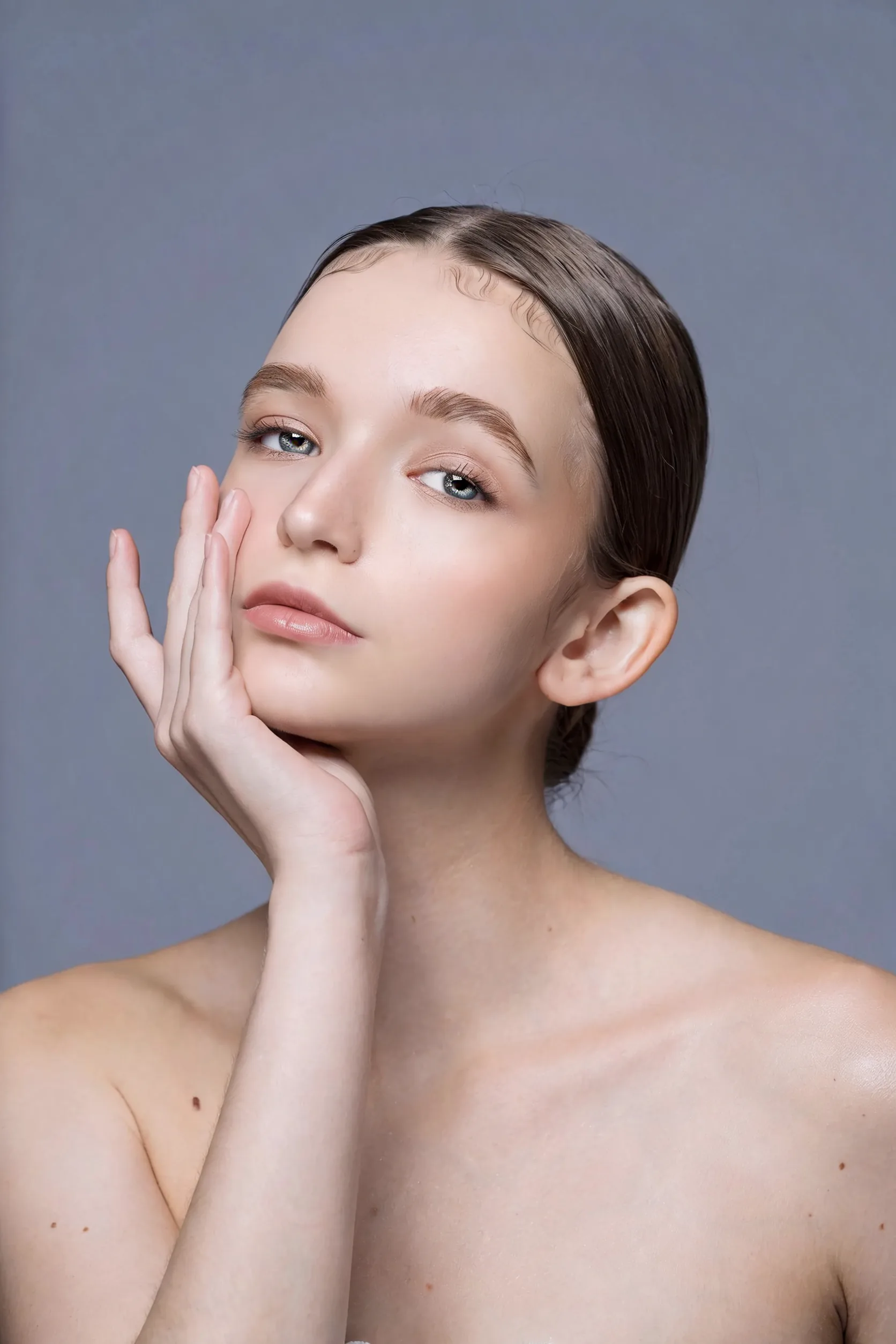
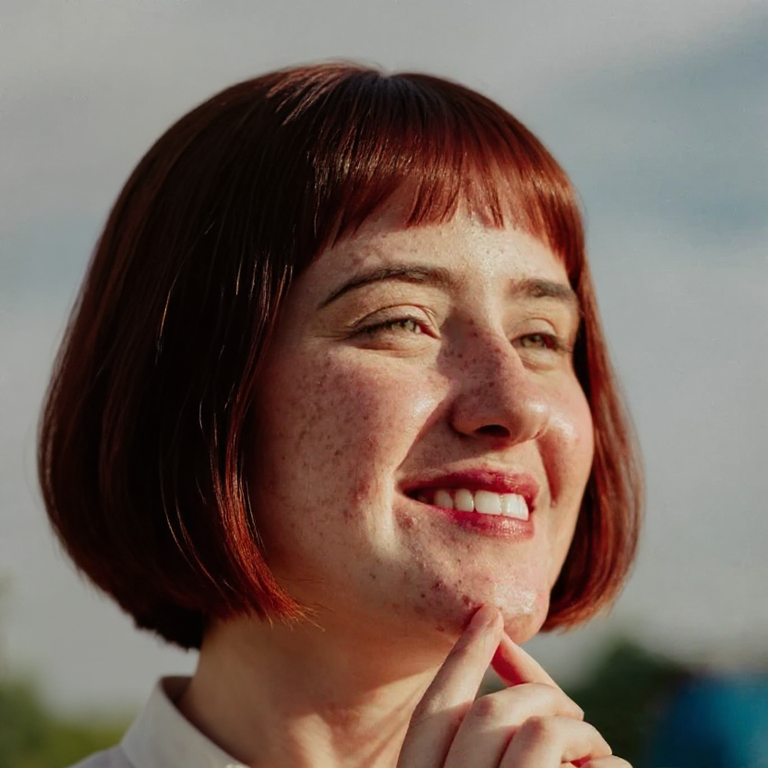
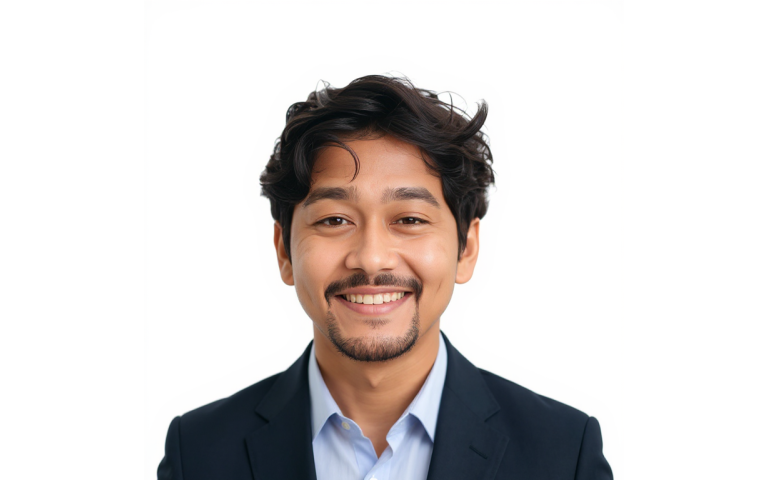
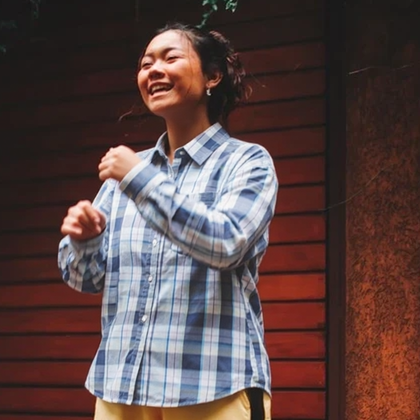
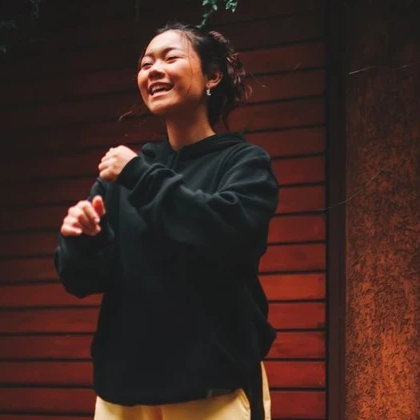
Placeholder compare using an existing Favore headshot pair until dedicated background-changer covers are generated.
Temporary example assets. Dedicated studio/bokeh outputs still need a real generation pass before marketing claims.
Upload a portrait, pick a backdrop, download the result.
Use a clear photo of yourself or someone you are authorized to edit. JPG, PNG and WebP are supported.
Choose studio white, soft gray, bokeh or gradient, and keep the original aspect ratio or switch to a social crop.
Compare with the original and download when the new backdrop looks right.
Clean studio or soft lifestyle backdrops for dating, profile and 写真 looks — without a reshoot.
Choose white, gray, beige, soft outdoor bokeh, cafe or city blur — everyday portrait scenes, not career office packs.
The edit targets the backdrop. Facial structure, age and clothing stay from your photo — not an identity swap.
Use Background Remover for a transparent cutout, this tool for a new scene, and Headshot when you need LinkedIn career framing.
Presets, identity, credits and how this differs from Headshot.
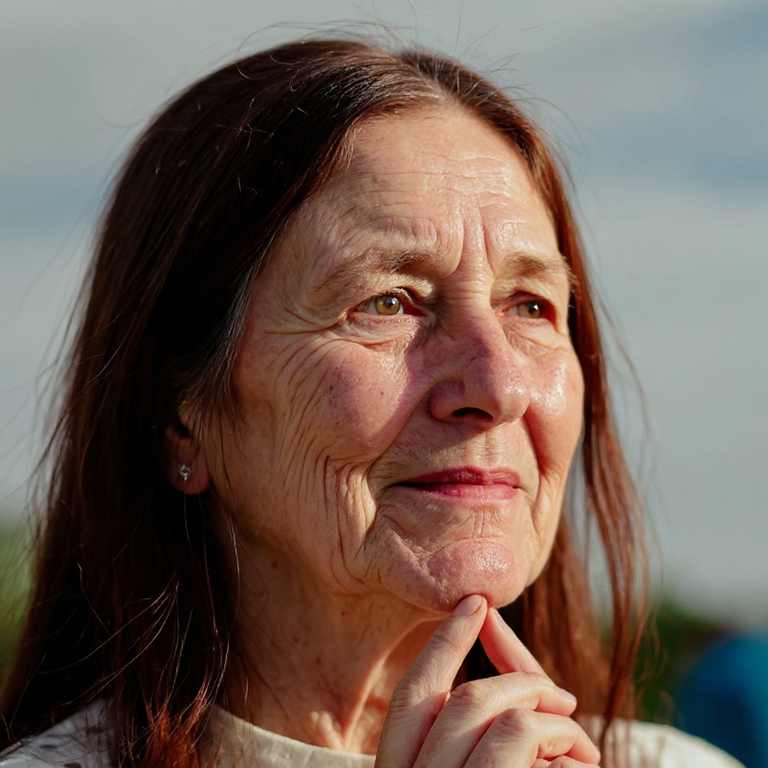
Everyday personal portrait workflows — restore a print, set background and light, retouch makeup and hair, then finish a career headshot.
Upload a portrait and try studio or soft bokeh backgrounds on your own photo.